
Defining the Arduino Serial Reader Hardware Landscape
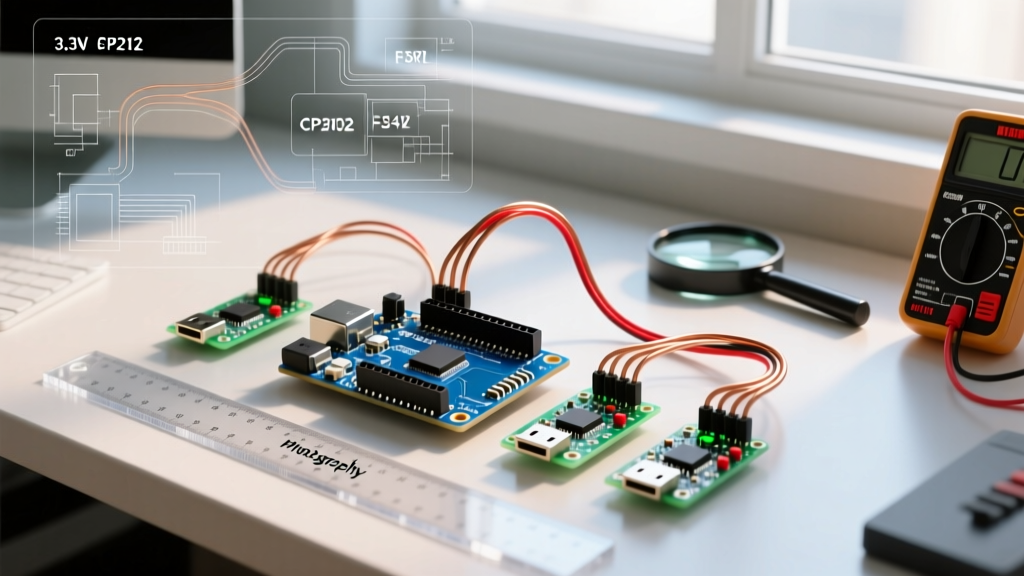
When engineers and makers refer to an Arduino serial reader, they are typically talking about the USB-to-UART transceiver hardware used to bridge a PC with a microcontroller's serial pins. Whether you are uploading sketches to a barebones ATmega328P, debugging an ESP32 via serial monitor, or extracting high-speed telemetry from a custom PCB, the underlying serial reader chipset dictates your reliability, logic-level safety, and driver stability.
In 2026, the market is dominated by three primary UART architectures: the FTDI FT232RL, the Silicon Labs CP2102N, and the WCH CH340 series (specifically the modern CH340C). Choosing the wrong adapter can result in fried GPIO pins on 3.3V boards, silent driver failures on modern operating systems, or baud-rate bottlenecks during high-volume data logging. This compatibility guide breaks down the exact electrical and software specifications you need to match your serial reader to your specific microcontroller environment.
Core UART-to-USB Serial Reader Chipset Matrix
Not all serial adapters are created equal. The table below outlines the critical hardware specifications for the most common chipsets available on the market today.
| Chipset | Native Logic Level | Max Baud Rate | 2026 Avg. Module Price | External Crystal Required? |
|---|---|---|---|---|
| FT232RL | 1.8V - 5V (via VCCIO) | 3 Mbps | $12.00 - $16.00 | No (Internal) |
| CP2102N | 3.3V | 3 Mbps | $5.00 - $8.00 | No (Internal) |
| CH340G | 5V (3.3V w/ external LDO) | 2 Mbps | $1.50 - $2.50 | Yes (12MHz) |
| CH340C | 3.3V / 5V (Selectable) | 2 Mbps | $2.00 - $3.50 | No (Internal) |
Note: Always source FTDI modules from authorized distributors like DigiKey or Mouser. The historical 'FTDI Gate' driver-bricking issues targeted counterfeit silicon, but buying genuine FT232RL chips ensures long-term reliability and access to official CDM drivers.
Logic Level Compatibility: 3.3V vs 5V Microcontrollers
The most frequent cause of hardware damage when using an Arduino serial reader is logic-level mismatch. Microcontrollers operate at specific voltage thresholds for their RX/TX pins, and feeding 5V into a 3.3V-tolerant pin can cause immediate silicon latch-up or degrade the GPIO junction over time.
ESP32, SAMD21, and RP2040 (Strict 3.3V Environments)
Modern ARM and Xtensa-based MCUs like the ESP32, Arduino Nano 33 IoT (SAMD21), and Raspberry Pi Pico (RP2040) strictly require 3.3V logic on their UART RX pins.
- Best Choice: Silicon Labs CP2102N. It natively outputs 3.3V and handles USB 2.0 Full-Speed handshaking flawlessly.
- Alternative: FT232RL. You must ensure the module's
VCCIOpin is tied to 3.3V, not 5V. Many cheap breakout boards hardwire VCCIO to 5V; verify the schematic before connecting to an ESP32. - Avoid: CH340G. Unless the board features a dedicated 3.3V LDO regulator and level-shifting circuitry, the CH340G outputs 5V logic, which will damage an ESP32's RX pin.
ATmega328P, Mega2560, and Teensy 4.1 (5V Environments)
Legacy 8-bit AVR boards and certain high-performance MCUs like the Teensy 4.1 (which features 5V-tolerant pins) operate perfectly with 5V UART logic.
- Best Choice: CH340C or CH340G. These are incredibly cost-effective and natively output 5V, matching the ATmega328P's threshold requirements without additional level shifters.
- Alternative: FT232RL with VCCIO tied to 5V. This provides the highest noise immunity for long cable runs in industrial 5V environments.
CRITICAL WARNING: Never connect a 5V TX line from a serial reader directly to a 3.3V MCU RX line. If you must use a 5V adapter on a 3.3V board, route the TX signal through a bidirectional logic level converter (like the BSS138 MOSFET circuit) or a simple resistor voltage divider (e.g., 1kΩ series, 2kΩ to ground) to step down the voltage safely.
OS Driver Compatibility Matrix (2026)
Driver signing and kernel-level security features in modern operating systems have changed how serial readers are recognized. Here is the current compatibility landscape for Windows, macOS, and Linux.
Windows 11 (23H2 / 24H2)
Windows 11 enforces strict Core Isolation and Memory Integrity (HVCI) policies. Older, unsigned, or legacy CH340 drivers will trigger a BSOD or be silently blocked.
- CH340/CH341: You must use the official WCH CH341SER.EXE (version 3.8 or newer). Do not use third-party driver packs.
- FT232RL: Windows Update automatically fetches the FTDI CDM v2.12.36 WHQL certified drivers. No manual installation is required for genuine chips.
- CP2102N: Requires the Silicon Labs CP210x Universal Windows Driver v11.3.0. Manual installation via the SiLabs website is recommended for custom VID/PID configurations.
macOS Sequoia (15.x) & Apple Silicon
Apple's transition to ARM-based M-series chips and the deprecation of kernel extensions (kexts) in favor of DriverKit has streamlined serial connectivity, provided you use modern hardware.
- CDC-ACM Standard: The CP2102N and modern CH340C firmware revisions support USB CDC-ACM natively. They appear as
/dev/cu.usbmodem*instantly without third-party drivers. - FT232RL & Legacy CH340G: Require the FTDI VCP Driver Suite or the updated WCH macOS DriverKit package. Note that on Apple Silicon, you must explicitly allow the developer certificate in System Settings > Privacy & Security > Security after installation.
Linux (Ubuntu 24.04 / Fedora 40)
Linux natively includes the ch341, cp210x, and ftdi_sio kernel modules. All three chipsets work out-of-the-box. The only hurdle is user permissions; you must add your user to the dialout group (sudo usermod -a -G dialout $USER) to access /dev/ttyUSB0 without root privileges.
Auto-Reset Circuitry and Wiring Configurations
A true Arduino serial reader doesn't just read data; it facilitates seamless code uploads by triggering the microcontroller's bootloader. This requires the DTR (Data Terminal Ready) handshake pin.
The 0.1µF Capacitor Trick
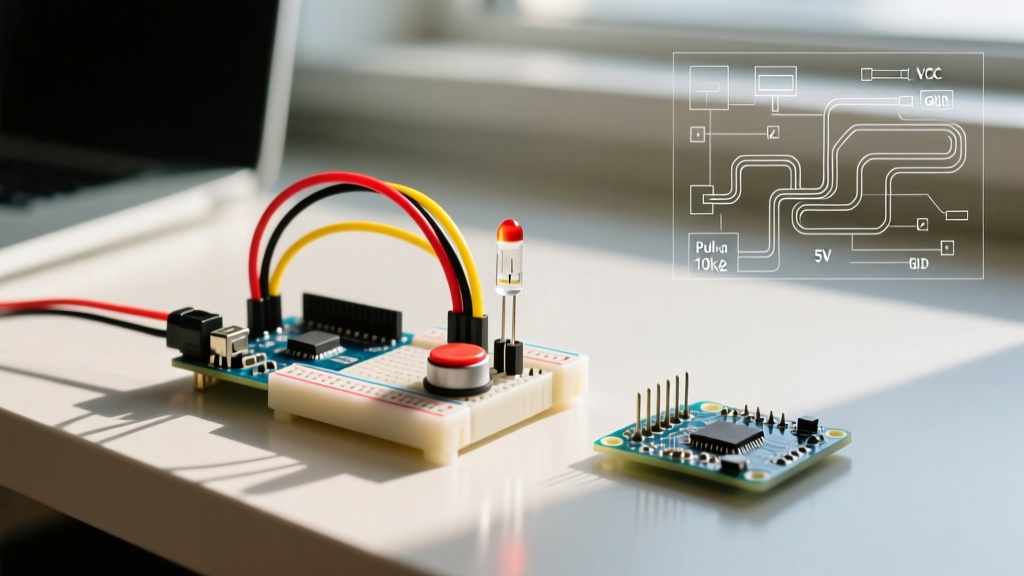
When the Arduino IDE initiates an upload, it pulses the DTR line low. To convert this logic pulse into a hardware reset, a 0.1µF ceramic capacitor must be placed in series between the serial reader's DTR pin and the ATmega328P's RESET pin. This capacitor acts as a differentiator, creating a brief negative voltage spike that pulls the RESET pin low just long enough to trigger the bootloader, without holding it in a permanent reset state.
If your custom PCB lacks this capacitor, you will encounter the dreaded avrdude: stk500_recv(): programmer is not responding error, forcing you to manually press the physical reset button exactly as the IDE finishes compiling.
Advanced Troubleshooting Edge Cases
Even with the correct logic levels and drivers, edge cases can disrupt serial communication. Use this diagnostic checklist when your Arduino serial reader fails to perform:
- Baud Rate Mismatches at High Speeds: While the FT232RL supports 3 Mbps, the hardware UART on an ATmega328P running at 16MHz introduces a 3.5% timing error at 115200 baud, and an unacceptable 8.5% error at 250000 baud. If you are logging high-speed data, switch your MCU to an 18.432MHz crystal, which divides perfectly into standard baud rates with 0% error.
- Ground Loop Interference: When reading serial data from an Arduino powered by a separate high-current source (like a motor driver circuit), failing to connect the GND pin of the serial reader to the MCU's GND will result in floating logic levels and corrupted garbage characters in the serial monitor. Always tie the grounds together.
- USB Port Power Limits: Unpowered USB hubs often limit current to 100mA. If your serial reader is powering an ESP32 with an active WiFi radio (which can spike to 450mA during transmission), the voltage will brownout, causing the CP2102N to drop the USB enumeration. Always use a powered hub or a dedicated wall adapter for the MCU.
- Counterfeit Chip Bricking: If an FTDI adapter suddenly stops working and reports a PID of
0000in Device Manager, it is likely a counterfeit chip that was flagged by an older Windows driver. While modern FTDI drivers no longer intentionally brick clones, they will refuse to load. Replace the module with a genuine part or a CP2102N alternative.
By matching the exact voltage requirements, driver ecosystem, and baud-rate tolerances of your project to the correct UART chipset, you eliminate the most common hardware bottlenecks in embedded development. For further reading on serial protocol fundamentals and wiring diagrams, consult the SparkFun CH340 Hookup Guide and official Silicon Labs application notes.