
The Case for Migrating from Serial.print to Printf
For developers transitioning from standard C/C++ environments to the Arduino ecosystem, the reliance on Serial.print() and Serial.println() often feels like a step backward. Concatenating strings and variables across multiple lines to format a simple debug output is verbose, error-prone, and difficult to read. The arduino printf paradigm—utilizing C-style format specifiers like %d, %x, and %.2f—offers a vastly superior approach to telemetry and debugging.
However, migrating to printf() on microcontrollers is not as simple as including <stdio.h> and calling it a day. The underlying toolchains, specifically the 8-bit AVR GCC used for the Uno and Nano, impose strict memory constraints that historically excluded standard printf implementations to save flash space. As of 2026, while modern 32-bit cores have largely solved this, AVR migration requires deliberate architectural choices. This guide details the exact migration paths, memory trade-offs, and toolchain configurations required to safely upgrade your sketches to use printf formatting.
Architecture Matters: AVR vs. Modern 32-Bit Cores
Before altering your codebase, you must understand how your target microcontroller handles standard I/O streams. The Arduino Serial Reference abstracts hardware UART and USB-CDC, but it does not natively bridge to the C standard library's stdout on all architectures.
- 8-Bit AVR (ATmega328P, ATmega2560): Standard
printf()is stripped from the default Arduino build. Calling it directly will result in compilation errors or silent failures becausestdoutis not mapped to the hardware UART. Furthermore, floating-point support (%f) is disabled by default in the AVR Libc minimal printf library to save ~1.5KB of flash. - 32-Bit ARM (SAMD21, STM32): Generally supports
printfvia newlib or newlib-nano, but mapping it to the ArduinoSerialobject requires manual stream routing. - ESP32 & RP2040: These modern cores natively support
Serial.printf()out of the box. The ESP32 Arduino core maps this directly to the underlying ESP-IDF logging mechanisms, while the Raspberry Pi Pico (RP2040) Earle Philhower core implements it via standard newlib wrappers.
Migration Path 1: The Safe snprintf Bridge (AVR Recommended)
If you are upgrading an existing ATmega328P project (like an Arduino Uno or Nano) and want printf-style formatting without risking the stability of the standard I/O streams, the snprintf() bridge is the most robust method. This approach formats the string into a pre-allocated SRAM buffer, then passes it to Serial.print().
Implementation Strategy
#include <stdio.h>

void log_sensor_data(int sensor_id, float voltage) {
    // Allocate a buffer on the stack. 64 bytes is safe for most single-line logs.
    char buffer[64];

    // snprintf prevents buffer overflows by limiting the write to sizeof(buffer)
    snprintf(buffer, sizeof(buffer), "ID: %02d | Voltage: %d.%02d V\r\n",
             sensor_id, (int)voltage, (int)((voltage - (int)voltage) * 100));

    Serial.print(buffer);
}
Expert Note on AVR Floats: Notice the manual decimal extraction in the code above. On AVR, using%.2finsidesnprintfwill output a literal?character unless you explicitly link the floating-point printf library. By casting and extracting the decimal manually, you save ~1,500 bytes of flash and avoid complex toolchain modifications.
Migration Path 2: Routing stdout via fdevopen (Advanced AVR)
For developers who demand the exact syntax of standard C printf("text %d", var); without intermediate buffers, you must manually map the C standard library's stdout to the Arduino Serial object using fdevopen(). The AVR Libc stdio documentation outlines this process, but it requires a custom character-writing function.
Step-by-Step Stream Routing
#include <stdio.h>

// Custom putchar function that bridges stdio to Arduino Serial
int serial_putchar(char c, FILE *f) {
    // Handle Windows-style CRLF line endings for standard serial monitors
    if (c == '\n') {
        Serial.write('\r');
    }
    return Serial.write(c) == 1 ? 0 : -1;
}

void setup() {
    Serial.begin(115200);
    while (!Serial); // Wait for USB-CDC boards (Leonardo/Micro)

    // Route stdout to our custom function
    fdevopen(&serial_putchar, NULL);
}

void loop() {
    int adc_val = analogRead(A0);
    // Native printf syntax now works perfectly
    printf("ADC Raw: %4d | Hex: 0x%04X\n", adc_val, adc_val);
    delay(500);
}
Solving the AVR Floating-Point Linker Bug
If your migration requires %f for floating-point numbers, the code above will still fail on AVR, printing ? instead of the number. This is because the Arduino IDE uses the printf_min library by default. To upgrade to the float-capable library, you must pass specific linker flags. According to the GCC AVR Options documentation, you need to force the linker to include vfprintf and the float library.
How to apply the fix in Arduino IDE 2.x:
- Navigate to your Arduino15 packages directory (e.g.,
~/.arduino15/packages/arduino/hardware/avr/1.8.6/). - Open
platform.txtin a text editor. - Locate the line starting with
recipe.c.combine.pattern=. - Append the following flags to the end of the line:
-Wl,-u,vfprintf -lprintf_flt -lm - Restart the IDE and recompile. Your flash usage will increase by approximately 1.5KB to 2KB.
Migration Path 3: Native Serial.printf on ESP32 and RP2040
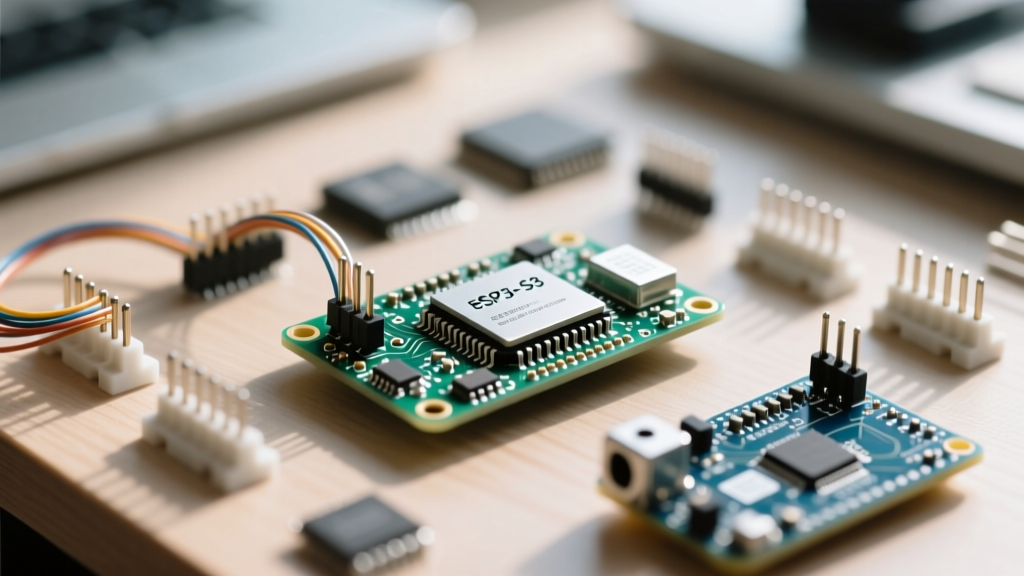
If your upgrade path involves migrating legacy AVR code to a modern 32-bit board like the ESP32-S3 or Raspberry Pi Pico, the migration is trivial. These architectures possess hardware floating-point units (FPUs) and abundant SRAM (512KB+ on ESP32, 264KB on RP2040), eliminating the historical penalties of printf.
Simply replace your Serial.print() chains with Serial.printf(). No fdevopen routing or snprintf buffers are required.
// ESP32 / RP2040 Native Implementation
void setup() {
    Serial.begin(115200);
}

void loop() {
    float temperature = 23.456;
    uint32_t uptime = millis();
    // Native support for floats, hex, and padding
    Serial.printf("[Uptime: %8lu ms] Temp: %.2f C\n", uptime, temperature);
    delay(1000);
}
Memory & Performance Matrix
When planning your migration, you must account for the hidden costs of string formatting. The table below profiles the overhead of different arduino printf strategies on an ATmega328P (Arduino Uno) compiled with AVR GCC 7.3.0.
| Method | Flash Overhead | SRAM Impact | Float Support | Execution Speed (115200 baud) |
|---|---|---|---|---|
| Standard Serial.print() | Baseline (0 KB) | Minimal | Native (via dtostrf) | Fastest (Direct UART write) |
| snprintf() Bridge | +1.2 KB | +Buffer Size (e.g., 64B) | Requires Linker Flags | Fast (Formats in RAM, then bursts) |
| fdevopen() (No Float) | +2.1 KB | +~150B (Heap/Stream) | No | Slower (Character-by-character write) |
| fdevopen() (With Float) | +3.8 KB | +~150B (Heap/Stream) | Yes | Slowest (Heavy FPU emulation on AVR) |
Critical Edge Cases and Failure Modes
Migrating to printf introduces several edge cases that do not exist when using the Arduino-native Serial.print() methods. Be aware of these failure modes during your upgrade:
1. TX Buffer Blocking and Watchdog Resets
The Arduino HardwareSerial TX buffer is typically 64 bytes on AVR boards. When you use snprintf to generate a 100-byte string and pass it to Serial.print(), the first 64 bytes fill the buffer instantly. The remaining 36 bytes will block the main thread until the UART hardware shifts them out. At 9600 baud, transmitting 100 bytes takes ~104ms. If you have a strict watchdog timer (WDT) set to 1 second, and you are logging heavily inside an ISR or a tight loop, this blocking behavior can cause unexpected WDT resets. Solution: Always use 115200 baud or higher when relying on formatted string bursts.
2. String Precision and Buffer Overflows
When using %s to format strings derived from external sensors or network payloads, a malformed or unexpectedly long string will blow past your snprintf buffer if you are not careful. While snprintf prevents writing past the buffer boundary, it will truncate your log silently. Solution: Always use precision specifiers for strings, such as %.20s, to guarantee that no more than 20 characters are read from the source pointer, protecting against runaway memory reads.
3. The Missing Carriage Return
Standard C printf("\n") outputs a single Line Feed (LF, 0x0A). Many Windows-based serial terminals (including older versions of the Arduino IDE Serial Monitor) require a Carriage Return + Line Feed (CRLF, 0x0D 0x0A) to properly start a new line. If your logs look like a staircase descending the screen, you must either configure your serial terminal to "Append CR" or use the fdevopen hack provided in Path 2, which automatically injects the \r character whenever a \n is called.
Summary
Upgrading to an arduino printf workflow dramatically improves code readability and maintenance, especially for complex telemetry strings. For legacy 8-bit AVR projects, the snprintf bridge offers the safest balance of formatting power and memory conservation. For modern ESP32 and RP2040 migrations, native Serial.printf() should be your default standard. By understanding the underlying toolchain constraints and applying the correct linker flags where necessary, you can leverage the full power of C-style formatting without sacrificing microcontroller stability.