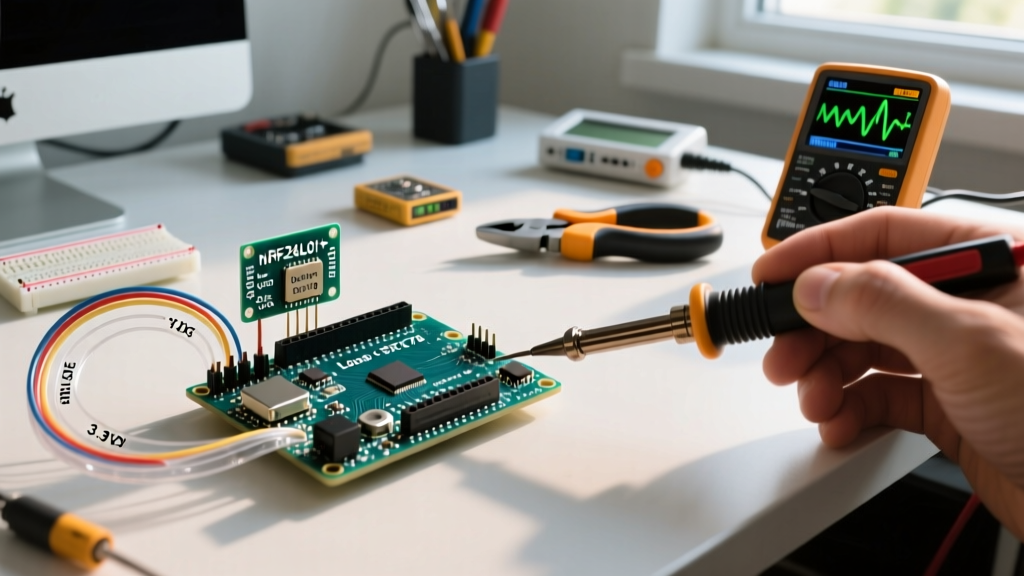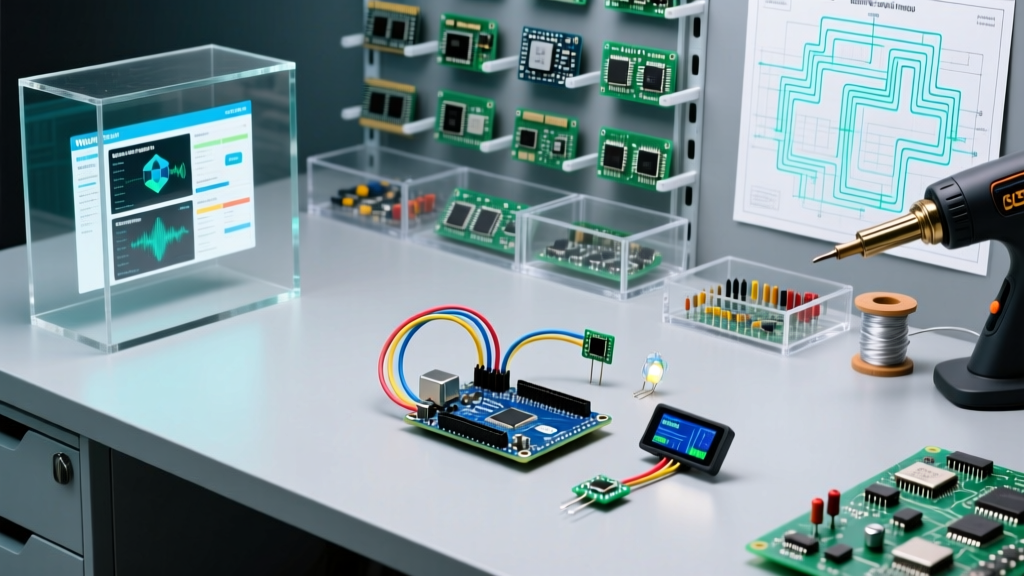

The Evolution of the Arduino 模擬器 (Simulator) in Modern Prototyping
When bilingual makers, international engineering students, or global development teams search for a reliable Arduino 模擬器 (Arduino simulator), they are rarely just looking for a basic code compiler. In 2026, the landscape of embedded systems simulation has shifted dramatically. Hardware-in-the-loop testing remains the gold standard, but supply chain fluctuations, the high cost of specialized development boards, and the need for rapid IoT edge-case testing have made advanced MCU simulation an indispensable part of the maker workflow.
Choosing the right simulation environment is no longer just about whether it can blink an LED. It is about architecture compatibility (AVR vs. ARM vs. Xtensa/RISC-V), peripheral accuracy (I2C bus capacitance, SPI DMA), and seamless integration with modern CI/CD pipelines. This compatibility guide breaks down the top three platforms dominating the Arduino simulation space, analyzing their technical limitations, hardware support, and ideal use cases.
Core Compatibility Matrix: Wokwi vs. Tinkercad vs. Proteus
Before diving into the technical nuances of each platform, it is crucial to understand how they map to different microcontroller architectures and operating environments. The table below provides a high-level compatibility overview for makers deciding where to invest their time.
| Feature / Platform | Wokwi | Autodesk Tinkercad | Labcenter Proteus VSM |
|---|---|---|---|
| Primary MCU Support | ESP32 (all variants), RP2040, AVR (ATmega328P), STM32 | AVR (ATmega328P / Arduino UNO R3 only) | AVR, ARM Cortex-M, PIC, 8051 (Extensive) |
| Environment | Browser-based (WebAssembly) & VS Code Extension | Browser-based (Cloud) | Native Windows Desktop (Offline) |
| IoT / WiFi Simulation | Yes (Host-network bridging) | No | Yes (Via external VSOM models) |
| I2C/SPI Accuracy | High (Supports Fast-mode, DMA) | Low (Ignores bus capacitance/pull-ups) | Very High (SPICE-level analog modeling) |
| Approximate Cost | Free (Pro tier ~$96/yr for private projects) | Free (Requires Autodesk Account) | ~$349+ (Perpetual commercial license) |
Wokwi: The Modern Standard for ESP32 and RP2040
If your definition of an Arduino 模擬器 extends beyond the classic 8-bit AVR ecosystem, Wokwi is currently the undisputed industry leader. Originally built to address the lack of accessible ESP32 simulation, Wokwi has evolved into a robust, WebAssembly-powered environment that accurately mimics the dual-core architecture of the ESP32-S3 and the PIO (Programmable I/O) state machines of the Raspberry Pi RP2040.
Deep Dive: WiFi and IoT Compatibility
The most significant advantage of Wokwi is its network stack compatibility. When simulating an ESP32 connecting to an MQTT broker or an HTTP API, Wokwi routes the virtual WiFi traffic through your host machine's network interface. This means you can test WiFiClientSecure TLS handshakes against real-world servers like AWS IoT Core or Adafruit IO without needing physical hardware.
Expert Tip: When testing deep sleep wake-up sources on the ESP32-C6 in Wokwi, ensure you are using the
diagram.jsonfile to map the RTC GPIO pins correctly. The visual UI defaults to standard GPIO mapping, which will causeesp_sleep_enable_ext0_wakeup()to fail silently in the simulation.
Furthermore, Wokwi integrates directly into VS Code via an extension, allowing developers to write code, set GDB breakpoints, and step through memory registers without ever leaving their native IDE. This bridges the gap between Arduino IDE simplicity and professional embedded debugging.
Autodesk Tinkercad: The Pedagogical Workhorse
Autodesk Tinkercad Circuits remains the most visually intuitive entry point for beginners. However, from a strict compatibility and engineering perspective, it is heavily constrained. Tinkercad is fundamentally locked to the Arduino UNO R3 (ATmega328P) architecture. It does not support the newer Arduino UNO R4 Minima/WiFi (Renesas RA4M1), nor does it support any ARM-based or IoT-capable boards.
Where Tinkercad Excels (and Where it Fails)
Tinkercad excels at visualizing basic digital logic, analog sensor scaling, and introductory robotics. The visual breadboard enforces basic wiring rules, preventing beginners from accidentally shorting 5V to GND in the virtual space. However, its simulation engine abstracts away the physical realities of electronics.
- Timer and Interrupt Inaccuracies: Tinkercad's virtual oscilloscope struggles with high-frequency PWM signals. If you are writing bare-metal AVR code manipulating
TCCR1AandTCCR1Bregisters for custom phase-correct PWM, the simulation will often drop frames or display aliased waveforms. - Memory Constraints: While it enforces the 2KB SRAM limit of the ATmega328P, it does not accurately simulate stack overflow behaviors or heap fragmentation in the same way a physical chip would brownout or reset.
For educators teaching basic digitalWrite(), analogRead(), and standard library servo control, Tinkercad is perfect. For advanced makers, it is a dead end.
Proteus VSM: The Professional Offline Powerhouse
For enterprise engineers and advanced makers who require SPICE-level analog simulation combined with MCU firmware execution, Labcenter Electronics' Proteus VSM (Virtual System Modelling) is the premium choice. Unlike cloud-based options, Proteus runs natively on Windows, ensuring zero latency and complete offline capability—a critical requirement for NDA-protected commercial firmware development.
PCB and Schematic Integration
The true power of Proteus lies in its ability to simulate the exact schematic you intend to manufacture. If your design includes a custom switching regulator, an op-amp signal conditioning circuit, and an ATmega2560, Proteus simulates the analog voltage ripple and the digital MCU logic simultaneously. You can observe how a 50mV ripple on the 5V rail affects the ADC readings of your Arduino sketch in real-time.
However, the barrier to entry is steep. Licensing costs start around $349 for the base application, with additional costs for specific MCU simulation modules. Furthermore, the component library for modern maker-focused boards (like the Adafruit Feather series or Seeed Studio XIAO) is virtually non-existent; you must build custom simulation models using raw SPICE parameters and generic IC footprints.
The 'Simulation to Reality' Gap: Critical Edge Cases
No matter which Arduino 模擬器 you choose, simulation engines inherently abstract physical physics. To ensure your code survives the transition from the browser to the breadboard, you must account for the following hardware realities that simulators routinely ignore.
1. The I2C Pull-Up Resistor Fallacy
In almost all Arduino simulators, the I2C bus (Wire.h) assumes perfect logic levels. You can connect an MPU6050 accelerometer to an Arduino UNO in Tinkercad or Wokwi without pull-up resistors, and the simulation will return valid data. In reality, the I2C specification requires pull-up resistors (typically 4.7kΩ for 100kHz Standard-mode, or 2.2kΩ for 400kHz Fast-mode) to pull the SDA and SCL lines high. Without them, the open-drain architecture of the bus will result in floating pins, causing Wire.endTransmission() to hang indefinitely or return error code 2 (NACK on address).
2. Bus Capacitance and I2C Fast-Mode
When you call Wire.setClock(400000); to enable Fast-mode, simulators will happily toggle the virtual clock line at 400kHz. However, according to the Arduino Wire Library Documentation, real-world I2C buses have a maximum capacitance limit of 400pF. If you are using long jumper wires or connecting multiple sensors with high input capacitance, the RC time constant will degrade the square wave into a sawtooth pattern, causing data corruption. Simulators do not model trace capacitance.
3. Power Delivery and Brownouts
Simulators assume an infinite current supply at the 5V and 3.3V pins. If your sketch activates a relay module, a high-torque servo, and an OLED display simultaneously, the virtual MCU will continue executing flawlessly. On a physical Arduino UNO powered via USB, this sudden current spike (often exceeding 500mA) will cause a voltage brownout, triggering the ATmega16U2 USB-serial chip to reset, or causing the main MCU to lock up. Always calculate your peak current draw and use external buck converters for inductive loads in physical builds.
Strategic Decision Framework: Which Simulator Should You Use?
To optimize your development workflow in 2026, align your simulator choice with your specific project architecture:
- Choose Wokwi if: You are developing IoT applications using the ESP32-S3, ESP32-C6, or RP2040. You need to test WiFi/Bluetooth stack interactions, MQTT payloads, or FreeRTOS multi-threading without tying up physical hardware. It is also the best choice for GitHub Actions CI/CD integration.
- Choose Tinkercad if: You are an educator, a beginner, or you are strictly prototyping basic 5V AVR logic (like a line-following robot or basic weather station) using the classic Arduino UNO R3 and standard through-hole components.
- Choose Proteus if: You are designing a custom commercial PCB, require mixed-signal (analog + digital) simulation, or need to debug bare-metal register manipulation on ARM Cortex-M or advanced AVR architectures in a secure, offline environment.
By understanding the technical boundaries of these platforms, you can leverage the best Arduino 模擬器 for your specific needs, drastically reducing the iteration time between writing your first line of C++ and deploying your final embedded product. For further reading on hardware architectures, consult the Espressif ESP-IDF Programming Guide to understand the underlying RTOS behaviors that modern simulators like Wokwi strive to replicate.