
The Core Challenge: Text vs. Binary Network Structures
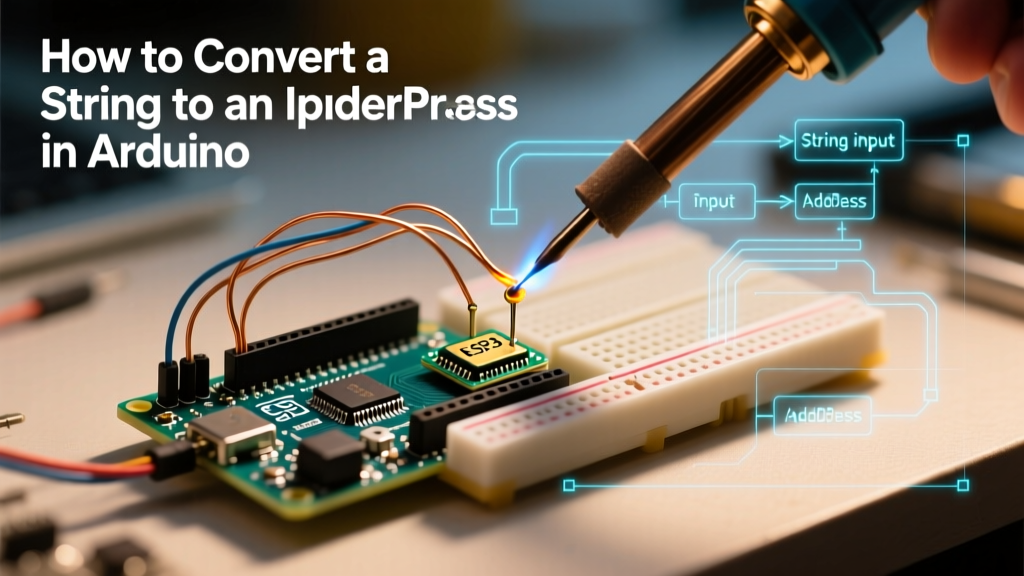
When building networked IoT devices, a common hurdle emerges: user input, serial data, and configuration files deliver IP addresses as text strings, but networking libraries demand binary objects. If you have ever tried to pass a String variable directly into WiFi.config() or client.connect(), you likely encountered the dreaded compilation error: no known conversion from String to IPAddress.
Understanding how to Arduino convert String to IPAddress objects is critical for dynamic network configuration. Whether you are reading a static IP from an EEPROM chip, parsing a JSON payload from an MQTT broker, or accepting user input via a serial monitor, bridging the gap between human-readable text and machine-readable 32-bit integers is a foundational skill for embedded C++ developers.
The Architecture of the IPAddress Class
Before diving into conversion methods, it is vital to understand what an IPAddress object actually is. In the Arduino ecosystem, the IPAddress class (defined in the core networking libraries like Ethernet and WiFiNINA) is essentially a wrapper around a 4-byte array (uint8_t[4]).
When you type IPAddress ip(192, 168, 1, 10);, the compiler stores four distinct 8-bit integers. A String, however, is an array of ASCII characters. The string "192.168.1.10" consumes 12 bytes of memory (plus the null terminator and String class overhead), whereas the IPAddress object consumes exactly 4 bytes. The conversion process requires parsing the ASCII characters, splitting them at the decimal delimiters, and casting the resulting substrings into 8-bit unsigned integers.
Method 1: The Modern Approach Using fromString()
If you are developing on modern 32-bit microcontrollers like the ESP32-S3, ESP8266, or the Arduino Uno R4 WiFi, the underlying network cores include a built-in utility method: IPAddress.fromString().
Implementation for ESP32 and WiFiNINA
This method is highly optimized, handles memory allocation internally, and returns a boolean indicating success or failure.
#include <WiFi.h>

void setup() {
  Serial.begin(115200);
  String ipStr = "192.168.50.25";
  IPAddress myIP;

  // The fromString() method parses the String and populates the IPAddress object
  if (myIP.fromString(ipStr)) {
    Serial.print("Successfully parsed: ");
    Serial.println(myIP);

    // You can now use myIP in network functions
    // WiFi.config(myIP, gateway, subnet);
  } else {
    Serial.println("Failed to parse IP address. Check formatting.");
  }
}

void loop() {}
Expert Tip: The fromString() method also supports IPv6 addresses on ESP32 cores (v2.0.0 and later). If your string contains colons instead of dots, the parser will automatically attempt to map it to a 16-byte IPv6 structure, provided your network stack supports it.
Method 2: Manual Parsing for 8-Bit AVR Boards
If you are using classic 8-bit boards like the Arduino Uno (ATmega328P) or Mega 2560 with a W5500 Ethernet shield, the fromString() method is often missing from the standard Ethernet.h library. Furthermore, relying on the String class for substring manipulation on an ATmega328P (which has only 2KB of SRAM) can lead to severe heap fragmentation and sudden device reboots.
The C-String (char array) Solution
To maintain memory integrity on AVR boards, we bypass the Arduino String class entirely and use standard C library functions like strtok and atoi. According to the standard C++ reference for string manipulation, strtok efficiently splits character arrays without allocating new heap memory.
#include <Ethernet.h>

// Memory-safe parsing function for AVR boards
bool parseIPAddressAVR(const char* ipStr, IPAddress& ip) {
    uint8_t octets[4];
    char buffer[16]; // Max IPv4 length is 15 chars + null terminator

    // Safely copy input to a mutable buffer
    strncpy(buffer, ipStr, sizeof(buffer) - 1);
    buffer[sizeof(buffer) - 1] = '\0';

    char* token = strtok(buffer, ".");
    for (int i = 0; i < 4; i++) {
        if (token == NULL) return false; // Missing octet

        int val = atoi(token);
        if (val < 0 || val > 255) return false; // Out of bounds

        octets[i] = (uint8_t)val;
        token = strtok(NULL, ".");
    }

    if (token != NULL) return false; // Too many octets provided

    ip = IPAddress(octets[0], octets[1], octets[2], octets[3]);
    return true;
}

void setup() {
  Serial.begin(9600);
  char rawInput[] = "10.0.0.105";
  IPAddress staticIP;

  if (parseIPAddressAVR(rawInput, staticIP)) {
    Serial.println(staticIP);
  } else {
    Serial.println("Invalid IP Format");
  }
}

void loop() {}
Comparison Matrix: Conversion Methods
Choosing the right conversion technique depends heavily on your target microcontroller and memory constraints. Below is a structural comparison of the available methods.
| Method | Target Architecture | SRAM Impact | Execution Speed | IPv6 Support |
|---|---|---|---|---|
IPAddress.fromString() |
ESP32, ESP8266, Uno R4 | Moderate (Heap allocation) | Fast (~5 µs) | Yes (ESP32 Core 2.0+) |
Manual strtok + atoi |
AVR (Uno, Mega, Nano) | Minimal (Stack only) | Moderate (~25 µs) | No |
sscanf Formatting |
ARM Cortex-M (Due, Zero) | High (Pulls in stdio) | Slow (~120 µs) | No |
Edge Cases and Validation Failures
Network environments are unforgiving. If you pass a malformed IP address to a DHCP fallback routine or a static configuration array, the network stack may silently fail or lock up. Here are the most common edge cases you must handle when converting strings to IP addresses:
- Leading Zeros: A string like "192.168.01.10" is technically valid in some contexts but can be misinterpreted as an octal number by standard C parsers. The
atoi()function handles base-10 safely, but if you usestrtol(), ensure you force base 10 to prevent octal misinterpretation. - Out-of-Bounds Octets: Users frequently input "192.168.1.256". Because an
IPAddressoctet is auint8_t, the value 256 will overflow and wrap around to 0, resulting in 192.168.1.0. Always implement theif (val < 0 || val > 255)boundary check shown in the AVR code above. - Trailing Whitespace: When reading from a Serial Monitor or an HTTP POST request, strings often contain hidden carriage returns (
\r) or newlines (\n). Always trim your strings or use a tokenizer that ignores trailing whitespace before parsing. - Empty Strings: If a JSON payload omits the IP field, passing an empty string to
fromString()will return false, but passing it to an unguarded manual parser can cause a null pointer dereference, crashing the MCU.
Real-World Scenario: Reading Static IPs from EEPROM
In industrial IoT deployments, devices often ship with a default DHCP configuration but allow field technicians to set a static IP via a serial command, which is then saved to the microcontroller's EEPROM. Because EEPROM stores data byte-by-byte, developers often store the IP address as a null-terminated C-string starting at a specific memory address.
Safe EEPROM Extraction
When reading from non-volatile memory, you cannot guarantee the data is perfectly null-terminated if a previous write operation was interrupted by a power loss. Always enforce bounds when reading the string into RAM before attempting conversion.
#include <EEPROM.h>
#include <Ethernet.h>

void loadStaticIPFromEEPROM(int startAddr, IPAddress& targetIP) {
  char ipBuffer[16];
  int i = 0;

  // Read up to 15 characters or until null terminator is found
  while (i < 15) {
    byte val = EEPROM.read(startAddr + i);
    if (val == 0 || val == 255) break; // 255 indicates unwritten EEPROM
    ipBuffer[i] = (char)val;
    i++;
  }
  ipBuffer[i] = '\0'; // Force null termination

  // Attempt conversion using the safe AVR method
  if (!parseIPAddressAVR(ipBuffer, targetIP)) {
    // Fallback to default factory IP if EEPROM data is corrupted
    targetIP = IPAddress(192, 168, 1, 100);
  }
}
Summary
Mastering the conversion from text-based strings to binary IPAddress objects separates novice hobbyists from professional embedded engineers. By leveraging fromString() on 32-bit ESP and ARM cores, and utilizing memory-safe C-string tokenization on 8-bit AVR boards, you ensure your networked devices remain stable, responsive, and immune to heap fragmentation. Always validate octet boundaries and sanitize external input before passing data to your network stack.