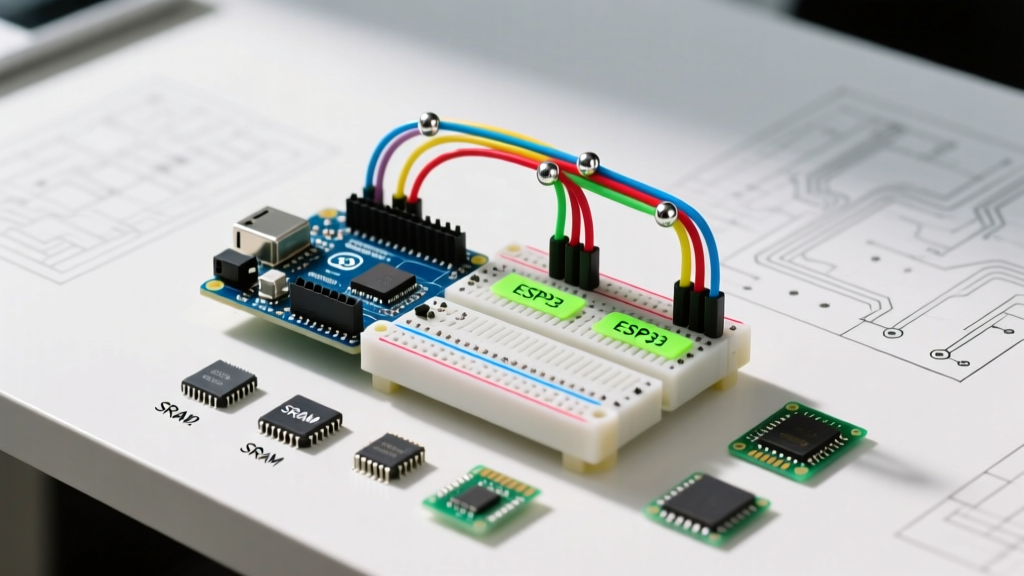

The Foundation of Data Management in Microcontrollers
When developing firmware for embedded systems, data storage is rarely as simple as it is in desktop programming. Configuring an Arduino array requires a deep understanding of the underlying hardware architecture, specifically the strict boundaries of Static Random Access Memory (SRAM) and Flash memory. Whether you are logging sensor telemetry, generating waveforms via Digital-to-Analog Converters (DACs), or managing state machines, how you declare, initialize, and access arrays will dictate the stability and performance of your sketch.
In this comprehensive configuration guide, we will dissect the mechanics of array memory allocation on 8-bit AVR and 32-bit ARM/Xtensa architectures, explore the critical use of the PROGMEM directive, and establish best practices to prevent the dreaded stack corruption and out-of-memory crashes.
The SRAM Bottleneck: Why Array Sizing Matters
On classic 8-bit boards like the Arduino Uno R3 or Nano (powered by the ATmega328P), SRAM is severely limited to just 2,048 bytes. This memory space must accommodate the stack, the heap, global variables, and the bootloader's runtime requirements. According to the Official Arduino Memory Guide, exceeding this limit results in unpredictable behavior, silent reboots, and corrupted serial output.
Consider a standard integer array configuration:
int sensorReadings[500];On an ATmega328P, an int is a 16-bit (2-byte) value. An array of 500 integers consumes exactly 1,000 bytes—nearly 50% of your total available SRAM. If you attempt to instantiate a second array of the same size, the compiler will successfully compile the code, but the microcontroller will crash upon execution due to stack collision.
<stdint.h> when configuring arrays. Using int16_t or uint8_t instead of int or byte guarantees consistent memory allocation across different architectures, preventing hidden memory bloat when migrating code from an 8-bit Uno to a 32-bit ESP32.Flash Memory Configuration: The PROGMEM Directive
When your array contains static, read-only data—such as sine wave lookup tables, cryptographic keys, or large character maps—storing it in SRAM is a waste of volatile memory. Instead, you must configure the Arduino array to reside in Flash memory using the PROGMEM keyword. This leverages the 32KB Flash capacity of the ATmega328P.
To implement this, you must include the AVR program space library and explicitly read the data back using specialized pointer functions, as the CPU cannot directly execute or manipulate Flash-stored variables as if they were in SRAM.
#include <avr/pgmspace.h>

const uint8_t sineWave[256] PROGMEM = {
  128, 131, 134, 137, 140, 143, 146, 149 // ... truncated for brevity
};

void setup() {
  Serial.begin(115200);
  // Correct way to read from Flash
  uint8_t value = pgm_read_byte(&sineWave[50]);
  Serial.println(value);
}
As detailed in the Arduino PROGMEM Reference, failing to use pgm_read_byte(), pgm_read_word(), or pgm_read_float() will result in the microcontroller reading garbage data from an equivalent SRAM address, leading to catastrophic logic errors.
Memory Footprint Comparison Matrix
The table below illustrates the memory cost of a 1,000-element array across different data types, highlighting the importance of choosing the correct variable type for your configuration.
| Data Type | Size per Element (AVR) | Total SRAM Cost (1000 Elements) | PROGMEM Compatible? |
|---|---|---|---|
uint8_t / byte | 1 Byte | 1,000 Bytes | Yes (pgm_read_byte) |
int16_t / int | 2 Bytes | 2,000 Bytes | Yes (pgm_read_word) |
float | 4 Bytes | 4,000 Bytes | Yes (pgm_read_float) |
double (AVR) | 4 Bytes | 4,000 Bytes | Yes (pgm_read_float) |
Advanced Configurations: Multidimensional and Struct Arrays
For complex state management or coordinate mapping, multidimensional arrays and arrays of structures are required. However, configuring these on constrained MCUs introduces memory alignment and padding challenges.
Arrays of Structs
When grouping heterogeneous data, a struct array is ideal. However, compilers insert 'padding' bytes to align data boundaries, which can silently inflate your array's memory footprint.
struct SensorNode {
  uint8_t nodeID;     // 1 byte
  float temperature;  // 4 bytes
  uint8_t status;     // 1 byte
};
// Total expected: 6 bytes. Actual on 32-bit ARM: 12 bytes (due to padding)
SensorNode networkMap[20];
To optimize this configuration, order your struct variables from largest to smallest data type to minimize padding overhead:
struct SensorNode_Optimized {
  float temperature;  // 4 bytes
  uint8_t nodeID;     // 1 byte
  uint8_t status;     // 1 byte
};
// Actual footprint optimized to 8 bytes (or 6 on 8-bit AVR)
String Arrays and the F() Macro
Storing arrays of strings (character pointers) is a notorious SRAM trap. By default, string literals are copied from Flash to SRAM at startup. To configure an array of strings strictly in Flash, utilize the F() macro in conjunction with the __FlashStringHelper pointer type.
const char* const errorMessages[] PROGMEM = {
  'Sensor Timeout',
  'I2C Bus Collision',
  'CRC Checksum Failed'
};
For deeper technical implementation details on string handling in Flash, refer to the AVR Libc pgmspace Documentation.
Architecture Shifts: ESP32 and ARM Cortex-M
While the ATmega328P demands strict SRAM conservation, modern 32-bit boards like the ESP32-S3 or Arduino Nano 33 IoT (SAMD21) shift the paradigm. The ESP32 boasts over 520KB of SRAM. Does this mean you can abandon PROGMEM and array optimization?
No. On 32-bit architectures, the bottleneck shifts from raw capacity to cache misses and memory bandwidth. Fetching large, poorly aligned multidimensional arrays from external PSRAM (on ESP32 modules) is significantly slower than accessing internal SRAM. Furthermore, an int on an ESP32 is 32 bits (4 bytes), meaning a 1,000-element array consumes 4KB instead of 2KB. Always configure your array sizes relative to the target architecture's native word size.
Edge Cases and Common Compilation Errors
- Out-of-Bounds Access: C++ does not perform native bounds checking on arrays. Accessing
myArray[10]on a 10-element array (indices 0-9) will silently read adjacent memory, potentially corrupting the stack pointer and causing a hard fault. - Uninitialized Global Arrays: Global arrays are automatically zero-initialized by the C++ runtime. However, local arrays declared inside
loop()or custom functions will contain whatever garbage data was previously on the stack. Always explicitly initialize local arrays:uint8_t buffer[64] = {0}; - Variable Length Arrays (VLAs): Standard C++ does not support VLAs (e.g.,
int arr[size];wheresizeis a variable). While GCC extensions allow this on AVR, it dynamically allocates on the stack and is a primary cause of stack overflow. Usemalloc()orstd::vector(with extreme caution on 8-bit boards) instead.
Frequently Asked Questions (FAQ)
Can I modify a PROGMEM array during runtime?
No. Flash memory on standard AVR microcontrollers cannot be written to while the CPU is executing code from that same Flash bank. If you need an array that persists across power cycles but can be updated, you must configure your data to write to the EEPROM or an external SPI Flash chip (like the W25Q32).
How do I find the length of an Arduino array dynamically?
Do not hardcode array lengths in your loops. Instead, use a macro or the sizeof operator to calculate it dynamically at compile time:#define ARRAY_SIZE(x) (sizeof(x) / sizeof((x)[0]))
This ensures that if you add elements to your array configuration later, your for loops will automatically adapt without throwing out-of-bounds errors.
Why does my ESP32 crash when I declare a large array inside a function?
The ESP32 uses FreeRTOS, and each task has a strictly allocated stack size (often just 4KB to 8KB). Declaring a large local array inside a task function will instantly overflow the task stack, triggering a Guru Meditation Error. Configure large arrays as static inside the function, or declare them globally to place them in the heap/BSS segment instead of the task stack.