
The Core Bottleneck: Serial Communication Overhead
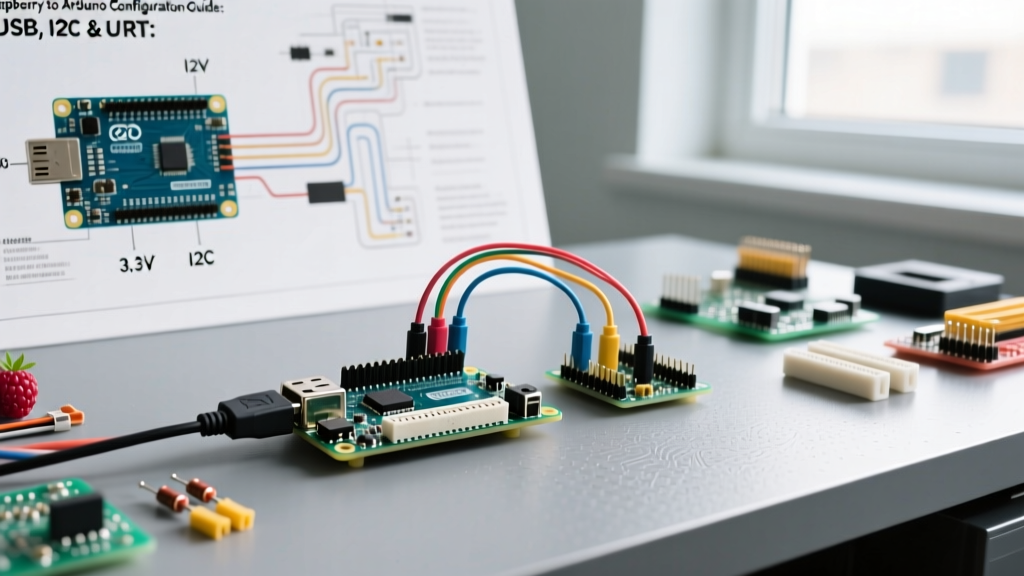
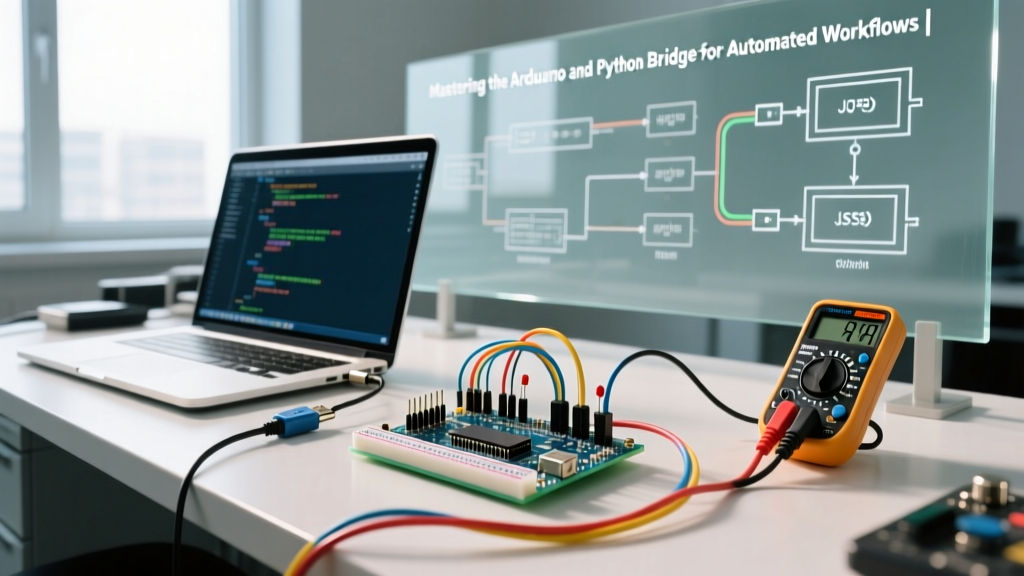
Integrating microcontrollers with high-level scripting languages is a cornerstone of modern prototyping and automated testing. When building a bridge between Arduino and Python, engineers often hit a workflow ceiling: the serial communication bottleneck. While the Arduino ecosystem excels at deterministic, real-time hardware I/O, Python dominates data analysis, machine learning, and GUI development. Optimizing the handshake between these two environments requires moving beyond basic Serial.println() calls and implementing robust, production-grade telemetry pipelines.
In 2026, the standard maker workflow has evolved. Relying on 9600 baud rates and comma-separated string parsing is no longer viable for high-frequency sensor logging or closed-loop control systems. To truly optimize your development cycle, you must address serial buffer overflows, auto-reset quirks, and asynchronous data ingestion.
Protocol Selection: Raw Serial vs. Firmata vs. JSON RPC
Before writing a single line of code, you must select the right communication protocol for your specific workflow. The choice dictates your payload size, latency, and host-side parsing complexity.
| Protocol Method | Host Library | Latency & Overhead | Best Workflow Use Case |
|---|---|---|---|
| Raw Serial (CSV) | PySerial | Low overhead, high parsing fragility | Simple, low-speed data logging (<50Hz) |
| StandardFirmata | pyFirmata2 | Medium overhead, byte-level encoding | Rapid prototyping without writing C++ firmware |
| JSON RPC / Telemetry | PySerial + Pandas | Higher payload size, extremely robust | Complex sensor arrays, nested data, API integration |
| Binary Packet Framing | Custom Python Struct | Lowest overhead, highest throughput | High-frequency DSP, audio, or oscilloscope streaming |
Why JSON Dominates the Modern Workflow
For 90% of engineering workflows, JSON serialization provides the optimal balance of human readability and machine parsing. By leveraging ArduinoJson (specifically the highly optimized v7 release) on the firmware side, you can serialize nested sensor arrays without dynamic memory fragmentation. On the Python side, JSON maps natively to dictionaries and can be ingested directly into pandas DataFrames for immediate time-series analysis.
The DTR Auto-Reset Trap: A Silent Workflow Killer
One of the most frustrating edge cases when automating Arduino and Python workflows is the DTR (Data Terminal Ready) auto-reset mechanism. By default, when Python opens a serial port via PySerial, it asserts the DTR line. On standard Arduino boards (like the Uno R3 or Mega 2560), this hardware signal is tied to the microcontroller's reset pin via a 0.1µF capacitor.
Expert Insight: If your Python script opens and closes the serial port repeatedly during a test sequence, your Arduino will reboot every single time. This causes a 1.5-second bootloader delay, resulting in missed data packets and desynchronized state machines.
The Software Fix
To prevent PySerial from resetting your Arduino, you must manipulate the DTR and RTS (Request to Send) lines immediately upon connection. In modern Python environments, configure your serial object as follows:
- Initialize the port with
dsrdtr=Falseandrtscts=False. - Explicitly set
ser.dtr = Falseandser.rts = Falsebefore callingser.open()if using manual port handling. - Alternatively, use the
serial.tools.minitermmodule's--dtr 0flag for quick command-line debugging.
For boards featuring native USB CDC-ACM (like the Arduino Leonardo, Micro, or the newer ESP32-based Arduinos), the DTR reset behavior is handled differently in the bootloader, often requiring a software-level touch 1200bps sequence to trigger a reset, making them inherently safer for rapid Python reconnections.
Step-by-Step: Building a Robust Telemetry Pipeline
To achieve a lossless data pipeline, we must implement packet framing. Relying solely on newline characters (\n) is dangerous; if a single byte is dropped due to EMI or buffer overflow, your Python parser will shift out of phase and crash.
1. Firmware Side: Ring Buffers and COBS
Instead of raw strings, implement Consistent Overhead Byte Stuffing (COBS) or a simple Start-of-Frame (SOF) / End-of-Frame (EOF) delimiter with a checksum. On the Arduino, ensure you are not blocking the main loop. The hardware serial TX buffer on an ATmega328P is only 64 bytes. If Python reads data slower than the Arduino sends it, Serial.print() will block, destroying your real-time sampling rate.
Actionable Fix: Always check Serial.availableForWrite() before transmitting, or implement a non-blocking ring buffer in your C++ firmware that drops the oldest packets if the host falls behind, preserving the timing of the control loop.
2. Host Side: Asynchronous Python Ingestion
Blocking ser.readline() calls in Python will freeze your GUI or data processing threads. According to the official PySerial documentation, integrating with Python's asyncio event loop via serial_asyncio is the gold standard for 2026 workflow optimization. This allows your Python script to handle incoming serial packets concurrently while running a web server, updating a PyQt6 dashboard, or writing to an SQLite database.
Hardware Selection: Bypassing the UART Bridge
Your choice of microcontroller hardware fundamentally dictates the maximum throughput of your Python integration. Standard AVR-based boards rely on a secondary USB-to-UART bridge chip (like the ATmega16U2), which caps practical baud rates at 115,200 or 250,000.
Recommended Boards for High-Speed Python Integration
- Arduino Nano ESP32 (~$21.00): Features native USB-C and an ESP32-S3 with hardware CDC-ACM. You can safely push baud rates to 2,000,000 (2Mbps) for high-frequency telemetry. Its dual-core architecture allows one core to handle sensor polling while the other manages the USB serial stack, preventing buffer underruns.
- Arduino Uno R4 WiFi (~$27.50): The Renesas RA4M1 processor includes a native USB peripheral, bypassing the legacy bottlenecks of the R3. It offers a massive 32-bit floating-point advantage for on-board signal processing before sending summarized data to Python.
- Arduino Portenta H7 (~$115.00): For industrial-grade automated test equipment (ATE), the H7's high-speed USB PHY allows for bulk transfers that easily saturate standard serial protocols, requiring a shift to Python's
libusbor custom HID implementations.
Handling Edge Cases: EMI and Ground Loops
When deploying an Arduino and Python setup in an industrial or high-noise environment (e.g., monitoring stepper motor drivers or switching power supplies), serial corruption is common. USB cables act as antennas. If your Python script frequently throws UnicodeDecodeError when parsing serial data, the issue is likely physical layer corruption.
Mitigation Strategies:
- Use double-shielded USB-C cables with ferrite beads.
- Implement opto-isolators on the TX/RX lines if you are using raw UART instead of USB.
- Add a cyclic redundancy check (CRC-8 or CRC-16) to your payload. Python's
crcmodlibrary can validate the packet in microseconds, discarding corrupted frames before they reach your database layer.
Conclusion: Streamlining the Maker-to-Engineer Pipeline
Optimizing the bridge between Arduino and Python transforms a fragile hobbyist script into a resilient automated testing framework. By migrating to JSON-based telemetry, eliminating the DTR reset bug, leveraging asynchronous Python ingestion, and utilizing native-USB hardware like the Nano ESP32, you drastically reduce debugging time. For further reading on hardware capabilities, consult the Arduino Nano ESP32 technical documentation to understand its native USB interrupt priorities. Mastering these edge cases ensures your data pipeline remains robust, scalable, and ready for production-level deployment.