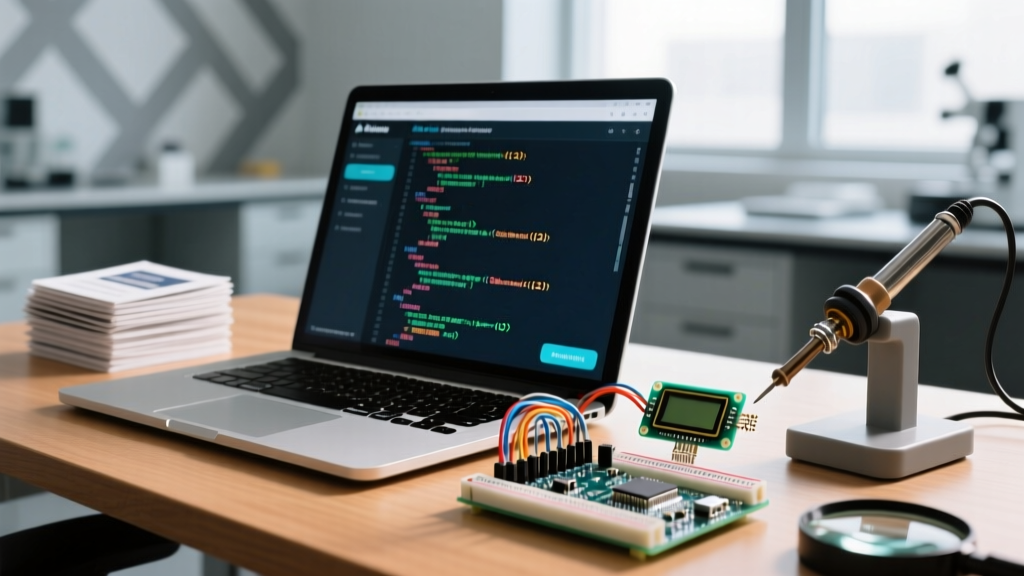
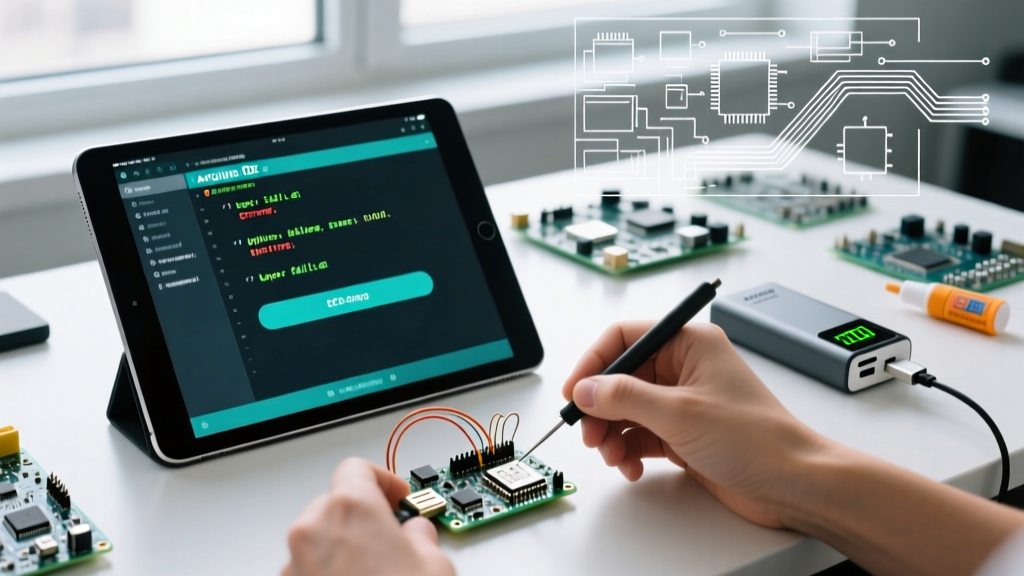
To get accurate, timezone-aware time on an ESP32 using the standard C <time.h> library, you must configure the POSIX TZ environment variable, initialize the SNTP client via configTzTime(), and block your main loop until time(nullptr) returns a Unix epoch value greater than 1600000000 (post-2020). Unlike microcontrollers with battery-backed hardware clocks, the ESP32 relies entirely on network time protocol (NTP) handshakes over WiFi to populate its internal software RTC.
If your serial monitor is stuck printing Epoch: 0 or your timestamps are offset by exactly 5 or 8 hours, the issue is almost always a misconfigured timezone string or a blocked UDP port 123. Below is the exact architecture, hardware setup, and debugging framework to get your ESP32 timekeeping rock-solid.
The ESP32 time.h Architecture and NTP Parameters
The ESP-IDF and Arduino-ESP32 cores implement a subset of the POSIX <time.h> standard. Older tutorials often use configTime() with raw GMT offsets, but this is deprecated and fails to handle Daylight Saving Time (DST) transitions. Modern firmware requires configTzTime() paired with a POSIX-compliant TZ string.
| Function / Macro | Purpose | Typical Value / Constraint | Failure Mode if Misconfigured |
|---|---|---|---|
configTzTime() |
Initializes SNTP client and sets POSIX timezone rules. | "EST5EDT,M3.2.0,M11.1.0" |
Time syncs, but localtime() returns UTC or wrong DST offset. |
time(nullptr) |
Returns current Unix epoch (seconds since Jan 1, 1970). | > 1600000000 (Valid modern time) |
Returns 0 or -1 if SNTP handshake is incomplete. |
localtime(&now) |
Converts epoch to a tm struct using the configured TZ rules. |
Pointer to time_t variable |
Yields 1970 dates or crashes if passed a null/zero epoch. |
sntp_set_sync_mode() |
Dictates how the ESP32 handles time synchronization. | SNTP_SYNC_MODE_IMMED |
System time jumps abruptly, breaking millis() dependent logic. |
gettimeofday() |
High-resolution time fetch including microseconds. | Requires struct timeval |
Microsecond field remains 0 if hardware RTC is not calibrated. |
For a complete reference on formatting your specific regional timezone string, consult the GNU libc TZ Variable documentation. The string EST5EDT,M3.2.0,M11.1.0 translates to: Eastern Standard Time (5 hours behind UTC), Eastern Daylight Time, starting March on the 2nd Sunday at 2:00 AM, and ending November on the 1st Sunday at 2:00 AM.
Hardware Build: NTP Sync Status Indicator
Before integrating timekeeping into a complex sensor array, build a dedicated NTP sync indicator. This circuit uses an external LED to provide immediate visual feedback on the SNTP handshake status, saving you from staring at the serial monitor during WiFi dropouts.
Parts List
- Microcontroller: ESP32 DevKit V1 (ESP32-WROOM-32 module, 30-pin or 38-pin variant)
- Indicator LED: 5mm Green Diffused LED
- Current Limiting Resistor: 330Ω (1/4W, through-hole)
- Prototyping: Half-size breadboard, male-to-male jumper wires
- Power: 5V/2A USB-C or Micro-USB data cable (ensure it is not a charge-only cable)
Pin Mapping Table
| Component | ESP32 GPIO | Notes |
|---|---|---|
| Built-in Blue LED | GPIO 2 | Blinks rapidly during WiFi connection phase. |
| External Green LED (Anode) | GPIO 25 | Connect via 330Ω resistor. Turns solid when NTP is synced. |
| External Green LED (Cathode) | GND | Common ground with the ESP32 DevKit. |
Complete Compilable Code: NTP Sync with Error Handling
This code targets the ESP32 DevKit V1 (ESP32-WROOM-32) using the Arduino-ESP32 core (v2.x or v3.x). It includes explicit pin definitions, a non-blocking SNTP wait loop with a timeout, and structured error handling for WiFi and time fetch failures.
#include <WiFi.h>
#include <time.h>
#include <esp_sntp.h>

// --- Pin Definitions ---
const int BUILTIN_LED_PIN = 2;
const int STATUS_LED_PIN  = 25;

// --- Network Credentials ---
const char* ssid     = "YOUR_WIFI_SSID";
const char* password = "YOUR_WIFI_PASSWORD";

// --- Time Configuration ---
// POSIX TZ string for US Eastern Time (New York)
const char* ntpServer1 = "pool.ntp.org";
const char* ntpServer2 = "time.nist.gov";
const char* tzString   = "EST5EDT,M3.2.0,M11.1.0";

// Timeout for SNTP sync in milliseconds
const unsigned long sntpTimeout = 20000;

void setup() {
  Serial.begin(115200);
  pinMode(BUILTIN_LED_PIN, OUTPUT);
  pinMode(STATUS_LED_PIN, OUTPUT);

  digitalWrite(BUILTIN_LED_PIN, LOW);
  digitalWrite(STATUS_LED_PIN, LOW);

  // 1. Connect to WiFi
  Serial.printf("Connecting to %s", ssid);
  WiFi.begin(ssid, password);

  unsigned long wifiStart = millis();
  while (WiFi.status() != WL_CONNECTED) {
    delay(250);
    Serial.print(".");
    digitalWrite(BUILTIN_LED_PIN, !digitalRead(BUILTIN_LED_PIN)); // Blink builtin
    if (millis() - wifiStart > 15000) {
      Serial.println("\n[ERROR] WiFi connection timeout. Rebooting.");
      ESP.restart();
    }
  }
  Serial.println("\nWiFi Connected. IP: " + WiFi.localIP().toString());
  digitalWrite(BUILTIN_LED_PIN, HIGH); // Solid ON = WiFi OK

  // 2. Configure SNTP and Timezone
  // sntp_set_sync_mode(SNTP_SYNC_MODE_IMMED); // Optional: force immediate step
  configTzTime(tzString, ntpServer1, ntpServer2);

  Serial.println("Waiting for NTP time sync...");
  unsigned long ntpStart = millis();

  // 3. Block until time is valid (Epoch > Jan 1, 2020)
  time_t now = time(nullptr);
  while (now < 1577836800) {
    delay(500);
    Serial.print("*");
    now = time(nullptr);
    if (millis() - ntpStart > sntpTimeout) {
      Serial.println("\n[ERROR] NTP Sync Timeout. Check router UDP port 123.");
      break; // Proceed anyway, but time will be invalid
    }
  }

  if (now > 1577836800) {
    Serial.println("\nNTP Synced Successfully.");
    digitalWrite(STATUS_LED_PIN, HIGH); // External LED ON = Time Synced
  }
}

void loop() {
  time_t now = time(nullptr);

  // Error handling for lost time
  if (now < 1577836800) {
    Serial.println("[WARN] Time lost or invalid.");
    digitalWrite(STATUS_LED_PIN, LOW);
    delay(5000);
    return;
  }

  struct tm timeinfo;
  if (!getLocalTime(&timeinfo)) {
    Serial.println("[ERROR] Failed to obtain local time struct.");
    delay(2000);
    return;
  }

  // Format and print: YYYY-MM-DD HH:MM:SS
  char buffer[25];
  strftime(buffer, sizeof(buffer), "%Y-%m-%d %H:%M:%S", &timeinfo);
  Serial.printf("Current Time: %s | Epoch: %ld\n", buffer, now);

  delay(5000);
}
Debugging: First Three Checks and Exact Error Strings
When working with network time, the ESP32 is at the mercy of your local network topology. If your serial monitor outputs the exact error string E (12345) sntp: sntp_sync_time: Time is not synced yet or your custom loop prints Epoch: 0, execute these first three diagnostic checks in order.
1. The Captive Portal and UDP Port 123 Block
The Symptom: WiFi connects (IP address assigned), but NTP times out.
The Cause: Many guest networks, corporate firewalls, and hotel routers block outbound UDP traffic on port 123 to prevent NTP amplification attacks, or they route you to a captive portal that intercepts DNS.
The Fix: Verify your router firewall allows outbound UDP 123. If testing on a guest network, you must authenticate via a phone/laptop first, or switch to a standard WPA2 home network. Use the NTP Pool Project servers as shown in the code to distribute load.
2. The Epoch 0 / 28800 Offset Trap
The Symptom: time(nullptr) returns 0, or a small number like 28800 (which is exactly 8 hours in seconds).
The Cause: The SNTP handshake has not completed, but a legacy timezone offset function applied a shift to the zero-base.
The Fix: Never use raw offsets in configTime(). Always use configTzTime() with a POSIX string, and always gate your logic behind a now > 1577836800 check to ensure you have a post-2020 valid timestamp before attempting to parse the tm struct.
3. Incorrect TZ String Syntax
The Symptom: Time syncs, but the hour is wrong by exactly 1 hour during summer months.
The Cause: The DST transition rules in your TZ string are malformed or outdated for your specific municipality.
The Fix: Cross-reference your string with the Espressif System Time API documentation. Remember that the offset number in the TZ string (e.g., the 5 in EST5) is the hours added to local time to get UTC, which is the inverse of standard UTC-5 notation.
Extending and Simplifying the Build
Depending on your final application, you may need to strip this build down to its bare essentials or scale it up for production environments.
How to Simplify
If you are building a headless sensor node where visual LEDs and serial debugging are unnecessary, delete the LED pin definitions and the getLocalTime() formatting block. Rely solely on time(nullptr) to fetch the raw epoch integer. If the POSIX C structures feel overly verbose for a simple clock display, consider wrapping the ESP32 core functions with the ezTime Arduino library, which abstracts the NTP polling and timezone math into single-line calls, though it adds roughly 15KB to your flash footprint.
How to Extend
The fatal flaw of time.h on the ESP32 is that the software clock resets to zero during Deep Sleep. If your project requires logging timestamps while waking from deep sleep every hour, NTP sync on every boot will drain your battery and delay data logging.
To solve this, extend the hardware by adding a DS3231 I2C Real Time Clock module. Wire the DS3231 SDA to GPIO 21 and SCL to GPIO 22. On boot, check if WiFi is available: if yes, sync the ESP32 time.h via NTP and write that epoch to the DS3231. If WiFi is down, read the time from the DS3231 and inject it into the ESP32 using settimeofday(). This hybrid approach guarantees accurate, drift-free timekeeping across sleep cycles and network outages.