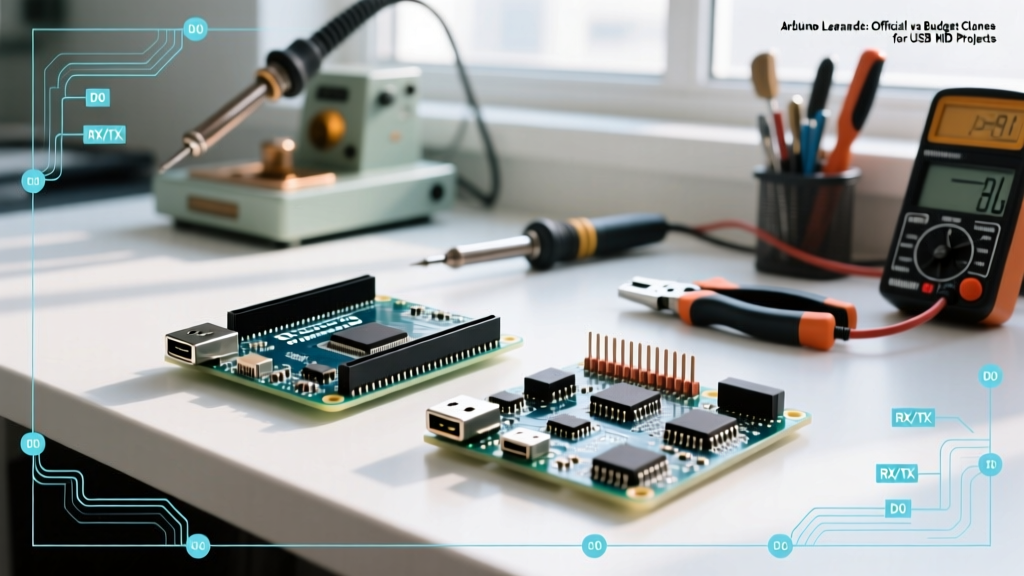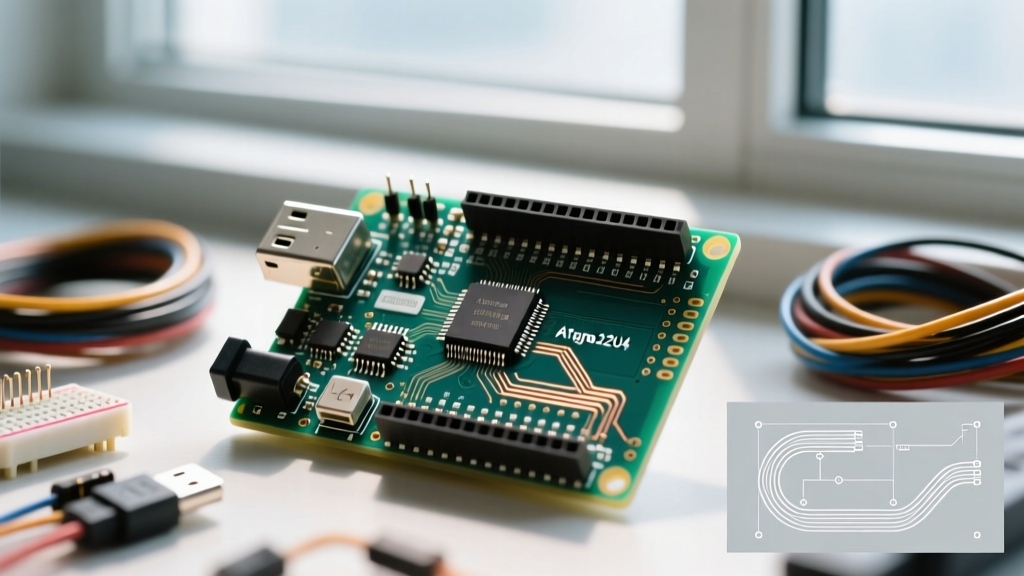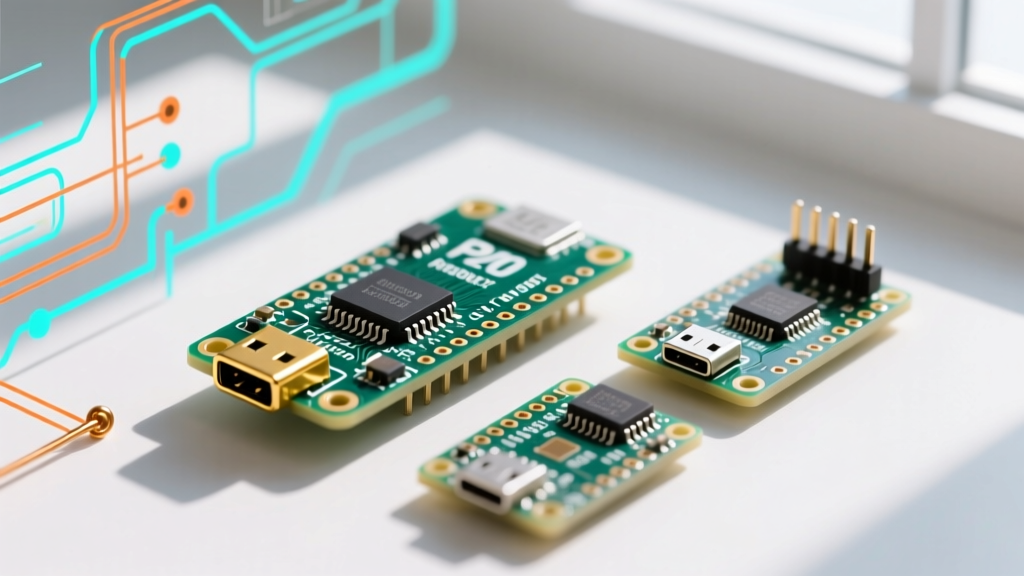

The RP2040 Ecosystem in 2026: Premium vs. Budget
Since the Raspberry Pi Foundation introduced the RP2040 silicon, the microcontroller market has been flooded with dual-core Cortex-M0+ boards. While the chip itself is a masterpiece of cost-effective engineering, the way manufacturers package it varies wildly. At the top of the food chain sits the Arduino Nano RP2040 Connect, a premium, feature-dense board priced around $27.50. At the bottom, you have budget heavyweights like the Raspberry Pi Pico W ($6.00) and generic clones like the Waveshare RP2040-Zero ($4.99).
For makers, engineers, and students, the core question remains: Does the Arduino Nano RP2040 justify its 400% price premium over budget alternatives, or are you simply paying for the teal silkscreen? In this deep dive, we strip away the marketing fluff and examine the silicon, power architectures, and real-world failure modes to help you choose the right board for your next IoT or embedded project.
Hardware Showdown: Specification Matrix
Before analyzing the software ecosystems and edge cases, we must look at the raw hardware. The RP2040 core is identical across these boards, but the supporting circuitry dictates their true capabilities.
| Feature | Arduino Nano RP2040 Connect | Raspberry Pi Pico W | Waveshare RP2040-Zero |
|---|---|---|---|
| Price (2026) | ~$27.50 | ~$6.00 | ~$4.99 |
| Flash Memory | 16MB (W25Q128JV) | 2MB (W25Q16JV) | 16MB (W25Q128JV) |
| Wireless | u-blox NINA-W102 (ESP32) | Infineon CYW43439 | None |
| Onboard Sensors | LSM6DSOXTR (6-axis IMU) | None | None |
| Security | ATECC608A-TNGTLSS | None | None |
| Form Factor | Nano (Breadboard friendly) | DIP-40 (Requires carrier) | Stamp-module (21x18mm) |
The Premium Contender: Arduino Nano RP2040 Connect
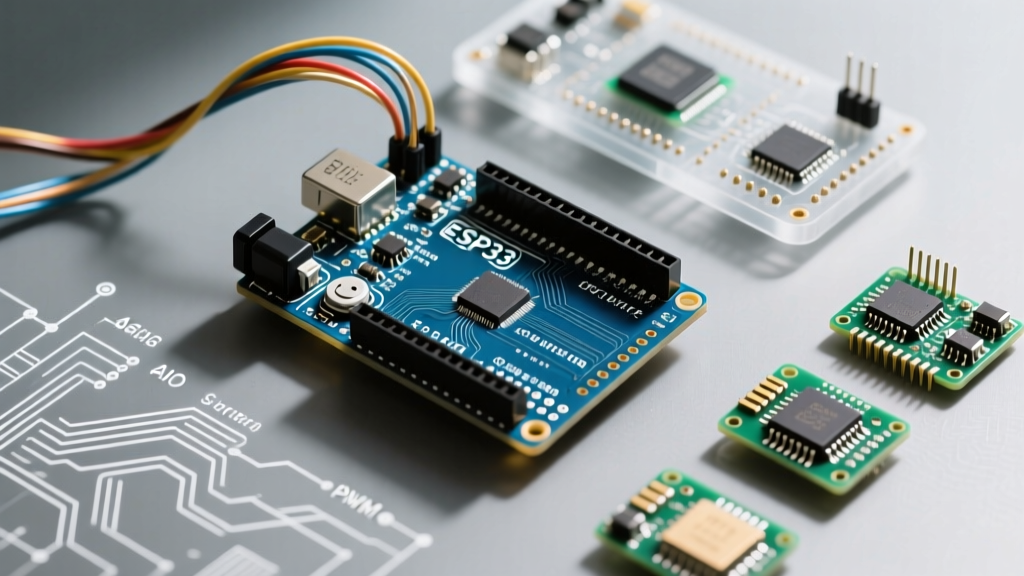
The Arduino Nano RP2040 Connect (Model ABX00052) is not just an RP2040 with a Wi-Fi chip slapped on. It is a meticulously engineered IoT gateway designed for users who need enterprise-grade features in a breadboard-friendly footprint.
The NINA-W102 Advantage and Architecture
Unlike the Pico W, which uses an Infineon chip that relies heavily on the RP2040's PIO (Programmable I/O) to handle SDIO communication, the Arduino utilizes the u-blox NINA-W102. This module is essentially an ESP32 running its own AT-command firmware. This means the RP2040 offloads the entire TCP/IP stack to the NINA module, freeing up the main dual-core processor for heavy computational tasks like DSP (Digital Signal Processing) or running lightweight machine learning models via TensorFlow Lite.
Enterprise Security and Sensor Fusion
Where the Arduino Nano RP2040 truly justifies its premium price tag is in the auxiliary silicon. It includes an ATECC608A-TNGTLSS cryptographic co-processor. This secure element handles hardware-based TLS 1.2/1.3 handshakes and secure key storage, making it virtually immune to software-based key extraction. If you are building a commercial IoT product that connects to AWS IoT Core or Azure, this chip saves weeks of firmware security development.
Additionally, the onboard LSM6DSOXTR 6-axis IMU (accelerometer and gyroscope) features a machine learning core built directly into the sensor. It can detect gestures or anomalies without waking the main RP2040, drastically reducing system-level power consumption in battery-powered deployments.
Expert Insight: The 16MB flash on the Arduino Nano RP2040 Connect is a massive advantage over the Pico W's 2MB. If you are hosting a local web server for device configuration or logging high-frequency sensor data locally before a Wi-Fi batch upload, 2MB is a severe bottleneck. The Arduino's 16MB provides ample headroom for OTA (Over-The-Air) update partitions and local asset storage.
The Budget Challengers: Pico W and RP2040-Zero
Raspberry Pi Pico W: The Community King
Priced at just $6, the Raspberry Pi Pico W is the undisputed champion of community support. The integration of the Infineon CYW43439 Wi-Fi/Bluetooth chip is tightly coupled with the official Pico SDK and MicroPython. If your project relies on rapid prototyping with Python, or you need to leverage the massive repository of open-source Pico W libraries on GitHub, the budget route is highly compelling.
However, the Pico W lacks a dedicated power management IC (PMIC) for the Wi-Fi chip. The CYW43439 is powered directly from the board's main 3.3V rail. While this keeps the BOM (Bill of Materials) cost low, it introduces significant challenges for low-power applications, which we will cover in the edge cases section.
Waveshare RP2040-Zero: The Breadboard Darling
For projects that do not require wireless connectivity, the Waveshare RP2040-Zero at $4.99 is a masterclass in spatial efficiency. It packs the RP2040, 16MB of flash, and an addressable WS2812 RGB LED into a 21x18mm footprint. It is perfect for embedding into tight enclosures, custom PCBs, or macro-keyboards. However, lacking wireless and advanced sensors, it serves a fundamentally different use case than the Arduino Nano RP2040.
Real-World Edge Cases and Failure Modes
Spec sheets rarely tell the whole story. When deploying these boards in the field, specific architectural choices lead to distinct failure modes and edge cases.
1. Deep Sleep Current Leaks
Battery-powered IoT nodes live and die by their deep sleep current. Here, the premium vs. budget divide is stark.
- Arduino Nano RP2040 Connect: Features a dedicated PMIC and power-gating transistors. You can programmatically cut power to the NINA-W102 module and the onboard RGB LED, allowing the board to achieve a true deep sleep current of ~8 µA.
- Raspberry Pi Pico W: Notorious for deep sleep issues. Because the CYW43439 Wi-Fi chip shares the 3.3V rail and has internal pull-ups on the SDIO lines, the RP2040 often leaks current through the GPIO pins. Even with the core asleep, the Pico W typically idles at ~1.2 mA to 1.8 mA unless you implement complex hardware workarounds (like using an external MOSFET to cut the Wi-Fi chip's ground).
2. Wi-Fi Throughput and Antenna Tuning
The Arduino Nano RP2040 Connect uses a PCB trace antenna that is meticulously tuned for the NINA module's RF front-end. In crowded 2.4GHz environments, it maintains stable throughput up to 15 meters through standard drywall. The Pico W's onboard PCB antenna is decent but suffers from desense if placed near breadboards or metallic enclosures. For critical deployments, the Arduino also breaks out a U.FL connector, allowing you to attach an external 2dBi or 5dBi antenna—a feature entirely missing on the budget Pico W.
3. Bootloader and Firmware Bricking
A known edge case with the Arduino Nano RP2040 Connect involves the NINA module's firmware. If an OTA update to the ESP32-based NINA firmware is interrupted, the module can enter a bootloop, rendering Wi-Fi useless. Recovering it requires a secondary Arduino board acting as an SWD programmer or using the Arduino IDE's specific "NINA Firmware Updater" sketch via USB passthrough. The Pico W, relying on the RP2040's native ROM bootloader and UF2 drag-and-drop, is virtually unbrickable.
Decision Framework: Which Board Should You Buy?
Choosing between the Arduino Nano RP2040 and budget clones comes down to your project's end goal, environment, and production scale.
- Choose the Arduino Nano RP2040 Connect if: You are building a commercial IoT prototype, require hardware-based TLS encryption (ATECC608A), need 16MB of flash for local data logging, or require true microamp deep-sleep capabilities without designing custom power-gating hardware.
- Choose the Raspberry Pi Pico W if: You are a hobbyist, student, or rapid-prototyper who prioritizes MicroPython support, massive community library availability, and a sub-$10 BOM cost, and your device will be plugged into a wall outlet (negating deep sleep concerns).
- Choose the Waveshare RP2040-Zero if: Your project is strictly local (no Wi-Fi required), space is at an absolute premium, and you need a high-flash (16MB) microcontroller for under $5.
Ultimately, the Arduino Nano RP2040 Connect is not overpriced; it is simply engineered for a different tier of embedded development. You are paying for the integrated secure element, the advanced power management, and the 16MB flash. If your project demands enterprise reliability in a tiny footprint, the premium is entirely worth it. If you just want to blink an LED over Wi-Fi, save your money and grab a Pico W.