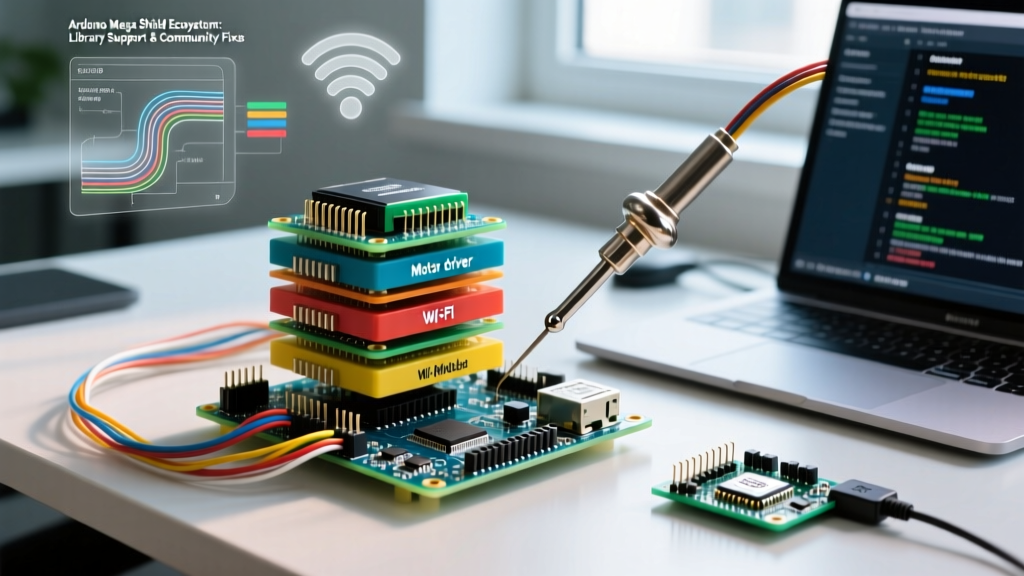

The State of Arduino Mega Shield Libraries in 2026
The Arduino Mega 2560 remains an undisputed heavyweight in the DIY electronics space. With 54 digital I/O pins, 16 analog inputs, and multiple hardware serial ports, it is the go-to board for complex robotics, 3D printing, and home automation. However, the true power of the Mega is unlocked when you stack an arduino mega shield on top of it. While the official Arduino Library Manager now hosts over 6,000 libraries, navigating the ecosystem for Mega-specific shields requires a deep understanding of community-driven support, legacy codebases, and hardware workarounds.
In 2026, the shift toward Arduino IDE 2.3.x and the widespread adoption of modern C++ standards have deprecated several older shield libraries. Consequently, makers are increasingly relying on GitHub forks, community-maintained repositories, and specialized forums to keep their hardware running. Understanding where to find these resources—and how to troubleshoot when an official library fails—is a critical skill for any advanced maker.
Top Community-Supported Shields for the Mega 2560
Not all shields are created equal, especially when it comes to long-term software support. Below is a breakdown of the most popular Arduino Mega shields, their primary libraries, and the health of their community support networks.
| Shield Type / Model | Primary Library | Typical Cost (2026) | Community Health & Support |
|---|---|---|---|
| RAMPS 1.4 / 1.6 (3D Printing) | Marlin Firmware | $15 - $25 (Kit) | Exceptional: Massive GitHub presence, daily commits, active Discord. |
| CNC Shield V3 (with Mega Adapter) | GRBL-Mega-5X | $12 - $18 | High: Niche but dedicated CNC community, excellent documentation. |
| Ethernet Shield W5500 | Ethernet (Official) | $10 - $15 | Moderate: Official support is stable, but legacy W5100 code causes confusion. |
| 3.5 inch TFT LCD (MCUFRIEND) | MCUFRIEND_kbv | $12 - $20 | Legendary: Entirely community-driven; relies on specific GitHub forks. |
| Official Motor Shield R3 | Stepper.h / L298P libs | $30 - $35 | Low/Moderate: Largely superseded by I2C-based motor controllers. |
The SPI and I2C Pinout Trap: Hardware vs. Software
The most common point of failure when using an arduino mega shield designed primarily for the Arduino Uno is the physical pinout mismatch. This is a rite of passage for Mega users and a frequent topic on the Arduino Forum.
The SPI Collision
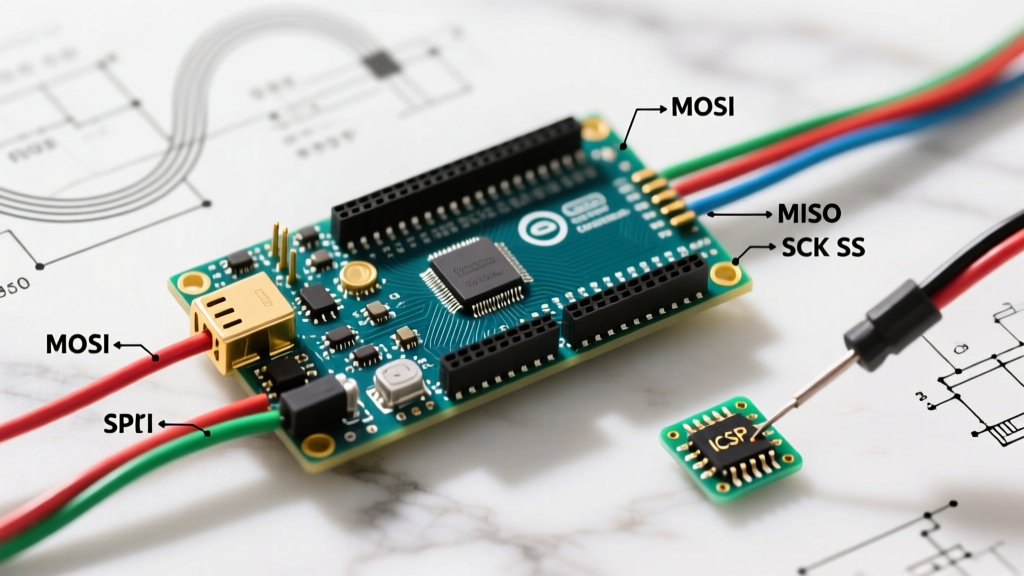
On the Arduino Uno, the hardware SPI pins are located at D11 (MOSI), D12 (MISO), and D13 (SCK). On the Mega 2560, these pins are relocated to D51 (MOSI), D50 (MISO), and D52 (SCK). If you plug an older Uno-designed shield (like early Ethernet or RFID shields) directly into a Mega, the SPI communication will fail silently or return garbage data.
Pro-Tip: Always look for the 2x3 ICSP header on your shield. According to the official Arduino SPI documentation, the ICSP header routes SPI pins identically across both Uno and Mega form factors. If your shield breaks out SPI to the ICSP header rather than the digital pins, it is natively Mega-compatible without any jumper wires.
The I2C Relocation
Similarly, I2C pins on the Uno are A4 (SDA) and A5 (SCL). On the Mega, they are D20 (SDA) and D21 (SCL). Modern shields (post-2015) usually include duplicate SDA/SCL pins near the AREF pin to solve this, but if you are sourcing vintage shields or cheap clones, you will need to use software I2C libraries (like SoftwareWire) or physically solder jumper wires from A4/A5 to D20/D21.
Real-World Case Studies in Community Troubleshooting
When official documentation falls short, the community steps in. Here are two scenarios where community libraries and fixes are mandatory for Mega shield success.
Case Study 1: The 3.5 inch TFT LCD (MCUFRIEND)
Cheap, unbranded 3.5-inch TFT shields flooded the market over the last decade, often utilizing undocumented display driver chips (like the ILI9486 or SPFD5408). The official Adafruit TFT libraries do not support these specific parallel-interface shields out of the box.
The Community Fix: The MCUFRIEND_kbv library, originally championed by community member David Prentice, became the de facto standard. In 2026, while the original repository is archived, the community maintains active forks that patch compilation errors for modern AVR-GCC compilers. To get these shields working on a Mega, users must edit the utility/mcufriend_shield.h file and uncomment the #define USE_MEGA_8BIT_PROTOSHIELD or #define USE_MEGA_16BIT_SHIELD macros, depending on the exact pin mapping of their clone shield.
Case Study 2: RAMPS 1.4 and the Marlin Firmware Ecosystem
The RAMPS 1.4 shield is the backbone of the DIY 3D printing community. It is not programmed via standard Arduino sketches but rather through Marlin Firmware, a massive, community-driven C++ project.
The Community Fix: Configuring Marlin for a specific Mega and RAMPS combination requires editing the Configuration.h and Configuration_adv.h files. The community support here is unparalleled. If you encounter thermal runaway errors or stepper motor stuttering, the Marlin Discord and GitHub Issues tracker provide exact #define tweaks for specific stepper drivers (like the TMC2208 or TMC2209) that are piggybacked onto the RAMPS shield. The community has also developed automated configuration tools that generate the exact header files based on your specific hardware stack.
Where to Find Help: Navigating the Hubs
When your arduino mega shield refuses to compile or behaves erratically, knowing where to search is half the battle. Here is the hierarchy of support channels in 2026:
- GitHub Issues (Closed & Open): Do not just look at the README. Search the 'Issues' tab of the library repository using keywords like 'Mega 2560', 'SPI', or 'Compilation Error'. Many Mega-specific fixes are buried in closed issues from 2021-2024 that still apply today.
- Arduino Forum (Avr/Giga Sections): The official forum remains the most heavily indexed repository of hardware troubleshooting. Use Google site-searches (e.g.,
site:forum.arduino.cc 'mega shield SPI jumper') to bypass the forum's internal search limitations. - Reddit (r/arduino and r/3dprinting): Excellent for hardware-level debugging. If your shield is overheating or the voltage regulators are failing (a common issue with cheap Mega motor shields pushing >2A), Reddit users are quick to point out hardware flaws and suggest external MOSFET modules.
Best Practices for Mega Shield Integration
To ensure long-term stability and maintainability of your projects, adopt these community-vetted practices:
- Lock Your Library Versions: In Arduino IDE 2.x, use the
library.jsonor document your exact library versions. A minor update to a core library can break a community-maintained shield driver. - Use Level Shifters for 3.3V Shields: The Mega 2560 operates at 5V logic. If you are stacking a modern 3.3V shield (like certain LoRa or advanced WiFi shields), use a bi-directional logic level converter. The community has documented countless fried Mega I/O pins resulting from ignoring this voltage mismatch.
- Power Injection: Never rely on the Mega's onboard 5V regulator to power high-draw shields (like LED matrices or motor drivers). Always use the shield's dedicated barrel jack or screw terminals for external power injection.
Conclusion
The arduino mega shield ecosystem is a testament to the power of open-source hardware and community collaboration. While hardware quirks like SPI and I2C pinout shifts can frustrate beginners, the wealth of community-maintained libraries, GitHub forks, and forum guides ensures that almost any shield can be made to work with the Mega 2560. By leaning on these resources and understanding the underlying hardware architecture, you can build robust, complex systems that stand the test of time.