
The "H" Advantage: Why Pre-Soldered Headers Matter
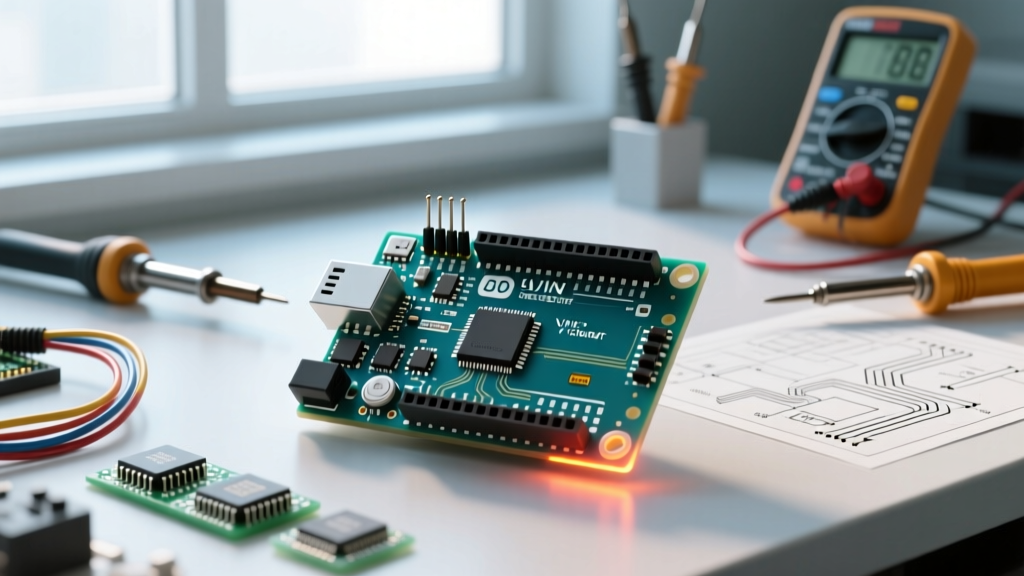
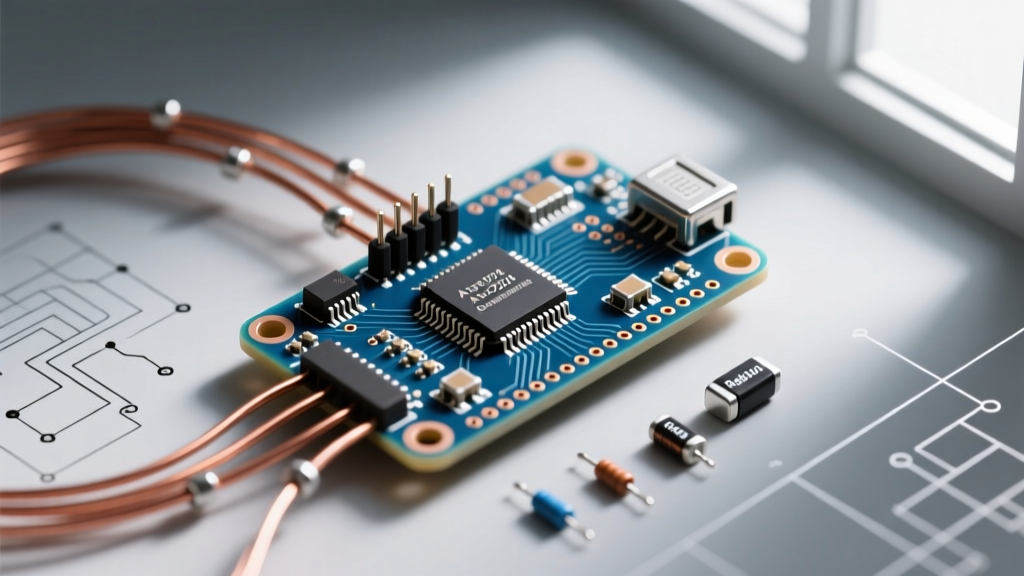
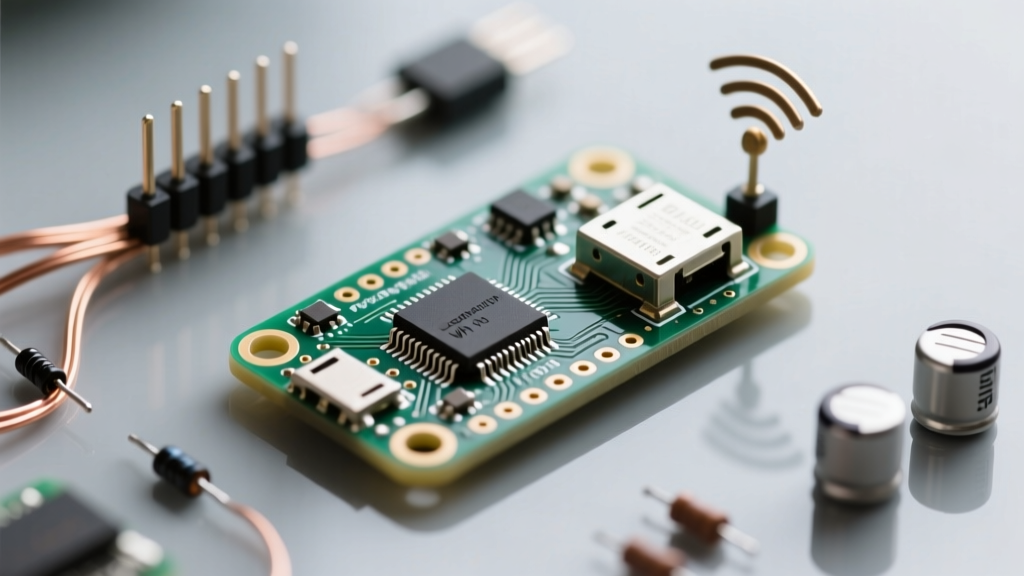
When selecting a microcontroller for rapid IoT prototyping, the physical form factor is just as critical as the silicon inside. The Raspberry Pi Pico WH represents a specific, highly practical iteration of the popular Pico W. The "H" designates pre-soldered 0.1-inch male pin headers. While this may seem like a minor convenience, it fundamentally shifts the board's suitability for different project phases.
At a retail price point of approximately $7.00 (compared to $6.00 for the Pico W and $4.00 for the standard Pico), the WH variant saves engineers 15 to 30 minutes of through-hole soldering per unit. More importantly, it guarantees factory-level solder joints on the 40-pin castellated edge, eliminating cold-joint risks that often plague hobbyists using budget soldering irons. However, this convenience introduces a Z-height increase of roughly 2.5mm. If your project requires a low-profile enclosure or direct surface-mount integration via the castellated pads, the standard Pico W remains the superior choice. The WH is strictly optimized for breadboard prototyping, socketed custom PCBs, and educational kits.
Hardware Deep Dive: RP2040 Meets CYW43439
To evaluate project suitability, we must look past the marketing and examine the silicon architecture. The Pico WH pairs the dual-core Arm Cortex-M0+ RP2040 (clocked at 133MHz with 264KB SRAM) with the Infineon CYW43439 wireless chip. This specific combination yields unique advantages and distinct limitations.
The SPI Bus Bottleneck
Unlike microcontrollers with native Wi-Fi MAC integration, the CYW43439 on the Pico WH communicates with the RP2040 via an internal SPI bus. According to the official Pico W datasheet, this shared bus architecture means that simultaneous high-throughput Wi-Fi and Bluetooth operations will compete for bandwidth. For projects requiring continuous BLE beaconing alongside heavy TCP/IP data transfers, you will need to implement careful thread management in MicroPython or FreeRTOS to prevent packet drops.
Power Consumption Realities
The onboard RT6154 buck-boost converter regulates the 3V3 OUT pin, but it is capped at a maximum continuous draw of roughly 300mA. If your IoT node includes power-hungry peripherals like cellular modems or high-torque servos, the Pico WH's internal LDO will brown out. Furthermore, achieving true deep sleep (under 10µA) is notoriously difficult on this board. The CYW43439 requires the 3.3V rail to remain active to retain its wireless state, pushing idle sleep currents closer to 1.3mA unless you design an external load-switch circuit to physically sever power to the wireless chip.
Project Suitability Matrix: Where the Pico WH Shines
Not every IoT concept is a good fit for the RP2040's architecture. Below is a decision matrix based on real-world electrical constraints and peripheral requirements.
| Project Type | Suitability | Technical Justification |
|---|---|---|
| Breadboard IoT Weather Station | Excellent | Pre-soldered headers allow instant I2C/SPI sensor integration. Wi-Fi throughput is more than adequate for periodic MQTT telemetry. |
| Battery-Powered Deep Sleep Node | Poor | RP2040 lacks a dedicated ultra-low-power wireless wake-up co-processor. Sleep current remains too high for multi-year CR2032 deployments. |
| Custom Protocol Emulation | Excellent | The RP2040's Programmable I/O (PIO) state machines can bit-bang WS2812s, VGA, or proprietary RF protocols without blocking the main CPU cores. |
| High-Precision Analog Sensing | Moderate | The RP2040's internal ADC is notoriously noisy (approx. 8-9 effective bits). External ADCs (like the ADS1115) are required for precision load cells. |
| Edge AI / Camera Vision | Poor | 264KB SRAM and lack of PSRAM/external RAM interfaces make local TensorFlow Lite image processing unfeasible. |
Pico WH vs. ESP32-S3: The Wireless Microcontroller Showdown
The most common cross-shopping decision for engineers is between the Raspberry Pi Pico WH and the Espressif ESP32-S3. While both sit in the $6-$8 range and offer Wi-Fi/BLE, their architectural philosophies differ wildly.
When to Choose the ESP32-S3 Instead
- Capacitive Touch Interfaces: The ESP32-S3 features native, highly sensitive capacitive touch pins. The Pico WH requires external circuitry or complex software workarounds to emulate touch.
- Memory-Intensive Tasks: ESP32-S3 modules frequently ship with 8MB PSRAM, making them vastly superior for audio buffering, web servers with large assets, or basic machine learning inference.
- Native USB OTG: While the Pico WH has USB 1.1, the ESP32-S3's native USB OTG support allows it to act as a host for USB peripherals like keyboards or flash drives.
Where the Pico WH Wins
The Pico WH dominates in deterministic timing and software ecosystem stability. The Raspberry Pi C/C++ SDK is widely considered superior to the ESP-IDF in terms of documentation, build system integration (CMake), and bare-metal accessibility. Additionally, the dual-core Cortex-M0+ provides predictable, symmetrical processing, whereas the ESP32's Xtensa cores can sometimes suffer from asymmetric cache penalties.
Real-World Failure Modes and Antenna Placement
When integrating the Pico WH into a final product or enclosure, RF engineers frequently encounter specific failure modes related to the board's layout.
Expert Tip: The Pico WH utilizes a PCB trace antenna (an inverted-F design) located at the bottom edge of the board. You must maintain a strict 5mm keep-out zone beneath and immediately adjacent to the antenna. Placing the board flat against a metallic enclosure, or routing ground planes directly under the wireless chip on a custom carrier board, will detune the antenna, dropping your Wi-Fi range from 50 meters to less than 5 meters.
Another common failure mode involves USB power brownouts. The Pico WH's polyfuse and ideal diode circuitry can struggle with cheap, unregulated USB wall adapters. If your Wi-Fi transmission spikes coincide with microcontroller resets, inject an additional 470µF low-ESR electrolytic capacitor across the 5V and GND pins on the pre-soldered headers to stabilize the transient current demands of the CYW43439 transmitter.
Final Verdict: Prototyping vs. Production
The Raspberry Pi Pico WH is an unmatched tool for the prototyping and validation phase of an IoT project. The pre-soldered headers eliminate assembly friction, allowing software and hardware engineers to iterate on breadboards in minutes. Its robust C/C++ SDK and MicroPython support, documented extensively on the MicroPython RP2 quick reference, make firmware development a breeze.
However, for mass production or ultra-low-power deployments, the WH variant should be swapped for the standard Pico W (using castellated pads) or an ESP32-C3/S3 module. By understanding the exact limitations of its SPI-bus wireless chip, ADC noise floor, and sleep currents, you can confidently select the Pico WH for the projects where its unique blend of PIO flexibility and rapid physical deployment truly shine.