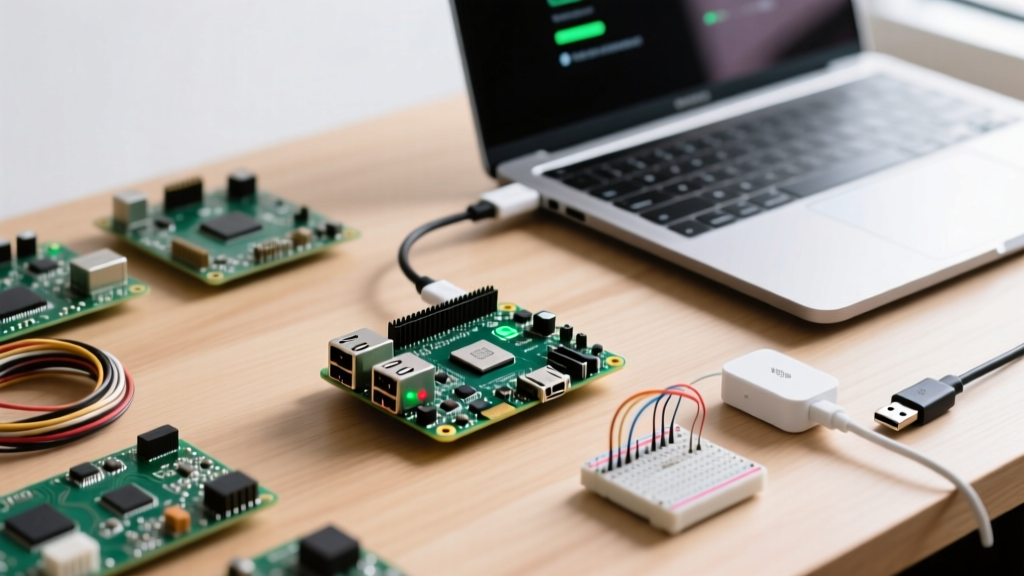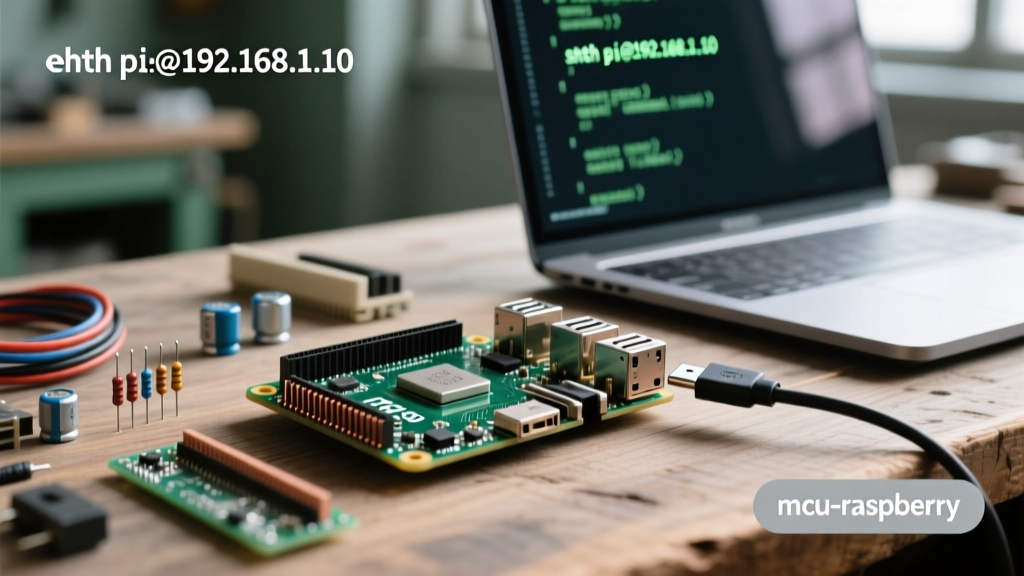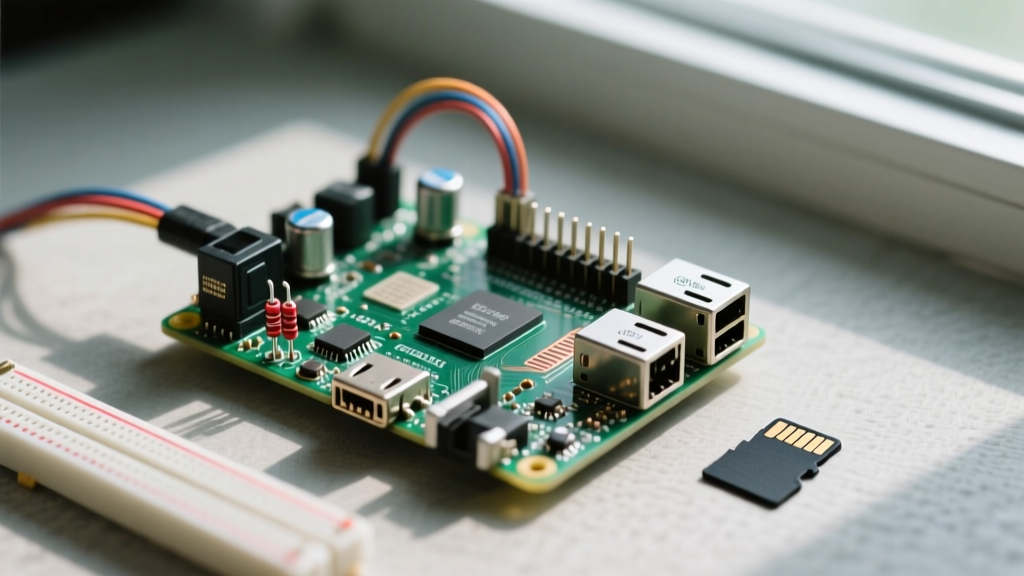

When building an environmental monitoring station, a solar grid tracker, or an industrial telemetry node, the hardware is only half the battle. If you are researching how to use Raspberry Pi for data logging, the most critical decision you will make is selecting and configuring the underlying Operating System (OS). A standard desktop-oriented Linux distribution will silently destroy your SD card within months through relentless background writes, corrupting your database and taking your sensor network offline.
This guide approaches Raspberry Pi data logging strictly from an OS and distribution perspective. We will evaluate the best lightweight distributions, engineer the file system to eliminate SD card wear, and match your OS environment to the correct database engine for 24/7 reliability.
The Silent Killer: SD Card Wear and OS Telemetry
Flash memory has a limited number of Program/Erase (P/E) cycles. Standard Linux distributions are designed for hard drives or high-endurance NVMe SSDs, not raw microSD cards. Out of the box, a default Raspberry Pi OS installation generates thousands of micro-writes daily. Systemd journal logs, APT timer updates, swap file paging, and temporary cache files continuously hammer the flash controller. When deploying a Pi for continuous data ingestion, mitigating these OS-level writes is not optional; it is the foundation of system survival.
Evaluating Distributions for Continuous Telemetry
Choosing the right base image dictates your RAM overhead, background services, and default write-caching behavior. Here is how the top contenders stack up for dedicated data logging nodes.
Raspberry Pi OS Lite (Bookworm 64-bit)
The official Lite variant strips away the PIXEL desktop environment, saving roughly 400MB of RAM at idle. It is the most stable baseline and offers native support for the Raspberry Pi 5's PCIe Gen 2 NVMe HAT. However, it still ships with swap enabled and persistent systemd logging, requiring manual intervention to make it safe for long-term flash storage logging.
DietPi: The Low-Overhead Contender
DietPi is a highly optimized, minimal Debian-based OS. Its standout feature for data logging is DietPi-RAMlog. By default, DietPi mounts the system log directory in RAM (tmpfs) and syncs it to the SD card only once a day or upon clean shutdown. This single feature reduces OS-level flash writes by over 95%, making it an exceptional choice for Pi Zero 2 W or Pi 3 nodes where RAM and I/O bandwidth are severely constrained.
BalenaOS: Containerized Edge Logging
If your data logging architecture relies on Docker containers (e.g., running Telegraf, InfluxDB, and Grafana in isolated environments), BalenaOS is purpose-built for this. It utilizes a read-only root filesystem with an A/B update partition scheme. While heavier on flash footprint, its immutable OS layer guarantees that a bad database update or script failure will never corrupt the core operating system.
OS Comparison Matrix for Data Logging
| OS Distribution | Idle RAM Footprint | Default Swap | Write-Mitigation Strategy | Ideal Hardware Target |
|---|---|---|---|---|
| Raspberry Pi OS Lite | ~110 MB | 100 MB (dphys) | Manual (Requires OverlayFS) | Pi 4B, Pi 5 (NVMe) |
| DietPi | ~65 MB | Disabled by default | Native RAMlog (tmpfs) | Pi Zero 2 W, Pi 3B+ |
| BalenaOS | ~250 MB | ZRAM (Compressed) | Read-Only Root / A-B Partitions | Pi 4, Pi 5 (Fleet Mgmt) |
| Ubuntu Server | ~350 MB | Dynamic (systemd) | Heavy background I/O | Pi 5 (USB SSD only) |
How to Use Raspberry Pi for Data Logging: Core OS Tweaks
If you opt for the standard Raspberry Pi OS Lite, you must harden the file system against write fatigue. Below are the exact configurations required to transform a general-purpose OS into a resilient data logging appliance.
1. Relocating System Logs to RAM
Systemd's journal is notorious for constant micro-writes. You can force the journal to store logs exclusively in volatile memory. Edit the journald configuration file:
sudo nano /etc/systemd/journald.conf
Locate the [Journal] section and set the storage parameter:
Storage=volatile
Restart the service via sudo systemctl restart systemd-journald. Your logs will now survive only until the next reboot, but your SD card will thank you.
2. Enabling the Overlay File System
The most robust way to protect your OS partition is to make it entirely read-only. According to the official Raspberry Pi documentation, you can enable OverlayFS via the configuration tool. This mounts a temporary writable layer (tmpfs) over the read-only root squashfs. Any changes made during runtime are wiped upon reboot, ensuring the core OS remains pristine.
Run sudo raspi-config, navigate to Performance Options -> Overlay File System, and enable it. Note: You must configure your data logging scripts to write to an external USB drive or a dedicated writable data partition, as the root partition will reject permanent writes.
3. Tuning EXT4 for Write Reduction
By default, Linux updates the 'access time' (atime) of a file every time it is read. For a database reading sensor logs, this generates a write operation for every read operation. Edit your /etc/fstab file and append noatime,nodiratime to the mount options for your root and data partitions. This single tweak can reduce unnecessary I/O operations by up to 30%.
Matching the Database to the OS Environment
Your choice of OS and hardware directly impacts which database engine you should deploy for logging.
- SQLite (with WAL Mode): Ideal for DietPi on a Pi Zero 2 W. Standard SQLite locks the entire database during writes, which can cause I/O bottlenecks. You must enable Write-Ahead Logging (WAL) via
PRAGMA journal_mode=WAL;to allow concurrent reads and writes, drastically reducing flash wear. - InfluxDB: A purpose-built time-series database. As noted in the InfluxData documentation, it requires significant RAM for its caching layer. Only deploy InfluxDB v2 on a Pi 4 (4GB+) or Pi 5 running Raspberry Pi OS Lite or Ubuntu Server with an SSD.
- Prometheus: A pull-based metrics engine. Best paired with BalenaOS in containerized environments where the Pi is scraping data from external PLCs or microcontrollers rather than pushing local sensor data.
Expert Insight: Never use the default
dphys-swapfileon a data logging Pi. If your database engine exceeds available RAM and the OS begins paging to the SD card swap file, the flash controller will degrade rapidly. Disable swap entirely usingsudo dphys-swapfile swapoffandsudo apt purge dphys-swapfile. Let the Linux OOM (Out of Memory) killer terminate a rogue script rather than destroying your storage medium.
Hardware Realities: When to Abandon SD Cards
No OS tweak can completely overcome the physical limitations of a microSD card if you are logging high-frequency data (e.g., 100Hz vibration sampling from an industrial motor). For high-throughput logging, the OS must be migrated to dedicated storage.
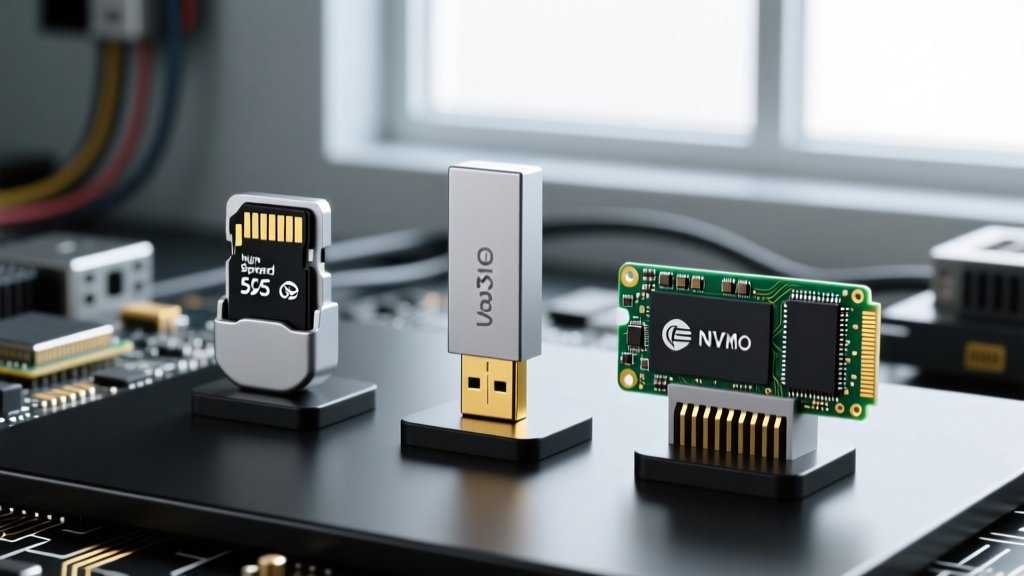
For Pi 4 deployments, boot the OS from a USB 3.0 SATA SSD (like the Crucial BX500) using a UASP-enabled enclosure. UASP (USB Attached SCSI Protocol) allows the OS to queue I/O commands efficiently, preventing the USB bus from bottlenecking your database writes.
For Pi 5 deployments, leverage the dedicated PCIe 2.0 x1 interface. Using an M.2 NVMe HAT and a low-power NVMe drive (such as the WD Blue SN580) bypasses the USB controller entirely. When paired with Raspberry Pi OS Lite and an EXT4 file system tuned with noatime, this configuration provides enterprise-grade I/O endurance, allowing you to run aggressive write-heavy databases like TimescaleDB without fear of hardware degradation.
Ultimately, mastering how to use Raspberry Pi for data logging requires looking past the Python scripts and sensor wiring. By selecting a minimal OS, engineering a read-only or RAM-backed file system, and aligning your database engine with your hardware's I/O realities, you can build a telemetry node that runs unattended for years.