
What Can I Do on a Raspberry Pi? The 2026 Community Project Showcase
When newcomers to the single-board computer (SBC) space ask, "what can I do on a Raspberry Pi?", they are often met with the same tired list of beginner tutorials: setting up a RetroPie emulation station, building a basic weather station, or blinking an LED via Python. While these are excellent educational starting points, the true power of the Raspberry Pi ecosystem lies in its deployment as a robust, always-on edge computing node.
At ElectricalFlux, we spend our time in the trenches with makers, electrical engineers, and smart home integrators. The community has pushed the hardware far beyond hobbyist toys, transforming these credit-card-sized boards into critical infrastructure for modern homes and small businesses. In this showcase, we are bypassing the basics and diving deep into the advanced, high-impact projects that the community is actually building, deploying, and maintaining today.
The Smart Home Nervous System: Home Assistant OS on NVMe
The most common answer to "what can I do on a Raspberry Pi" in the smart home community is Home Assistant OS (HAOS). However, the community has learned hard lessons about hardware reliability. Running a database-heavy application like Home Assistant on a standard microSD card is a known failure mode; the constant write cycles from the SQLite or MariaDB databases exhaust the card's wear-leveling controller, leading to catastrophic corruption within months.
The Pi 5 NVMe Revolution
The community standard has shifted to the Raspberry Pi 5 paired with an NVMe SSD. The Pi 5 exposes a PCIe Gen 2.0 x1 lane via a FPC connector on the board. By utilizing a baseplate like the Pimoroni NVMe Base or the Argon ONE V3 M.2 case, builders can boot HAOS directly from a 256GB or 512GB M.2 2242 NVMe drive. This reduces database query latency from ~150ms on a UHS-I SD card to under 5ms on an NVMe drive, making the dashboard completely snappy even with over 500 integrated Zigbee and Matter devices.
Pro Tip: When integrating Zigbee, avoid the older EZSP sticks. The community overwhelmingly favors the Sonoff Zigbee 3.0 USB Dongle Plus (CC2652P chipset) flashed with the latest coordinator firmware, connected via a USB 2.0 extension cable to mitigate 2.4GHz Wi-Fi and USB 3.0 interference.
Edge AI Security: Frigate NVR with the Hailo-8L AI Kit
Network Video Recorders (NVRs) are notoriously resource-hungry. Running object detection on multiple 4K RTSP camera streams will pin a CPU to 100% in seconds. For years, the community relied on the Google Coral USB TPU, but supply chain issues and USB bandwidth bottlenecks led to a search for alternatives.
Harnessing the PCIe AI Accelerator
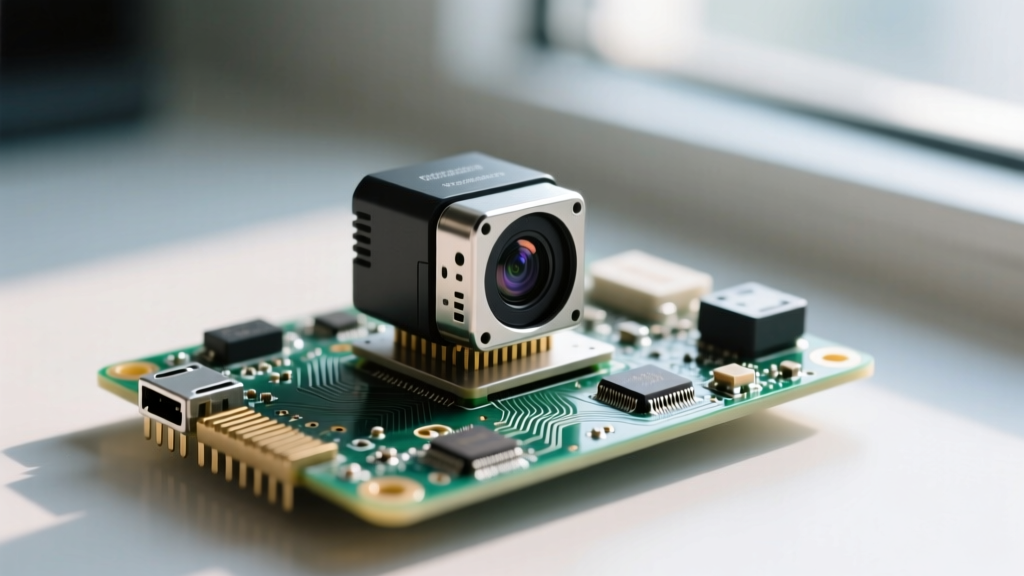
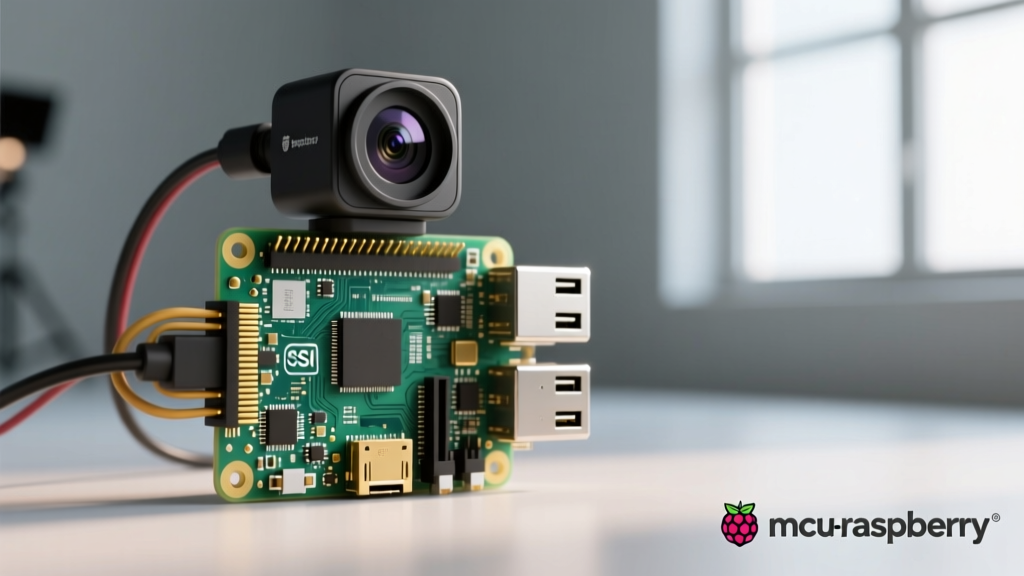
Enter the Raspberry Pi AI Kit, featuring the Hailo-8L NPU capable of 13 TOPS (Tera Operations Per Second). By integrating this kit with Frigate NVR, community members are running real-time YOLOv8 inference on 6 to 8 camera streams simultaneously, while the Pi 5's Broadcom BCM2712 CPU idles at under 15% utilization.
- Inference Time: Drops from ~120ms (CPU only) to ~8ms (Hailo-8L).
- Thermal Output: The Hailo chip generates significant heat; the community mandates the use of the official Active Cooler or a tower cooler with a dedicated VRAM/NPU thermal pad.
- Power Draw: Expect an additional 2W to 4W draw under heavy inference loads.
Community Hardware Matrix: Matching Projects to Pi Models
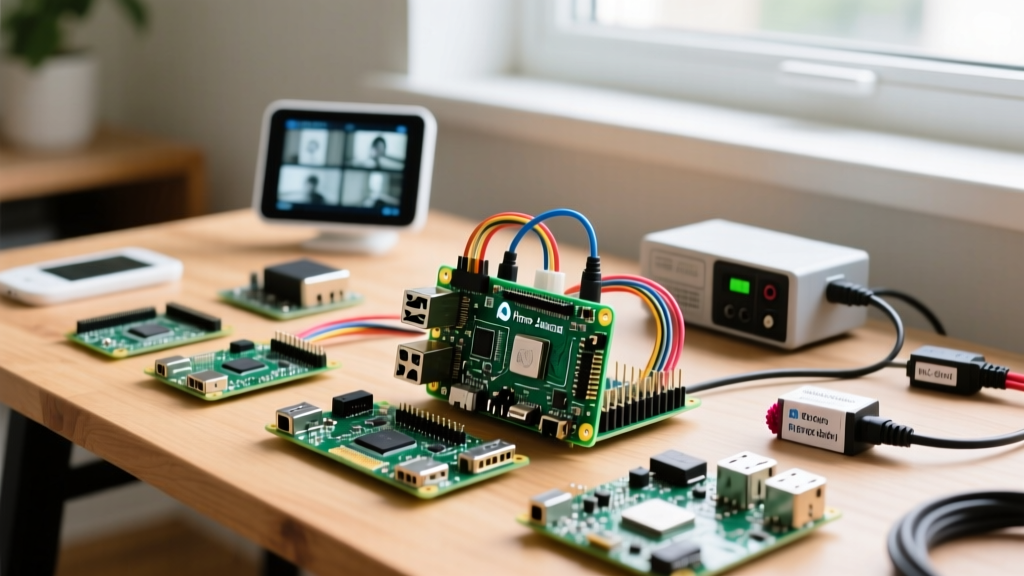
Not every project requires the flagship board. Based on community telemetry and deployment data, here is a decision matrix for selecting the right hardware for your build.
| Project Type | Recommended Pi Model | Critical Hardware Add-on | Power Requirement |
|---|---|---|---|
| Home Assistant (Heavy) | Raspberry Pi 5 (8GB) | M.2 NVMe Baseplate + CC2652P Zigbee | 5V/5A USB-C PD (27W) |
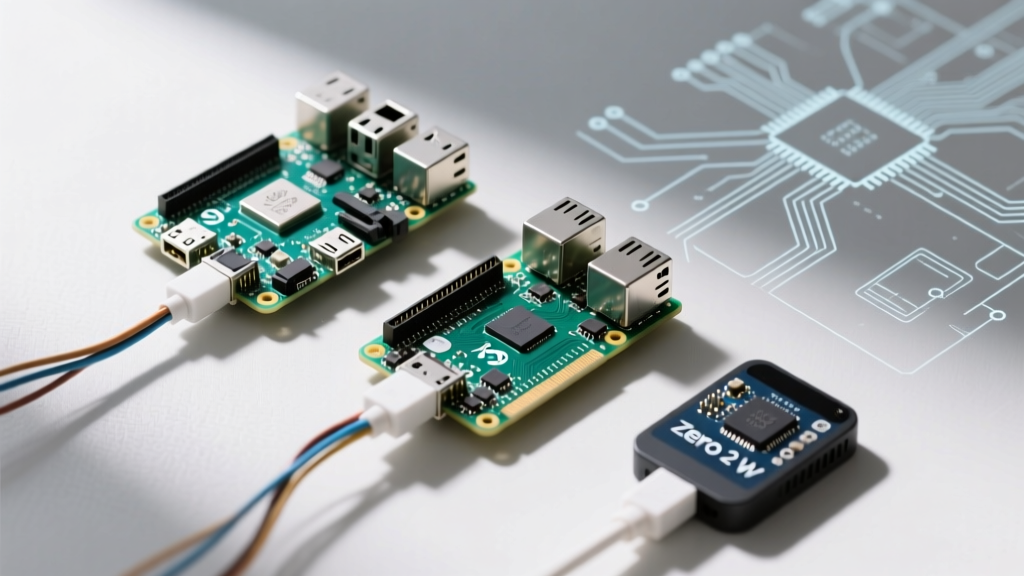
| Pi-hole / Unbound DNS | Raspberry Pi Zero 2 W | USB-to-Ethernet Adapter (for reliability) | 5V/2.5A Micro-USB |
| Frigate NVR (Edge AI) | Raspberry Pi 5 (8GB) | Hailo-8L AI Kit + Active Cooler | 5V/5A USB-C PD (27W) |
| Audiophile Streamer | Raspberry Pi 4B (2GB) | I2S DAC HAT (e.g., HiFiBerry) | Linear Power Supply (5.1V) |
The Audiophile's Dream: Volumio and I2S DAC Integration
For audio purists, the question of what can I do on a Raspberry Pi extends into high-fidelity sound reproduction. USB audio interfaces introduce jitter and electromagnetic interference (EMI) from the Pi's internal switching regulators. The community solution is to bypass the USB bus entirely and utilize the I2S (Inter-IC Sound) interface via the 40-pin GPIO header.
By mounting an I2S DAC HAT like the HiFiBerry DAC+ Pro (which utilizes the Texas Instruments PCM5122 DAC chip), builders achieve a direct, low-jitter digital audio stream. Running an OS like Volumio or Moode Audio, the Pi becomes a dedicated Roon Bridge or Spotify Connect endpoint. The critical E-E-A-T insight here is power: audiophile builds frequently replace the standard switching wall-wart with a 5.1V Linear Power Supply to eliminate high-frequency switching noise that can bleed into the analog audio stage.
Network Infrastructure: Recursive DNS with Pi-hole and Unbound
Pi-hole is a legendary community project, but advanced network engineers are taking it a step further by pairing it with Unbound for recursive DNS resolution. Instead of forwarding queries to Google (8.8.8.8) or Cloudflare (1.1.1.1), the Pi queries the root DNS servers directly. This enhances privacy and prevents third-party logging of your household's domain requests.
Deploying this via Docker Compose on a Raspberry Pi 4B allows for isolated networking. Community members frequently configure the Pi with dual-homing or 802.1Q VLAN tagging using the vconfig package, allowing the Pi to serve DNS and DHCP to specific IoT VLANs while remaining isolated from the primary trusted LAN.
Field Notes: Thermal and Power Failure Modes
As we review Raspberry Pi hardware documentation and community forums, two primary failure modes consistently derail advanced projects: thermal throttling and undervoltage.
The Undervoltage Lightning Bolt
The Raspberry Pi 5 requires a 27W USB-C Power Delivery (PD) power supply (5V at 5A). If you use a standard 5V/3A phone charger, the Pi's firmware will detect the voltage drop under load and restrict the current to downstream USB ports to 600mA (instead of the default 1.6A). This will cause external NVMe enclosures, Zigbee dongles, and AI kits to randomly disconnect or fail to initialize. Always use the official 27W PD supply or a verified third-party equivalent capable of negotiating the 5A e-marked cable protocol.
Monitoring Throttling via CLI
Don't guess if your Pi is throttling; measure it. The community relies on the terminal command vcgencmd get_throttled. A return value of 0x0 means all is well. If you see 0x50000 or similar hex codes indicating current throttling or past thermal events, you must upgrade your cooling solution immediately. For enclosed builds like Home Assistant servers, passive aluminum cases that act as massive heatsinks (like the Flirc case or Argon ONE) are vastly preferred over small, high-RPM fans that eventually fail due to dust ingestion and bearing wear.
Conclusion: Your Turn to Build
So, what can I do on a Raspberry Pi? The answer is limited only by your understanding of the hardware's I/O capabilities, power envelope, and the vast software ecosystem available. From securing your perimeter with Edge AI NVRs to orchestrating your entire home's automation via NVMe-backed databases, the Pi has matured into a legitimate piece of IT infrastructure. Pick a project from this showcase, source the correct power delivery components, and start building.