
When beginners and seasoned engineers alike ask, how do you use a raspberry pi, they often expect a tutorial on GPIO wiring or breadboard circuits. However, the reality of modern Single Board Computing (SBC) is that the hardware is merely a silicon canvas. Your chosen Operating System (OS) and software distribution dictate the board's actual utility, performance, and lifespan. Whether you are deploying a headless MQTT broker, building a ROS2 robotics rover, or setting up a Home Assistant smart home hub, the OS is the critical bridge between your ambition and the ARM silicon.
The Hardware-to-OS Compatibility Matrix
Before selecting a distribution, you must align your software choice with your hardware constraints. A common failure mode among beginners is attempting to run a bloated desktop environment on a memory-constrained board, leading to severe swap-file thrashing and microSD card corruption. Use this matrix to guide your initial selection:
| Hardware Model | RAM | Optimal GUI OS | Optimal Headless OS | Distributions to Avoid |
|---|---|---|---|---|
| Raspberry Pi 5 | 8GB / 4GB | Raspberry Pi OS (Bookworm) 64-bit | Ubuntu Server 24.04 LTS | 32-bit legacy OS images |
| Raspberry Pi 4 Model B | 4GB / 8GB | Raspberry Pi OS / Ubuntu Desktop | DietPi / Home Assistant OS | Heavy AI/ML GUI distros |
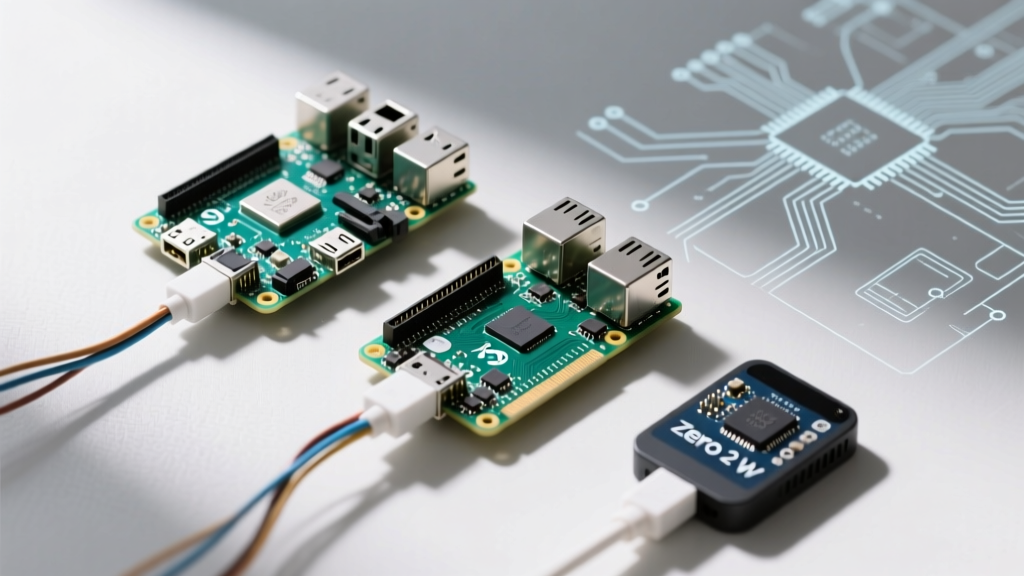
| Raspberry Pi Zero 2 W | 512MB | None (Use VNC/X11 forwarding) | DietPi / Raspberry Pi OS Lite | Ubuntu Desktop, standard RetroPie |
Breaking Down the Top Distributions
Answering the question of how do you use a raspberry pi effectively requires understanding the architectural shifts in modern Linux distributions tailored for ARM64.
Raspberry Pi OS (Bookworm): The Daily Driver
The official Raspberry Pi OS remains the gold standard for general-purpose computing. However, the transition to the 'Bookworm' release introduced massive architectural changes that veterans must adapt to. Most notably, Bookworm defaults to the Wayland display server (using the Wayfire compositor) instead of the legacy X11 windowing system. This means older X11-specific screen-sharing tools and custom GUI scripts will fail unless you manually revert to X11 via the raspi-config utility.
Furthermore, Bookworm has replaced dhcpcd with NetworkManager. If you are writing automated bash scripts to configure static IPs or manage Wi-Fi failovers, you must now use nmcli commands rather than editing the legacy /etc/dhcpcd.conf file.
Ubuntu Server & Desktop: For Heavy Compute & ROS
If your project involves robotics, computer vision, or edge AI, Canonical's Ubuntu is often superior. The Raspberry Pi is a first-class citizen for Ubuntu, particularly for developers utilizing the Robot Operating System (ROS2). Ubuntu Server 24.04 LTS provides a rock-solid, headless environment with native Docker support and predictable snap package management. However, be warned: Ubuntu's background services consume roughly 300MB more idle RAM than Raspberry Pi OS Lite, making it entirely unsuitable for the Pi Zero 2 W.
DietPi: The Minimalist's Dream
For headless servers, Pi-holes, and NAS setups, DietPi is an unparalleled choice. DietPi is a highly optimized, stripped-down Debian-based OS that boots with an idle RAM footprint of under 100MB. Its killer feature is the dietpi-launcher and dietpi-software CLI tools, which allow you to install and configure complex stacks (like Nextcloud, Plex, or Mosquitto MQTT) with automated, optimized dependencies in seconds, bypassing the dependency hell often encountered in manual apt-get installations.
Specialized Distributions: Home Assistant OS (HAOS)
If your goal is smart home automation, do not install Home Assistant on top of a standard Linux distribution unless you strictly require a 'Supervised' install. Instead, flash Home Assistant OS directly to the drive. HAOS takes over the entire board, managing its own Docker containers, Supervisor, and OS-level updates. This appliance-like approach prevents underlying Linux package updates from breaking your smart home integrations.
Storage Endurance: The Hidden Bottleneck
You cannot discuss how to use a Raspberry Pi without addressing storage failure. The number one cause of 'dead' Raspberry Pis is not silicon failure, but corrupted microSD cards caused by aggressive OS logging and swap-file thrashing.
- MicroSD Selection: Never use standard SD cards. You must use 'High Endurance' or 'PRO Endurance' cards designed for continuous dashcam or security camera write-cycles. Look for the A2 (Application Performance Class 2) rating, which guarantees the random IOPS required for a Linux root filesystem.
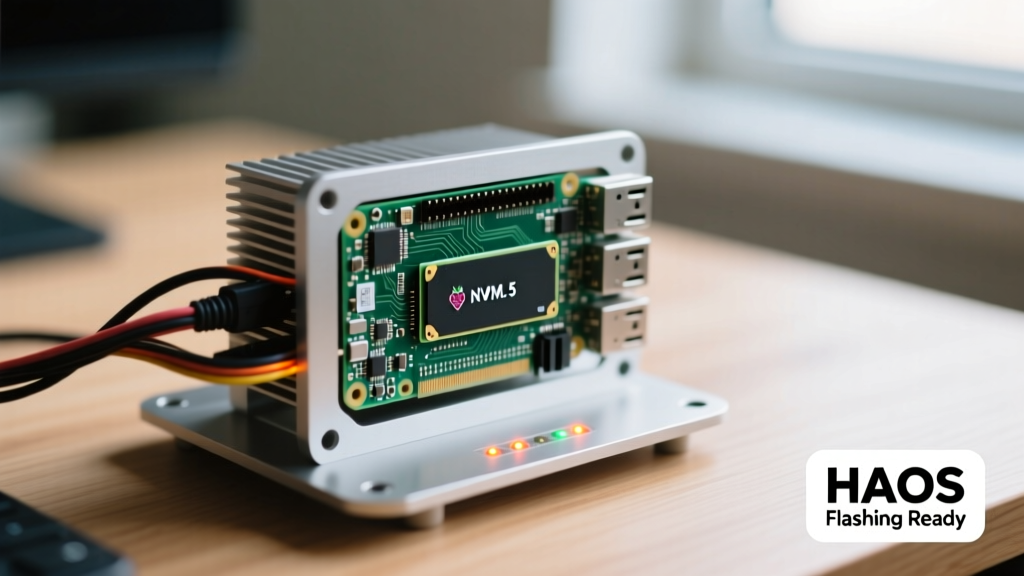
- The Pi 5 NVMe Revolution: The Raspberry Pi 5 exposes a PCIe 2.0 x1 lane via an FPC connector. By utilizing an NVMe SSD HAT (like the Pimoroni NVMe Base) and configuring the bootloader via
rpi-eeprom-configto prioritize PCIe boot, you eliminate SD card degradation entirely and achieve sequential read speeds exceeding 400MB/s.
Boot Failure Diagnostics: Reading the Hardware
When an OS flash fails or the filesystem corrupts, the Pi lacks a traditional BIOS screen to tell you what went wrong. Instead, you must read the hardware POST indicators. On the Pi 4 and Pi 5, observe the green ACT LED on the board:
- Solid Green: The bootloader is stuck or the SD card is not making physical contact with the reader pins.
- 3 Blinks:
start.elfnot found. The boot partition is corrupted or missing the GPU firmware. - 4 Blinks:
start.elfnot launched. Usually indicates a mismatch between the kernel image and the firmware. - 8 Blinks: SDRAM not recognized. This is a fatal hardware failure, often caused by an overvoltage event from a cheap, unregulated USB-C power supply.
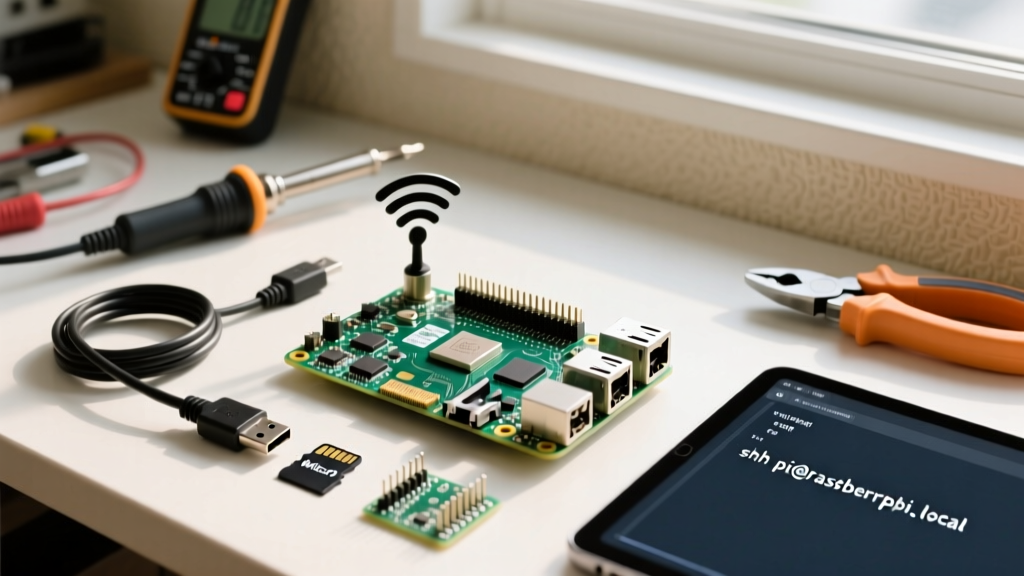
Pro Tip: If you are running a headless Pi Zero 2 W and it fails to connect to Wi-Fi on first boot, ensure yourwpa_supplicant.conffile was placed in the root of the boot partition alongside an emptysshfile before the first power-on. Bookworm has deprecated this method in favor of the Raspberry Pi Imager's built-in OS customization pre-configuration menu.
Final Verdict: Matching Ambition to the Right OS
Ultimately, understanding how do you use a raspberry pi comes down to matching your project's computational demands to the leanest possible software stack. Use Raspberry Pi OS Bookworm for desktop replacements and educational coding. Rely on DietPi for ultra-reliable, low-maintenance headless servers. Choose Ubuntu for edge-AI and robotics, and deploy HAOS for dedicated smart home environments. By respecting the hardware constraints and leveraging the right distribution, your SBC will transition from a fragile hobby toy to a robust piece of engineering infrastructure.