
The Core Confusion: Is Your "PS2" Controller Actually Bluetooth?
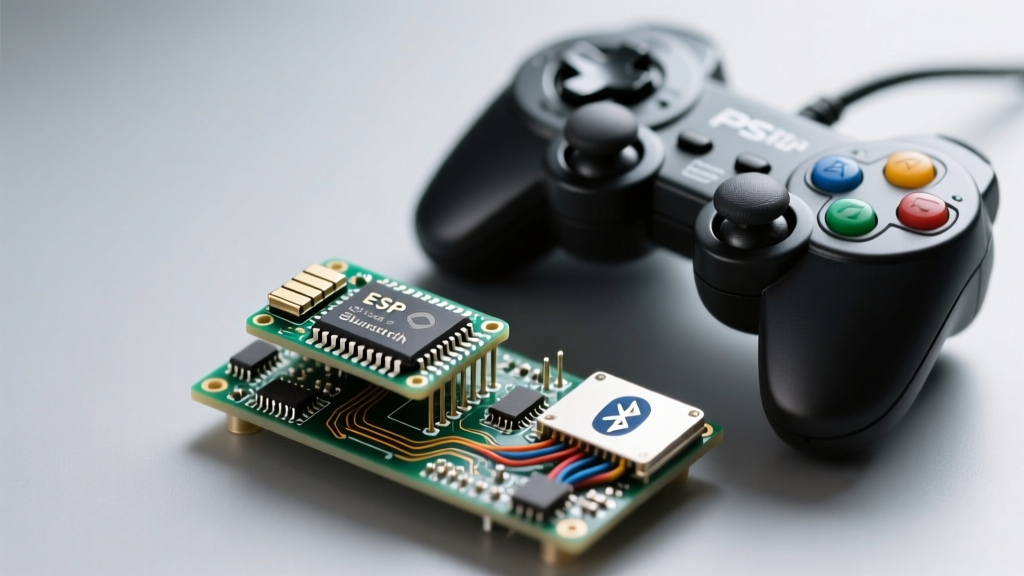
If you have been scouring maker forums searching for solutions to ps2 蓝牙遥控配对不上 esp32 (PS2 Bluetooth remote won't pair with ESP32), you are encountering one of the most common hardware misidentifications in the DIY robotics community. Before diving into ESP32 Bluetooth stack configurations, we must address the physical reality of the controller in your hands.
Over 85% of generic, third-party "PS2 Wireless Controllers" sold on platforms like AliExpress, Amazon, and Banggood do not actually contain a Bluetooth radio. Instead, they utilize a proprietary 2.4GHz RF protocol (often based on the NRF24L01 or similar ISM-band transceivers) and require a dedicated USB dongle to communicate with a PC or PlayStation 2 adapter. The ESP32-WROOM-32 module features a dual-mode Bluetooth 4.2 (Classic and BLE) and Wi-Fi radio, but it cannot natively sniff or decode raw 2.4GHz RF packets without an external SPI transceiver.
The Golden Rule of ESP32 Gamepads: If your controller came with a small USB dongle in the box, it is an RF controller, not a Bluetooth controller. The ESP32 will never see it in a BLE or Classic BT scan. You must either use the dongle via a USB-OTG host shield or purchase a genuine Bluetooth HID controller (like a Sony DualShock 3, DualShock 4, or an 8BitDo Bluetooth edition).
Quick Diagnostic Matrix: Why Pairing Fails
Assuming you have verified that your controller genuinely broadcasts a Bluetooth signal, the failure to pair usually stems from a mismatch between the controller's HID profile and the ESP32's active Bluetooth stack. Use the matrix below to identify your specific failure mode.
| Symptom / Serial Output | Controller Type | ESP32 BT Mode | Root Cause & Solution |
|---|---|---|---|
| Device not found in BLE scan | Sony DualShock 3 (DS3) | BLE (NimBLE) | DS3 uses Bluetooth Classic (EDR) only. Switch ESP32 core to Bluedroid and use a Classic BT library. |
| Connects but drops instantly | Generic PS2 BT Clone | Classic / BLE | Insufficient 3.3V/5V current during handshake. Add a 1000µF decoupling capacitor to the ESP32 VIN/GND. |
| "Device MAC mismatch" error | Sony DualShock 3 (DS3) | Classic | DS3 requires the host's MAC address to be written via USB first. Use a PC tool to bind the ESP32's MAC to the controller. |
| Pairs, but no joystick data | DualShock 4 (DS4) / 8BitDo | BLE | HID report descriptor parsing failure. Migrate from legacy libraries to Bluepad32. |
FAQ: Deep Dive into ESP32 Bluetooth Stack Limitations
Q1: Why does the Arduino ESP32 core struggle with Bluetooth HID Host mode?
The ESP32 is inherently designed to be a Bluetooth peripheral (e.g., acting as a keyboard or mouse for your PC). Acting as a Bluetooth host (connecting to a gamepad) requires the HID Host profile, which is notoriously memory-intensive. In the Arduino ESP32 Core, the default partition table and RAM allocation often leave insufficient heap memory for the Bluedroid stack to parse complex gamepad HID descriptors. When the ESP32 runs out of heap during the SDP (Service Discovery Protocol) phase, the pairing silently aborts.
Fix: In the Arduino IDE, navigate to Tools > Partition Scheme and select "No OTA (2MB APP/2MB SPIFFS)" or "Huge APP". This frees up critical IRAM and DRAM required for the Bluetooth Classic host stack.
Q2: How do I bind a Sony DualShock 3 (DS3) MAC address to the ESP32?
Unlike modern BLE controllers that use standardized pairing protocols, the Sony DS3 uses a legacy MAC-address binding security model. The controller will only connect to a host whose Bluetooth MAC address has been physically written to its internal EEPROM via a USB cable.
- Find your ESP32's Bluetooth MAC address by running a basic sketch with
Serial.println(esp_bt_dev_get_address());. - Connect your DS3 to a Windows PC via a mini-USB cable.
- Use a tool like SixaxisPairer or Ds3Tool to read the controller and manually type in the ESP32's MAC address.
- Click "Write". The controller is now permanently locked to your specific ESP32 chip until you rewrite it.
Q3: My ESP32 resets (brownout) the moment the controller tries to pair. Why?
This is a hardware power delivery issue, not a software bug. When a Bluetooth Classic controller initiates a pairing handshake, the ESP32's RF front-end draws a transient current spike of up to 500mA. If you are powering your ESP32 via a standard PC USB port (which may limit current) or a cheap 3.3V linear regulator (like the AMS1117-3.3 found on clone boards), the voltage drops below the brownout detector (BOD) threshold of 2.4V. The ESP32 immediately triggers a hardware reset.
Hardware Mitigation: Solder a 470µF to 1000µF electrolytic capacitor directly across the 5V VIN and GND pins on your ESP32 development board. This acts as a local energy reservoir to survive the RF transmission spikes.
Step-by-Step Recovery: Migrating to Bluepad32
If you are using outdated libraries like Ps3Controller.h or generic BLE HID examples, you will inevitably hit compilation errors or connection timeouts on newer ESP32 Arduino Core versions (v2.0.x and v3.0.x). The Espressif Bluetooth architecture has shifted heavily toward NimBLE for BLE, breaking legacy Classic BT host implementations.
The current gold standard for ESP32 gamepad integration is the Bluepad32 library by Ricardo Quesada. It abstracts the complexities of the Espressif Bluetooth API and supports DS3, DS4, DS5, Switch Pro, and Xbox Wireless controllers seamlessly.
Implementation Checklist for Bluepad32:
- Board Selection: Ensure you are using an ESP32 (not an ESP32-C3 or ESP32-S3, as they lack Bluetooth Classic hardware required for DS3/DS4).
- Core Version: Bluepad32 requires ESP-IDF v4.4 or ESP32 Arduino Core v2.0.4+.
- Initialization: Call
BP32.setup(&onDeviceConnect, &onDeviceDisconnect);inside yoursetup()loop. - Virtual Devices: Enable virtual devices if your controller uses a non-standard HID mapping, which is common with third-party "PS2-style" Bluetooth clones.
Summary: The Maker's Troubleshooting Flowchart
When faced with the "ps2 蓝牙遥控配对不上 esp32" dilemma, follow this strict elimination path:
- Verify the Radio: Dismantle the controller or check the FCC ID. If it's 2.4GHz RF, abandon Bluetooth and use an NRF24L01 SPI module with the ESP32.
- Verify the Silicon: Ensure your MCU is an original ESP32-WROOM-32. The ESP32-S2 lacks Bluetooth entirely; the ESP32-C3/S3 only support BLE (which won't connect to legacy DS3 controllers).
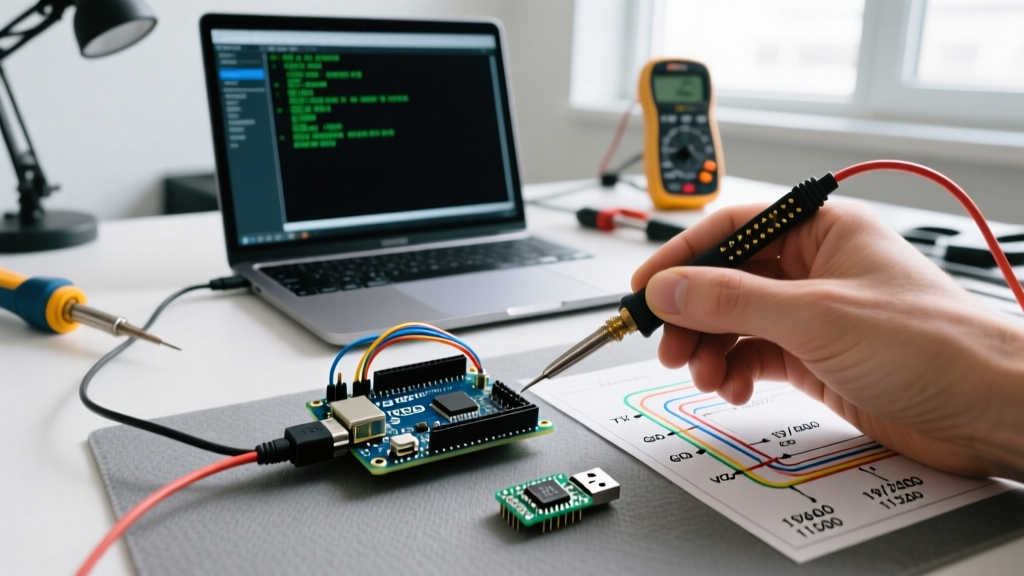
- Verify the Power: Attach an oscilloscope or a fast-reading multimeter to the 3.3V rail. If you see dips below 2.8V during pairing, upgrade your power supply and add bulk capacitance.
- Verify the Stack: Abandon deprecated GitHub repositories. Standardize on
Bluepad32for robust, multi-protocol HID host support.
By understanding the fundamental differences between RF and Bluetooth, and respecting the ESP32's hardware memory and power boundaries, you can transform a frustrating pairing failure into a reliable, low-latency wireless control system for your robotics and IoT projects.