
The Evolution of the ESP32 MP3 Player in Maker Communities
Over the past few years, the humble ESP32 MP3 player has evolved from a stuttering, low-bitrate novelty into a robust, high-fidelity audio platform. Early attempts by hobbyists often resulted in frustrated forum posts detailing buffer underruns, SD card read timeouts, and horrific ground-loop buzzing. However, through rigorous collaborative troubleshooting on platforms like the EEVblog forum and Reddit's r/esp32, the maker community has established a definitive set of best practices. This guide synthesizes those hard-won community insights, providing you with a battle-tested blueprint for building a reliable, high-quality audio player using Espressif's flagship microcontroller.
Hardware Selection: What the Community Actually Recommends
The foundation of any stable audio project lies in selecting the right silicon and digital-to-analog converters (DACs). While it is tempting to grab the cheapest development board from a bulk bin, the community consensus strongly favors specific hardware configurations to avoid memory bottlenecks.
Microcontroller: WROOM vs. WROVER
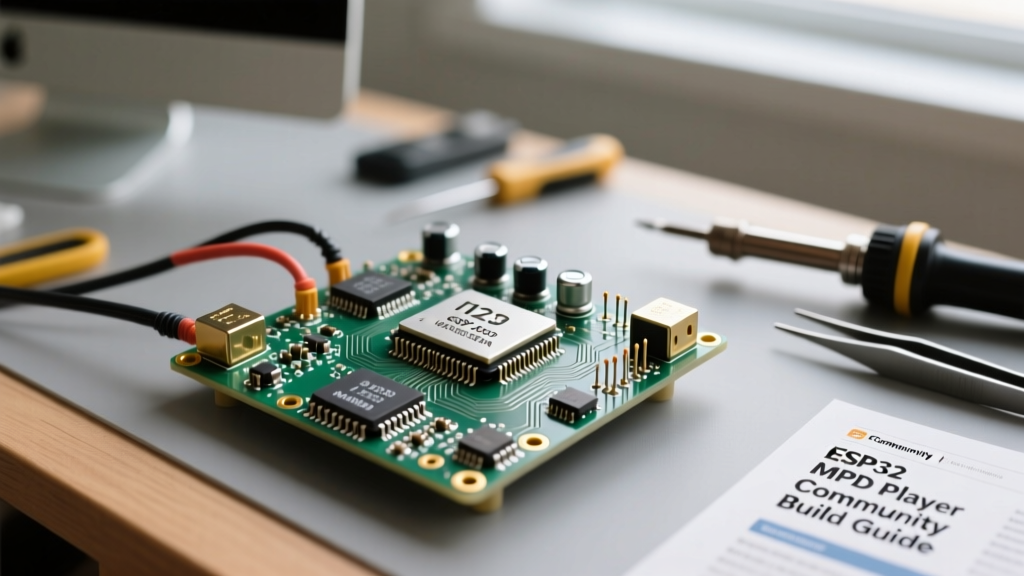
For an ESP32 MP3 player, RAM is your most critical resource. Decoding a 320kbps MP3 file while simultaneously reading from an SD card via SPI and pushing data to an I2S bus requires significant buffering. The standard ESP32-WROOM-32E features 520KB of SRAM. While technically sufficient for dual-core task management, it leaves very little headroom, often leading to audio clicking when the Wi-Fi or Bluetooth radios are enabled. The community overwhelmingly recommends the ESP32-WROVER-E, which includes an additional 8MB of PSRAM. This external RAM allows you to allocate massive audio buffers (often 512KB or more), completely eliminating buffer underruns and ensuring buttery-smooth playback, even when navigating large directory structures on a 64GB SD card.
I2S DAC Showdown: MAX98357A vs. PCM5102A
Audio quality is dictated by your DAC. The community generally splits between two highly affordable, open-source-friendly I2S modules:
- Adafruit MAX98357A (~$2.50): This is an I2S DAC combined with a 3.2W Class-D amplifier. It is the undisputed champion for portable, battery-powered ESP32 MP3 players driving small 3W or 5W speakers. It requires minimal external components and features excellent power supply rejection.
- PCM5102A (~$4.50): A pure line-out DAC with a stellar signal-to-noise ratio (SNR). If you are building a desktop audio streamer or a headless player meant to connect to a dedicated hi-fi amplifier or powered studio monitors, the PCM5102A is the community standard. Note that it requires an external amplifier if you want to drive passive speakers directly.
Community Pro-Tip: Avoid the ancient PT8211 or resistor-ladder PWM audio hacks. The I2S peripheral on the ESP32 is hardware-accelerated and costs virtually zero CPU cycles to run. Always use a dedicated I2S DAC.
Community-Tested Wiring and SPI SD Card Pitfalls
The most common point of failure in DIY ESP32 audio builds is the SD card interface. The ESP32 uses the SPI bus to communicate with standard MicroSD breakout boards, and high-frequency SPI signals are notoriously sensitive to poor wiring.
| SD Card Pin | ESP32 VSPI Pin | Community Wiring Notes |
|---|---|---|
| CS (Chip Select) | GPIO 5 | Keep trace/wire length under 5cm. |
| MOSI (Data In) | GPIO 23 | No pull-up required. |
| MISO (Data Out) | GPIO 19 | Add a 10kΩ pull-up to 3.3V if using long Dupont wires. |
| SCK (Clock) | GPIO 18 | Critical: Keep as short as possible to prevent clock reflection. |
| VCC | 5V or 3.3V | Depends on module regulator. Add 10µF + 100nF decoupling caps. |
| GND | GND | Use a dedicated ground wire back to the ESP32 GND pin. |
Information Gain - The SPI Speed Trap: Many makers copy-paste initialization code that sets the SD card SPI clock to 40MHz. While the ESP32 hardware supports this, standard breadboards and cheap Dupont wires will cause signal integrity issues at 40MHz, resulting in CRC errors and sudden track skipping. The community-tested fix is to explicitly initialize the SD card at 16000000 (16MHz) in your setup function. This slight reduction in theoretical read speed is imperceptible for audio streaming but increases stability by an order of magnitude.
Software Stack: Choosing the Right Audio Library
Writing an I2S driver and MP3 decoder from scratch is a massive undertaking. Fortunately, the open-source community has developed robust libraries. The current gold standard for ESP32 audio projects is the ESP32-audioI2S library by schreibfaul1. It handles MP3, AAC, FLAC, and WAV decoding, supports PSRAM buffering, and includes built-in web radio streaming capabilities.
Below is a comparison of the most popular audio libraries discussed in maker forums:
| Library | PSRAM Support | Format Support | Best Use Case |
|---|---|---|---|
| ESP32-audioI2S | Yes (Native) | MP3, AAC, FLAC, WAV, OGG | Complex players, web radio, SD streaming |
| ESP8266Audio | Yes (Ported) | MP3, WAV, MOD, MIDI | Cross-platform projects (ESP8266/ESP32) |
| Espressif I2S Driver | N/A (Raw) | Raw PCM only | Custom DSP, synthesizers, raw ADC/DAC |
When configuring the Espressif I2S peripheral via the audioI2S library, ensure you map the BCLK (Bit Clock), LRC (Left/Right Clock), and DIN (Data In) to pins that do not conflict with the SPI bus. A common community pinout assigns BCLK to GPIO 26, LRC to GPIO 25, and DIN to GPIO 22.
Troubleshooting Common Audio Artifacts and Buffer Underruns
Even with the right hardware, makers frequently encounter audio artifacts. Here is the community's diagnostic framework for the three most common issues:
1. The 50Hz/60Hz Ground Loop Buzz
If your ESP32 MP3 player emits a low-frequency hum when connected to a mains-powered amplifier, you have a ground loop. This happens when the ESP32, DAC, and amplifier are powered by different USB supplies, causing current to flow through the audio ground shield. The Fix: Power the entire chain (ESP32, PCM5102A, and Amplifier) from a single, high-quality 5V buck converter or battery bank. Never share a USB hub with a noisy PC motherboard.
2. High-Pitched Whining or Hissing
This is almost always caused by switching regulator noise from cheap ESP32 dev boards bleeding into the DAC's analog reference voltage. The Adafruit MAX98357A guide notes that while the module has good PSRR, it cannot reject severe noise. The Fix: Add an LC low-pass filter (a 10µH inductor and a 47µF ceramic capacitor) on the 5V rail feeding the DAC, or use an LDO (Low Dropout Regulator) like the AMS1117-3.3 to feed the DAC's analog VCC pin separately from the digital logic.
3. Random Track Stuttering and SD Timeouts
If your audio stutters exactly every few minutes, your SD card is likely entering a thermal throttle state or experiencing SPI bus collisions. The Fix: Format the SD card using the official SD Association's SD Memory Card Formatter (not the default Windows/Mac formatter) to ensure proper cluster alignment. Furthermore, ensure you are using a Class 10 / UHS-I card. Paradoxically, ultra-fast UHS-II cards sometimes struggle with the ESP32's basic SPI implementation due to initialization handshake timeouts; a reliable, mid-tier SanDisk Ultra is the community's preferred choice.
Final Assembly and Open-Source Enclosure Tips
Once your breadboard prototype is stable, moving to a soldered perfboard or custom PCB is essential for long-term reliability. When designing or 3D printing an enclosure, remember that the ESP32's Wi-Fi/Bluetooth antenna (the silver zig-zag trace on the PCB) must not be shielded by conductive materials or dense battery packs. Keep the antenna zone clear and orient it toward the top of your enclosure. By following these community-sourced guidelines, your ESP32 MP3 player will transition from a frustrating weekend experiment into a permanent, high-fidelity fixture on your workbench.