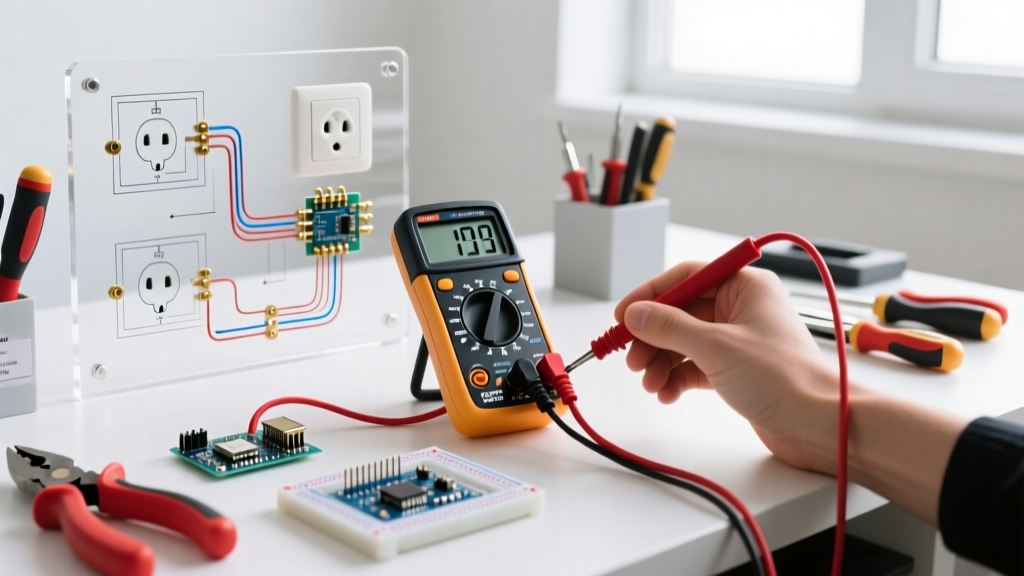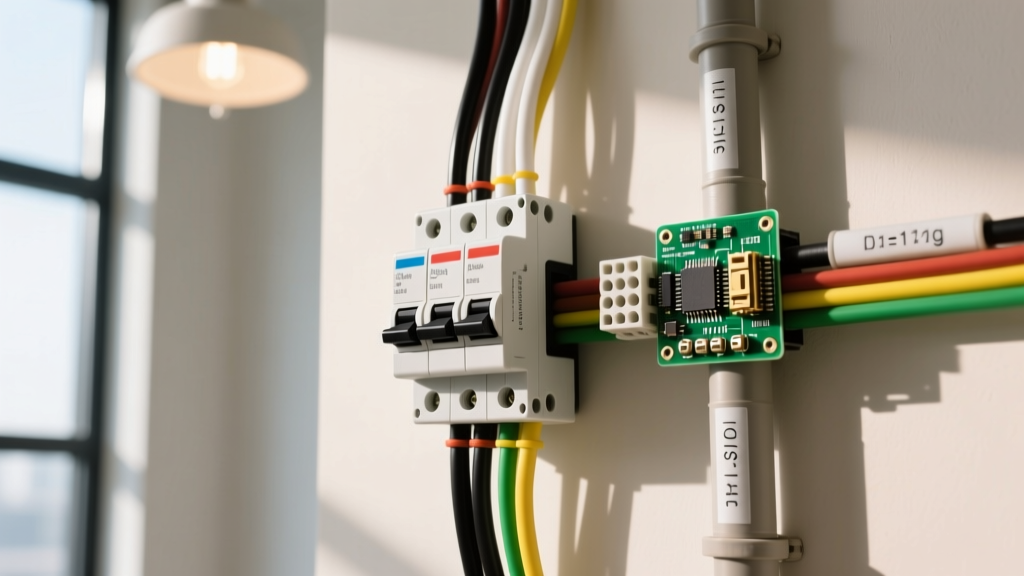

Electrical wiring for light fixtures is the branch circuit arrangement that routes ungrounded (hot), grounded (neutral), and equipment grounding conductors from a power source through a switching mechanism to a luminaire. This wiring topology dictates whether a fixture can be locally switched, dimmed, or integrated into a smart home mesh, and it determines the physical cable type (e.g., 14/2 vs. 14/3 NM-B) required inside your walls. The most frequent point of confusion for DIYers is misidentifying the "switched leg"—specifically, mistaking the white wire used as a hot return in older switch loops for a true neutral wire, which can lead to dead shorts or fried smart home electronics.
The Core Concept: Line, Load, and the Switched Leg
To wire a light fixture correctly, you must understand the three distinct roles conductors play in a switched circuit:
- Line (Constant Hot): The ungrounded conductor bringing 120V AC from the breaker panel to the switch box. It is always energized.
- Load (Switched Hot): The conductor carrying power from the switch to the light fixture. It is only energized when the switch is closed (turned ON).
- Neutral (Grounded Conductor): The return path for the current back to the panel. It completes the 120V circuit and should never pass through a standard single-pole switch.
In homes built before the 2011 National Electrical Code (NEC) update, electricians often ran a 14/2 NM-B cable from the light fixture down to the switch. The black wire carried the Line down, and the white wire was used as the Load (switched hot) going back up to the light. Code required the white wire to be re-identified with black tape, but this was frequently skipped. If you open an older switch box and see a white wire connected to a brass switch terminal, it is not a neutral—it is a hot switched leg.
Where You Meet This in Practice: Modern Code and Smart Switches
The physical layout of light fixture wiring changed dramatically with the adoption of NEC 404.2(C). This section of the National Electrical Code mandates that a grounded (neutral) conductor must be present at every switch box controlling a lighting outlet.
Why did the code change? Because of the rise of smart switches, Wi-Fi relays, and electronic dimmers. Devices like the Kasa Smart KS200M or GE Cync switches contain internal radios and microcontrollers that require a continuous 120V circuit to stay online. They draw this parasitic power by connecting between the Line (hot) and the Neutral. If your switch box only has a Line, a Switched Leg, and a Ground (the old switch loop configuration), a standard smart switch will not work. You either have to pull a new cable with a true neutral or buy a specialized (and more expensive) "no-neutral" switch like the Lutron Caséta PD-6WCL, which leaks a tiny trickle of current through the LED bulb itself to stay powered.
Worked Numeric Example: Sizing Wire for a Multi-Light Chandelier
A common mistake is trying to size the in-wall branch circuit wire based strictly on the wattage of the light fixture. Let's run the numbers on a modern dining room chandelier.
The Scenario: You are installing a 12-light chandelier. You plan to use 60W-equivalent LED bulbs, which actually draw 9W each.
- Calculate Total Wattage: 12 bulbs × 9W = 108W total load.
- Calculate Current (Amps): Using the power formula I = P / V, we get 108W / 120V = 0.9 Amps.
At less than 1 Amp, you might assume an 18 AWG lamp cord is sufficient. However, NEC Article 240.4(D) strictly governs small conductors. For residential branch circuits, the absolute minimum copper wire size is 14 AWG, which is rated for 15 Amps in the 60°C column of NEC Table 310.16 when used in standard NM-B (Romex) cable.
Therefore, even though the chandelier only draws 0.9A, you must wire it with 14 AWG copper on a 15A breaker (or 12 AWG on a 20A breaker). The wire is sized to safely handle the maximum fault current and the breaker's trip curve, not just the nominal load of the LEDs. If this chandelier were on a 20A kitchen or dining circuit, you would be required to step up to 12/2 or 12/3 NM-B cable to match the 20A overcurrent protection device.
Decision Path: Choosing the Right Cable and Configuration
Use this decision matrix to determine exactly what cable to pull from your fixture box to your switch box. This eliminates the guesswork and prevents return trips to the hardware store.
| Installation Scenario | Required Cable Type (15A Circuit) | Why This Cable? |
|---|---|---|
| Standard Single-Pole Switch (Power enters at the light fixture) |
14/3 NM-B | Black is Line down, Red is Load up, White is Neutral down to the switch box to satisfy NEC 404.2(C). |
| Standard Single-Pole Switch (Power enters at the switch box first) |
14/2 NM-B | Black is Switched Load up to the light, White is Neutral up to the light. The switch box already has the Line and Neutral from the panel. |
| 3-Way Switch Setup (Controlling one light from two locations) |
14/3 NM-B | Required to carry the Line, two Travelers (Red and Black), and the Neutral between the two switch boxes and the fixture. |
| Smart Switch Installation (e.g., Kasa, Leviton Decora Smart) |
14/3 NM-B | Wi-Fi/Zigbee radios require a true Line-to-Neutral 120V connection at the switch box to remain powered when the light is OFF. |
For any new construction, remodel, or rewiring project where power originates at the ceiling fixture, always pull 14/3 NM-B (or 12/3 NM-B for 20A circuits) between the light and the switch. The material cost premium is roughly $0.15 per foot compared to 14/2. This single decision future-proofs the box for smart switches, motion sensors, and timer switches, saving you hundreds of dollars in drywall repair if you ever need to upgrade the switch later. Buy: Southwire Romex SIMpull 14/3 NM-B.
Frequently Asked Questions About Light Fixture Wiring
Can I use the bare copper ground wire as a neutral for my smart switch?
Absolutely not. The equipment grounding conductor is a safety path designed to carry current only during a fault condition. Using the ground as a current-carrying neutral creates a shock hazard, causes electromagnetic interference, and will immediately trip a GFCI or AFCI breaker if one is installed on the circuit. It is a severe NEC violation.
Why does my LED light glow faintly when the switch is turned off?
This is known as "ghosting" or "afterglow." It happens when you use an older electronic dimmer or a "no-neutral" smart switch. These devices leak a tiny amount of current (often 10-20 milliamps) through the circuit to power their internal electronics. Because LEDs require so little power to produce light, this leakage current is enough to make them glow. The fix is to install a smart switch that utilizes a dedicated neutral wire, completely isolating the switch's power draw from the LED load.
Do I need to pigtail the ground wires in a metal switch box?