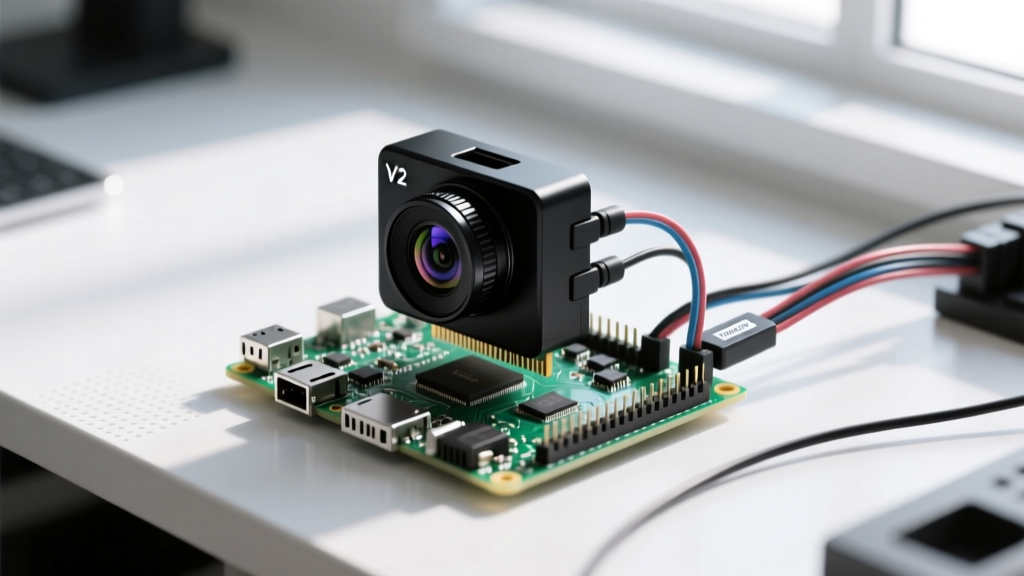

The Headless 'SSH Pi' Paradigm: Beyond Basic Tutorials
When engineers and hobbyists first search for 'ssh pi raspberry pi' tutorials, they are typically looking for basic headless setup guides—how to enable the SSH daemon, assign a static IP, and connect via PuTTY or Terminal. However, deploying a Single Board Computer (SBC) as a permanent, headless remote node requires a much deeper hardware evaluation. Once the monitor is unplugged and the device is racked in a server closet or deployed as an edge IoT gateway, the physical hardware dictates the reliability of your SSH sessions, file transfers, and background daemons.
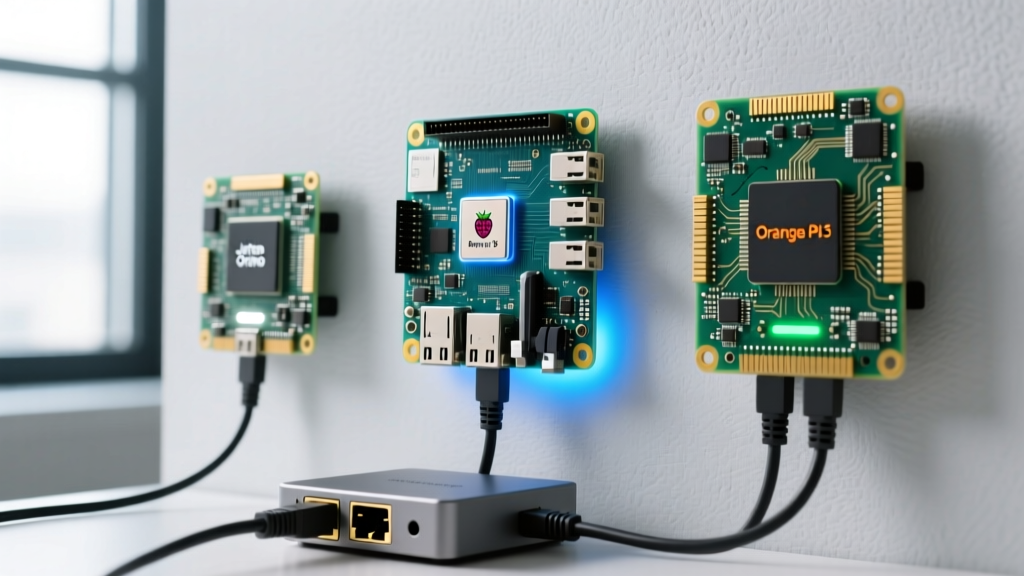
In this hardware comparison, we evaluate the three dominant architectures for headless deployments: the Raspberry Pi 5, the Orange Pi 5, and the NVIDIA Jetson Orin Nano. We will bypass basic software configurations and focus strictly on how their silicon, I/O lanes, and thermal envelopes impact sustained SSH workloads, cryptographic overhead, and remote debugging capabilities.
Contender Profiles: Silicon and I/O Architecture
Before analyzing network throughput, we must understand the silicon driving these boards. The hardware you choose dictates how efficiently the SBC can handle encrypted SSH traffic and concurrent I/O operations.
- Raspberry Pi 5 (8GB): Powered by the Broadcom BCM2712 (Quad-core Cortex-A76 @ 2.4GHz). It introduces a PCIe 2.0 x1 interface, but requires an add-on M.2 HAT+ for NVMe storage. Base price: ~$80.
- Orange Pi 5 (8GB): Driven by the Rockchip RK3588S (Quad Cortex-A76 + Quad Cortex-A55). Crucially, it features a native M.2 2242 PCIe 2.0 x3 slot directly on the PCB. Base price: ~$110.
- NVIDIA Jetson Orin Nano (8GB): Features a 6-core ARM Cortex-A78AE CPU and an Ampere architecture GPU. Designed for edge AI, it includes native NVMe support but carries a massive power and thermal footprint. Base price: ~$300+.
Network Stack and SSH Cryptographic Overhead
When you initiate an SSH session, the CPU must handle the cryptographic handshake and ongoing packet encryption. Modern OpenSSH defaults to algorithms like aes128-gcm@openssh.com or chacha20-poly1305@openssh.com. ARM Cortex-A76 cores (found in both the Pi 5 and Orange Pi 5) include ARMv8 Cryptographic Extensions (CE), which provide hardware acceleration for AES instructions.
However, the Orange Pi 5 holds a distinct advantage in multi-threaded SSH workloads. Its big.LITTLE architecture allows the Cortex-A55 cores to handle background OS tasks and network polling, while the high-performance Cortex-A76 cores focus entirely on AES-GCM encryption for heavy scp or rsync transfers. In contrast, the Raspberry Pi 5's homogeneous quad-core setup can experience micro-stutters in SSH terminal responsiveness if a heavy background cron job or Docker container spikes the CPU load.
Pro Tip: For headless ARM SBCs, force yoursshd_configto prioritizechacha20-poly1305. While AES has hardware extensions, ChaCha20 is highly optimized in software for ARM architectures and often yields lower latency on SBCs lacking dedicated cryptographic co-processors.
Storage I/O: The Hidden Bottleneck in Remote File Transfers
The most common failure mode for an 'SSH Pi' setup is storage I/O saturation. If you are using your SBC as a remote backup target or a Git server, pushing large repositories over SSH will quickly max out a microSD card's IOPS, leading to dropped connections and kernel panics.
NVMe Implementation: HAT vs. Native
The Raspberry Pi 5 requires the official M.2 HAT+ ($12) to connect an NVMe SSD. Because it uses a PCIe 2.0 x1 lane, bandwidth is capped at roughly 500 MB/s. While this is vastly superior to an SD card, it introduces a physical point of failure: the ribbon cable connecting the HAT to the Pi's PCIe FFC connector. In high-vibration or high-temperature environments, this ribbon cable can degrade, causing the NVMe drive to drop offline and instantly killing your SSH session.
The Orange Pi 5, conversely, routes its PCIe 2.0 x3 lanes directly to an M.2 2242 slot on the board. This provides nearly 1.5 GB/s of theoretical bandwidth and eliminates the fragile ribbon cable. For headless NAS or heavy rsync servers, the Orange Pi 5's native storage architecture is vastly more reliable.
Hardware Specification Comparison Matrix
| Feature | Raspberry Pi 5 (8GB) | Orange Pi 5 (8GB) | Jetson Orin Nano (8GB) |
|---|---|---|---|
| CPU Architecture | 4x Cortex-A76 (2.4GHz) | 4x A76 (2.4GHz) + 4x A55 | 6x Cortex-A78AE (1.5GHz) |
| Native NVMe Slot | No (Requires M.2 HAT+) | Yes (M.2 2242 PCIe 2.0 x3) | Yes (M.2 2230/2242/2280) |
| Max Ethernet Speed | Gigabit (1000 Mbps) | Gigabit (1000 Mbps) | Gigabit (1000 Mbps) |
| Headless Boot Reliability | High (Bootloader in SPI Flash) | Medium (Relies on SPI/eMMC) | High (QSPI Flash) |
| UART Debug Header | Standard 3-pin (GPIO 14/15) | Standard 3-pin (GPIO 14/15) | Dedicated 3-pin Header |
| Estimated Headless Cost | ~$105 (w/ HAT & Cooler) | ~$125 (w/ NVMe & Heatsink) | ~$350+ (w/ Carrier & Cooler) |
Thermal Throttling During Sustained SCP Transfers
Encrypting and decrypting SSH traffic generates significant heat. When transferring a 50GB dataset over scp, the CPU will sustain a 100% load on the encryption threads. According to extensive SBC testing documented by hardware analysts at CNX Software, the Rockchip RK3588S on the Orange Pi 5 runs remarkably cool due to its large silicon die acting as a passive heat spreader. With a simple $8 stamped aluminum heatsink, the OPi 5 rarely exceeds 65°C under sustained SSH load.
The Raspberry Pi 5, however, runs notoriously hot. Without the $5 official Active Cooler, the BCM2712 will hit its 85°C thermal throttle threshold within 45 seconds of a heavy rsync job. Once throttled, the CPU clock drops to 1.5GHz, causing SSH transfer speeds to plummet and increasing the latency of your terminal commands. For a headless 'SSH Pi' deployment, the Raspberry Pi 5 mandates active cooling, which introduces a mechanical fan that will eventually fail or clog with dust in remote environments.
The Ghost in the Machine: Debugging Headless Boot Failures via UART
Every headless SBC administrator eventually faces the 'dead Pi' scenario: you plug the board into power, but your SSH client times out. The network link light is off. Was the OS corrupted? Did the power supply sag? Without a monitor, you are flying blind unless you utilize the UART serial console.
As outlined in the official Raspberry Pi configuration documentation, the primary UART pins are located at GPIO 14 (TXD) and GPIO 15 (RXD). By connecting a $5 CP2102 USB-to-TTL serial cable to these pins, you can bypass the network stack entirely and view the kernel boot logs directly from your laptop.
While both the Pi 5 and Orange Pi 5 expose these pins, the Jetson Orin Nano features a dedicated, clearly labeled 3-pin UART header isolated from the main GPIO bank, reducing the risk of accidental short circuits during debugging. For remote deployments where you might need to guide an on-site technician via phone to connect a serial cable, the Jetson's physical layout is vastly superior, despite its higher price point.
Software Ecosystem and Long-Term Headless Support
Hardware is only half the battle; the OS must support headless paradigms natively. The Raspberry Pi benefits from Raspberry Pi OS, which includes raspi-config and seamless systemd integration for headless boot. However, the Orange Pi 5 relies on community-driven distributions like Armbian. While Armbian is incredibly robust for server workloads and often includes better out-of-the-box NVMe boot scripts than the official Orange Pi images, it requires a steeper learning curve for initial headless provisioning.
Final Verdict: Choosing Your SSH Gateway
Selecting the right hardware for your 'SSH Pi' setup depends entirely on your deployment environment and I/O requirements:
- Choose the Raspberry Pi 5 if you prioritize software ecosystem, community support, and are deploying in a climate-controlled environment where active cooling and add-on HATs are acceptable.
- Choose the Orange Pi 5 if you are building a headless NAS, Git server, or heavy
rsynctarget. Its native M.2 slot, superior thermal performance under cryptographic load, and big.LITTLE CPU architecture make it the undisputed king of headless I/O. - Choose the Jetson Orin Nano only if your SSH sessions are being used to trigger local edge-AI inference models. For pure remote administration and file serving, it is an overpriced, overpowered waste of silicon.
By moving beyond basic tutorials and evaluating the physical hardware constraints of SBCs, you can build remote SSH nodes that remain stable, responsive, and resilient for years without ever needing a monitor attached.