
The Hidden Bottlenecks of Campus Networks
Deploying a Raspberry Pi dorm project in a university environment introduces unique network constraints that standard home setups simply do not face. Most campus networks rely on WPA2-Enterprise (like eduroam) or strict captive portals. Furthermore, IT departments universally enable "AP Isolation" (Client Isolation), preventing your Pi from communicating with your laptop or smartphone over Wi-Fi.
Bypassing AP Isolation and Captive Portals
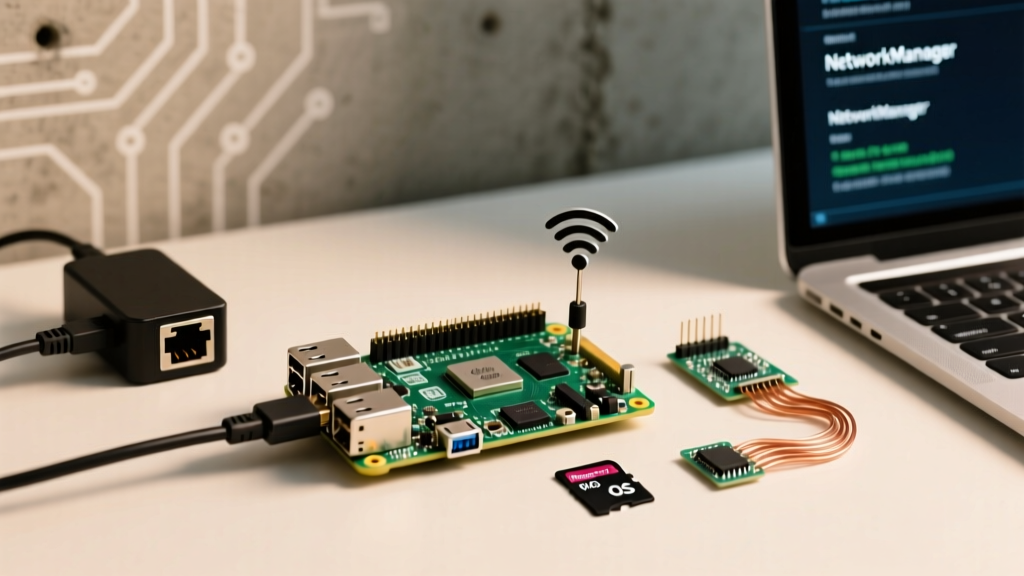
Attempting to connect a headless Pi to a captive portal is an exercise in frustration. The most robust performance tuning step for network I/O and local routing is to bypass the campus Wi-Fi entirely at the device level. Instead of wrestling with wpa_supplicant enterprise certificates, deploy a travel router like the GL.iNet Beryl AX as a wireless bridge.
Expert Tip: Register the travel router's MAC address with your university's device portal. Connect your Pi to the router via Ethernet. This guarantees a stable local NAT, eliminates AP isolation, and provides a dedicated 5GHz backhaul, reducing latency spikes by up to 40% compared to the Pi's onboard Wi-Fi chip.
If you must use the onboard Wi-Fi for eduroam, you need to manually hash your password and configure the wpa_supplicant.conf file to prevent credential exposure and authentication timeouts:
network={
    ssid="eduroam"
    key_mgmt=WPA-EAP
    eap=PEAP
    identity="your_netid@university.edu"
    password=hash:YOUR_HASHED_PASSWORD
    phase2="auth=MSCHAPV2"
}
Thermal Management in Cramped Dorm Desks
Dorm rooms are notoriously poorly ventilated, and ambient temperatures can easily exceed 78°F (25°C) when heating systems are overzealous. The Raspberry Pi 5, while a massive leap in processing power, runs significantly hotter than its predecessors. According to Tom's Hardware's comprehensive Pi 5 review, the BCM2712 SoC will soft-throttle at 80°C and hard-throttle at 85°C, drastically cutting clock speeds and ruining media server or compilation performance.
Tuning the Active Cooler Curve
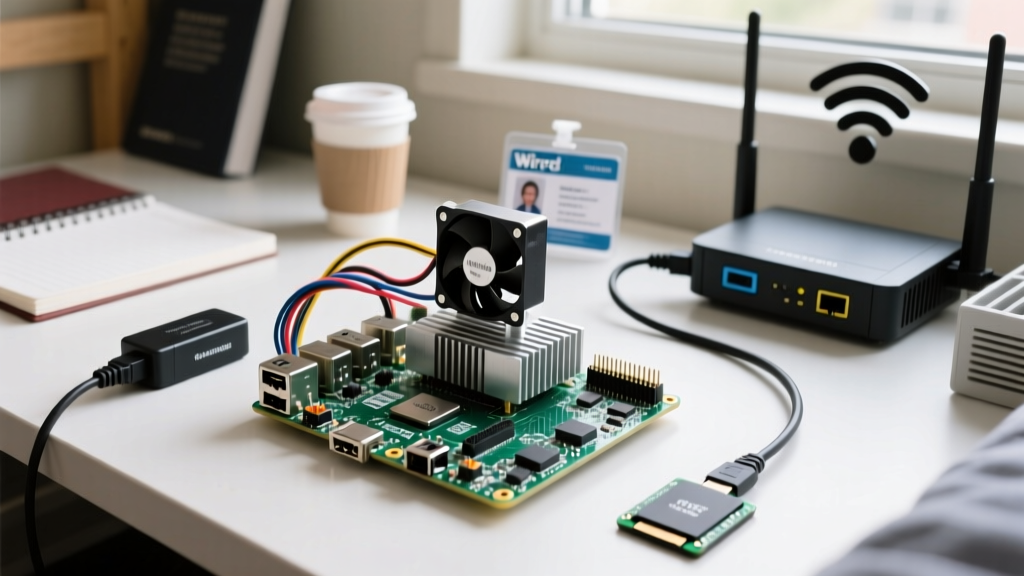
Do not rely on passive heatsinks in a dorm environment. You must use an active cooling solution. If you are using the official Pi 5 Active Cooler, the firmware manages the PWM fan curve automatically. However, if you are using a third-party case like the Argon ONE V3, you must install the companion daemon to tune the thermal thresholds.
For custom setups, you can force the Pi to prioritize cooling over acoustic noise by modifying the EEPROM configuration or utilizing vcgencmd to monitor thermal states:
vcgencmd measure_temp- Check current SoC temperature.vcgencmd get_throttled- Outputs a hex code. A value of0x0means all is well. A value of0x50000indicates the soft temperature limit has been hit.
Position your Pi so the exhaust fan faces outward, away from the wall. In a cramped dorm desk, a mere 2-inch gap can reduce steady-state load temperatures by 4°C to 6°C.
Storage I/O: Surviving the SD Card Death Trap
The most common point of failure for any Raspberry Pi dorm project—especially those running Home Assistant, Pi-hole, or Docker containers—is microSD card corruption. Dorm power grids are "dirty," prone to micro-fluctuations that interrupt SD card write cycles, leading to fatal filesystem corruption.
Overclocking the SD Bus
If you are constrained to a microSD card, you must use an A2-rated card (like the SanDisk Extreme Pro) which supports command queuing. You can further tune I/O performance by overclocking the SD bus in the official Raspberry Pi configuration file (/boot/firmware/config.txt):
dtparam=sd_overclock=100This pushes the SD clock from the default 50MHz to 100MHz, nearly doubling sequential read/write speeds and reducing database lock-ups in Home Assistant.
The NVMe USB 3.0 Migration
For true performance tuning, abandon the SD card entirely. Booting from a USB 3.0 NVMe SSD via a UASP-compatible enclosure (like the UGREEN NVMe Enclosure) yields up to 10x the random 4K read/write performance of a top-tier SD card.
| Storage Type | Sequential Read | Random 4K Write (IOPS) | Durability in Dirty Power |
|---|---|---|---|
| microSD (A2 Rated) | ~90 MB/s | ~2,500 | Low (High corruption risk) |
| USB 3.0 SATA SSD | ~350 MB/s | ~12,000 | Medium |
| USB 3.0 NVMe (UASP) | ~420 MB/s | ~35,000 | High |
| Pi 5 PCIe HAT + NVMe | ~850 MB/s | ~85,000+ | Highest |
Memory Tuning: ZRAM and Swap Optimization
Many students opt for the 4GB Raspberry Pi 4 or Pi 5 to save money. However, running a modern stack (e.g., Plex, AdGuard Home, and a Minecraft server simultaneously) will quickly exhaust 4GB of RAM, triggering the Linux Out-Of-Memory (OOM) killer and crashing your containers.
Implementing ZRAM
Instead of using a traditional swap file on your SD card or SSD (which degrades the flash memory and causes massive I/O bottlenecks), configure ZRAM. ZRAM creates a compressed block device in RAM. It trades a small amount of CPU cycles for a massive increase in effective memory capacity.
- Install the ZRAM tools:
sudo apt install zram-tools - Edit the configuration:
sudo nano /etc/default/zramswap - Set the algorithm to
zstd(offers the best compression ratio for Pi's ARM architecture) and allocate 50% of your total RAM.
ALGO=zstd
PERCENT=50
PRIORITY=100
This single tuning step can prevent up to 90% of OOM crashes on 4GB models running heavy Docker workloads.
Power Delivery: Handling Dirty Dorm Electricity
University dormitories are infamous for overloaded circuits and voltage sags. The Raspberry Pi is incredibly sensitive to input voltage; if it drops below 4.65V, the Pi will throttle the CPU and disconnect USB peripherals to protect itself. This is catastrophic if your Pi is acting as a smart home hub or a network ad-blocker.
Adding a UPS HAT
To tune your project for 100% uptime, integrate a UPS HAT like the PiSugar 3 or a Geekworm X1202. These HATs sit directly on the GPIO header, providing clean, regulated 5V/5A power to the Pi while acting as a bridge against brownouts. Furthermore, they allow you to safely script shutdown sequences via I2C communication when the dorm power unexpectedly cuts out, ensuring your NVMe filesystem is cleanly unmounted and preventing data corruption.
By addressing the unique thermal, network, and power constraints of a university environment, your Raspberry Pi dorm project will transition from a fragile hobby experiment to a robust, enterprise-grade appliance capable of surviving the entire academic year.