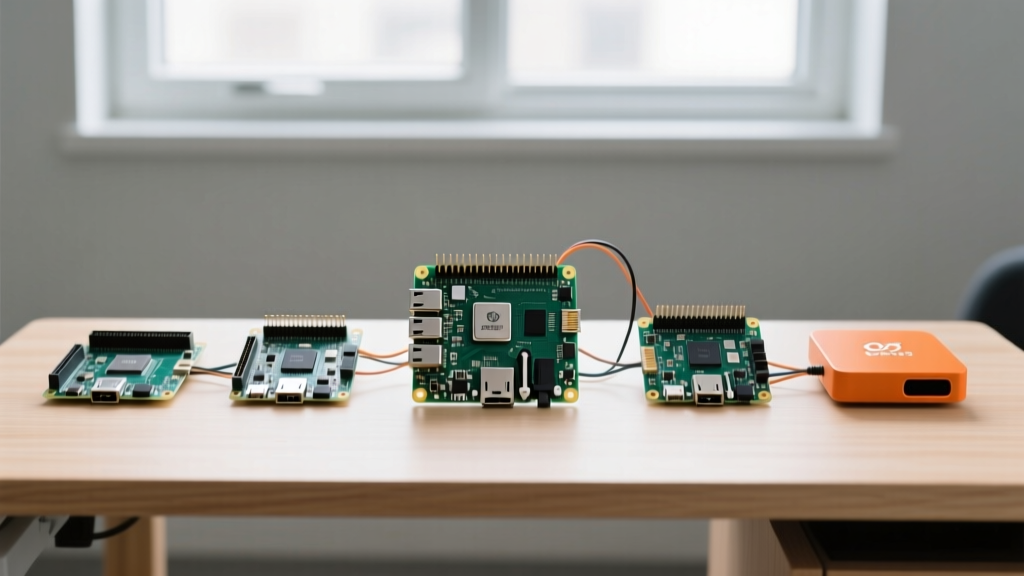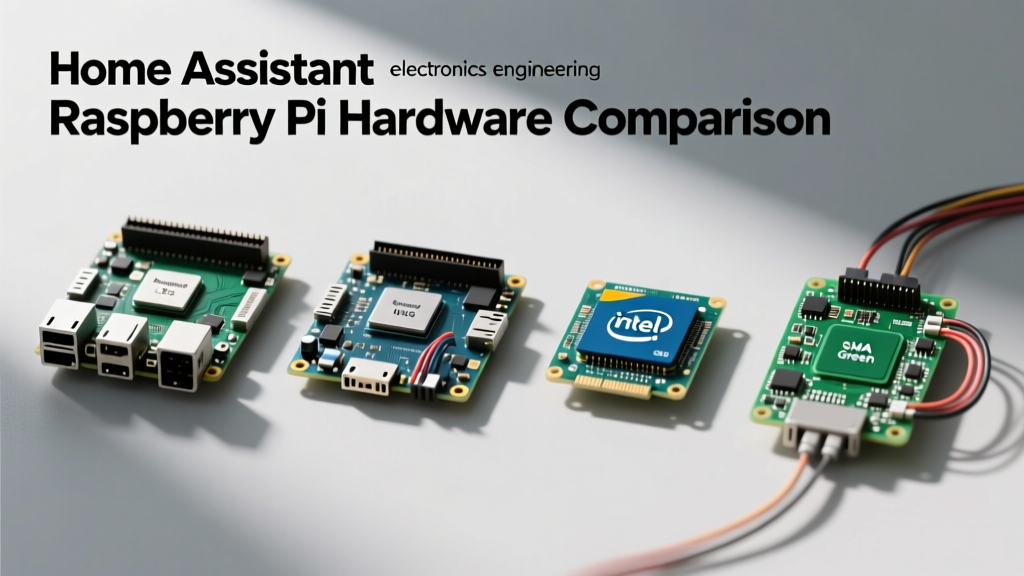

For years, the default answer to 'what hardware should I use for my smart home?' was a resounding 'Raspberry Pi.' However, as local home automation has evolved from simple motion-triggered lights to complex, AI-driven ecosystems, the hardware requirements have shifted dramatically. Running Home Assistant on Raspberry Pi boards is still a viable path, but it is no longer the only—or even the best—option for every user. In this comprehensive hardware comparison, we benchmark the Raspberry Pi 4 and Pi 5 against x86 Mini PCs and purpose-built hubs to help you choose the right silicon for your 2026 smart home deployment.
The Evolution of Smart Home Hubs: Why Hardware Matters
Modern Home Assistant setups are incredibly resource-intensive. The introduction of the Matter protocol, local Thread border routing, and local voice assistant pipelines (like Wyoming and Piper) have drastically increased baseline CPU and RAM requirements. A basic setup with 50 Zigbee devices might run fine on 2GB of RAM, but once you add local AI object detection for security cameras, predictive climate control, and complex dashboard rendering, memory exhaustion becomes a real threat. Understanding the architectural differences between ARM-based SBCs (Single Board Computers) and x86 mini PCs is critical for long-term stability.
Benchmarking Home Assistant on Raspberry Pi 4 vs Pi 5
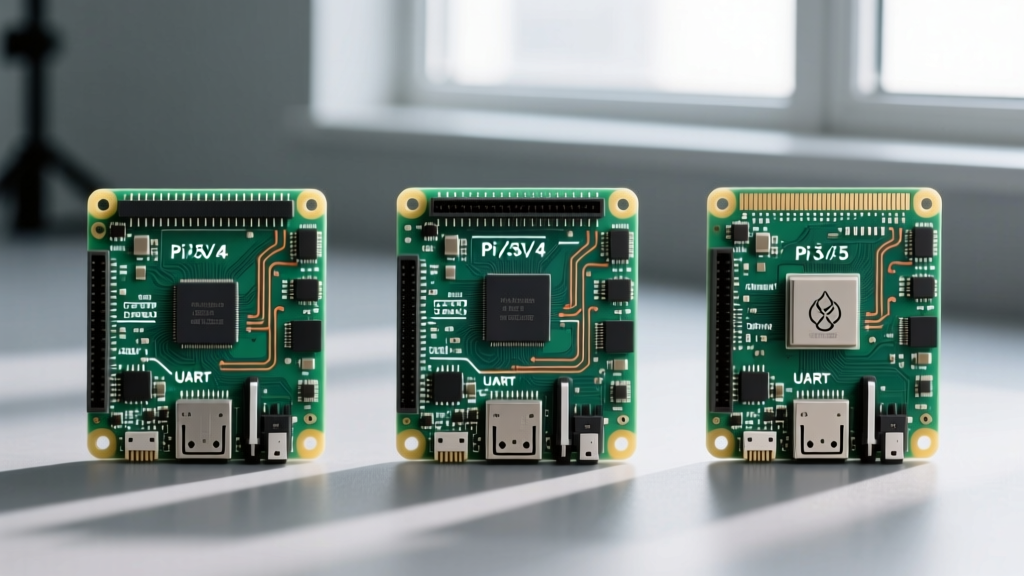
The Raspberry Pi 4 (Broadcom BCM2711) and the Raspberry Pi 5 (Broadcom BCM2712) represent two distinct generations of ARM computing. The Pi 5 features a quad-core Arm Cortex-A76 processor, offering a massive 2-3x performance uplift over the Pi 4's Cortex-A72. In real-world Home Assistant scenarios, this translates to noticeably faster dashboard load times, quicker add-on compilation, and snappier automation execution.
Storage I/O and the SD Card Failure Epidemic
The most common point of failure for any Home Assistant on Raspberry Pi deployment is the microSD card. Home Assistant uses a SQLite database that relies heavily on Write-Ahead Logging (WAL). This results in continuous, small-block write operations that quickly exhaust the write-erase cycles of standard consumer SD cards. While the Pi 4 supports USB 3.0 boot (allowing for reliable SSD usage), early firmware bugs caused USB bridge compatibility issues. The Pi 5 introduces a dedicated PCIe 2.0 interface, making native NVMe SSD boot via HATs a reality, completely bypassing the SD card bottleneck and ensuring database integrity.
The x86 Contenders: Intel N100 Mini PCs
The most significant threat to Raspberry Pi's dominance in the smart home space is the influx of ultra-low-power Intel N100 Mini PCs from brands like Beelink and Minisforum. Priced between $130 and $160, these x86 machines offer 8GB to 16GB of DDR4/DDR5 RAM and native NVMe storage out of the box.
The primary advantage of the N100 is virtualization. Using a hypervisor like Proxmox VE, users can run Home Assistant OS (HAOS) in a dedicated virtual machine while simultaneously running Frigate NVR, Plex, and Pi-hole in isolated Docker containers. Furthermore, x86 architecture avoids the ARM64 compatibility issues that occasionally plague niche Home Assistant add-ons or custom Docker containers that lack multi-arch builds.
Expert Insight: 'While ARM boards are incredibly power-efficient, the x86 instruction set on an Intel N100 eliminates the headache of compiling Python wheels for custom integrations. If your smart home relies on heavy local AI or multiple database-heavy add-ons, the 15W TDP of an N100 is a worthy trade-off for absolute software compatibility.'
Purpose-Built Alternatives: Home Assistant Green & Yellow
For users who want the Home Assistant experience without the Linux sysadmin overhead, Nabu Casa (the company behind Home Assistant) released the Home Assistant Green and Yellow. The Green is a plug-and-play hub powered by a Rockchip RK3566 SoC with 4GB of RAM and built-in eMMC flash storage. It completely removes the SD card failure vector and requires zero configuration. The Yellow adds a built-in Zigbee/Thread radio and supports NVMe expansion, catering to advanced users who still want a streamlined, officially supported hardware envelope.
Comprehensive Hardware Comparison Matrix
Below is a structured comparison of the most popular hardware platforms for running Home Assistant in 2026. Pricing reflects average market rates for barebones or base configurations.
| Hardware Platform | Architecture | Base RAM | Storage Type | Idle Power | Est. Price (USD) | Best Use Case |
|---|---|---|---|---|---|---|
| Raspberry Pi 4 (4GB) | ARM (Cortex-A72) | 4GB LPDDR4 | MicroSD / USB SSD | ~2.7W | $55 | Budget DIY, basic Zigbee setups |
| Raspberry Pi 5 (8GB) | ARM (Cortex-A76) | 8GB LPDDR4X | MicroSD / NVMe HAT | ~3.8W | $80 + Cooler | Advanced ARM, PCIe AI accelerators |
| Intel N100 Mini PC | x86 (Alder Lake-N) | 8GB - 16GB DDR4/5 | M.2 NVMe SSD | ~6.5W | $150 | Proxmox, Frigate NVR, Heavy Docker |
| Home Assistant Green | ARM (RK3566) | 4GB LPDDR4 | eMMC Flash | ~2.0W | $99 | Plug-and-play, zero maintenance |
Thermal Throttling and Power Consumption Realities
When deploying a server that runs 24/7/365, thermal management and power draw are critical metrics. The Raspberry Pi 5 runs significantly hotter than its predecessor. According to the Raspberry Pi 5 Official Documentation, active cooling is practically mandatory for sustained workloads; without the official Active Cooler, the BCM2712 chip will thermal throttle within minutes of compiling add-ons or processing local voice commands, leading to delayed automations.
Conversely, Intel N100 Mini PCs feature integrated aluminum chassis or active fan cooling designed for continuous x86 workloads. While the N100 draws roughly 3-4 watts more at idle compared to a Pi 5, the annual electricity cost difference is negligible (often less than $5 per year at average US kWh rates). The trade-off for slightly higher power draw is a massive gain in sustained I/O throughput and thermal stability.
Peripheral Passthrough: Zigbee, Thread, and Coral TPUs
A major consideration for any Home Assistant installation is USB peripheral passthrough. Smart home hubs require Zigbee/Thread dongles (like the Sonoff Zigbee 3.0 USB Dongle Plus or Home Assistant SkyConnect) and, frequently, a Google Coral USB Accelerator for Frigate NVR.
- Raspberry Pi 4: Known to have USB 3.0 controller bugs that can cause 2.4GHz interference and dropouts with Zigbee dongles. Using a USB 2.0 extension cable is mandatory.
- Raspberry Pi 5: Features a completely redesigned RP1 southbridge I/O controller, vastly improving USB stability and eliminating the need for extension cables in most environments.
- Intel N100: Native USB 3.2 Gen 2 ports handle multiple Coral TPUs and Zigbee sticks without the ARM-specific USB bandwidth bottlenecks, making it the undisputed king for local security camera processing.
Final Verdict: Which Board Should You Deploy?
The decision ultimately hinges on your technical expertise and the scale of your smart home. If you are building a straightforward home automation system with basic lighting, climate control, and a few security sensors, the Home Assistant Green offers the most reliable, maintenance-free experience. For hobbyists who love tinkering with hardware, GPIO pins, and custom HATs, running Home Assistant on Raspberry Pi 5 with an NVMe SSD remains an incredibly rewarding and capable setup.
However, if your goal is to create a robust, mission-critical home server that handles local AI voice processing, multi-camera object detection via Frigate, and media serving—all while maintaining isolated backups via Proxmox—the Intel N100 Mini PC is the superior hardware choice for 2026. It eliminates the ARM software compatibility ceiling and provides enterprise-grade storage reliability at a consumer-friendly price point.