An RPI GPIO library is a software package that translates high-level programming commands into low-level memory register manipulations to control the Raspberry Pi's physical input/output pins. It fundamentally changes how you interface with physical circuits, allowing you to toggle a 3.3V logic pin, read a sensor, or generate a PWM waveform with a single line of Python instead of writing raw C-level memory-mapped I/O code. Beginners frequently confuse the library with the physical 40-pin header itself, or conflate modern user-space libraries with the deprecated Linux kernel sysfs interface (/sys/class/gpio), which was removed from the mainline kernel years ago in favor of the character device /dev/gpiochipX architecture.
The Core Function: Abstracting Hardware Registers
Under the hood, the Raspberry Pi's System on Chip (SoC) controls pins by writing binary values to specific memory addresses. On older models (Pi 1 through 4), this was handled directly by the Broadcom BCM2835/2711 chips. On the Raspberry Pi 5, I/O is handled by the dedicated RP1 southbridge chip. A modern RPI GPIO library abstracts this hardware shift, providing a unified API regardless of whether you are writing to a Broadcom memory map or an RP1 character device.
Because the library handles the memory mapping, your code remains clean. However, the library you choose dictates how efficiently the OS schedules these memory writes, which becomes critical when timing matters.
Numeric Example: PWM Jitter and Servo Control
To understand why library choice matters, let us look at driving a standard hobby servo (like the SG90) using Pulse Width Modulation (PWM). Servos require a 50Hz control signal, meaning the total period is 20ms. The position is dictated by the high-pulse width:
- 0°: 1.0ms pulse
- 90°: 1.5ms pulse
- 180°: 2.0ms pulse
If we want to hold the servo at exactly 90°, the math for the duty cycle is:
Duty Cycle = (Pulse Width / Total Period) * 100
Duty Cycle = (1.5ms / 20ms) * 100 = 7.5%
If you use a basic software-based PWM implementation (where the library uses OS threads to toggle the pin HIGH and LOW), Linux thread scheduling introduces jitter. Under moderate CPU load, a software thread might be delayed by ±1ms. Your 1.5ms pulse suddenly becomes a 0.5ms or 2.5ms pulse. The servo interprets this as a command to snap to 0° or 180° and back, resulting in violent buzzing, mechanical wear, and massive current spikes that can brown out your Pi.
Conversely, a library that utilizes Hardware PWM (offloading the timing to a dedicated silicon peripheral on the Pi) holds jitter under 1µs. The servo receives a rock-solid 1.500ms pulse, runs silently, and draws minimal holding current. This distinction between software threading and hardware peripheral offloading is the primary differentiator between RPI GPIO libraries.
Where You Meet This In Practice
You will rely on your chosen library's specific features in almost every physical build. Here is where the API design directly impacts your circuit:
Switch Debouncing: When reading a mechanical pushbutton, the physical contacts bounce for 5 to 20 milliseconds before settling, which the Pi's fast CPU reads as dozens of rapid presses. A robust library includes a bounce_time parameter in its event detection function, instructing the software to ignore state changes for a set window (e.g., 20ms) after the initial edge trigger.
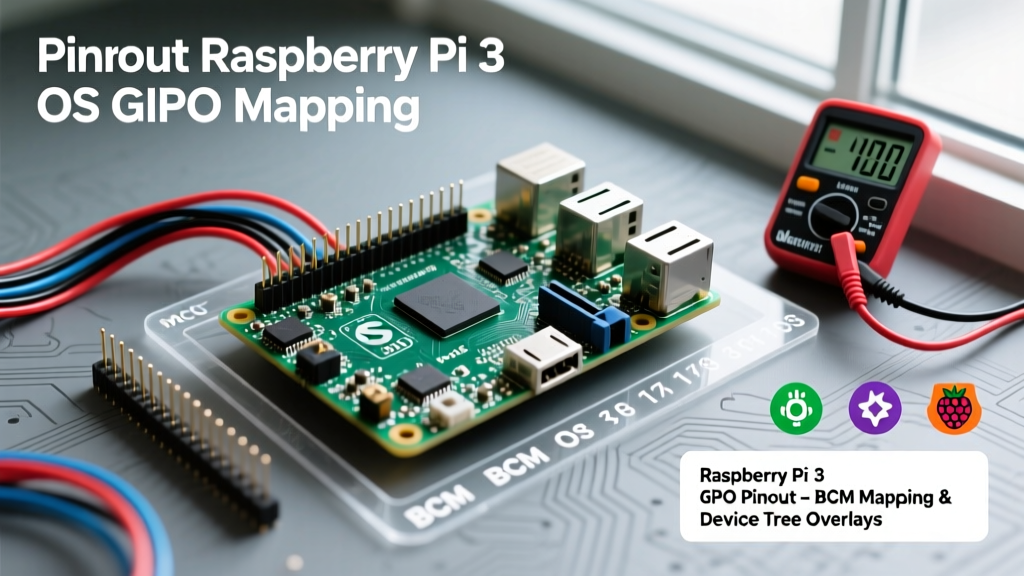
Pin Numbering Schemes: Libraries force you to choose between BCM (Broadcom SoC channel numbers, e.g., GPIO 17) and BOARD (physical pin numbers on the header, e.g., Pin 11). Modern libraries heavily favor BCM, as it aligns with the physical silicon mapping and the schematic documentation.
Decision Tree: Which RPI GPIO Library to Pick
The Python ecosystem for Raspberry Pi has evolved significantly, especially with the architectural changes introduced in the Pi 5. Use this decision matrix to select the right tool for your bench.
| Library | Best Use Case | Pi 5 (RP1) Compatible? | Hardware PWM? | Current Status |
|---|---|---|---|---|
| RPi.GPIO | Legacy code maintenance only. | No | Software only | Deprecated / Unmaintained |
| gpiozero | Standard Python projects, education, basic sensors/actuators. | Yes (via pin factories) | Limited (relies on backend) | Active / Recommended |
| pigpio | Strict timing, hardware PWM, high-frequency bit-banging (e.g., WS2812 LEDs). | Yes | Yes (Native) | Active / Niche |
| libgpiod (Python bindings) | Production Linux embedded systems, C/C++ integration, modern sysadmin scripting. | Yes (Native standard) | Depends on SoC | Active / Industry Standard |
gpiozero. It provides the most Pythonic API, excellent documentation, and abstracts away the pin factory complexities. If your project involves addressable LED strips (like NeoPixels) or RC servos that exhibit jitter, switch to pigpio to leverage the daemon-driven hardware PWM. Never start a new project with RPi.GPIO.
Common Confusions and Fatal Pitfalls
Even with the right library, misunderstanding the underlying hardware will destroy your board. Keep these rules on your bench:
- The 5V Tolerance Myth: Raspberry Pi GPIO pins are not 5V tolerant. Feeding a 5V signal from an Arduino or an unregulated sensor directly into a Pi GPIO pin will back-feed the SoC's internal protection diodes and fry the chip. Always use a logic level shifter (like the BSS138 MOSFET-based modules) or a simple resistor voltage divider when reading 5V logic.
- Forgetting Pull-Down Resistors: If you configure a pin as an input to read a switch, and the switch is open, the pin is 'floating'. It will read random electromagnetic noise as HIGH/LOW transitions. Modern libraries allow you to enable the SoC's internal pull-down (or pull-up) resistors via software (e.g.,
pull_down=True), saving you from soldering physical 10kΩ resistors to your breadboard. - GPIO 0 and 1 (ID_SD and ID_SC): Pins 27 and 28 on the 40-pin header are reserved for the HAT (Hardware Attached on Top) EEPROM I2C communication. Do not use these for general-purpose I/O unless you fully understand the boot-time implications.
Frequently Asked Questions
Q: Can I use the classic RPi.GPIO library on a Raspberry Pi 5?
A: No. The RPi.GPIO library relies on direct memory access to the Broadcom SoC registers. The Raspberry Pi 5 uses the RP1 southbridge chip for I/O, which requires a completely different memory mapping and character device interface. RPi.GPIO will throw an error or fail silently on Pi 5 hardware. Use gpiozero or libgpiod instead.
Q: Why does my Pi reboot when my relay clicks?
A: This is rarely a software library issue; it is a power delivery failure. Relay coils generate a massive inductive voltage spike (back-EMF) when turned off. If you are powering the relay from the Pi's 5V rail without a flyback diode across the coil, the voltage spike collapses the 5V rail, triggering a brownout on the Pi's internal voltage regulators. Always use a 1N4007 flyback diode in reverse bias across relay coils.
Q: What is the difference between pigpio and the pigpio daemon?
A: pigpio operates via a background C daemon (pigpiod) that locks memory pages and claims high-priority OS scheduling to ensure microsecond timing accuracy. Your Python script simply sends socket commands to this daemon. This is why it achieves hardware-level PWM precision without being blocked by Linux background tasks.
For authoritative documentation on modern Pi pinouts and configuration, refer to the official Raspberry Pi configuration guides. For deep-dives into the Python APIs, consult the gpiozero documentation and the pigpio repository.