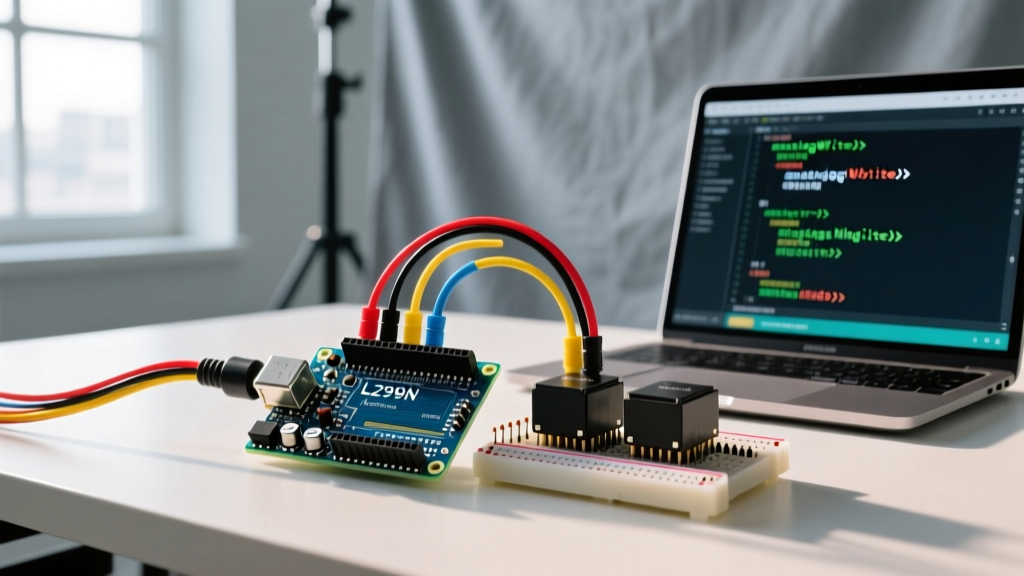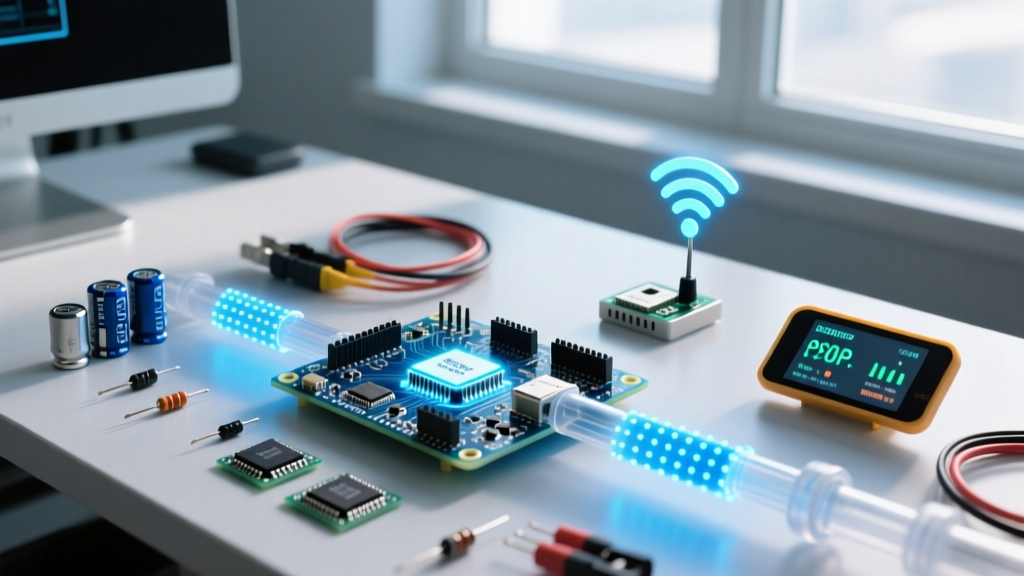

ESP data handling is the process of moving, buffering, and transmitting byte streams between an Espressif microcontroller's peripherals, internal RAM, and wireless radios without overflowing hardware FIFOs or dropping TCP packets. When you design an embedded system, understanding ESP data flow changes how you architect sensor polling, memory allocation, and network transmission. A common pitfall is confusing total available heap memory with contiguous buffer space; your ESP32 might report 120KB of free RAM, but if it is fragmented into 4KB chunks, a single 8KB camera frame allocation will trigger a hard fault.
The ESP Data Pipeline: From Pin to Packet
To move data from a physical sensor to a cloud dashboard, the bytes must survive a gauntlet of hardware and software buffers. If any stage in this pipeline is undersized, data is silently dropped or the system crashes.
The journey starts at the peripheral level. The ESP32 hardware relies on small, fast FIFO (First-In-First-Out) registers to catch incoming bytes before the CPU can process them. For example, the UART hardware FIFO is exactly 128 bytes, while the I2C FIFO is only 32 bytes. Think of the UART FIFO as a short merging lane on a highway: if the main CPU road is blocked and cars (bytes) keep entering the merge lane, it overflows and crashes. If you are reading a high-speed sensor via UART at 115200 baud, you have roughly 11 milliseconds to read that 128-byte FIFO before an overrun error occurs.
Once the CPU or DMA (Direct Memory Access) controller pulls bytes from the FIFO, they land in SRAM. Here, the Espressif heap allocator manages the memory. Finally, to send this data over WiFi, it is handed to the LwIP (Lightweight IP) stack, which chunks it into TCP or UDP packets. The default LwIP TCP send buffer is tightly constrained to save RAM, often holding only a few kilobytes before blocking the calling thread.
Worked Numeric Example: Sizing an ESP Data Buffer
Let's look at a concrete benchmark: buffering audio from an I2S MEMS microphone (like the INMP441) to stream over a WebSocket.
- Sample Rate: 16,000 Hz
- Bit Depth: 16-bit (2 bytes per sample)
- Target Buffer Duration: 2.0 seconds
The Math:
16,000 samples/sec × 2 bytes = 32,000 bytes/sec (32 KB/s).
To hold 2 seconds of audio, you need a contiguous 64 KB RAM block.
On a standard ESP32-WROOM-32, you have roughly 520KB of total SRAM. However, the FreeRTOS kernel, WiFi drivers, and Bluetooth stack consume about 250KB to 300KB at boot. You are left with ~200KB of heap. While 64KB is mathematically less than 200KB, finding a single contiguous 64KB block after the system has been running and handling WiFi beacon frames is highly unlikely. The allocation will fail, returning a null pointer.
The Solution: Upgrade to an ESP32-S3 with 8MB of Octal SPI PSRAM. PSRAM is slower than internal SRAM (bandwidth is roughly 40MB/s vs 133MB/s for SRAM), but it provides massive contiguous blocks. You allocate the 64KB audio buffer directly in PSRAM using heap_caps_malloc(65536, MALLOC_CAP_SPIRAM), leaving your precious internal SRAM free for the WiFi stack's real-time interrupt routines.
Where You Meet This in Practice
You will hit ESP data limits in three primary project archetypes:
2. High-Frequency Vibration Analysis: Polling an accelerometer at 4kHz for FFT (Fast Fourier Transform) analysis generates massive intermediate arrays. If you attempt to run a 1024-point FFT on floating-point data without pre-allocating the working arrays in DMA-capable memory, the ESP32's cache will thrash, and your sampling jitter will ruin the frequency domain output.
3. Smart Meter Pulse Counting: Using interrupts to count optical pulses on a spinning disk. If the interrupt service routine (ISR) attempts to format a string and push it to a non-ISR-safe queue, the ESP data pipeline will deadlock the CPU.
Real-World Scenario Walkthrough: The Dropped Telemetry Disaster
To understand how ESP data bottlenecks manifest on the bench, let's review a failure from a recent industrial IoT deployment.
The Setup: An ESP32-WROOM-32 was wired to an ADXL345 I2C accelerometer, sampling at 3200Hz. The firmware read the X, Y, and Z axes (6 bytes per sample), formatted it into a JSON string, and pushed it to AWS IoT Core via MQTT over WiFi.
The Numbers: 3200 Hz × 6 bytes = 19.2 KB/s of raw data. After JSON serialization, the payload rate jumped to roughly 45 KB/s. The ESP32 heap had about 140KB of free space at boot.
The Outcome: The device ran perfectly on the workbench for 20 minutes. When deployed in the factory, it ran fine for 4 hours, then began dropping 30% of its MQTT packets. By hour 6, it threw a Guru Meditation Error: Core 1 panic'ed (LoadProhibited) and hard-faulted.
malloc() to create a new JSON string buffer for every single 6-byte I2C read, and relied on free() to clean it up. Over 4 hours, the heap became heavily fragmented. Furthermore, when the factory's WiFi access point performed an automatic channel hop, the LwIP TCP send buffer filled up. The mqtt_publish() function blocked, the I2C read task kept allocating memory that couldn't be freed, and the heap was exhausted. The subsequent null-pointer dereference crashed the core.
Fixing ESP Data Fragmentation and Overflow
To build robust firmware, you must eliminate dynamic allocation from your high-speed data loops. Follow these numbered steps to bulletproof your ESP data pipeline:
- Pre-allocate Ring Buffers at Boot: Use
xStreamBufferCreate()orxRingbufferCreate()in yoursetup()orapp_main()function. Allocate the maximum expected working size once, and reuse it forever. - Decouple Reading from Sending: Never read a sensor and send it over WiFi in the same task. Task A should read the I2C FIFO and push raw bytes into a FreeRTOS Stream Buffer. Task B should pull chunks from that buffer, serialize them, and handle the LwIP TCP blocking.
- Implement LwIP Send Timeouts: Configure the LwIP socket options with
SO_SNDTIMEO. If the WiFi stack stalls, your send function will return an error code instead of blocking the thread indefinitely and causing a memory leak. - Chunk Your Payloads: Do not send 50KB MQTT messages. The MQTT protocol and the ESP32's TLS (mbedTLS) handshake buffers struggle with massive single payloads. Chunk your ESP data into 4KB to 8KB payloads. This aligns better with the TCP Maximum Segment Size (MSS) of ~1460 bytes and reduces RAM pressure.
FAQ: Common ESP Data Questions
Should I use SPIFFS or LittleFS for logging ESP data to flash?
Always use LittleFS. SPIFFS is deprecated in modern ESP-IDF and Arduino-ESP32 cores. SPIFFS lacks true directory support and suffers from severe wear-leveling issues during power loss. LittleFS is power-fail safe, supports directories, and handles the block-erase cycles of the ESP32's SPI flash much more efficiently, extending the life of your memory chip when logging high-frequency sensor data.
Why does my ESP32-S3 PSRAM data transfer stall when WiFi is active?
The ESP32-S3 shares the internal memory bus and cache between the CPU, PSRAM controller, and the WiFi MAC. When WiFi is heavily transmitting (e.g., downloading a large OTA update or streaming video), the cache misses for PSRAM accesses increase dramatically. If you require deterministic, low-latency data movement, keep your critical buffers in internal SRAM and use PSRAM only for bulk, non-time-sensitive storage.
How do I clear the UART FIFO if my sensor sends garbage data on boot?
Many I2C-to-UART bridge chips and GPS modules spit out uninitialized garbage bytes during their first 500ms of power-on. Before you start parsing your NMEA or binary protocol, call uart_flush_input(uart_num) or read and discard bytes in a loop until the stream stabilizes and your packet header syncs.