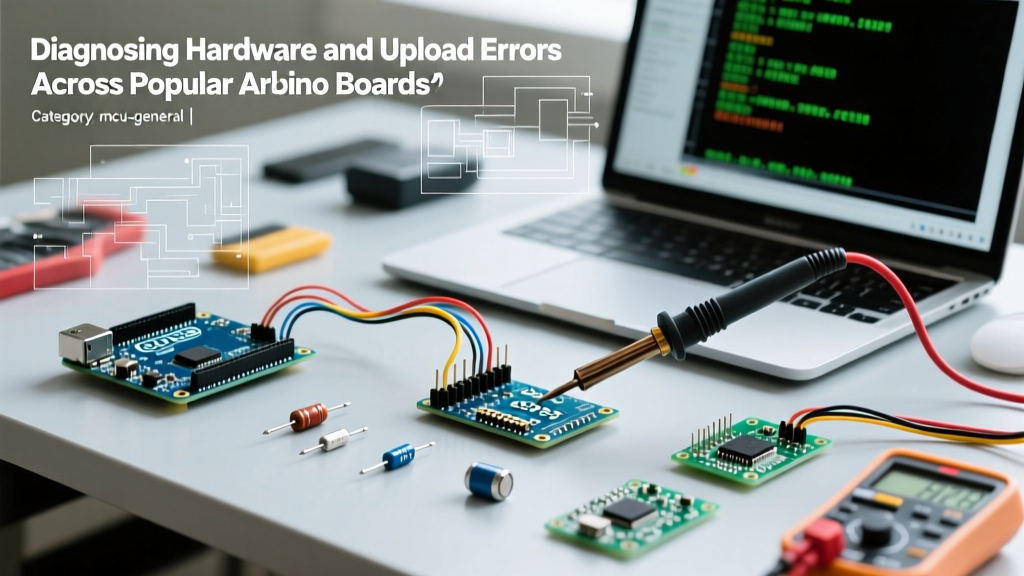

The Architecture of Failure: Why Arduino Boards Reject Uploads
When an IDE throws a wall of red text during compilation or upload, the immediate instinct is to blame the code. However, in the 2026 maker landscape, a significant percentage of upload failures stem from hardware-level bottlenecks, bootloader corruption, or serial bridge desynchronization. Whether you are working with a genuine $27.50 Arduino Uno R4 WiFi or a $4.00 clone Nano with a CH340G chip, understanding the specific architecture of your board is the first step in error diagnosis.
This guide bypasses generic 'restart your computer' advice and dives deep into the silicon-level failure modes of popular Arduino boards, providing actionable diagnostics and hardware recovery procedures.
Avrdude Error Matrix: Decoding the Terminal Output
The AVRDUDE terminal output is your primary diagnostic tool. According to the AVRDUDE Official GitHub Repository, error codes map directly to specific communication breakdowns between the host PC and the target microcontroller.
| Error String | Root Cause | Affected Boards | Hardware / Config Fix |
|---|---|---|---|
stk500_recv(): programmer is not responding |
Bootloader missing, corrupted, or wrong baud rate selected in IDE. | Uno R3, Nano, Pro Mini | Select 'Old Bootloader' for clone Nanos (57600 baud) or reburn via ISP. |
ser_open(): can't open device |
OS-level port lock, missing USB-Serial driver, or physical cable failure. | All USB-equipped boards | Verify data-capable USB cable; update CH340 drivers to v3.8+ for Windows 11. |
stk500v2_getsync(): timeout communicating |
Target MCU is in monitor mode or hardware reset circuit failure. | Mega 2560 | Remove '!!!' from serial strings; check 10k pull-up on reset line. |
board not found / native port timeout |
ARM Cortex bootloader crash or native USB enumeration failure. | Uno R4 Minima, Zero, Due | Double-tap reset button to force ROM bootloader; reinstall board core. |
Board-Specific Failure Modes and Hardware Diagnosis
1. The ATmega16U2 vs. CH340G Serial Bottleneck (Uno R3 & Nano)
Genuine AVR-based boards utilize an ATmega16U2 chip programmed as a USB-to-Serial converter, which enumerates natively on modern operating systems via CDC/ACM protocols. Conversely, budget Nano and Uno clones rely on the CH340G or CH340C chip. In 2026, Windows 11 24H2 enforces stricter driver signature verification, frequently causing clone boards to silently fail enumeration or drop packets during high-baud-rate uploads.
Diagnosis: If your board appears in Device Manager but times out during upload, measure the voltage on the DTR (Data Terminal Ready) line. The CH340G must pulse the DTR pin low to trigger the auto-reset circuit via a 0.1µF capacitor. If the capacitor is missing or the 10kΩ pull-up resistor on the reset line is out of tolerance, the MCU will never enter the Optiboot bootloader window.
2. The Renesas Shift: Troubleshooting the Uno R4 Minima and WiFi
The transition from 8-bit AVR to the 32-bit ARM Cortex-M4 (Renesas RA4M1) fundamentally changed how bootloaders operate. The Uno R4 Minima uses native USB directly from the RA4M1. If a sketch crashes the USB stack, the virtual COM port vanishes entirely.
Pro-Tip for R4 Recovery: If your Uno R4 Minima becomes 'bricked' by a faulty sketch, do not unplug it. Connect the USB cable, wait two seconds, and rapidly double-tap the physical RESET button. This triggers the immutable ROM bootloader, forcing the board to enumerate as a generic USB drive or rescue COM port, allowing you to push a benign 'Blink' sketch.
For the Uno R4 WiFi, the architecture is even more complex, featuring an ESP32-S3-MINI-1 acting as a bridge for WiFi/BLE and serial routing. Desynchronization between the RA4M1 and the ESP32-S3 firmware causes phantom upload errors. Use the official 'RA4M1 Bootloader Update' and 'ESP32-S3 Bridge Firmware Update' tools located in the Arduino IDE Tools menu to re-sync the dual-MCU environment.
3. The Mega 2560 'Monitor Mode' Trap
The Arduino Mega 2560 uses the stk500v2 bootloader, which contains a legacy debugging backdoor. If your sketch contains three consecutive exclamation marks (e.g., Serial.println("Error!!!");), the bootloader interprets this as a command to enter 'Monitor Mode' during the upload handshake. The IDE will hang indefinitely, eventually throwing a timeout error.
The Fix: Audit your code for '!!!' strings. If you absolutely must print that string, update the Mega's bootloader to a modernized Optiboot variant, which strips out the legacy monitor mode trap and frees up an additional 4KB of flash memory.
Advanced Recovery: Burning a Bootloader via ISP
When the bootloader is entirely erased or the fuse bits are misconfigured, the USB port is useless. You must bypass the serial bridge and program the MCU directly via the ICSP (In-Circuit Serial Programming) header. As detailed in the SparkFun guide on installing bootloaders, this requires a secondary hardware programmer.
A standard USBasp v2.0 programmer costs roughly $3.50 and is the most reliable tool for this job. Follow this exact sequence for an Uno R3 (ATmega328P):
- Wiring: Connect the 10-pin USBasp ribbon cable to the 6-pin ICSP header on the target board. Ensure Pin 1 (MISO) aligns with the dot indicator on the PCB. Provide 5V power via the USBasp or an external supply.
- IDE Configuration: Go to Tools > Programmer and select 'USBasp'. Do not select the COM port; ISP programming does not use serial ports.
- Fuse Verification: Before burning, ensure your boards.txt defines the correct fuses for a 16MHz external crystal. The standard Uno R3 fuse bytes are: Low:
0xFF, High:0xDE, Extended:0x05. - Execution: Click Tools > Burn Bootloader. The process takes exactly 12 to 18 seconds. If the IDE returns 'avrdude: warning: cannot set sck period', this is a benign warning specific to the USBasp firmware and can be safely ignored.
Power Delivery and Brownout Detection (BOD) Edge Cases
A hidden cause of 'verify error' or 'flash write failure' is inadequate power delivery during the EEPROM/Flash write cycle. Genuine Arduino boards utilize high-quality NCP1117-5.0 voltage regulators, while many sub-$5 clones use marginal AMS1117 clones with higher dropout voltages.
If you are powering a Nano or Pro Mini via a 3.3V USB hub or a depleted LiPo battery, the voltage may dip below the Brownout Detection (BOD) threshold during a flash write. The ATmega328P's BOD is typically configured via the extended fuse bit to trigger at 2.7V or 4.3V. If the BOD is set to 4.3V and your USB line sags to 4.1V under the load of the programming cycle, the MCU will instantly reset, corrupting the bootloader and throwing an avrdude: verification error. Always power target boards via a dedicated 5V/2A wall adapter when performing critical bootloader operations.
Frequently Asked Questions
Why does my clone Nano upload at 57600 baud while my genuine Uno uses 115200?
Many clone manufacturers flash the older 'ATmegaBOOT' bootloader onto the ATmega328P to save time or due to legacy inventory. This older bootloader operates at 57600 baud. In the Arduino IDE, you must explicitly select Tools > Processor > ATmega328P (Old Bootloader) to match the baud rate, otherwise the IDE will attempt to handshake at 115200 baud and fail.
Can I use another Arduino as an ISP programmer instead of buying a USBasp?
Yes. You can upload the 'ArduinoISP' sketch (found under File > Examples) to a working genuine Uno. Wire the Uno's pins 10 (RST), 11 (MOSI), 12 (MISO), and 13 (SCK) to the target board's ICSP header. While functional for emergency recovery, the software-based SPI timing of the ArduinoISP sketch is prone to failure if the host PC experiences USB latency spikes. A dedicated $4 hardware USBasp is highly recommended for reliable diagnostics.
My board enumerates in the OS, but the IDE says 'No device found on COMX'. What now?
According to the Arduino Official Troubleshooting Documentation, this often occurs when a background process (like Cura 3D printer software, AIIDA, or a rogue serial monitor) has locked the COM port. Close all serial terminals, restart the Arduino IDE, and physically reconnect the USB cable to force the OS to reassign the port handle.