
The Hidden Bottleneck in Embedded Workflows
In modern microcontroller development, serial communication remains the absolute backbone for debugging, sensor telemetry, and inter-device messaging. Yet, a surprising number of automated workflows and high-speed data logging pipelines stall due to a fundamental misunderstanding of how the Serial.available() function operates under the hood. When you are pushing the limits of an Arduino Uno R4 Minima, an ESP32-S3, or a Teensy 4.1, treating the serial buffer as a simple, synchronous queue will inevitably lead to dropped packets, blocking loops, and corrupted data frames.
Optimizing your Serial.available Arduino workflow is not just about writing cleaner code; it is about aligning your software architecture with the physical realities of hardware UART FIFOs, interrupt service routines (ISRs), and ring buffer mechanics. In this guide, we will dismantle the common anti-patterns that plague maker projects and engineer a robust, non-blocking serial ingestion pipeline capable of handling high-baud-rate telemetry without dropping a single byte.
The Anatomy of the Serial Ring Buffer
To optimize your workflow, you must first understand what happens between the physical RX pin and your loop() function. When a byte arrives at the microcontroller's UART peripheral, a hardware interrupt fires. The Interrupt Service Routine (ISR) reads the byte from the hardware FIFO (First-In-First-Out) register and places it into a software-based Ring Buffer stored in SRAM.
When you call Serial.available(), you are not querying the hardware UART directly. Instead, you are querying the software Ring Buffer to calculate the difference between the head and tail pointers. According to the official Arduino Language Reference, this function returns the number of bytes currently sitting in that software buffer, waiting to be read.
Default Buffer Sizes Across Architectures
- AVR (ATmega328P / Arduino Uno R3): 64 bytes. Highly constrained; easily overflowed at high baud rates.
- Renesas RA4M1 (Arduino Uno R4 Minima): 256 bytes by default, backed by a robust hardware FIFO.
- ESP32 / ESP32-S3: 128 bytes (hardware FIFO) + configurable software buffer (default 256 bytes, expandable to several kilobytes).
- Teensy 4.1 (NXP i.MX RT1062): 64 bytes default, but heavily optimized with DMA (Direct Memory Access) capabilities for massive throughput.
Workflow Anti-Patterns: The Blocking Trap
The most destructive habit in Arduino programming is the blocking while loop. Consider the following anti-pattern, frequently found in beginner GPS parsing or PC-to-MCU communication scripts:
// ANTI-PATTERN: Blocking Workflow
while (Serial.available() == 0) {
  // Do nothing, halt the entire MCU
}
char incoming = Serial.read();
This approach completely paralyzes the microcontroller. In a workflow where the MCU is simultaneously polling an I2C IMU (like the BNO085) or maintaining a PID control loop for a motor, halting the main thread to wait for a serial byte guarantees missed sensor readings and system instability. Furthermore, if the host PC experiences a USB latency spike and fails to send the byte, your MCU is locked in an infinite loop, requiring a manual hardware reset.
The Math of Data Ingestion
Understanding the relationship between baud rate, byte transfer time, and buffer capacity is critical for workflow optimization. If your loop() execution time exceeds the time it takes to fill the serial buffer, you will experience silent data loss (buffer overflow).
| Baud Rate | Time per Byte | Time to Fill 64-Byte Buffer | Time to Fill 256-Byte Buffer | Max Loop Execution Time Allowed |
|---|---|---|---|---|
| 9600 | 1.04 ms | 66.5 ms | 266 ms | < 60 ms |
| 115200 | 86.8 µs | 5.55 ms | 22.2 ms | < 5 ms |
| 500000 | 20.0 µs | 1.28 ms | 5.12 ms | < 1 ms |
| 1000000 (1M) | 10.0 µs | 0.64 ms | 2.56 ms | < 0.5 ms |
As the table illustrates, if you are running a 1Mbaud telemetry stream on a legacy 64-byte buffer, your entire loop()—including sensor reads, display updates, and math calculations—must execute in under 640 microseconds. If it takes 800 microseconds, the 65th byte arrives, the ISR finds the buffer full, and the byte is permanently discarded.
Optimized Workflow 1: Non-Blocking State Machines
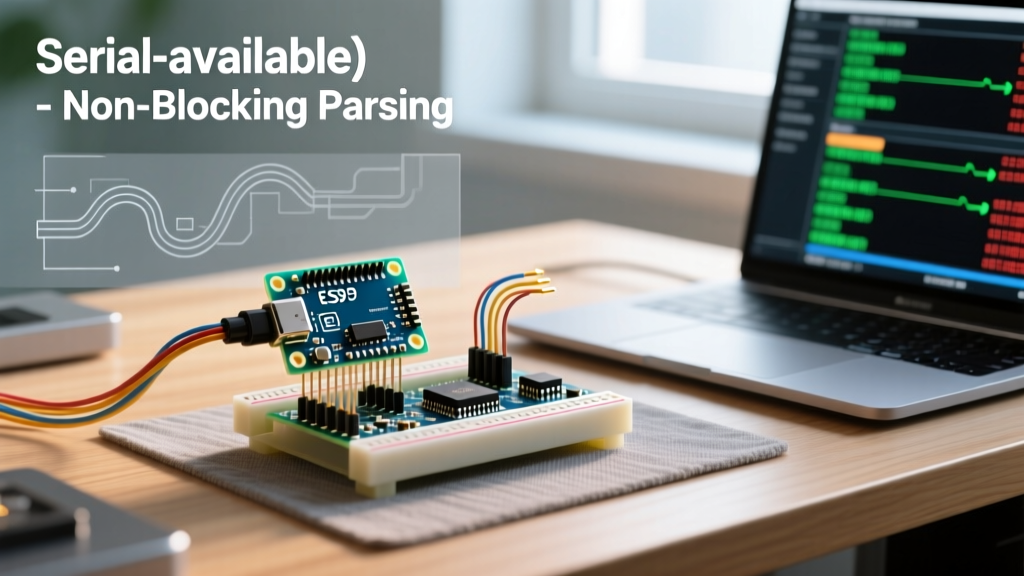
To eliminate blocking, transition your workflow to an event-driven state machine. By checking if (Serial.available() > 0) inside the main loop, you allow the MCU to perform other critical tasks while waiting for data to accumulate.
Implementing a Delimiter-Based Parser
Instead of reading byte-by-byte and manually tracking array indices, leverage optimized core functions like Serial.readBytesUntil(). This function blocks only until a specific character is found or a timeout occurs, making it vastly superior for parsing NMEA sentences or custom CSV payloads.
// OPTIMIZED: Non-Blocking Delimiter Parsing
const byte BUFFER_SIZE = 128;
char rxBuffer[BUFFER_SIZE];

void loop() {
  // Check if we have enough data for a minimum valid packet
  if (Serial.available() > 10) {
    // Read until newline or buffer is full
    byte bytesRead = Serial.readBytesUntil('\n', rxBuffer, BUFFER_SIZE - 1);
    rxBuffer[bytesRead] = '\0'; // Null-terminate
    processTelemetry(rxBuffer);
  }

  // MCU is free to run PID loops or read sensors here
  updateMotorControl();
}
Optimized Workflow 2: High-Speed Telemetry & Buffer Expansion
When your workflow demands high-speed data logging (e.g., streaming raw 9-axis IMU data to a Python script at 1000Hz), the default buffers are insufficient. You must proactively expand the buffer allocation during the setup() phase.
ESP32 Dynamic Buffer Allocation
The ESP32 architecture allows you to dynamically resize the RX buffer at runtime. According to the Espressif ESP-IDF UART documentation, the underlying driver supports deep FIFO configurations. In the Arduino IDE, you can expose this by calling Serial.setRxBufferSize() before initializing the port.
void setup() {
  // Allocate a massive 4KB buffer for high-speed burst telemetry
  Serial.setRxBufferSize(4096);
  Serial.begin(2000000); // 2Mbaud on ESP32 hardware UART
}
Teensy and DMA Workflows
For users operating on the Teensy 4.1, PJRC's implementation of the serial stack is highly optimized. As detailed in the PJRC Teensy Serial documentation, the Teensy utilizes DMA for USB Serial and highly efficient ISRs for hardware UARTs. However, to truly optimize a high-speed workflow on Teensy, you should avoid Serial.read() inside the main loop entirely. Instead, use Serial.addMemoryForRead() to assign a custom, large memory block to the serial object, bypassing the default ring buffer limitations and preventing ISR overhead during massive data bursts.
Hardware Edge Cases: Phantom Bytes and Noise
Software optimization cannot fix hardware flaws. A frequent issue in industrial or electrically noisy environments is the 'phantom byte' phenomenon. If the RX pin is left floating (unconnected) during boot or when a peripheral is powered down, electromagnetic interference (EMI) can induce voltage fluctuations that the UART peripheral interprets as valid start bits.
The Pull-Up Resistor Solution
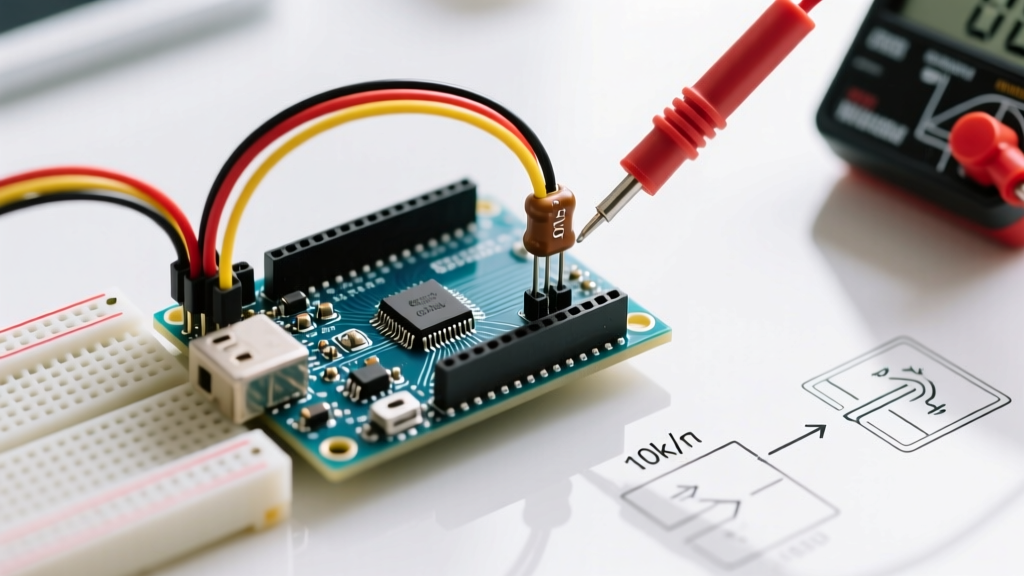
To stabilize your serial workflow, always ensure the RX line is held HIGH when idle. UART lines are active-LOW. If you are connecting an Arduino to a sensor via long wires (e.g., RS-485 transceivers or raw UART over 3 meters), add a 10kΩ pull-up resistor between the RX pin and the 3.3V/5V logic rail. This prevents the Serial.available() function from returning phantom data, which often manifests as random framing errors or corrupted JSON payloads in your host application.
Expert Workflow Tip: Never rely solely onSerial.available()to validate data integrity. Always implement a checksum (like CRC-8 or XOR) at the end of your payload.Serial.available()only tells you that something arrived, not that it arrived without bit-flips induced by EMI.
Summary: Building a Resilient Pipeline
Mastering the Serial.available Arduino function is the dividing line between amateur sketches and professional embedded firmware. By abandoning blocking while loops, mathematically sizing your buffers against your baud rate, leveraging non-blocking delimiter parsing, and stabilizing your physical RX lines, you transform serial communication from a fragile bottleneck into a high-throughput, resilient data pipeline. Whether you are logging vibration data on an ESP32 or tuning a drone flight controller on a Teensy, these optimization strategies ensure your MCU never misses a beat.