
The Hidden Tax of Subpar Prototyping Kits
In the fast-paced landscape of embedded systems and IoT development, the transition from a conceptual schematic to a functional breadboard prototype is where projects either gain momentum or stall entirely. When professional engineers and serious makers search for the recommended Arduino starter kit, they are rarely just looking for a blinking LED tutorial; they are investing in a rapid iteration pipeline. A subpar kit introduces a hidden tax on your workflow through faulty jumper wires, high-resistance breadboard contacts, and poorly documented edge cases. In 2026, with the industry shifting toward the ARM-based UNO R4 ecosystem and stricter 3.3V logic tolerances, the physical quality of your prototyping hardware dictates your debugging efficiency. This guide evaluates the top kits on the market not by their sheer component count, but by how effectively they optimize your daily engineering workflow, reduce bench clutter, and eliminate hardware-induced ghost faults.
2026 Evaluation Matrix: Top Contenders for Workflow Efficiency
To determine the best hardware foundation for your bench, we must look past the marketing fluff and evaluate the actual silicon, wire gauges, and documentation ecosystems. Below is a comparative analysis of the three dominant kits shaping maker workflows this year.
| Kit Model | Est. Price (2026) | Core MCU | Wire Quality | Workflow Score |
|---|---|---|---|---|
| Elegoo Super Starter Kit | $42.99 | UNO R3 (CH340G) | 26 AWG Stranded | 8.5 / 10 |
| Official Arduino Starter Kit | $109.00 | UNO R4 Minima | 24 AWG Pure Copper | 9.5 / 10 |
| Freenove Ultimate Kit | $59.99 | ESP32 / UNO R3 | 28 AWG CCA | 7.0 / 10 |
1. Elegoo Super Starter Kit (The Lean Agile Choice)
For developers who need to spin up multiple test nodes simultaneously without breaking the budget, the Elegoo Super Starter Kit remains a staple. Priced around $42.99, it provides a highly capable UNO R3 clone utilizing the CH340G USB-to-serial chip. From a workflow perspective, Elegoo excels in inventory management; their components are shipped in a rigid, compartmentalized plastic case with ESD-safe dividers that double as a permanent bench organizer. However, the included 26 AWG jumper wires are adequate but not exceptional, meaning you may experience occasional signal degradation on high-speed SPI buses.
2. Official Arduino Starter Kit (The Reference Standard)
If your workflow demands absolute reliability and seamless integration with modern IDE environments, the Arduino Official Education Portal highlights the premium Official Starter Kit as the definitive choice. Now updated to feature the UNO R4 Minima (or WiFi variant), this $109.00 investment eliminates the legacy Micro-USB bottleneck in favor of native USB-C, aligning with modern bench power and data setups. The inclusion of 24 AWG pure copper jumper wires with reinforced Dupont crimps drastically reduces the time spent troubleshooting intermittent open circuits. Furthermore, the accompanying project book provides deep-dive schematics that mirror professional engineering documentation, bridging the gap between hobbyist tinkering and enterprise-grade prototyping.
3. Freenove Ultimate Starter Kit (The Sensor-Heavy Powerhouse)
Freenove targets the IoT and home automation demographic by bundling an ESP32 alongside a traditional UNO R3. While the sheer volume of sensors (including RFID, ultrasonic, and environmental modules) is impressive for $59.99, the workflow bottleneck lies in the 28 AWG copper-clad aluminum (CCA) wires. CCA wires are brittle and prone to internal fracturing when bent repeatedly, leading to phantom voltage drops that can waste hours of debugging time.
Hardware Bottlenecks That Destroy Iteration Speed
Choosing the recommended Arduino starter kit is only the first step; understanding the physical limitations of prototyping hardware is what separates novice tinkerers from seasoned firmware engineers. Let us examine the specific hardware failure modes that derail development cycles.
The Jumper Wire Gauge and Crimp Problem
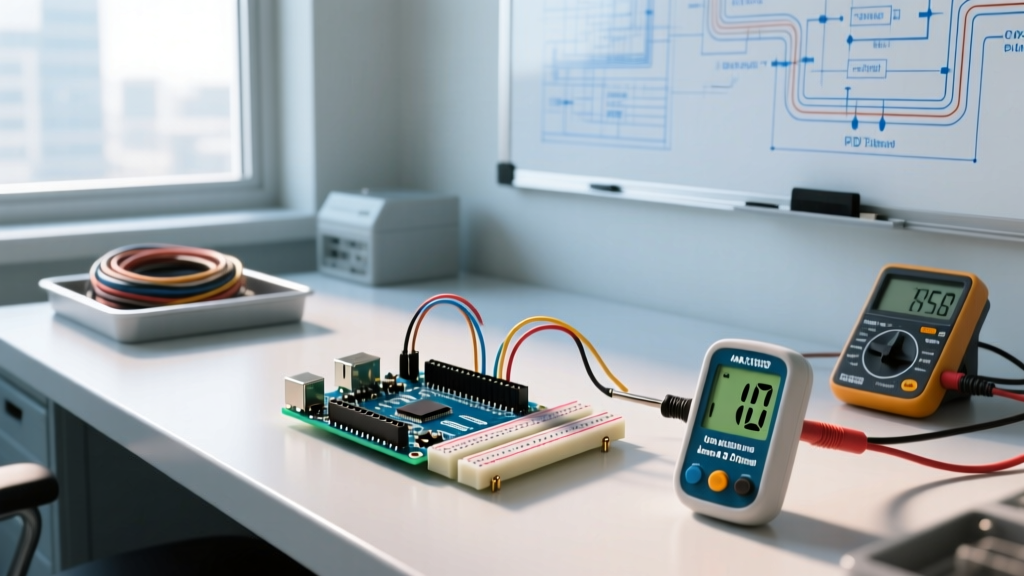
The most common source of workflow interruption is the humble male-to-male jumper wire. Budget kits frequently utilize 28 AWG or even 30 AWG wire to cut costs. At 5V logic, a 10cm run of 28 AWG wire might introduce a negligible voltage drop, but when you begin pushing 500mA through a servo motor or an LED matrix, the resistance causes a brownout condition that resets your MCU. Actionable Fix: Immediately audit your kit's wires. Use a digital multimeter to measure the resistance of a single wire; it should read below 0.1 ohms. Discard any wire that fluctuates when gently wiggled near the Dupont connector, as this indicates a failed internal crimp.
Breadboard Parasitic Capacitance and Contact Resistance
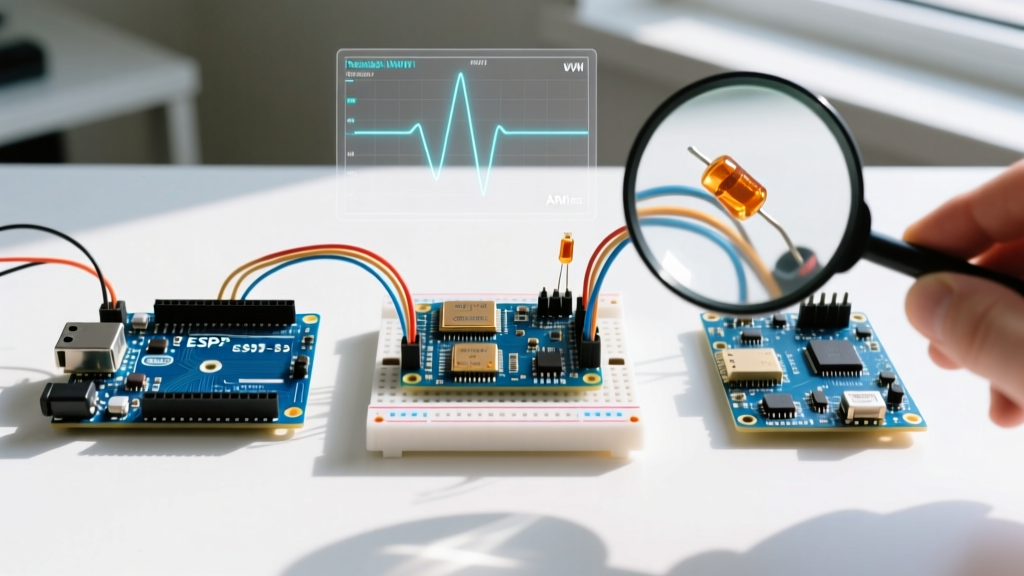
Not all solderless breadboards are manufactured equally. The internal leaf springs in cheap clones lose their tension after just a few dozen component insertions. According to SparkFun's Breadboard Engineering Guide, degraded contact resistance can exceed 100 milliohms, which is catastrophic for precision analog readings and high-frequency I2C communication. Furthermore, the parasitic capacitance between adjacent rows (typically 2pF to 5pF) can cause signal crosstalk on fast-switching digital pins. When prototyping audio circuits or high-speed data lines, always use the premium breadboards included in top-tier kits, and never daisy-chain power rails across multiple cheap boards.
Expert Workflow Tip: When debugging I2C sensor networks on a breadboard, always verify your pull-up resistors. Many starter kits include 10kΩ resistors, which are too weak for bus speeds above 100kHz. Swap them for 4.7kΩ or 2.2kΩ resistors to sharpen the signal rise times and eliminate I2C timeout errors in your serial monitor.
Optimizing Your Bench Layout for Rapid Iteration
Once you have secured a high-quality kit, optimizing your physical workspace is critical for maintaining a state of flow. A disorganized bench leads to lost components, accidental short circuits, and cognitive fatigue. Implement the following structured layout to maximize your prototyping throughput:
- Establish an ESD-Safe Zone: Place your MCU and sensitive MOSFETs only on a grounded ESD mat. Static discharge from synthetic clothing can instantly destroy the GPIO pins of an UNO R4 or ESP32.
- Modular Component Binning: Do not leave components in the original kit bags. Transfer resistors, capacitors, and ICs into a 48-compartment transparent organizer. Label each bin not just with the value, but with the EIA standard code (e.g., "103" for 10kΩ) to speed up visual identification.
- Dedicated Power Rails: Use a dedicated bench power supply with alligator clips feeding directly into your breadboard's main power rails, bypassing the limited current capacity of the MCU's onboard 5V regulator. This prevents thermal throttling and protects the board's polyfuse.
- Color-Coded Wiring Standards: Enforce a strict color code on your bench. Red for 5V, Black for GND, Yellow for I2C SDA, and Green for I2C SCL. This visual hierarchy reduces wiring errors by up to 80% during complex sensor integration.
Final Verdict: Accelerating Your MCU Pipeline
When evaluating the recommended Arduino starter kit for professional or serious hobbyist use in 2026, the initial price tag is secondary to the time saved during the debugging phase. The Official Arduino Starter Kit takes the top spot for workflow optimization due to its UNO R4 architecture, native USB-C integration, and premium 24 AWG copper wiring that eliminates physical-layer ghost faults. However, for teams deploying multiple test rigs on a budget, the Elegoo Super Starter Kit offers an unbeatable lean-agile entry point, provided you supplement it with a high-quality set of silicone-jacketed jumper wires. By investing in reliable hardware and structuring your bench for rapid iteration, you shift your focus from fighting faulty connections to writing elegant, optimized firmware. For further reading on component selection and advanced wiring techniques, consult the extensive documentation available via Elegoo's Official Component Specifications and the broader maker community archives.