
The Hidden Bottleneck: Why ESP32 HTTP Payloads Fail
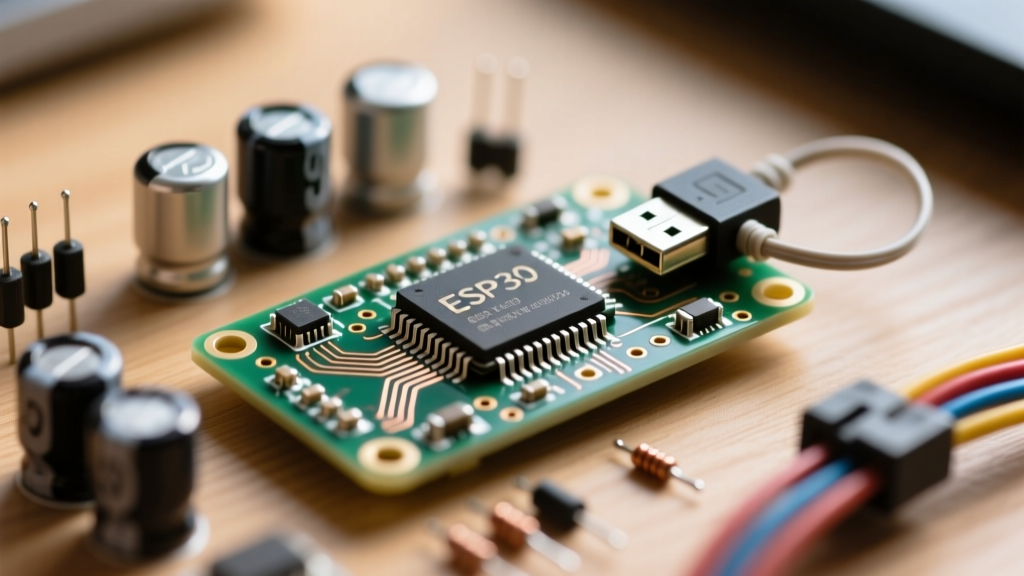
When developing IoT applications on the ESP32, few things are as frustrating as a silently truncated JSON payload or a sudden, unexplained reboot during an HTTPS request. These issues almost always trace back to how the ESP32 HTTP buffer size is managed in memory. Unlike desktop environments with gigabytes of RAM, the ESP32-WROOM-32 operates with roughly 520KB of internal SRAM, which must be shared between the OS, Wi-Fi stack, Bluetooth, and your application logic.
Many developers assume that setting a massive buffer size in their code will solve payload truncation. However, the ESP32 Arduino Core handles HTTP buffers dynamically, and the true culprits are usually heap fragmentation, TLS handshake overhead, and the default blocking behaviors of the standard WebServer library. This guide provides a deep-dive troubleshooting framework to diagnose, bypass, and permanently fix ESP32 HTTP buffer size limitations on both the client and server sides.
The TLS Tax: How HTTPS Shrinks Your Available Buffer
Before adjusting your code, you must understand the underlying network stack. When you make an HTTP request, the payload buffer is limited primarily by available contiguous heap space. But when you switch to HTTPS, the mbedtls library takes over.
A standard TLS 1.2 connection on the ESP32 requires between 10KB and 15KB of RAM just for the handshake and encryption buffers. If your ESP32 is running a web server, a display driver, and an MQTT client simultaneously, you may only have 30KB of fragmented heap left. If you attempt to download a 40KB JSON configuration file via HTTPS, the HTTPClient will fail to allocate the internal buffer, resulting in an HTTPC_ERROR_CONNECTION_FAILED or a truncated response, even if the remote server sent the complete file.
Client-Side Truncation: HTTPClient and Heap Fragmentation
The getString() Trap
The most common mistake when dealing with ESP32 HTTP buffer size on the client side is using http.getString(). This function attempts to read the entire incoming payload into a single Arduino String object. If the payload is 50KB, the ESP32 must find a single, contiguous 50KB block of free heap memory. Due to heap fragmentation from Wi-Fi events and string manipulations, this allocation often fails, leading to an Out-Of-Memory (OOM) crash or a partially filled string.
The Fix: Stream-Based Processing
To bypass the contiguous memory requirement, you must abandon getString() and process the HTTP buffer as a stream. The ESP32 HTTPClient library supports streaming directly to a file system (like SPIFFS or LittleFS) or parsing it chunk-by-chunk.
// Stream payload directly to LittleFS to avoid heap limits
File f = LittleFS.open('/config.json', FILE_WRITE);
if (f) {
    http.writeToStream(&f);
    f.close();
}
If you are parsing JSON directly from the network without saving to flash, use http.getStream() combined with a streaming JSON parser like ArduinoJson's deserializeJson(), which reads the stream byte-by-byte and requires only a fraction of the RAM compared to loading the whole buffer.
Server-Side Limits: WebServer POST Argument Truncation
If your ESP32 is acting as a web server receiving large POST requests (e.g., uploading a firmware binary or receiving a massive dashboard configuration), the standard WebServer.h library will silently truncate your data.
The standard WebServer parses incoming POST data into memory arguments. By default, it limits the size of individual arguments and the total POST body to roughly 1.4KB to 2KB. If a user sends a 10KB JSON payload to your /api/update endpoint, server.arg("plain") will only return the first ~1.4KB, corrupting your JSON structure and causing parsing failures.
The Fix: Migration to ESPAsyncWebServer
To handle large incoming HTTP buffers on the server side, you must migrate to the ESPAsyncWebServer library. Unlike the blocking standard library, the async version processes incoming TCP packets via callbacks, allowing you to handle payloads of virtually any size (up to available RAM/PSRAM) without blocking the main loop.
server.on('/api/data', HTTP_POST, [](AsyncWebServerRequest *request){
    request->send(200, 'application/json', '{"status":"ok"}');
}, NULL, [](AsyncWebServerRequest *request, uint8_t *data, size_t len, size_t index, size_t total) {
    // Process incoming buffer chunks here
    // 'data' contains the current chunk, 'total' is the full payload size
    Serial.printf('Received chunk of %u bytes (Total: %u)\n', len, total);
});
Memory Architecture: SRAM vs. PSRAM Buffer Allocation
If you are using an ESP32-S3, ESP32-CAM, or any dev board equipped with PSRAM (Pseudo-Static RAM), you have access to an additional 4MB or 8MB of memory. However, the ESP32 HTTP stack does not automatically use PSRAM for its internal buffers. You must explicitly instruct your libraries to allocate memory in external RAM.
| Library / Component | Default Buffer Location | Max Safe Payload (No PSRAM) | PSRAM Override Method |
|---|---|---|---|
| HTTPClient | Internal SRAM (Heap) | ~40KB (Fragmentation dependent) | Use http.writeToStream() to a PSRAM-backed buffer or file. |
| WebServer (Sync) | Internal SRAM | ~1.4KB (Hardcoded arg limit) | Not recommended. Migrate to Async. |
| ESPAsyncWebServer | Internal SRAM (Chunked) | Unlimited (Streamed via callback) | Use ps_malloc() inside the body handler callback. |
| ArduinoJson | Internal SRAM | ~30KB (Dynamic JsonDocument) | Use custom allocator or JsonDocument with PSRAM pool. |
For parsing large JSON buffers received via HTTP, ArduinoJson supports PSRAM allocation. By defining a custom allocator or using a pre-allocated PSRAM array for your JsonDocument, you can safely parse HTTP responses exceeding 100KB without triggering the ESP32's Task Watchdog or causing an OOM panic.
Troubleshooting Matrix: HTTP Errors & Buffer Fixes
Use this diagnostic matrix to identify your specific ESP32 HTTP buffer size failure mode:
- HTTP_CODE_PAYLOAD_TOO_LARGE (413): The remote server is rejecting your POST. This is not an ESP32 buffer issue; check your server's Nginx/Apache
client_max_body_sizeconfiguration. - HTTPC_ERROR_CONNECTION_LOST (-1): Often caused by the ESP32 running out of memory during TLS negotiation. Fix: Disable certificate verification for testing (
http.setInsecure()) to free up ~5KB of buffer space, or use a root certificate bundle instead of full CA chains. - Silent Reboot (Exception 28 / LoadProhibited): Null pointer dereference caused by
getString()failing to allocate heap memory, returning an empty string that your code attempts to parse. Fix: Always checkhttp.getSize() > 0and switch to stream processing. - Truncated JSON (Missing closing braces): The standard
WebServerhit its internal argument limit. Fix: ImplementESPAsyncWebServerbody handlers.
Summary: Best Practices for 2026 and Beyond
As IoT payloads grow larger with the adoption of edge-ML models and high-resolution telemetry, managing the ESP32 HTTP buffer size requires a shift from blocking, memory-heavy functions to asynchronous, stream-based architectures. Always favor writeToStream() over getString(), utilize PSRAM for JSON parsing, and standardize on ESPAsyncWebServer for all incoming HTTP traffic. By respecting the ESP32's memory boundaries, you can build robust, crash-free network applications capable of handling enterprise-grade data loads.