
The ESP32 Bluetooth Dilemma: Classic SPP vs. BLE GATT
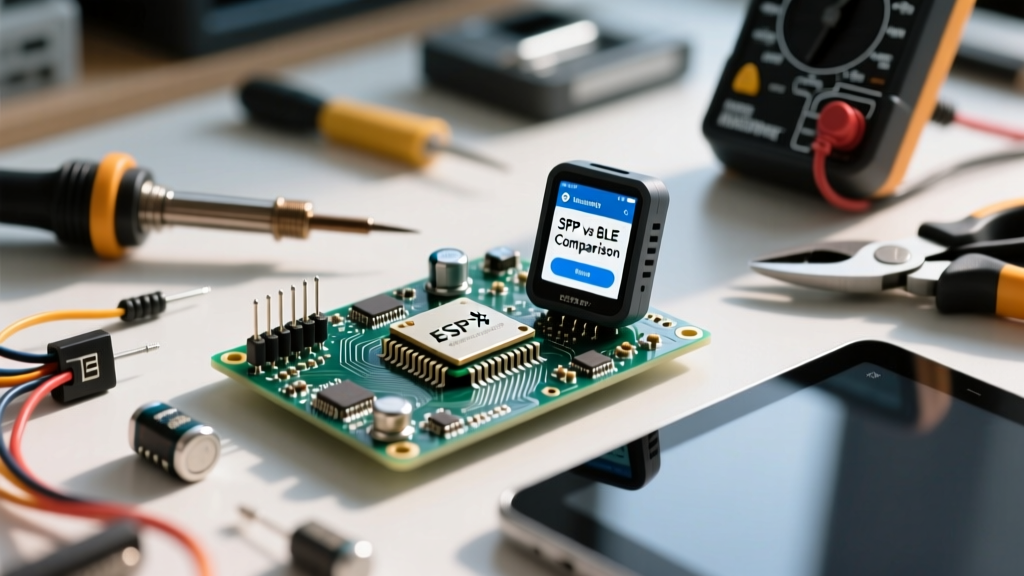
When makers search for a reliable bluetooth terminal for esp32 dev module on arduino, they often hit a wall of fragmented documentation and dropped packets. The root cause of 90% of these compatibility issues is a fundamental misunderstanding of the ESP32's dual-mode Bluetooth architecture. Unlike older Arduino setups that relied on external HC-05 modules (which strictly use Classic Bluetooth SPP), the native ESP32 WROOM chip supports both Classic Bluetooth (BR/EDR) and Bluetooth Low Energy (BLE).
Choosing the right terminal application depends entirely on which Arduino core library you are utilizing. If your sketch includes BluetoothSerial.h, you are using the Serial Port Profile (SPP). If you are using the Espressif Arduino-ESP32 Core with BLEDevice.h, you are operating in the Generic Attribute Profile (GATT) space. Mobile operating systems handle these two protocols very differently, dictating which terminal app will actually connect to your dev board.
Top Mobile App Compatibility for Arduino Serial Debugging
Debugging an ESP32 over the air requires a terminal app that can emulate a serial monitor, complete with baud rate emulation (where applicable) and newline character parsing. Here is how the top contenders stack up for ESP32 development.
Kai Morich's Serial Bluetooth Terminal (Android)
For Android users, Kai Morich's Serial Bluetooth Terminal is the undisputed gold standard. It is one of the few apps that natively supports both Classic SPP and BLE GATT. When your ESP32 is flashed with an SPP sketch, the app discovers it exactly like an HC-05 module, creating a virtual RFCOMM socket. For BLE sketches, the app allows you to map specific BLE characteristics (TX and RX UUIDs) to a serial-like interface. Its macro system and customizable newline delimiters (\r\n vs \n) make it an invaluable bridge between the Arduino IDE Serial Monitor and mobile debugging.
nRF Connect for Mobile (iOS & Android)
Developed by Nordic Semiconductor, nRF Connect is a powerhouse for BLE inspection. However, it is strictly a BLE tool. If you are developing an ESP32-C3 or ESP32-S3 project (which only support BLE), nRF Connect is mandatory for iOS users. Apple's iOS completely blocks Classic Bluetooth SPP for non-MFi (Made for iPhone) certified devices. Therefore, an iPhone will literally never see an ESP32 running BluetoothSerial.h. nRF Connect allows you to manually subscribe to ESP32 BLE notify characteristics to read incoming serial streams, though it lacks the automated 'virtual serial port' formatting of dedicated terminal apps.
Desktop & IDE Integration: Bypassing the Serial Monitor
A major pain point in the Arduino IDE 2.x workflow is that the native Serial Monitor only listens to physical COM ports (USB/UART). If you are debugging an ESP32 wirelessly via Bluetooth, you lose access to the IDE's built-in plotting and monitoring tools. To solve this, Windows users can utilize Virtual Serial Port (VSP) software like HW VSP3 or Eltima Virtual Serial Port Driver.
These tools create a virtual COM port pair (e.g., COM4 and COM5). You bind your PC's Bluetooth SPP connection to COM4, and point the Arduino IDE Serial Monitor to COM5. The software bridges the gap, allowing you to use the native Arduino IDE Serial Plotter to graph sensor data transmitted from the ESP32 over Classic Bluetooth in real-time. Note that this VSP bridging technique only works with Classic SPP, not BLE, due to how Windows handles BLE GATT services at the OS level.
Compatibility Matrix: ESP32 Boards vs. Terminal Protocols
Not all 'ESP32 Dev Modules' are created equal. Espressif has released numerous variants, and selecting the wrong terminal protocol for your specific silicon will result in total failure. Refer to the matrix below before writing your Arduino sketch.
| ESP32 Variant | Classic SPP Support | BLE GATT Support | Recommended Terminal Approach |
|---|---|---|---|
| ESP32 (WROOM/WROVER) | Yes | Yes | Kai Morich (SPP for ease, BLE for low power) |
| ESP32-S2 | No | No (Wi-Fi only) | N/A - Use ESP-NOW or Wi-Fi TCP/UDP |
| ESP32-S3 | No | Yes (BLE 5.0) | nRF Connect or Kai Morich (BLE Mode) |
| ESP32-C3 | No | Yes (BLE 5.0) | nRF Connect or Kai Morich (BLE Mode) |
As highlighted in the Espressif Bluetooth API Documentation, attempting to compile BluetoothSerial.h on an ESP32-C3 will result in a fatal compilation error in the Arduino IDE, as the hardware physically lacks the BR/EDR radio.
Troubleshooting Common Arduino IDE to Terminal Handshakes
Even when the hardware and app match, makers frequently encounter garbled text, dropped lines, or silent connection failures. Here are the advanced fixes for the most common ESP32 Bluetooth terminal bugs.
Baud Rate & Newline Character Mismatches
When using Classic SPP, the baud rate specified in your Arduino sketch (e.g., Serial.begin(115200)) is essentially ignored by the Bluetooth stack, as SPP is a packet-based virtual serial protocol, not a physical UART line. However, the newline characters matter immensely. The Arduino IDE Serial Monitor defaults to appending a Newline (\n) or Carriage Return + Newline (\r\n). If your terminal app is configured to expect \r\n but the ESP32 is sending raw strings without them, the terminal will buffer the text indefinitely, appearing as if the connection is dead. Always ensure your terminal app's 'Receive Newline' setting matches your Arduino println() or print() functions.
The BLE MTU Truncation Bug
When transitioning to BLE, the Maximum Transmission Unit (MTU) becomes a critical bottleneck. By default, BLE negotiates an MTU of just 20 bytes. If your Arduino sketch attempts to send a 60-byte JSON payload via BLECharacteristic::setValue() and notify(), the payload will be silently truncated at 20 bytes by the ESP32's NimBLE or Bluedroid stack. To fix this, you must implement MTU negotiation in your Arduino setup function, requesting an MTU of 512 bytes, and ensure your receiving terminal app (like Kai Morich) supports large MTU payloads. Furthermore, BLE requires you to send data in byte arrays, requiring careful string-to-hex conversion in your C++ code.
Final Verdict for ESP32 Dev Module Workflows
Selecting the correct bluetooth terminal for esp32 dev module on arduino environments requires a two-step verification process: first, identify your exact ESP32 silicon variant to determine if Classic SPP is physically available; second, choose your mobile OS. For rapid, drop-in serial debugging that mimics the Arduino IDE experience, Android paired with Kai Morich's Serial Bluetooth Terminal over Classic SPP remains the most frictionless workflow. However, for modern, low-power IoT deployments utilizing the ESP32-S3 or C3, mastering BLE GATT characteristics via nRF Connect is an unavoidable and essential skill for any serious embedded developer.