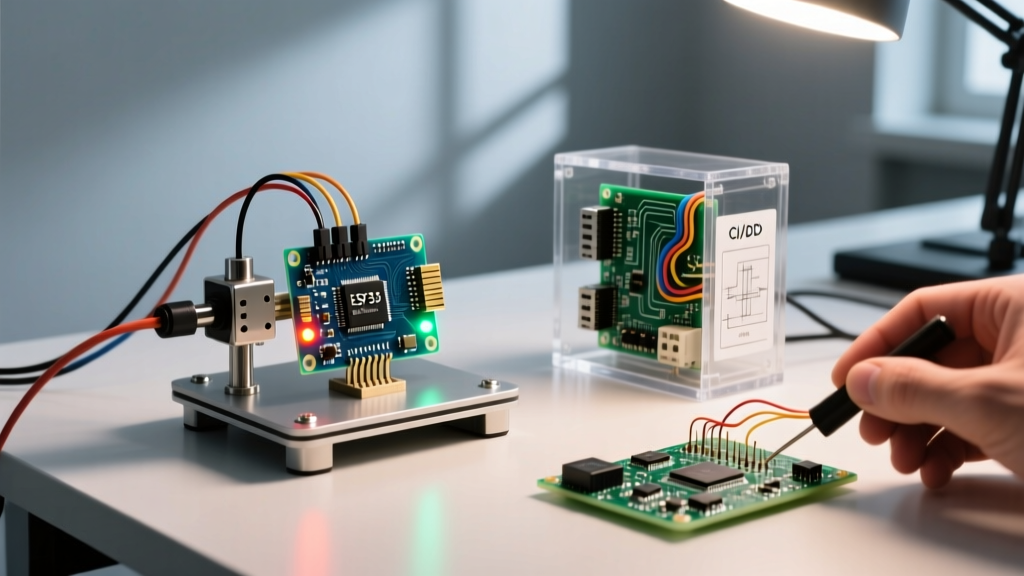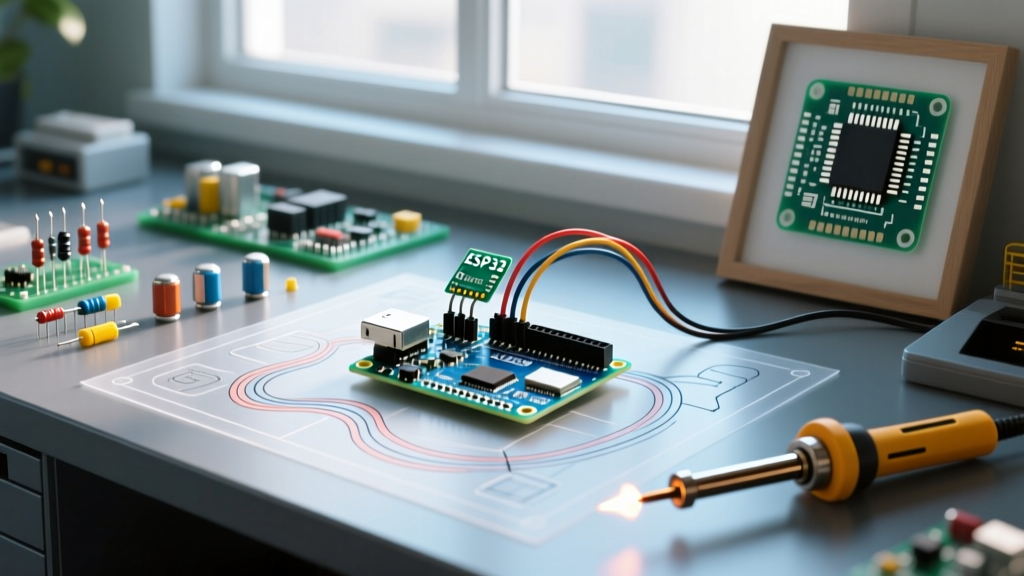

When newcomers to the embedded electronics space ask, 'arduino what does mean,' they are usually staring at a blue printed circuit board and wondering about its capabilities. However, asking what Arduino means requires looking far beyond the hardware. In 2026, Arduino is not just a microcontroller; it is a sprawling open-source ecosystem, a standardized software framework, and a global community philosophy that has democratized hardware engineering.
This community resource roundup decodes the true meaning of Arduino. We will explore the three pillars of the ecosystem, curate the most valuable community hubs for troubleshooting and learning, and break down the technical terminology you need to navigate the maker space like a seasoned embedded systems engineer.
The Three Pillars: What 'Arduino' Actually Means
To understand the ecosystem, you must separate the brand from the framework. The Arduino concept rests on three distinct pillars:
1. Open-Source Hardware (OSHW)
At its core, the original Arduino hardware is open-source. According to the Open Source Hardware Association (OSHWA), OSHW allows anyone to study, modify, distribute, make, and sell the design or hardware based on that design. When you buy an official Arduino Uno R4 Minima (currently retailing around $19.50), you are funding the R&D, but the exact schematics, Gerber files, and Bill of Materials (BOM) are public. This is why 'clone' boards exist legally and abundantly.
2. The Software Abstraction Layer
Technically, 'Arduino' refers to the C++ abstraction layer that sits on top of raw hardware registers. The ArduinoCore-API repository standardizes functions like digitalWrite() and analogRead(). This means a sketch written for an 8-bit AVR ATmega328P can be compiled for a 32-bit ARM Cortex-M4 (like the Renesas RA4M1 on the Uno R4) or an ESP32-S3 with minimal modifications. Arduino is essentially a universal hardware abstraction layer (HAL).
3. The Community and Philosophy
The true moat of Arduino is its community. The philosophy prioritizes accessibility over raw performance, allowing artists, students, and hobbyists to prototype embedded systems without needing a degree in electrical engineering.
Top Community Resources to Deepen Your Knowledge
Navigating the ecosystem requires knowing where to look when your code fails to compile or your I2C bus locks up. Below is a curated roundup of the most critical community resources available today.
| Resource Hub | Best Used For | Avg. Response Time | Expertise Level |
|---|---|---|---|
| Arduino Official Forum | Hardware troubleshooting, official board support, IDE bugs | 2 - 6 Hours | Beginner to Expert |
| r/arduino & r/esp32 | Project inspiration, wiring critiques, general advice | 1 - 12 Hours | Hobbyist to Advanced |
| PlatformIO Community | Build system errors, CI/CD pipelines, advanced library management | 12 - 24 Hours | Intermediate to Pro |
| Discord (Arduino / ESP32) | Real-time debugging, quick syntax checks, component sourcing | Minutes | All Levels |
Pro-Tip for Forum Posting: When asking for help on the official forums or Reddit, always include your exact Board Support Package (BSP) version, the specific clone chip used for USB-to-Serial (e.g., CH340G vs. CP2102), and your full verbose compilation output. This reduces back-and-forth troubleshooting by over 80%.
Decoding Arduino Terminology: A Community Glossary
If you are diving into community GitHub repositories or forum threads, you will encounter specific jargon. Here is what these terms actually mean in practice:
- Sketch: The Arduino term for a source code file. Technically, it is a C++ translation unit containing at least a
setup()andloop()function, which the Arduino builder wraps in a standardmain.cppbefore compilation. - Board Support Package (BSP): A collection of core files, compiler toolchains, and linker scripts required to compile code for a specific microcontroller family. You install these via the 'Boards Manager' using JSON index URLs.
- Bootloader: A tiny program (often Optiboot, which uses exactly 512 bytes of flash memory on the ATmega328P) residing at the end of the flash memory. It allows the MCU to be programmed via the UART serial pins without needing an external hardware programmer (ISP).
- Shield: A daughterboard that plugs directly into the standard Arduino headers (typically 15-pin and 21-pin sockets) to add specific functionality, like motor control or Ethernet, without requiring breadboard wiring.
Real-World Edge Cases: When 'Arduino' Means Something Else
As you advance, the definition of Arduino stretches. Understanding these edge cases is critical for modern MCU development.
The 'Arduino Framework' on Non-Arduino Silicon
In 2026, a massive percentage of 'Arduino' projects do not use official Arduino hardware. Espressif's ESP32 and STM32 microcontrollers dominate the IoT space. Developers use the Arduino Framework via tools like PlatformIO to write code for an ESP32-S3 using familiar WiFi.begin() syntax, while the underlying toolchain compiles it using the ESP-IDF (IoT Development Framework). Here, 'Arduino' strictly means the API wrapper, not the physical board.
Clone Boards and the CH340G Driver Hurdle
Official Arduino boards use high-quality USB-to-Serial converters like the 16U2. Budget clones (often priced under $5) use the WCH CH340G chip. When community members ask 'why is my Arduino not showing up in the IDE,' the answer is almost always a missing CH340 driver or a faulty 5V linear regulator on the clone board that drops voltage under heavy sensor loads.
Arduino CLI vs. Arduino IDE
While beginners use the graphical Arduino IDE 2.3.x, professional engineers and CI/CD pipelines rely on the Arduino CLI. This command-line tool allows developers to compile sketches, manage cores, and upload firmware via shell scripts, integrating seamlessly into GitHub Actions for automated hardware-in-the-loop (HIL) testing.
Frequently Asked Questions (FAQ)
Is Arduino a programming language?
No. Arduino is not a standalone language. It is a framework built on C and C++. The 'Arduino language' is simply a set of C++ wrapper functions and macros designed to abstract away complex register-level hardware configurations.
What does 'bricking' an Arduino mean?
Bricking refers to corrupting the bootloader or setting the fuses incorrectly via an In-System Programmer (ISP), rendering the board unable to accept new code via USB. It is usually fixable by using an external programmer (like a USBasp) to burn a fresh bootloader via the ICSP header pins.
Why do some community libraries fail to compile on the Uno R4?
The Uno R4 uses a 32-bit Renesas ARM Cortex-M4, whereas the classic Uno R3 uses an 8-bit AVR. Libraries that rely on direct AVR port manipulation (e.g., writing directly to PORTB or DDRB registers) will fail on the R4. The community is actively updating these libraries to use the hardware-agnostic ArduinoCore-API instead.