
The Intersection of Code and Sound
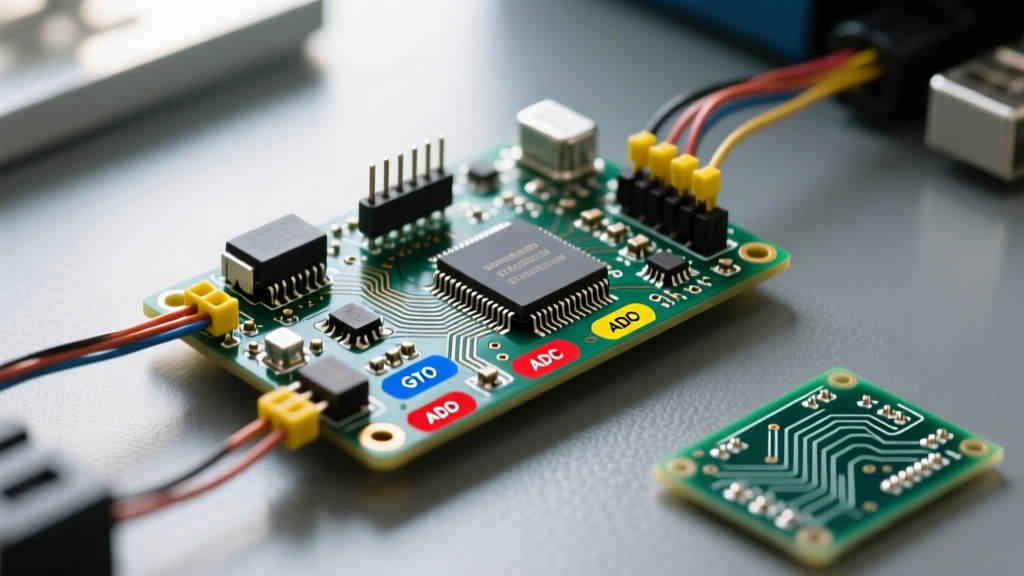
The landscape of electronic music has always been defined by the tools creators use to shape sound. In 2026, the phrase Arduino for musicians no longer just means blinking LEDs to a drum beat; it encompasses building polyphonic granular synthesizers, low-latency USB MIDI controllers, and Eurorack-compatible CV sequencers. While the original 8-bit AVR chips (like the ATmega328P) are still useful for simple control voltage tasks, the community has largely migrated toward 32-bit ARM and dual-core ESP architectures for heavy digital signal processing (DSP). This roundup curates the most vital hardware, open-source libraries, and community hubs that electronic musicians and DIY luthiers are using right now to build custom gear.
Top Hardware Platforms for Audio and MIDI in 2026
Choosing the right microcontroller unit (MCU) is the most critical decision for any musical instrument build. You must balance processing speed, digital-to-analog conversion (DAC) quality, and USB class compliance. Below is a comparison of the top boards dominating the DIY audio space this year.
| Board | MCU Core | Audio Capability | USB MIDI | Est. Price (2026) |
|---|---|---|---|---|
| Teensy 4.1 | ARM Cortex-M7 @ 600MHz | 16-bit 44.1kHz I2S (via SGTL5000 Audio Shield) | Native Class-Compliant | $32.95 |
| Arduino Nano ESP32 | ESP32-S3 Dual 240MHz | I2S via external DAC (e.g., MAX98357A) | Native via TinyUSB | $21.00 |
| Raspberry Pi Pico | RP2040 Dual 133MHz | 12-bit internal DAC / PIO I2S | Requires Adafruit TinyUSB | $4.00 |
| Daisy Seed | ARM Cortex-M7 @ 480MHz | 24-bit 96kHz AK4556 Codec | Native Class-Compliant | $39.00 |
For pure audio synthesis, the Teensy 4.1 paired with the PJRC Audio Shield remains the undisputed king of the maker community. Its 600MHz clock speed allows for complex algorithms like reverb tails and FFT-based vocoders without breaking a sweat. For budget-friendly MIDI controllers, the Raspberry Pi Pico is unbeatable, especially when utilizing its Programmable I/O (PIO) to handle multiplexed button matrices without CPU overhead.
Essential Open-Source Libraries & Frameworks
Hardware is only half the battle. The true power of the Arduino ecosystem lies in its community-maintained libraries. Here are the foundational frameworks every DIY audio engineer should have in their repository.
1. The Teensy Audio Library
Widely considered the gold standard for MCU-based DSP, the Teensy Audio Library provides a massive array of pre-optimized audio objects. You can route signals using the visual Audio System Design Tool, generating the C++ code automatically. It supports wavetable synthesis, FM synthesis, biquad filters, and real-time pitch shifting. Expert Tip: Always use AudioMemory(120) or higher in your setup() function when chaining more than four effects blocks to prevent buffer underruns and audio stuttering.
2. FortySevenEffects MIDI Library
When dealing with legacy 5-pin DIN MIDI, timing is everything. The standard hardware serial port must be configured to exactly 31,250 baud. The Arduino MIDI Library abstracts the complex serial parsing, SysEx message handling, and Active Sensing protocols. It is fully compatible with AVR, SAMD, and ESP32 architectures, making it the default choice for building MIDI-to-CV converters or hardware sequencers.
3. Mozzi Sonification Library
Originally designed to bring audio synthesis to the humble Arduino Uno, Mozzi has evolved to support ARM and ESP32 boards. Unlike the Teensy library which uses block-based processing, Mozzi operates on a per-sample basis, allowing for incredibly gritty, lo-fi, and experimental digital waveforms. It is heavily favored in the circuit-bending and noise-music communities for creating chaotic, organic textures.
3 Standout Community Projects to Build
If you are looking for inspiration, these three community-driven projects represent the pinnacle of what is achievable on a workbench.
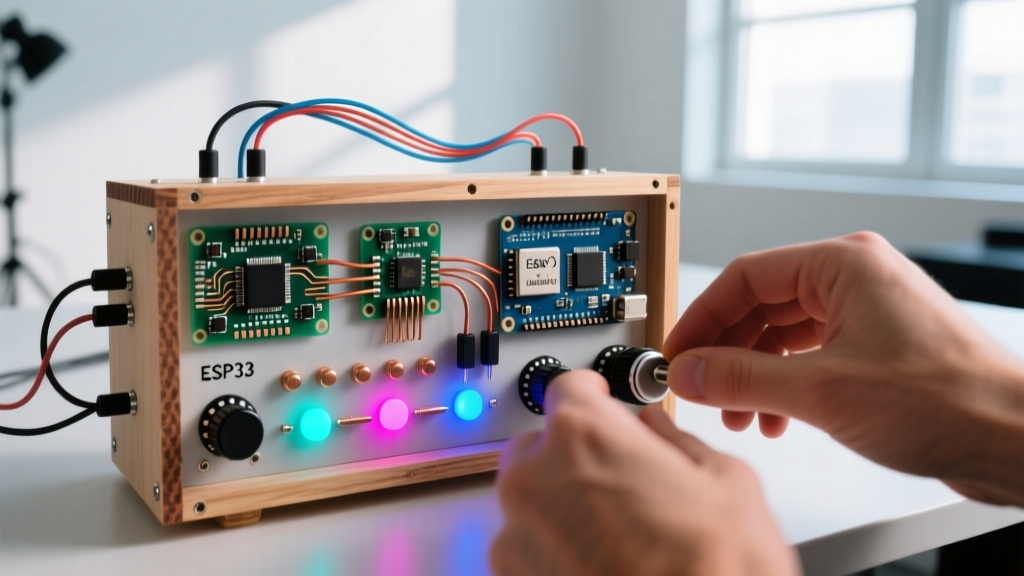
- The 32-Step Polyphonic Sequencer: Built using an Arduino Mega or ESP32, this project utilizes four CD74HC4067 16-channel analog multiplexers to read 64 potentiometers. The community has standardized on using I2C OLED displays (SSD1306) to show step values, outputting MIDI CC data to control external hardware synths like the Elektron Digitakt or Behringer Crave.
- DIY Granular Delay Pedal: Using a Teensy 4.0 and the Audio Shield, makers are building stereo granular delays that rival $300 boutique pedals. The key innovation in 2026 is the implementation of circular buffers stored in the Teensy's external PSRAM chip, allowing for grain durations of up to 8 seconds—something impossible on older SRAM-limited boards.
- Eurorack CV-to-MIDI Interface: Bridging the modular and DAW worlds, this project uses an Arduino Nano with an MCP4922 12-bit SPI DAC. By reading the -10V to +10V control voltage from modular synths via a precision op-amp scaling circuit (using TL072 chips), the MCU translates pitch and gate signals into USB MIDI notes for recording directly into Ableton Live or Bitwig.
Workbench Essentials for Audio DIY
Building musical instruments requires specific components that tolerate physical abuse and maintain signal integrity. Do not use cheap, generic parts for audio pathways.
The Maker's Rule of Thumb: Audio jacks and potentiometers are the primary failure points in any DIY synth. Invest in branded components to avoid scratchy pots and cracked solder joints.
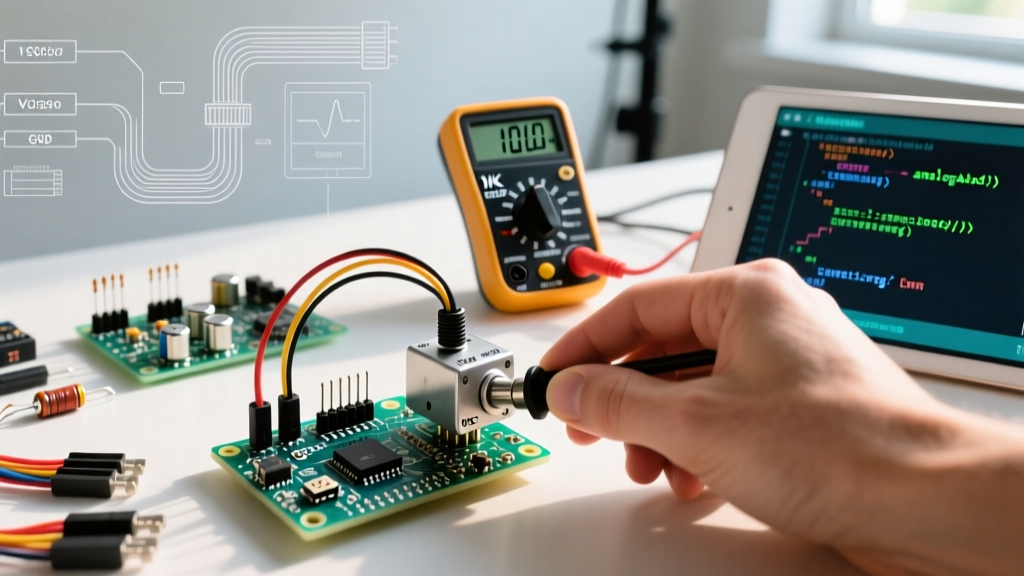
- Potentiometers: Use Bourns PT0609 or Alpha 9mm linear (B10K) pots for voltage-controlled amplifiers (VCAs) and filters. Avoid logarithmic (audio taper) pots for CV control, as they introduce non-linear scaling that the MCU must correct in software.
- Audio Jacks: CUI Devices SJ-43502S (3.5mm TRS) or Switchcraft 112BPC (1/4 inch) provide the tight tension required for stage use.
- Optocouplers for MIDI IN: To prevent ground loops and protect your MCU from voltage spikes, the MIDI specification requires galvanic isolation. Use the H11L1 or 6N138 optocoupler for the MIDI IN circuit, paired with a 1N4148 diode for reverse polarity protection.
Troubleshooting Common Audio MCU Issues
Even with the best code, hardware realities often introduce noise and latency. Here is how the community solves the most persistent issues.
Eliminating USB Ground Loops
When connecting a DIY USB MIDI controller to a laptop that is also plugged into a mixer, a 60Hz hum is almost guaranteed. This is a classic ground loop. The community standard fix is to use a USB isolator based on the ADuM4160 chip (available for ~$25 online) or to power the MCU via an isolated DC-DC converter (like the B0505S-1W) rather than drawing VBUS power from the USB port.
Overcoming PWM Audio Whine
Beginners often try to output audio using the `analogWrite()` PWM pins on an Arduino Uno. This results in a harsh, 490Hz carrier whine that ruins audio fidelity. Never use PWM for direct audio output. If you must use an 8-bit AVR, implement an R-2R resistor ladder DAC on a digital port, or upgrade to a board with a true I2S interface and an external DAC like the MAX98357A, which provides clean, amplified 16-bit audio.
Managing Multiplexer Latency
When scanning 32+ potentiometers via multiplexers, the ADC (Analog-to-Digital Converter) settling time can cause 'jitter' in the MIDI data stream. To fix this, add a 0.1µF ceramic capacitor between the multiplexer's SIG (signal out) pin and ground. Furthermore, implement a software 'deadband' filter in your C++ code, ignoring ADC value changes of less than +/- 2 bits to prevent flooding the MIDI bus with redundant Control Change messages.
Final Thoughts
The ecosystem for Arduino for musicians has matured from a niche hobby into a legitimate avenue for creating professional-grade boutique audio gear. By leveraging 32-bit architectures, community-tested DSP libraries, and proper analog circuit design principles, you can build instruments tailored exactly to your creative workflow. Whether you are soldering a custom MIDI fighter or coding a granular synthesizer, the resources and communities highlighted in this 2026 roundup provide the foundation to bring your sonic ideas to life.