The Verdict: Which Chip Wins Your Next Build?
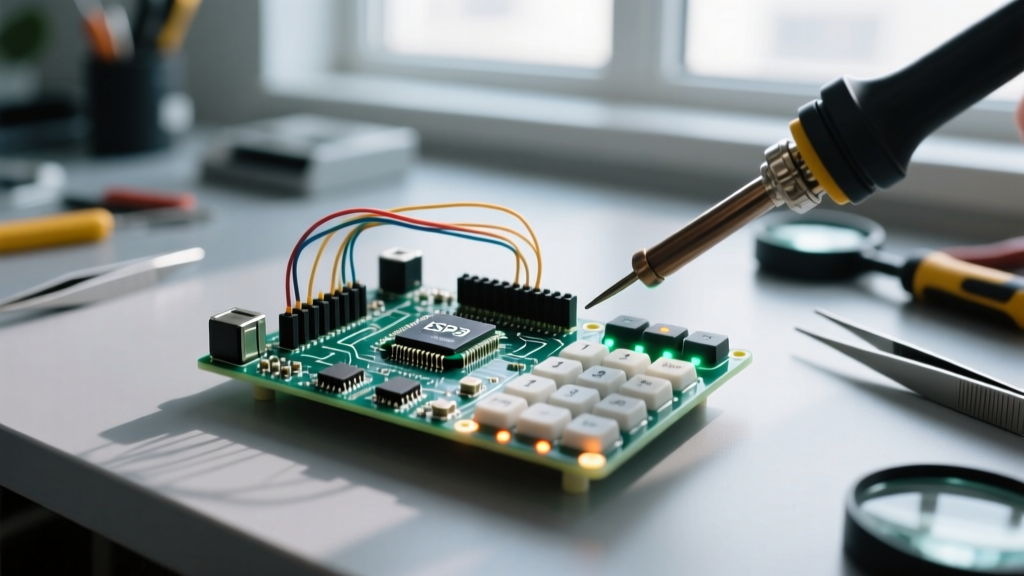
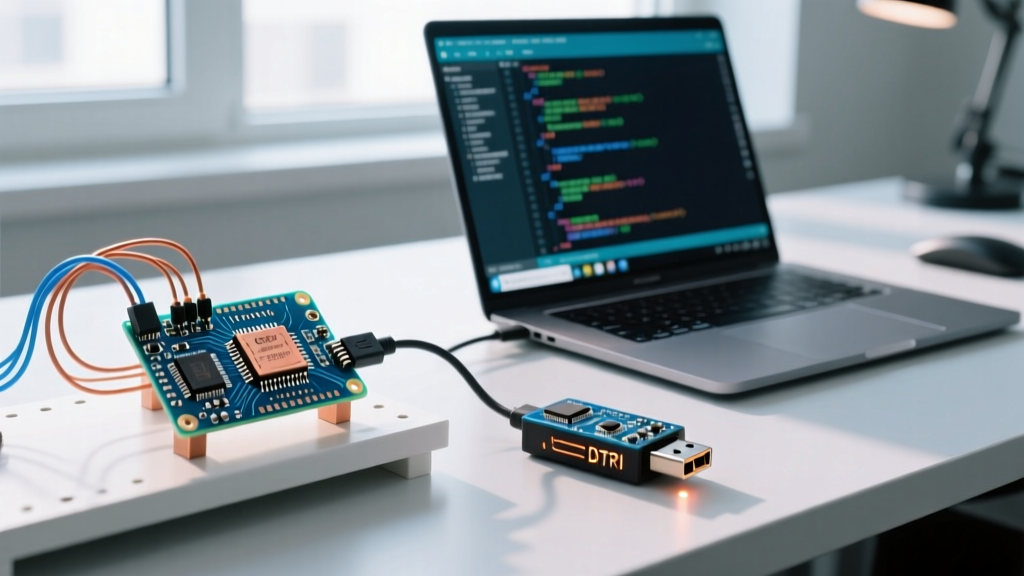
The microprocessor microcontroller difference ultimately dictates the entire architecture of your project. If you are building a battery-powered IoT sensor, a real-time motor controller, or a low-cost consumer appliance, the microcontroller (MCU) is the undisputed winner. Chips like the ESP32-WROOM-32 or STM32F103 offer deterministic GPIO toggling, microamp deep-sleep currents, and bare-metal boot times that a microprocessor simply cannot match. Conversely, if your project requires rendering a 1080p HDMI graphical interface, running a full Ubuntu desktop, or processing live computer vision models via OpenCV, the microprocessor (MPU) takes the crown. Silicon like the Broadcom BCM2711 (found in the Raspberry Pi 4) or NXP i.MX 8 series provides the raw gigahertz compute and gigabytes of RAM necessary for heavy operating systems.
Choose a Microcontroller (MCU) when:
- Your BOM (Bill of Materials) budget is under $5 per unit.
- You need ultra-low power consumption (e.g., 10 µA in deep sleep for coin-cell operation).
- Your software stack is bare-metal C/C++ or a lightweight RTOS like FreeRTOS.
- Boot time must be instantaneous (under 10 milliseconds).
Choose a Microprocessor (MPU) when:
- You need to run a high-level OS with virtual memory (Linux, Android, Windows IoT).
- Your application requires gigabytes of RAM for buffering video or large datasets.
- You are driving high-resolution displays via HDMI or DisplayPort.
- Power draw (1W to 15W+) and multi-layer PCB costs are acceptable trade-offs.
The Single Physical Difference That Drives Everything
Every functional divergence between these two chip classes stems from one physical reality: silicon integration. A microprocessor is strictly a Central Processing Unit (CPU) etched onto a single die. It contains the Arithmetic Logic Unit (ALU), registers, and control logic, but it is completely blind and useless without external support. To make an MPU function, you must surround it with external Power Management ICs (PMICs), external DDR4/LPDDR4 RAM chips, external eMMC storage, and external I/O expanders.
A microcontroller, by contrast, is a self-contained System-on-Chip (SoC). The CPU core, SRAM, Flash memory, ADCs, DACs, UART, and SPI controllers are all fabricated onto the exact same piece of silicon. When you buy an ATmega328P, you are buying the brain, the short-term memory, the long-term storage, and the nervous system in a single 28-pin DIP package. This physical integration is why an MCU can run on a simple 2-layer PCB with a single 3.3V LDO regulator, while an MPU requires a 6-to-12-layer PCB with impedance-controlled differential pairs just to route the external memory bus.
This architectural split also dictates the presence of a Memory Management Unit (MMU). MPUs include an MMU, allowing the hardware to map virtual memory to physical RAM—a strict requirement for running standard desktop Linux. Most MCUs lack an MMU, meaning software must address physical memory directly, which restricts them to flat-memory environments like bare-metal firmware or Zephyr/FreeRTOS.
Microprocessor vs Microcontroller Difference: By the Numbers
To move beyond abstract theory, here is how these two component classes stack up across concrete engineering metrics. The data below reflects typical 2026 market offerings, comparing mainstream ARM Cortex-M MCUs (like the STM32H7 series) against ARM Cortex-A MPUs (like the NXP i.MX8 or Broadcom BCM2711).
| Criteria | Microcontroller (MCU) | Microprocessor (MPU) |
|---|---|---|
| Silicon Integration | CPU + RAM + Flash + Peripherals on one die | CPU only; requires external RAM, storage, PMIC |
| Typical RAM Capacity | 2 KB to 8 MB (internal SRAM) | 512 MB to 16 GB (external DDR4/LPDDR4) |
| Clock Speed | 16 MHz to 480 MHz | 1.0 GHz to 2.5+ GHz |
| Boot Sequence | Executes from internal Flash at 0x0000 (µs to ms) | Loads bootloader, then OS kernel into RAM (seconds) |
| Active Power Draw | 5 mA to 250 mA | 1 W to 15+ W (requires active heatsinking) |
| PCB Complexity | 2 to 4 layers; standard 10-mil traces | 6 to 12+ layers; length-matched impedance routing |
| Unit Cost (1k qty) | $0.80 to $6.00 | $15.00 to $75.00+ |
According to hardware overviews published by All About Circuits, the cost disparity isn't just about the silicon itself. An MPU's true cost is hidden in the supporting BOM. A $20 MPU might require a $4 PMIC, $8 worth of DDR RAM, and a $6 eMMC flash chip, pushing the actual compute module cost well over $40 before you even factor in the expensive multi-layer PCB fabrication. Conversely, an ESP32-S3 module costs roughly $3.50 and requires only a few decoupling capacitors and a USB-C connector to function.
Where They Are Absolutely NOT Interchangeable
Beginners often assume that because an MPU is "more powerful," it can simply replace an MCU in any design. This is a fatal engineering assumption. The microprocessor microcontroller difference creates hard boundaries where the two cannot cross over.
Scenario 1: The Battery-Powered Remote Sensor
Imagine you are designing a remote soil-moisture sensor that must run for two years on a single CR2032 coin cell. You need the chip to sleep at 5 µA, wake up every hour, read an analog voltage via an internal ADC, transmit via BLE, and go back to sleep. If you attempt this with an MPU, you will fail immediately. MPUs suffer from high leakage currents; even in their deepest sleep states, the external PMIC and DDR memory controllers draw milliamps, draining the coin cell in days. Furthermore, MPUs lack the internal ADCs and hardware interrupt pins required for simple sensor polling without external I2C expanders, adding unacceptable BOM complexity.
Scenario 2: The Edge AI Vision Camera
Now imagine you are building a quality-control camera for a factory conveyor belt that needs to run a TensorFlow Lite model to detect defective parts at 30 frames per second. If you attempt this on a standard MCU like an ATmega328P or even a high-end Cortex-M7, the hardware will physically choke. The neural network weights alone require megabytes of RAM, and the matrix multiplications require a floating-point unit and clock speeds that MCUs simply do not possess. You must use an MPU (or an MCU paired with a dedicated NPU accelerator) running a Linux environment to handle the V4L2 camera drivers and the Python/C++ inference engine.
As noted in Texas Instruments' embedded design guides, attempting to force an MPU into a real-time, hard-deterministic control loop (like FOC motor commutation) often results in jitter. Linux is not a real-time operating system; background kernel tasks will interrupt your GPIO toggles, causing motor stutter. MCUs execute instructions in a strictly predictable cycle count, making them mandatory for precision hardware control.
Frequently Asked Questions
Is a Raspberry Pi a microprocessor or microcontroller?
The Raspberry Pi is a Single Board Computer (SBC) built around a microprocessor. The core chip on a Raspberry Pi 4 (the Broadcom BCM2711) is an MPU. It relies on external LPDDR4 RAM chips soldered to the board, external USB controllers, and requires a full Linux operating system loaded from a microSD card to function. However, the Raspberry Pi Pico is a different story: it is built around the RP2040, which is a microcontroller. The Pico features internal SRAM, runs bare-metal C/C++ or MicroPython, and boots instantly without an OS.
Can a microcontroller run Linux like a microprocessor?
Standard microcontrollers (like the AVR, PIC, or standard ARM Cortex-M series) cannot run desktop Linux because they lack a Memory Management Unit (MMU) and the gigabytes of external RAM required by the kernel. However, the industry has created "crossover" chips. For example, the STM32MP1 series features a dual-core Cortex-A7 (which acts as an MPU running Linux) alongside a Cortex-M4 (which acts as an MCU handling real-time tasks) on the same physical die. But for 95% of hobbyist and commercial designs, if you are running standard Linux, you are using an MPU architecture.
Why do microprocessors need external memory while microcontrollers do not?
This comes down to semiconductor manufacturing physics. The silicon process node optimized for high-speed logic gates (the CPU) is fundamentally different from the process node optimized for high-density memory arrays (RAM). While it is possible to embed small amounts of SRAM (up to a few megabytes) on the same die as an MCU's logic, embedding 8 GB of DDR4 RAM on the same die as a 2 GHz CPU would result in a massive, yield-killing, prohibitively expensive chip. Therefore, MPU manufacturers fabricate the CPU on one die and the RAM on another, packaging them together or placing them side-by-side on the PCB to achieve the massive memory densities modern operating systems demand.