
The adafruit_gfx.h: no such file or directory fatal compilation error occurs because your compiler cannot locate the Adafruit GFX Library header file in your project directory. To fix this immediately in the Arduino Integrated Development Environment, navigate to Sketch > Include Library > Manage Libraries, search for 'Adafruit GFX Library', and click Install.
This guide is specifically written for Arduino hobbyists, embedded systems students, and DIY makers integrating graphical displays like the SSD1306 or ILI9341 into their microcontroller projects. By resolving this missing dependency, your code will successfully compile and render graphics.
TL;DR: Key Takeaways
- The error means the compiler cannot find the core graphics framework header file.
- Fix it in Arduino IDE via the Library Manager or by importing the ZIP file manually.
- Fix it in PlatformIO by adding the correct dependency to your
platformio.inifile. - Always ensure your display driver library (e.g., Adafruit SSD1306) is also installed alongside the GFX library.
Understanding the Missing Header Error
When you attempt to compile code for a graphical display, the compiler reads your #include directives. If the required files are absent from the recognized library paths, the build process halts immediately.
What is the Adafruit GFX Library?
Adafruit GFX Library: A foundational C++ graphics framework developed by Adafruit Industries that provides standardized drawing primitives, including individual pixels, geometric lines, circles, rectangles, and text rendering capabilities, specifically designed for microcontroller-driven graphical displays like OLEDs and TFTs.
This core framework acts as a bridge between your specific display hardware and your drawing commands. Without it, hardware-specific libraries cannot translate your code into visual output. You can review the source code on the Adafruit GFX Library GitHub repository.
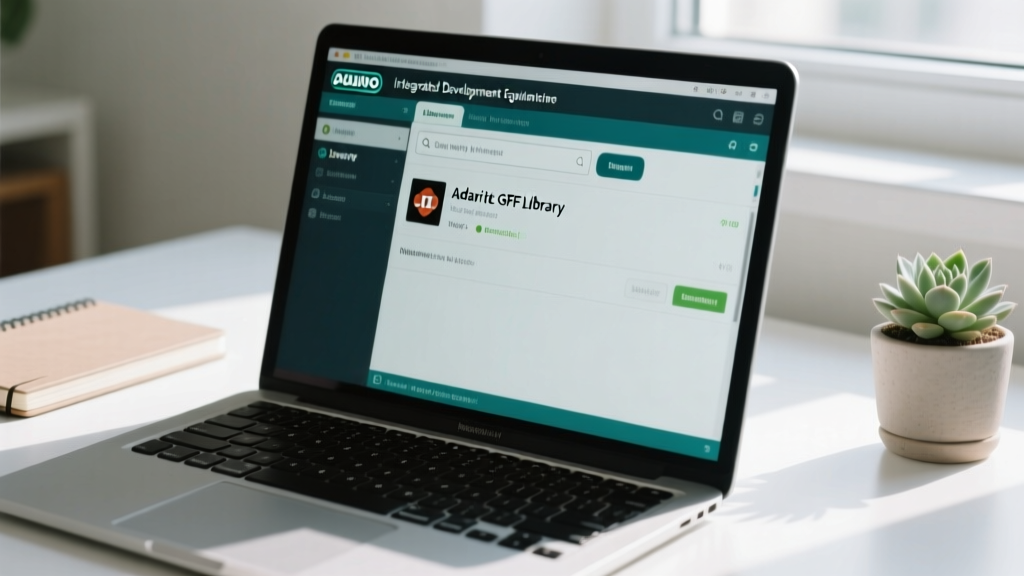
Fixing the Error in Arduino IDE
The Arduino Integrated Development Environment (IDE) version 2.3.4 manages dependencies through a centralized repository. Ensuring the library is correctly indexed is the fastest way to resolve the missing header error.
Step-by-Step Installation via Library Manager
- Open the Arduino Integrated Development Environment.
- Click on Sketch in the top menu bar.
- Select Include Library, then click Manage Libraries.
- Type 'Adafruit GFX' into the search filter box.
- Locate the official package by Adafruit and click Install.
The installation process downloads approximately 1.5 MB of data. Once complete, restart the IDE to force the compiler to re-index the library paths.
Manual ZIP Installation Method
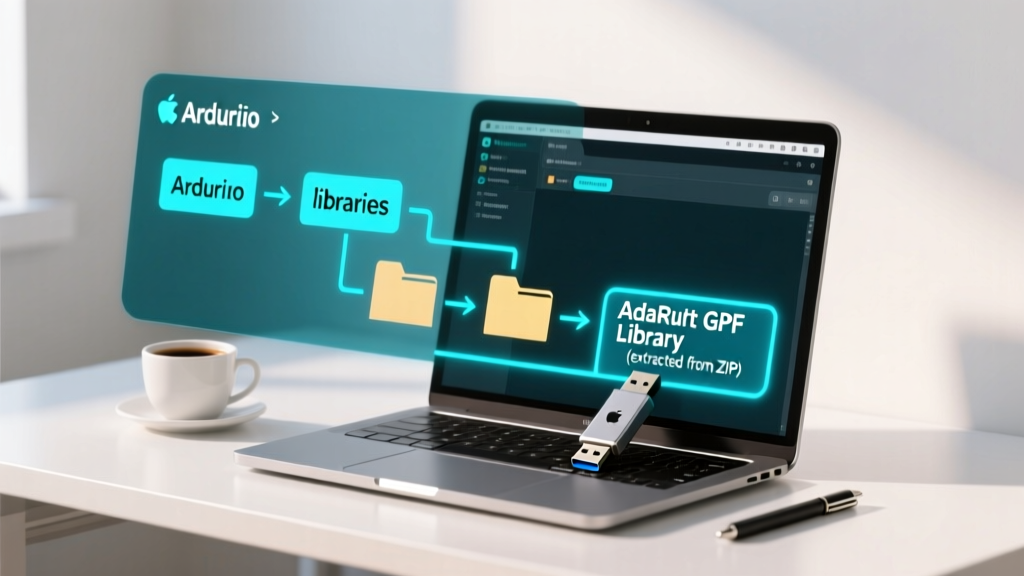
If you operate in an offline environment or require a specific legacy version, manual installation is necessary. Download the repository as a ZIP file from GitHub.
Navigate to Sketch > Include Library > Add .ZIP Library and select your downloaded file. The IDE will extract the contents into your default Documents/Arduino/libraries directory. Verify that the folder structure contains the Adafruit_GFX.h file directly inside the root folder, not nested in a subfolder.
Resolving the Error in PlatformIO
PlatformIO utilizes a manifest-based dependency management system. The Arduino IDE library manager does not apply here; you must declare dependencies explicitly.
Updating the platformio.ini File
Open your platformio.ini configuration file. Locate the [env] section for your specific board and add the library to the lib_deps array.
[env:nodemcuv2]
platform = espressif8266
board = nodemcuv2
framework = arduino
lib_deps =
    adafruit/Adafruit GFX Library@^1.11.9
    adafruit/Adafruit SSD1306@^2.5.9
According to the PlatformIO Library Manager documentation, saving this file will automatically trigger the dependency resolver to fetch and link the required headers before your next build.
Troubleshooting Decision Matrix
Use this diagnostic table to identify why the header file remains missing after initial installation attempts.
| Symptom | Probable Cause | Resolution Action |
|---|---|---|
| Error persists after Library Manager install | IDE library index is corrupted or outdated. | Delete the library_index.json file in your IDE configuration folder and restart. |
| Compiles in IDE, fails in PlatformIO | Missing lib_deps declaration in manifest. | Add the exact library name and version to platformio.ini. |
| Manual install fails to recognize library | ZIP extracted with nested root directory. | Move Adafruit_GFX.h up one directory level so it sits directly inside the library folder. |
| Display shows white noise after fixing error | Incorrect I2C address or logic level mismatch. | Verify the display operates at a 3.3V logic level and scan the 400 kHz I2C bus for the correct hex address. |
Frequently Asked Questions
Why do I get 'fatal error: Adafruit_GFX.h: No such file or directory' in PlatformIO?
PlatformIO isolates project dependencies. Unlike the Arduino Integrated Development Environment, it does not automatically scan your global libraries folder unless configured to do so. You must explicitly define the library in your platformio.ini file using the lib_deps parameter.
Can I use the Adafruit GFX Library with non-Adafruit displays?
Yes. The Adafruit GFX Graphics Library official documentation confirms that the framework is hardware-agnostic. As long as you have a compatible hardware-specific driver library (like one for a generic ILI9341 display), it will utilize the GFX primitives to render a 128x64 pixels or larger interface.
Does installing the GFX library automatically install my display driver?
No. The GFX library only provides the drawing commands. You must separately install the hardware-specific driver (e.g., Adafruit SSD1306 or Adafruit ST7735) which acts as the translation layer between the GFX commands and your specific display controller.
Next Steps for Your Project
Resolving the 'adafruit_gfx.h: no such file or directory' error simply requires correctly linking the core graphics framework to your compiler environment. Your next step is to upload a basic 'Hello World' sketch to your display to verify that the rendering pipeline is fully operational and that your I2C or SPI wiring is correct.