
The Reality of Arduino Data Logging
When building environmental monitors, telemetry nodes, or high-speed data loggers, the storage layer is often the weakest link. A microcontroller can sample a sensor at 1kHz, but if your storage medium stalls for 150 milliseconds to update a File Allocation Table (FAT), your data is lost. Choosing the right arduino sd card library is not just a matter of syntax; it is a fundamental architectural decision that dictates system reliability, memory overhead, and maximum throughput.
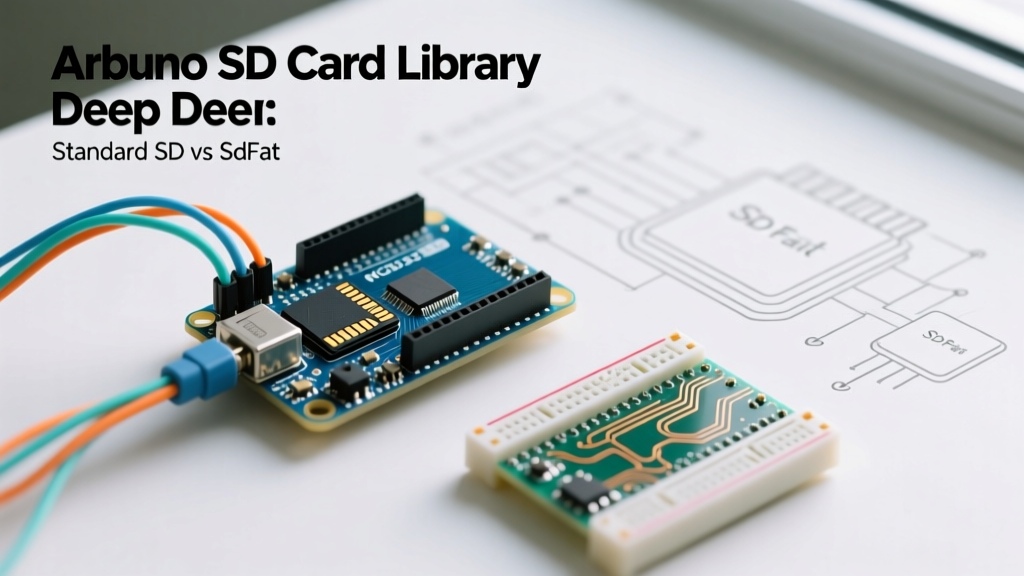
In the Arduino ecosystem, developers typically face a fork in the road: the ubiquitous, pre-installed SD.h library, or the community-driven, highly optimized SdFat library by Bill Greiman. This deep dive dissects both options, exposing the hidden hardware traps, SPI bus limitations, and software configurations required to achieve bulletproof data logging in 2026.
The Standard Arduino SD Library (SD.h)
The standard SD.h library, documented in the Arduino Official SD Reference, is designed with one goal: absolute beginner accessibility. It wraps lower-level FAT operations into simple functions like SD.begin() and File.println().
However, this abstraction comes at a steep cost for advanced applications. The standard library is strictly limited to FAT32 file systems, meaning you cannot natively use modern 64GB or 128GB SDXC cards formatted as exFAT. Furthermore, it enforces an 8.3 filename convention (e.g., LOG001.TXT), which is highly restrictive for automated timestamping. Memory overhead is also a concern; the standard library buffers data in ways that can consume precious SRAM on an ATmega328P, leaving little room for complex sensor fusion algorithms.
SdFat: The Professional Standard
For any project moving beyond simple proof-of-concept logging, SdFat on GitHub is the undisputed industry standard. Greiman’s library bypasses the heavy abstractions of SD.h, offering direct control over the SPI bus, cluster allocation, and file system structures.
Crucially, SdFat v2.x natively supports both FAT32 and exFAT. This aligns with the SD Association Standards, allowing you to use high-capacity SDXC cards without relying on buggy third-party exFAT wrappers. SdFat also supports Long File Names (LFN), enabling you to name files using full ISO 8601 timestamps like 2026-10-24T14-30-00.csv, which is invaluable when managing data from distributed IoT sensor networks.
Head-to-Head Performance Matrix
| Feature | Standard SD.h | SdFat v2.x |
|---|---|---|
| File System Support | FAT32 Only | FAT32 & exFAT |
| Max Card Capacity | 32GB (SDHC) | 2TB+ (SDXC/SDUC) |
| Filename Format | 8.3 Limitation | Long File Names (LFN) |
| File Pre-allocation | Not Supported | Native preAllocate() |
| Interface Support | SPI Only | SPI & Native SDIO (4-bit) |
| SRAM Footprint | ~1.2 KB + Buffers | Highly Configurable (~0.8 KB) |
Hardware Edge Cases: The 5V Logic Trap
Software optimization is useless if your hardware is flawed. The most common cause of SD card initialization failure (SD.begin() returning false) is improper logic level shifting. SD cards operate strictly at 3.3V. Feeding 5V into the MISO, MOSI, or SCK pins will permanently degrade the card's internal controller.
The market is flooded with $1.20 generic microSD breakout boards from overseas marketplaces. These cheap modules typically use an LM1117-3.3 LDO for power regulation, but rely on simple resistor voltage dividers for logic shifting. While a resistor divider steps 5V down to ~3.3V for the MOSI line, it fails to amplify the 3.3V MISO signal coming back from the SD card to the 5V Arduino Uno. The ATmega328P requires a minimum of 3.0V to register a HIGH signal, and voltage sag on the breadboard often drops this below the threshold, resulting in intermittent SPI failures.
The Fix: Invest in breakouts that use dedicated logic level shifting ICs like the 74LVC125 or CD4050. The Adafruit MicroSD Card Breakout Board (Product ID: 254, ~$7.50) and the SparkFun MicroSD Transflash Breakout (DEV-13743, ~$5.95) both utilize proper 3.3V logic translation, ensuring rock-solid SPI communication.
Solving Write Latency with File Pre-Allocation
When logging data at high frequencies (e.g., 500Hz from an MPU6050 IMU), you will encounter 'write latency spikes.' A standard 512-byte block write to an SD card takes roughly 2 milliseconds. However, when a file grows and crosses a cluster boundary, the SD card controller must update the FAT table. This internal housekeeping can stall the SPI bus for 100ms to 250ms, causing your microcontroller's receive buffers to overflow.
SdFat solves this via contiguous file pre-allocation. By reserving a massive, continuous block of clusters on the SD card before you begin logging, the FAT table is updated only once at the beginning of the session.
// SdFat Pre-allocation snippet
File32 logFile = sd.open("data.csv", O_RDWR | O_CREAT | O_AT_END);
// Pre-allocate 10MB of contiguous space
if (!logFile.preAllocate(10 * 1024UL * 1024UL)) {
  Serial.println("Pre-allocation failed! Fragmented card?");
}
Using this technique, write latency remains flat at ~1.5ms per 512-byte block, enabling uninterrupted logging at speeds exceeding 200KB/s on standard SPI connections.
SPI Clock Tuning and Bus Capacitance
If you are wiring an SD module to a microcontroller housed in a weatherproof enclosure, your SPI traces or wires might exceed 10 centimeters. Long wires introduce parasitic capacitance, which rounds off the sharp square waves of the SPI clock signal. At the default Arduino SPI speed of 8MHz or 16MHz, this capacitance causes bit-shifting errors, resulting in corrupted CSV files.
If you experience random file corruption or initialization timeouts on long wire runs, you must downgrade the SPI clock divider. In SdFat, this is handled during initialization:
// Force SPI to 4MHz (or lower) for long wire runs
if (!sd.begin(SD_CS_PIN, SD_SCK_MHZ(4))) {
  Serial.println("SD initialization failed.");
}
Advanced Architectures: Moving from SPI to SDIO
For developers using advanced microcontrollers like the Teensy 4.1, STM32H7, or ESP32-WROOM-32, the SPI bus is a severe bottleneck. SPI is limited to a single bit per clock cycle, capping practical throughput at roughly 2MB/s to 3MB/s.
SdFat includes native support for SDIO (Secure Digital Input Output), utilizing a 4-bit wide data bus. When paired with a Teensy 4.1 running the SdFatSdio class, data is transferred four bits at a time at clock speeds up to 50MHz. This pushes sustained write speeds past 12MB/s, making it possible to log raw, uncompressed WAV audio or high-frequency multi-channel oscilloscope data directly to the SD card without an intermediate RAM buffer.
Expert Takeaway: Never use the standardSD.hfor mission-critical data logging. The combination of exFAT support, LFN timestamping, and contiguous pre-allocation makesSdFatthe only viable choice for professional embedded systems. Pair it with a 74LVC125-based breakout board, and your Arduino will log data flawlessly for years.