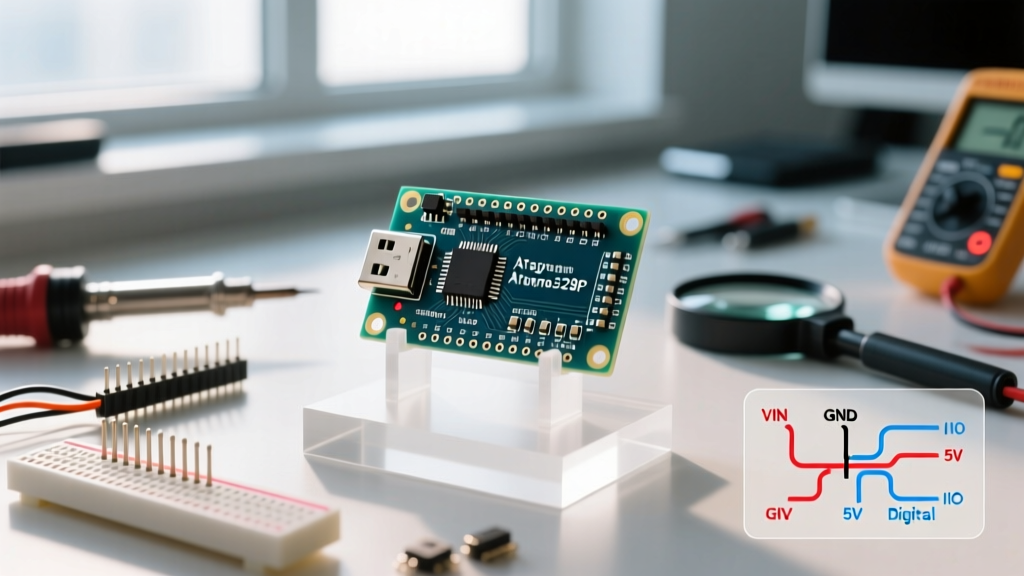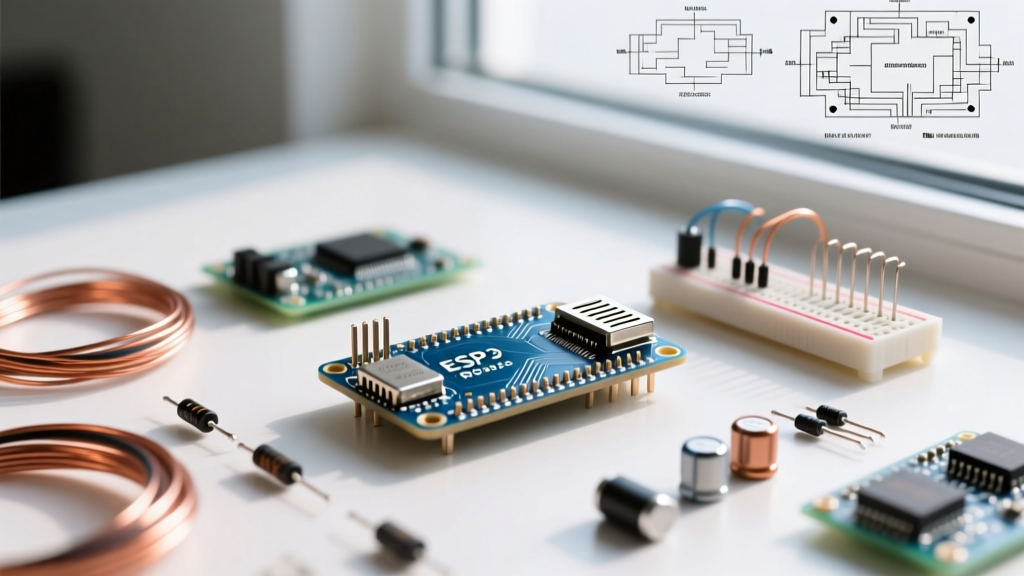

If you are building a battery-powered soil moisture sensor that needs to sleep for months, you need a microcontroller. If you are building a computer vision gateway that runs YOLOv8 to sort defective parts on a conveyor belt, you need a microprocessor. The difference between microprocessor and microcontroller boils down to a single architectural choice: on-die integration versus external reliance.
The Single Physical Difference That Drives Everything
The defining physical difference is on-die integration. A microcontroller packs the CPU core, RAM, Flash memory, and hardware peripherals (ADCs, PWM generators, I2C/SPI controllers, USB PHYs) onto a single piece of silicon. It is a self-contained computer on one chip. A microprocessor contains only the high-performance CPU cores and minimal cache on the die; it relies entirely on external chips for RAM (DDR4/LPDDR4), storage (eMMC/SD), and peripheral routing.
Think of an MCU as a fully equipped Swiss Army knife: it has the blade, the screwdriver, and the scissors built into one compact handle. An MPU is like a heavy-duty industrial milling machine: it has immense raw power, but you must separately supply the tooling, the coolant, and the massive workbench it sits on. This single physical reality dictates the PCB layout, power envelope, boot time, and bill of materials (BOM) cost of your entire project.
Spec-Sheet Showdown: ESP32-S3 vs. NXP i.MX 8M Plus
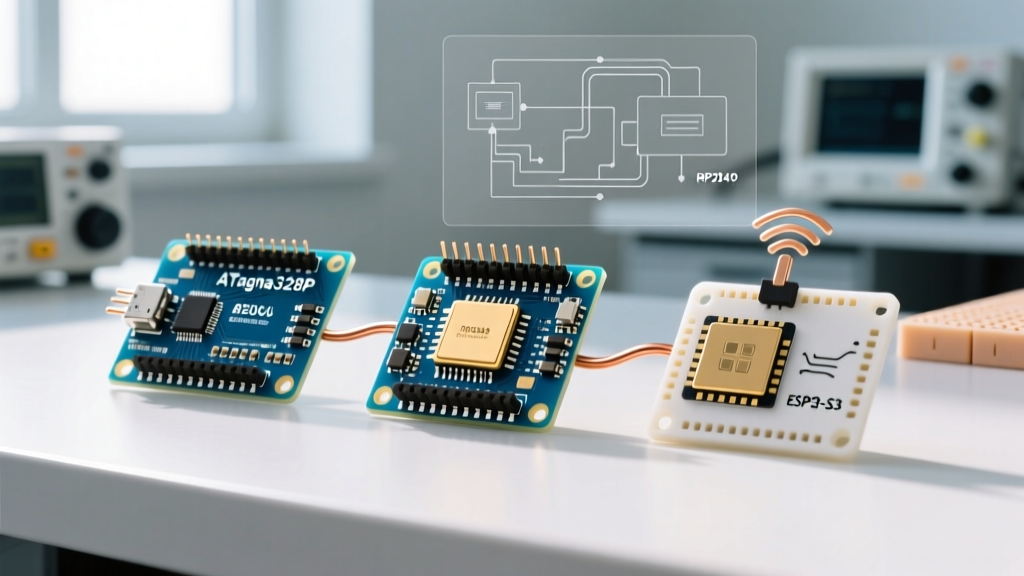
To understand how this physical difference translates to real-world engineering, let us compare a modern workhorse MCU, the Espressif ESP32-S3, against a powerful industrial MPU, the NXP i.MX 8M Plus. The numbers below highlight the massive gap in design complexity and power draw.
| Feature / Metric | ESP32-S3 (Microcontroller) | NXP i.MX 8M Plus (Microprocessor) |
|---|---|---|
| CPU Architecture | Dual-core Xtensa LX7 @ 240 MHz | Quad-core Cortex-A53 @ 1.8 GHz + Cortex-M7 |
| On-Die RAM | 512 KB SRAM (Plus external PSRAM up to 8MB) | None (Requires external LPDDR4/DDR4 up to 6GB) |
| Deep Sleep Current | ~10 µA (Microamps) | Not applicable (Idle state draws ~500+ mA) |
| Boot Time | Milliseconds (Bare-metal / FreeRTOS) | Seconds to Minutes (Linux Yocto / Debian boot) |
| Minimum PCB Layers | 2-layer FR4 (Standard 6mil traces) | 6-to-8 layer (Impedance-controlled DDR routing) |
| Typical Unit Cost (1k qty) | ~$2.50 - $3.50 USD | ~$25.00 - $40.00 USD (Plus $15+ for DDR/eMMC) |
Where They Are Strictly NOT Interchangeable
You cannot swap these two component classes based on a whim or a vague desire for 'more power.' The physical and architectural differences create hard boundaries where one simply cannot do the job of the other.
- Running a Full Desktop OS: You cannot run a mainline Linux kernel with a GUI, Docker containers, or complex Python machine learning libraries on an MCU. MCUs lack the Memory Management Unit (MMU) required for virtual memory and the gigabytes of RAM required for modern OS overhead. If your software stack demands Linux, you must use an MPU.
- Ultra-Low Power Sleep Nodes: You cannot build a coin-cell-powered sensor node that wakes up once an hour and sleeps for the rest of the time using an MPU. Even in its lowest power 'idle' state, an MPU and its external DDR memory controller will drain a CR2032 battery in days. MCUs can shut down almost all internal domains, dropping to single-digit microamps, preserving battery life for years.
- Two-Layer PCB Prototyping: You cannot route an MPU on a standard 2-layer hobbyist PCB. The external DDR memory requires strict length-matching, impedance control (usually 50-ohm single-ended and 100-ohm differential), and dedicated ground planes to prevent signal integrity failures. MPUs demand 4-to-8 layer HDI (High Density Interconnect) boards, pushing prototype fabrication costs from $10 to $150+ per batch.
- Hard Real-Time Determinism: If you are driving a high-speed motor commutation loop or a precision digital-to-analog converter where a missed microsecond deadline causes physical damage, an MPU running Linux is a liability. The OS scheduler introduces jitter. MCUs running bare-metal C or an RTOS guarantee interrupt latency down to the exact clock cycle.
The Decision Framework: Choose MCU When vs. MPU When
Use this framework to lock in your silicon selection before you write a single line of code or draw a schematic.
Choose an MCU When:
- Power is constrained: Your device runs on batteries, solar, or energy harvesting and must sleep deeply.
- Cost is king: Your target BOM is under $10, and you are manufacturing at high volumes (10k+ units).
- Instant-on is required: The user presses a button and the device must respond in <50 milliseconds.
- Hardware control is heavy: You need dozens of GPIOs, hardware PWM channels, and native ADCs to read analog sensors directly.
- Form factor is tiny: You need to fit the board into a wearable, a smart bulb, or a compact IoT sensor.
Choose an MPU When:
- Compute is heavy: You are processing video streams, running local LLMs, or executing complex computer vision models.
- The stack demands Linux: Your software team relies on Node.js, Python, Docker, or complex SQL databases.
- Power is abundant: The device is plugged into the wall (mains) or a high-capacity vehicle battery, and a 3W-10W idle draw is acceptable.
- Connectivity is complex: You need native Gigabit Ethernet, PCIe lanes for NVMe storage, or USB 3.0 host controllers.
- UI is rich: You are driving a 1080p HDMI display or a high-resolution capacitive touchscreen with a fluid, animated GUI.
Getting this decision wrong at the start of a project is a fatal engineering error. Migrating from an MPU down to an MCU later means rewriting your entire software stack from Python to C. Migrating from an MCU up to an MPU means scrapping your 2-layer PCB layout and paying for expensive DDR routing. Define your compute, power, and OS requirements first, and the silicon choice will make itself.