
The 'Arduino Uno Q 4GB' Marketplace Illusion
If you have been searching for an Arduino Uno Q 4GB, you have likely stumbled into a confusing corner of online marketplaces like AliExpress, Amazon, or eBay. As of 2026, Arduino LLC does not manufacture an official board named the 'Uno Q,' nor do they produce any standard Uno form-factor board with 4GB of internal RAM. So, what exactly are you looking at when you see these listings?
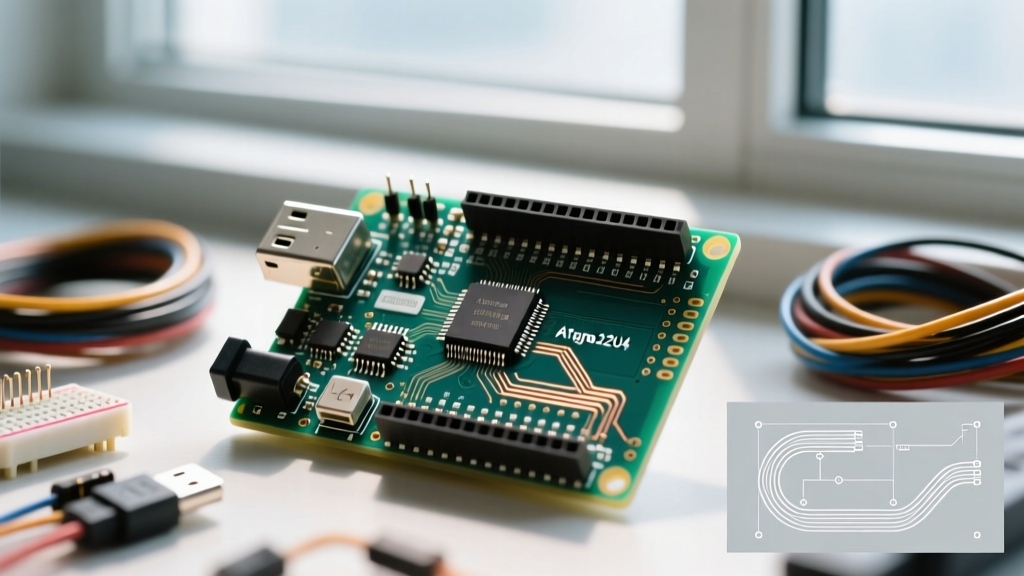
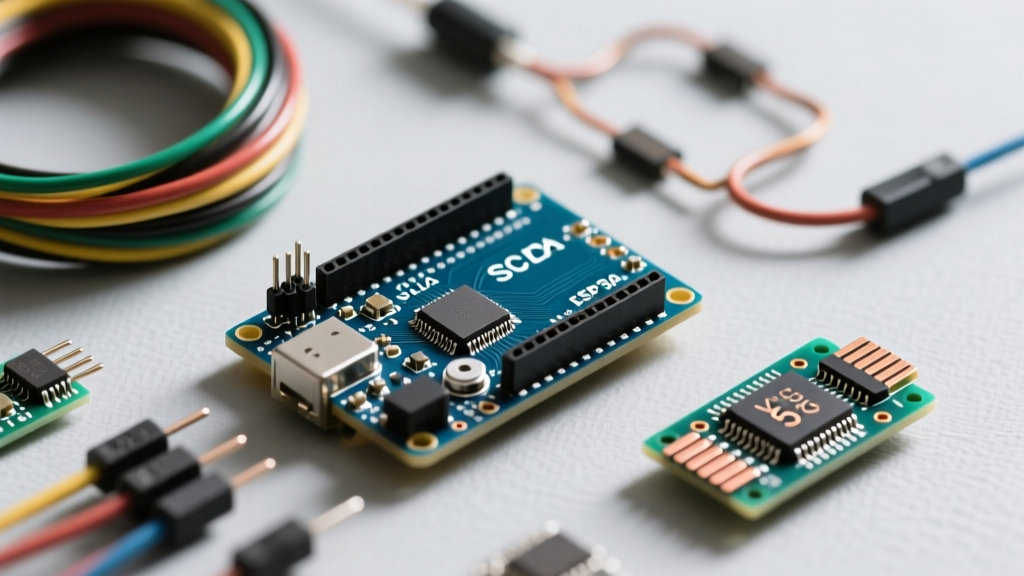
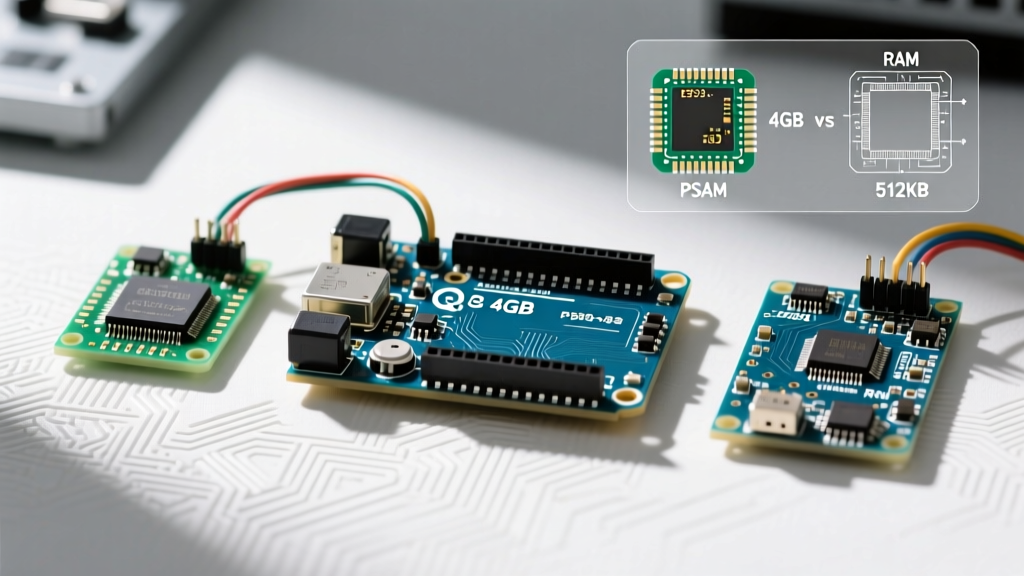
The 'Q' designation is largely a marketplace SEO artifact. Dropshippers and third-party manufacturers frequently use letters like 'Q' (sometimes implying 'Quad-core' or simply acting as a random SKU identifier) to differentiate their clones. The '4GB' specification refers to external Pseudo-Static RAM (PSRAM) attached to an ESP32-S3 microcontroller, which has been physically routed onto a PCB that mimics the classic Arduino Uno R3 footprint. These boards are designed to lure in hobbyists who need massive memory for audio buffering, camera interfaces, or complex UI displays, but who want to retain the familiar Uno shield compatibility.
In this comprehensive review, we will decode the reality of these 4GB Uno clones, compare their actual engineering merits against the official Arduino UNO R4 WiFi, and help you decide if a high-RAM clone is the right foundation for your next embedded project.
Understanding the Hardware: SRAM vs. PSRAM
To evaluate these boards fairly, we must distinguish between internal SRAM and external PSRAM. The official Arduino Uno R4 WiFi utilizes a Renesas RA4M1 microcontroller, which features 32KB of internal SRAM. This memory is directly mapped to the CPU cache, offering zero-latency access for real-time interrupt handling and fast variable manipulation.
In contrast, the '4GB' advertised on the Uno Q clones is actually 4MB or 8MB (often mislabeled as 4GB by aggressive marketers, though some high-end ESP32-P4 variants are pushing true gigabit densities) of Octal SPI PSRAM. According to the Espressif ESP32-S3 technical documentation, this PSRAM communicates with the dual-core 240MHz Xtensa LX7 CPU over an OPI (Octal Peripheral Interface) bus running at up to 80MHz. While this provides a massive pool of memory for storing large assets like JPEG frames or audio WAV files, it introduces latency. The CPU cannot execute code directly from PSRAM without cache penalties, and memory allocation requires specific heap management commands in your firmware.
2026 Hardware Comparison Matrix
How does the marketplace 'Uno Q 4GB' clone stack up against official Arduino offerings? Below is a technical comparison matrix based on current 2026 specifications and pricing.
| Feature | Official Arduino Uno R4 WiFi | ESP32-S3 Uno Clone ('4GB PSRAM') | Arduino Portenta H7 |
|---|---|---|---|
| MCU Core | Renesas RA4M1 (Cortex-M4) | ESP32-S3 (Dual-core Xtensa LX7) | STM32H747 (Dual Cortex-M7/M4) |
| Clock Speed | 48 MHz | 240 MHz | 480 MHz / 240 MHz |
| Internal SRAM | 32 KB | 512 KB | 1 MB |
| External/PSRAM | None | Up to 8 MB (Often listed as 4GB) | 8 MB (via SDRAM controller) |
| Flash Memory | 256 KB | 8 MB to 16 MB | 2 MB |
| Wireless | Wi-Fi 4 + BLE 5.1 (ESP32-S3 co-processor) | Wi-Fi 4 + BLE 5.0 (Native) | Wi-Fi/BLE via add-on module |
| Approx. Price (2026) | $27.50 | $12.00 - $18.00 | $105.00+ |
Real-World Performance and Edge Cases
When you boot up an ESP32-S3 Uno clone in the Arduino IDE (version 2.3+ or the newer 3.x releases in 2026), it behaves like a standard Uno. However, the moment you attempt to utilize that advertised '4GB' of memory, you will hit architectural edge cases that catch many beginners off guard.
Memory Allocation Pitfalls
You cannot simply use standard C++ `malloc()` or declare massive global arrays to access the external PSRAM. Standard allocation defaults to the 512KB internal SRAM. If you attempt to allocate a 2MB buffer for an LVGL display frame or a TensorFlow Lite Micro model, the system will throw a Guru Meditation Error and reboot. To access the PSRAM, you must use ESP-IDF heap capabilities:
// Correct way to allocate PSRAM on ESP32-S3 Uno clones
uint8_t *frameBuffer = (uint8_t*)heap_caps_malloc(480 * 480 * 2, MALLOC_CAP_SPIRAM);
if(frameBuffer == NULL) {
  Serial.println('PSRAM Allocation Failed! Check OPI bus configuration.');
} else {
  Serial.println('Successfully allocated 460KB in external PSRAM.');
}
Furthermore, because the PSRAM shares the SPI bus (or dedicated OPI pins) with the CPU cache, heavy read/write operations to the PSRAM can cause cache misses, momentarily stalling the CPU. If your project involves strict real-time motor control (e.g., reading encoders via interrupts while simultaneously streaming audio from PSRAM), the Uno R4's deterministic Cortex-M4 architecture is vastly superior, despite having a fraction of the memory.
Firmware and Ecosystem Compatibility
One of the biggest risks of buying third-party 'Uno Q' clones is pinout deviation. While they mimic the physical footprint of the Uno R3, the underlying ESP32-S3 chip has a completely different GPIO matrix.
- ADC Non-Linearity: The ESP32-S3 ADC is notoriously non-linear compared to the Renesas RA4M1 on the official Uno R4. If your project relies on precise analog sensor readings (like load cells or precision thermistors), you will need external ADCs or heavy software calibration.
- Shield Compatibility: Most standard Uno shields will physically fit, but shields that rely on specific hardware SPI or I2C pins hardcoded to the ATmega328P or RA4M1 maps may fail. You will frequently need to use software SPI or remap pins via the `esp32-hal-gpio.h` libraries.
- Community Support: When you encounter a bug, searching for 'Arduino Uno Q 4GB' yields zero official forum results. You must learn to troubleshoot using ESP32-S3 terminology and search the Espressif GitHub repositories.
Expert Insight: Never use unbranded high-RAM clones for commercial or industrial deployments. The PSRAM chips used on budget $14 clones are often salvaged, down-binned, or lack proper decoupling capacitors on the OPI bus, leading to silent memory corruption when operating in high-temperature environments.
Pros and Cons of the 4GB Uno Clones
Pros
- Massive Memory Pool: Unmatched capacity for storing web assets, audio files, and display buffers at a sub-$20 price point.
- Dual-Core Processing: The 240MHz ESP32-S3 easily outperforms the 48MHz Uno R4 in raw computational tasks like FFT audio analysis.
- Native Wireless: Built-in Wi-Fi and Bluetooth without needing the secondary co-processor architecture found on the Uno R4 WiFi.
Cons
- PSRAM Latency: External memory access is slower and requires specialized heap allocation code.
- Poor Analog Precision: On-chip ADC is unsuitable for high-precision instrumentation without external hardware.
- Marketplace Confusion: Lack of standardized schematics means pinouts can vary slightly between manufacturing batches.
Final Verdict: Which Board Should You Engineer With?
The Arduino Uno Q 4GB is not a real official product, but rather a gateway into the wild west of ESP32-S3 Uno-compatible clones. If you are a hobbyist building a Wi-Fi-enabled internet radio, a custom smart-home dashboard with a 4-inch LCD, or an edge-AI camera trap, these $15 high-RAM clones offer incredible value and capabilities that the official Uno R4 simply cannot match due to its 32KB SRAM limitation.
However, if you are an engineer designing a robotics controller, a precision data-logger, or a product destined for commercial manufacturing, skip the marketplace clones. Invest in the Arduino Uno R4 WiFi for its deterministic timing and robust 5V-tolerant ecosystem, or step up to the Arduino Portenta H7 if you require true, high-speed SDRAM and enterprise-grade reliability. Understand the hardware behind the SEO buzzwords, and choose the silicon that actually fits your engineering constraints.