If an ESP32 running a remote greenhouse monitor loses power, your dashboard will simply show the last known temperature forever. You need a way to know the node is actually dead. MQTT Last Will and Testament (LWT) is a pre-registered fallback message that the MQTT broker automatically publishes on behalf of a client if that client disconnects ungracefully. Think of it as a dead man's switch for your IoT fleet: the client must periodically prove it is alive, or the broker executes its 'will'.
While LWT is a software-layer feature defined in the OASIS MQTT 5.0 specification, it is entirely dependent on the physical transport layer and TCP keep-alive mechanics to function. Below is the complete bench-to-broker guide to implementing LWT, including the physical wiring, protocol selection, and exact configuration values you need.
Physical Transport & Wiring: The Foundation of MQTT LWT
MQTT is an application-layer protocol that rides on top of TCP/IP. Before the broker can detect a missing LWT ping, the physical network and local sensor buses must be wired correctly. A floating I2C line or a weak WiFi signal will cause phantom disconnects, triggering false LWT messages.
Bus Mechanics & Transport Layer Specifications
Here is the physical reality of the buses carrying your MQTT payloads and the local sensor data feeding them.
| Bus / Transport | Wires / Antenna | Speed | Addressing | Max Distance |
|---|---|---|---|---|
| WiFi (802.11 b/g/n) | PCB Trace Antenna | ~20 Mbps (real-world) | MAC / IP / Client ID | ~50m (indoor, 2.4GHz) |
| Ethernet (IEEE 802.3) | 4-pair CAT5e/CAT6 | 10/100 Mbps | MAC / IP / Client ID | 100m (per segment) |
| Local I2C (Sensor Bus) | 2 wires (SDA, SCL) | 100 kHz / 400 kHz | 7-bit / 10-bit Hex | ~1m (highly capacitance-limited) |
Physical Wiring & Pull-Up Requirements
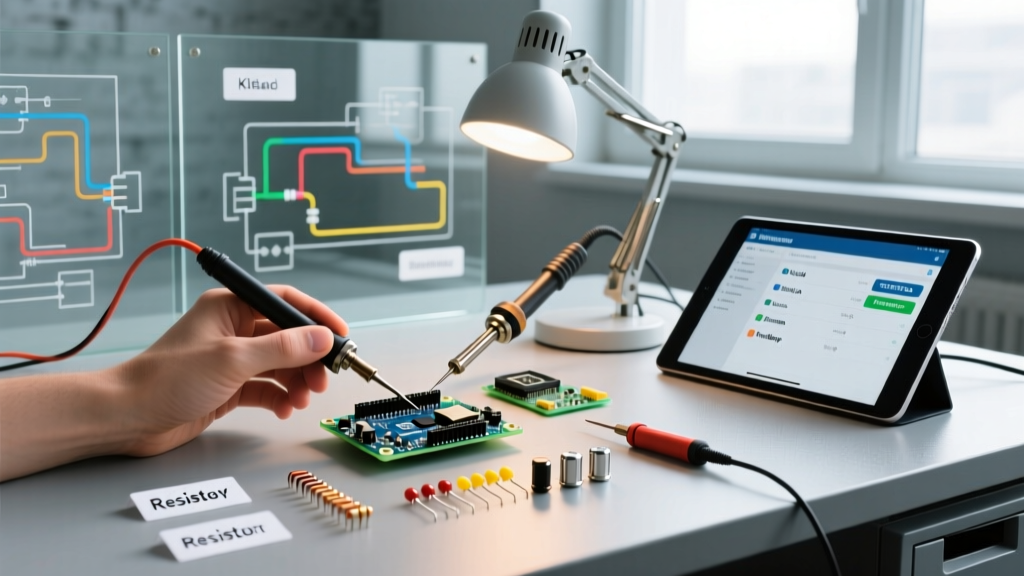
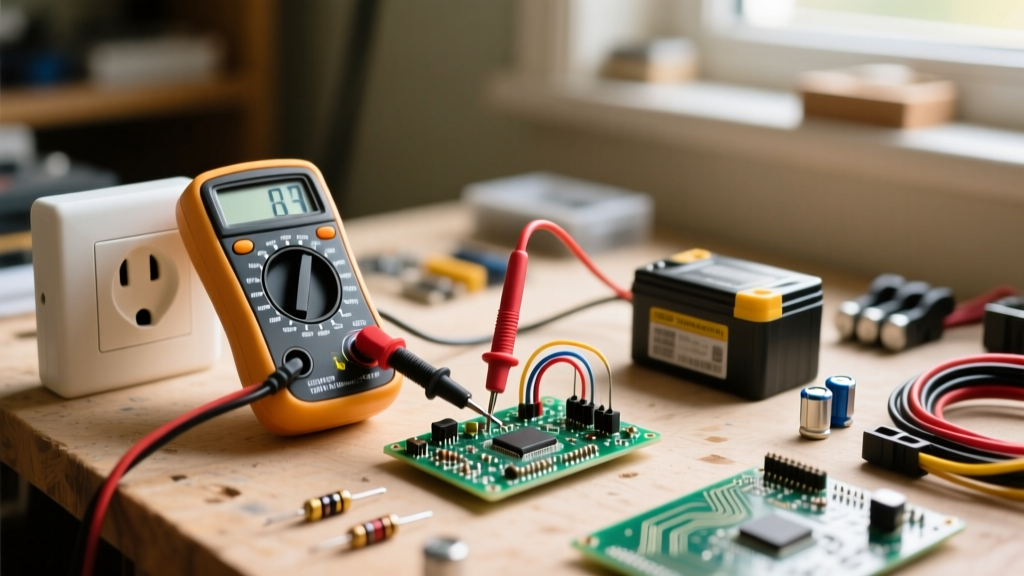
Let's wire an ESP32-WROOM-32 to a BME280 environmental sensor to feed our MQTT node. The BME280 uses I2C, which requires strict pull-up resistors to prevent the bus from floating and causing the ESP32 to hang (which would delay your MQTT keep-alive pings and trigger a false LWT).
- VCC: BME280 VIN to ESP32 3.3V (Do not use 5V; the BME280 is strictly 3.3V).
- GND: BME280 GND to ESP32 GND.
- SDA: BME280 SDA to ESP32 GPIO 21.
- SCL: BME280 SCL to ESP32 GPIO 22.
- Pull-ups: Install 4.7kΩ resistors between SDA and 3.3V, and SCL and 3.3V. While some breakout boards have weak 10kΩ internal pull-ups, 4.7kΩ ensures crisp signal edges at 400kHz, preventing I2C timeouts.
Protocol Selection: MQTT vs HTTP vs CoAP
Which protocol fits your distance, speed, and device count constraints? If you are building a fleet of battery-powered sensors over cellular or lossy WiFi, HTTP is a bandwidth-wasting nightmare. Here is how the big three IoT protocols compare when managing large device counts.
| Criteria | MQTT (over TCP) | CoAP (over UDP) | HTTP/REST (over TCP) |
|---|---|---|---|
| Overhead per Message | 2 bytes header | 4 bytes header | Hundreds of bytes (Headers) |
| Connection Model | Persistent, long-lived | Stateless, request/response | Short-lived (usually) |
| Offline Detection (LWT) | Native (Last Will & Testament) | None (Requires custom app-layer ping) | None (Requires custom app-layer ping) |
| Ideal Device Count | 10 to 100,000+ (Broker limited) | 1,000+ (Constrained networks) | 1 to 50 (High bandwidth available) |
The Verdict: For persistent telemetry where knowing a device's exact online/offline state is critical (like security sensors or greenhouse climate control), MQTT is the undisputed choice because of native LWT support. Use CoAP only if you are on highly constrained NB-IoT networks where TCP overhead drains your battery.
The Minimal Working LWT Exchange & Classic Failures
To use LWT, the client must declare its will during the initial connection handshake, not after. According to the Espressif ESP-IDF MQTT documentation, the client sets the 'Will Flag' in the CONNECT packet.
The Exchange Sequence
- CONNECT: ESP32 sends CONNECT packet to Mosquitto broker. It includes
Will Topic: greenhouse/node_01/status,Will Message: offline,Will QoS: 1, andKeep Alive: 60s. - CONNACK: Broker accepts and starts a 1.5x Keep-Alive timer (90 seconds).
- Normal Operation: ESP32 publishes temperature data. It also sends empty PINGREQ packets every 60 seconds to reset the broker's timer.
- The Drop: The ESP32's power rail brownouts. It cannot send a DISCONNECT packet.
- The Execution: 90 seconds pass with no PINGREQ. The broker declares the client dead and publishes
offlinetogreenhouse/node_01/status.
Classic Failures & How to Sniff the Bus
When LWT fails to trigger, or triggers constantly, you are usually looking at one of three classic failures:
- The Half-Open TCP Socket: A router drops the NAT mapping, but the ESP32 doesn't know the TCP socket is dead. It keeps sending pings to a black hole. Fix: Enable TCP Keep-Alive at the OS/LwIP level on the ESP32, separate from the MQTT application-layer keep-alive.
- Keep-Alive Mismatch: Setting the MQTT keep-alive to 5 seconds on a congested WiFi network guarantees missed pings and false LWT triggers. Fix: Set keep-alive to 60s or 120s for WiFi nodes.
- Broker Restart: If your Mosquitto broker restarts, it loses all session state (unless persistent sessions are configured). When nodes reconnect, they must re-register their LWT.
Do not guess why a node dropped. Sniff it. If you are running a local Mosquitto broker, stop the service and start it manually in verbose mode:
mosquitto -v -c /etc/mosquitto/mosquitto.conf. You will see the exact moment the broker logs Client node_01 has exceeded timeout, disconnecting.For deeper packet inspection, use Wireshark on your router's mirror port or your local machine with the display filter:
mqtt. Look specifically for the MQTT CONNECT packet and expand the 'Will Msg' field to verify your payload is actually reaching the broker.
Decision Path: Configuring LWT for Your Next Build
Do not just turn LWT on and leave the defaults. Use this decision matrix to configure the exact parameters for your specific node type.
| Node Type / Scenario | Will QoS | Will Retain | Keep-Alive Time | Recommended Will Payload |
|---|---|---|---|---|
| Critical Safety Node (e.g., Smoke detector, freezer alarm) | QoS 1 | True | 30 seconds | {'state':'OFFLINE','code':0} |
| Standard Telemetry (e.g., Weather station, soil moisture) | QoS 0 | True | 120 seconds | offline |
| High-Frequency Actuator (e.g., Motor controller, valve) | QoS 1 | False | 15 seconds | {'cmd':'STOP','fault':'LWT'} |
The Concrete Default Recommendation
If you are building a standard ESP32 IoT sensor node and want a baseline configuration that works reliably across 95% of home and commercial WiFi networks without causing broker spam, use these exact settings in your Mosquitto or AWS IoT Core client setup:
- Will Topic:
tele/[device_id]/LWT - Will Payload:
Offline(String) or{'online': false}(JSON) - Will QoS: 1 (Ensures the broker confirms delivery of the death notice to your dashboard subscriber).
- Will Retain: True (Crucial: If your dashboard reloads while the node is dead, it immediately receives the retained 'Offline' message instead of waiting for the next ping).
- Keep-Alive: 60 seconds (Perfect balance between battery drain and network NAT-timeout survival).
By pairing robust physical I2C pull-ups with a 60-second QoS 1 Retained LWT message, your dashboard will always reflect the true state of your hardware, whether it is actively reporting data or sitting dead on the bench.