
The Intersection of Hardware and Raspberry Pi Tutorials
The search for high-quality raspberry pi tutorials often yields thousands of blog posts, GitHub repositories, and YouTube videos. However, as any seasoned electrical engineer or DIY hobbyist knows, a software tutorial is only as good as the hardware accessory kit supporting it. You can have the most elegantly written Python script in the world, but if your breadboard has high contact resistance or your sensor kit lacks proper pull-up resistors, the tutorial will fail, leaving beginners frustrated and ready to abandon their projects.
In 2026, the single-board computer landscape has shifted dramatically. The widespread adoption of the Raspberry Pi 5 and its unique RP1 southbridge architecture means that older raspberry pi tutorials relying on legacy GPIO libraries frequently fail on modern boards. To bridge this gap between software instruction and hardware reality, accessory manufacturers have released 'tutorial-first' hardware kits. These are not just boxes of random electronic components; they are curated ecosystems designed to guarantee that the accompanying raspberry pi tutorials work flawlessly on the first try.
The RP1 Southbridge Bottleneck: Why Your Old Kits Might Fail
Before diving into specific accessory reviews, we must address the elephant in the room: the Raspberry Pi 5's RP1 southbridge chip. According to the official Raspberry Pi Documentation, the RP1 handles all peripheral and GPIO functions, completely replacing the BCM2835/BCM2711 GPIO mapping used in previous generations. Consequently, the classic RPi.GPIO Python library is effectively deprecated for Pi 5 users. Modern raspberry pi tutorials must now utilize gpiozero (with the lgpio backend) or direct libgpiod C bindings. The accessory kits reviewed below have been specifically updated for 2026 to include Pi 5-compatible tutorial codebases, ensuring you do not waste hours debugging legacy pinout errors.
Evaluating the 'Tutorial-First' Accessory Market
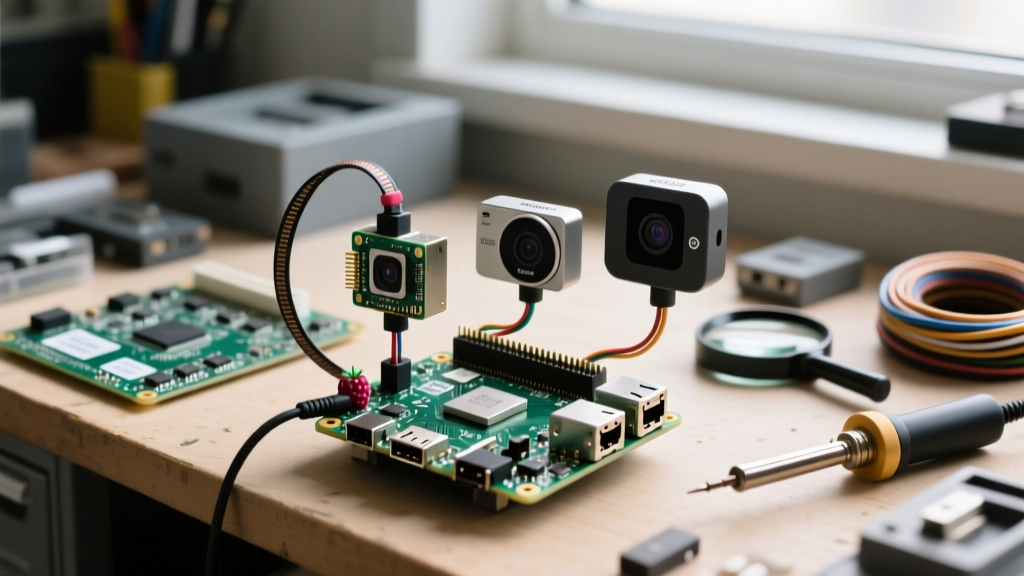
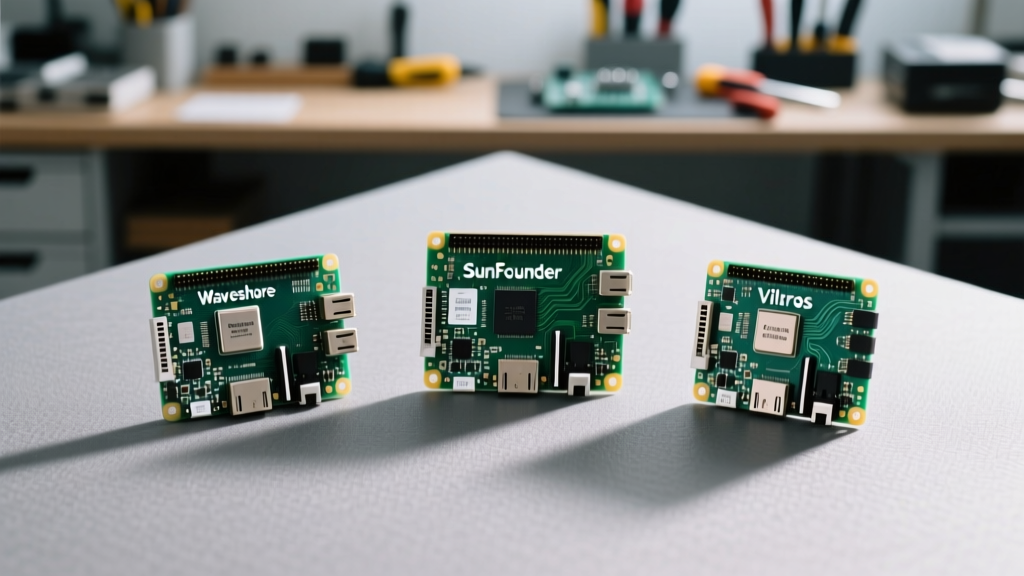
We tested three of the most popular hardware accessory kits that serve as the physical foundation for the internet's most popular raspberry pi tutorials. Our evaluation criteria included component quality, tutorial code compatibility with Pi 5, documentation clarity, and real-world sensor accuracy.
1. Waveshare Raspberry Pi 5 GPIO Learning Board
Price: ~$28 (Board only, Pi not included)
Best For: Soldering-averse beginners and rapid prototyping
Waveshare takes a highly integrated approach to tutorial hardware. Instead of a messy breadboard, their GPIO Learning Board is a custom PCB that plugs directly into the Pi's 40-pin header. It features onboard LEDs, push buttons, a passive buzzer, an I2C OLED display, and a rotary encoder. The primary advantage here is the elimination of wiring errors. When following Waveshare's extensive Wiki tutorials, you never have to worry about a loose jumper wire causing a floating GPIO pin. The C and Python examples provided are meticulously updated for the RP1 chip, utilizing proper interrupt handling for the rotary encoder without CPU polling overhead.
2. SunFounder Ultimate Starter Kit for Pi 5
Price: ~$65 (Pi not included)
Best For: Makers who want a massive variety of discrete sensors
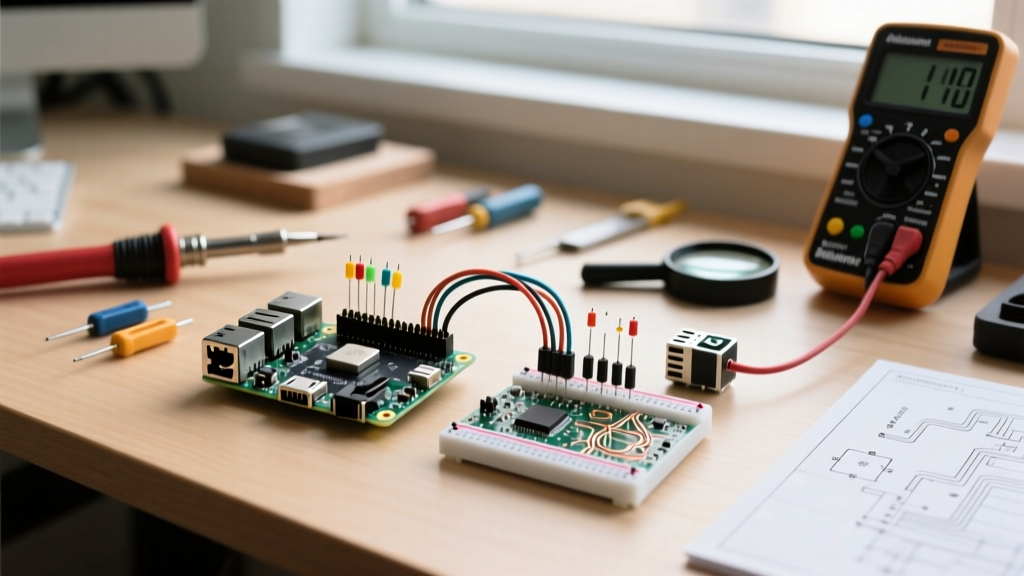
SunFounder's kit is the undisputed king of component variety. It includes over 30 distinct modules, ranging from the classic DHT11 temperature sensor to the MPU-6050 6-axis gyroscope, ultrasonic distance sensors, and a passive RFID module. What elevates this kit above generic Amazon clones is SunFounder's proprietary 'Galaxy' tutorial platform. Their raspberry pi tutorials are structured as interactive, step-by-step web modules that include wiring diagrams, theoretical explanations of the underlying electronics (like how a voltage divider works for the photoresistor), and copy-pasteable Python 3 code. However, users should note that the included breadboard is of average quality; high-frequency I2C communication sometimes requires adding external 4.7kΩ pull-up resistors to stabilize the bus.
3. Vilros Raspberry Pi 5 Complete Starter Kit
Price: ~$110 (Includes Pi 5 8GB, Active Cooler, and 27W USB-C PD PSU)
Best For: Absolute beginners needing a complete out-of-the-box solution
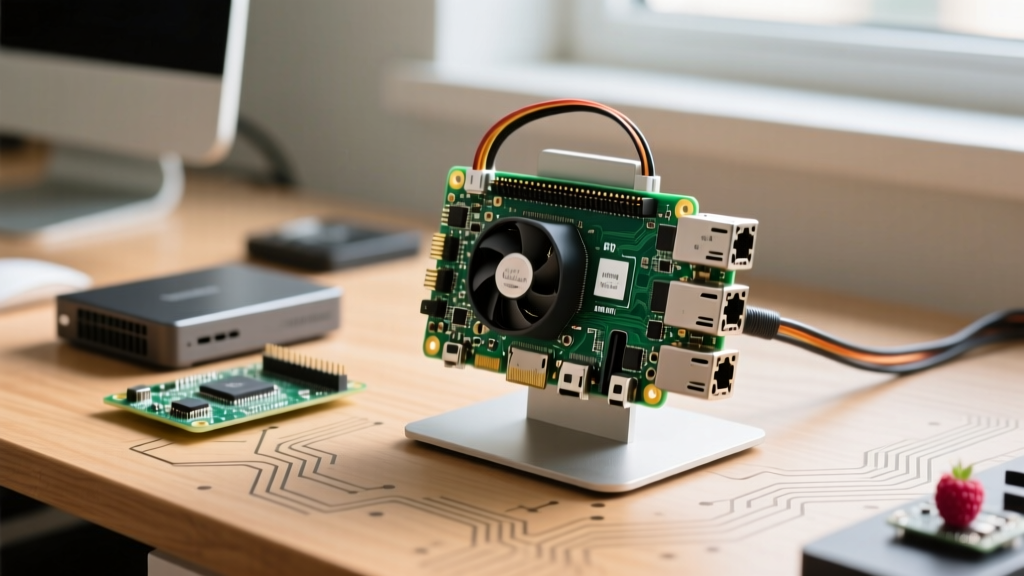
Vilros packages the actual Raspberry Pi 5 board alongside a curated selection of tutorial hardware. The standout accessory in this kit is the custom-designed aluminum heat sink case with an integrated, ultra-quiet PWM fan. Thermal throttling is a major enemy of long-running Pi projects, and Vilros solves this elegantly. Their included 70+ page printed manual and companion website offer some of the most accessible raspberry pi tutorials for beginners, focusing heavily on home automation, basic robotics, and media center setups. The inclusion of a genuine 27W USB-C Power Delivery supply ensures that when a tutorial asks you to spin up a DC motor via an L298N H-bridge, you won't experience the dreaded brownout warnings that plague underpowered setups.
Comparative Data: Kit Specs and Tutorial Depth
| Accessory Kit | Est. Price (2026) | Pi 5 RP1 Code Support? | Tutorial Format | Component Variety |
|---|---|---|---|---|
| Waveshare GPIO Board | $28 | Native (C & Python) | Wiki / GitHub | Low (Onboard only) |
| SunFounder Ultimate | $65 | Native (Python 3) | Interactive Web Portal | High (30+ modules) |
| Vilros Complete Kit | $110 | Native (Python 3) | Printed Manual / Web | Medium (15 modules) |
Sensor Quality: DHT11 vs. DHT22 in Tutorial Kits
A common point of failure in generic raspberry pi tutorials involves environmental sensing. Both SunFounder and Vilros include the DHT11 temperature and humidity sensor in their kits. While the DHT11 is excellent for learning the one-wire communication protocol, it is notoriously inaccurate, with a temperature tolerance of ±2°C and a humidity tolerance of ±5%. Furthermore, it only samples at 1Hz. For makers following tutorials to build a greenhouse monitor or a server room alert system, we highly recommend spending an extra $4 to upgrade to the DHT22 (AM2302) sensor. The DHT22 offers ±0.5°C accuracy and a wider operating range. The Python code transition between the two is minimal when using the modern adafruit-circuitpython-dht library, but the hardware upgrade provides massive information gain for real-world IoT applications.
Troubleshooting Common Tutorial Hardware Failures
Even with premium accessory kits, electrical anomalies occur. Here is expert troubleshooting for the three most common hardware failures encountered when following raspberry pi tutorials:
- I2C Bus Lockups: When connecting multiple sensors (like an OLED and an MPU-6050) to the Pi's I2C pins (SDA1/GPIO2, SCL1/GPIO3), the internal pull-up resistors of the RP1 chip (typically 50kΩ) are often too weak. If your
i2cdetect -y 1command hangs or returns false addresses, solder 4.7kΩ external pull-up resistors to the 3.3V line on your breadboard. - GPIO Pin Floating: When following button-input tutorials, beginners often forget to configure the internal pull-down resistor in software. In
gpiozero, always initialize your button withButton(17, pull_up=False)if you have wired an external pull-down resistor, or rely on the default internal pull-up to prevent erratic state flipping caused by electromagnetic interference. - PWM Audio Stuttering: If a tutorial involves playing audio via a passive buzzer or a small DAC while simultaneously running a web server, the Pi's software PWM can stutter. Always offload audio generation to a hardware PWM-capable pin (like GPIO12 or GPIO13) to ensure a clean duty cycle independent of CPU load.
Final Verdict: Which Accessory Wins?
The 'best' accessory kit depends entirely on your end goal. If you are an educator or a beginner who wants to ensure that every single one of your raspberry pi tutorials works without wiring headaches, the Waveshare GPIO Learning Board is an engineering masterpiece that eliminates physical variables. However, if your goal is to build a diverse portfolio of IoT projects and you need a deep bench of discrete sensors, the SunFounder Ultimate Starter Kit offers unparalleled value and the best interactive tutorial platform on the market. For those who simply want to unbox a Pi 5, keep it cool, and start coding immediately with a solid baseline of components, the Vilros Complete Kit remains the gold standard for all-in-one convenience.