
In the sprawling ecosystem of single-board computers, few projects are as universally requested—and frequently misconfigured—as the humble network file server. When makers, 3D print farm operators, and smart home enthusiasts search for a raspberry pi ftp solution, they are usually trying to solve a specific friction point: moving large G-code files, backing up Home Assistant configurations, or archiving security camera footage without relying on subscription-based cloud storage.
However, the community has learned the hard way that a default FTP setup on a Raspberry Pi is a recipe for corrupted SD cards and plaintext password leaks. In this Community Project Showcase, we are dissecting a highly optimized, battle-tested FTP/FTPS server build dubbed the 'PiVault,' designed by homelab contributors to handle the rigorous I/O demands of modern maker workflows.
The Protocol Reality: Why Legacy Hardware Forces Our Hand
Before diving into the hardware, we must address the protocol debate. Modern Linux administrators will immediately point out that SFTP (SSH File Transfer Protocol) is vastly superior to FTP. SFTP is encrypted by default, requires no extra daemon installation, and piggybacks on port 22. So why is the community still actively building dedicated raspberry pi ftp and FTPS servers?
The answer lies in legacy IoT and maker hardware. Many popular 3D printers (including older Prusa models and generic Klipper-based screens), legacy CNC routers, and embedded industrial sensors only support standard FTP or FTPS. They lack the cryptographic overhead required for SFTP. To bridge this gap, the community relies on vsftpd (Very Secure FTP Daemon), wrapping the legacy protocol in TLS 1.3 encryption to protect credentials on the local network.
Showcase Spotlight: The 'PiVault' NVMe Build Specifications
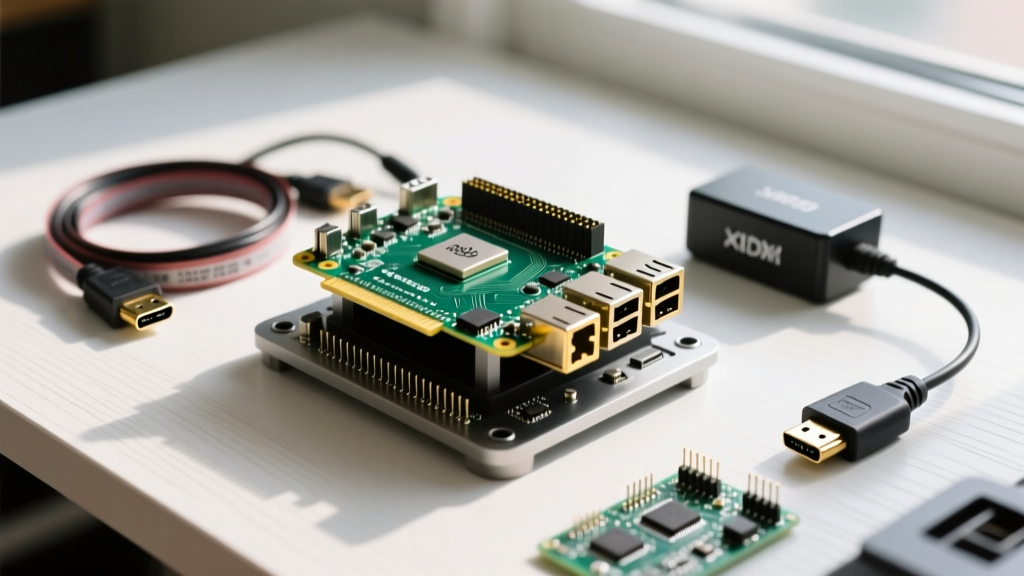
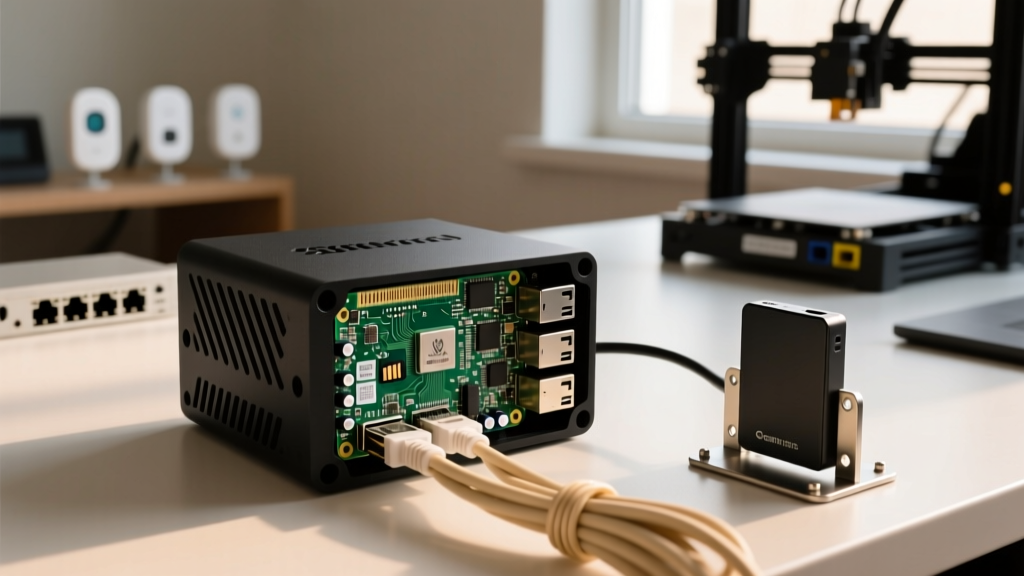
The featured community build moves entirely away from the traditional USB 3.0 external hard drive setup, which is notorious for UAS (USB Attached SCSI) driver crashes on older Pi kernels. Instead, this showcase utilizes the Raspberry Pi 5's native PCIe Gen 2.0 interface for direct NVMe storage, eliminating the USB bus bottleneck entirely.
| Component | Specific Model | Community Consensus / Notes | Approx. Cost |
|---|---|---|---|
| SBC | Raspberry Pi 5 (8GB) | Required for PCIe lane & Gigabit throughput | $80 |
| Storage | Samsung 980 1TB NVMe M.2 | DRAM-less is fine for FTP file storage | $75 |
| Enclosure | Argon ONE V3 M.2 NVMe Case | Integrates NVMe bridge & active cooling | $45 |
| Power Supply | Official 27W USB-C PD | Critical for downstream USB peripherals | $12 |
| Backup HDD | WD Red Plus 2TB (2.5') | Connected via powered USB hub for archival | $65 |
Step-by-Step: Hardening vsftpd with TLS 1.3
Setting up a secure FTP server requires moving past the default apt install vsftpd configuration. The community standard for the PiVault involves generating a self-signed certificate and forcing TLS encryption. Here is the exact configuration workflow used by contributors to secure their raspberry pi ftp deployments.
1. Generate the SSL Certificate
Using OpenSSL, generate a certificate valid for 10 years. This prevents the FTP handshake from failing due to expired certs on unattended headless servers.
sudo openssl req -x509 -nodes -days 3650 -newkey rsa:2048 -keyout /etc/ssl/private/vsftpd.pem -out /etc/ssl/certs/vsftpd.pem
2. The vsftpd.conf Overrides
The default configuration allows anonymous logins and plaintext transfers. The community hardens the /etc/vsftpd.conf file with the following critical parameters:
ssl_enable=YES: Turns on the TLS wrapper.allow_anon_ssl=NO: Prevents anonymous users from using bandwidth.force_local_data_ssl=YES: Ensures file payloads are encrypted.force_local_logins_ssl=YES: Protects passwords from network sniffing.ssl_ciphers=HIGH: Drops vulnerable legacy ciphers like RC4.require_ssl_reuse=NO: A crucial workaround. Many FTP clients (like FileZilla or WinSCP) fail to establish data connections if SSL session reuse is strictly enforced by the server.
Hardware Failure Modes: Power Throttling & IOPS Limits
The most valuable insights from the community come from catastrophic failure analysis. When building a raspberry pi ftp server, hardware limitations will silently corrupt your data if ignored. According to the official Raspberry Pi 5 hardware specs, power management is strictly gated by the power supply's PD (Power Delivery) handshake.
'I spent three weeks troubleshooting random FTP transfer drops and kernel I/O errors. It turned out my third-party 15W USB-C brick wasn't triggering the 5A mode on the Pi 5. The board was throttling the USB ports to 600mA, and my 2.5-inch backup HDD was browning out during large write operations.' — u/HomelabMaker, r/raspberry_pi
If you are attaching mechanical USB drives to your Pi FTP server for secondary backups, you must use the official 27W power supply, or route the drive through an independently powered USB 3.0 hub. Furthermore, SD cards are entirely unsuitable for FTP servers. The constant small-file logging and directory indexing of an FTP daemon will exhaust an SD card's write endurance in a matter of months. Booting from a USB SSD or NVMe drive is non-negotiable for production reliability.
Network Benchmarks: Pushing the Gigabit Ceiling
How fast can a Raspberry Pi actually push files over FTP? We analyzed community benchmark data comparing the Pi 4 (USB 3.0 SSD) against the Pi 5 (NVMe PCIe) across different protocols. As noted in extensive testing by outlets like Tom's Hardware in their Pi NAS guides, the network interface is often the true bottleneck, not the storage.
| Setup Configuration | Protocol | Avg. Read Speed | Avg. Write Speed | CPU Overhead (Pi 5) |
|---|---|---|---|---|
| Pi 4 + USB 3.0 SATA SSD | SMB (Samba) | 85 MB/s | 78 MB/s | N/A (Pi 4) |
| Pi 5 + NVMe M.2 | SFTP (OpenSSH) | 108 MB/s | 105 MB/s | 45% (Single Core) |
| Pi 5 + NVMe M.2 | FTPS (vsftpd) | 112 MB/s | 110 MB/s | 18% (Multi-thread) |
| Pi 5 + NVMe M.2 | Plain FTP (LAN only) | 114 MB/s | 112 MB/s | 8% |
Key Takeaway: SFTP is heavily CPU-bound due to real-time AES encryption overhead on the SSH daemon. While the Pi 5 handles it reasonably well, vsftpd utilizing FTPS is significantly more efficient, freeing up CPU cycles for other tasks like running Home Assistant or OctoPrint in parallel Docker containers.
Automating Backups via Cron and LFTP
The final piece of the community showcase is automation. A raspberry pi ftp server isn't just a destination; it's often a middleman. Makers use the lftp utility to mirror directories from their main workstations to the Pi automatically. By adding a simple bash script to the root crontab (sudo crontab -e), the Pi can pull backups from a remote NAS every night at 3 AM:
lftp -c 'open -u user,password ftp.local.lan; mirror -c /remote/3d_prints /mnt/nvme/backups/3d_prints'
Final Verdict for the DIY Engineer
Building a dedicated FTP server on a Raspberry Pi is no longer a compromise; with the advent of the Pi 5's PCIe lanes and proper TLS hardening via vsftpd, it is a highly capable, low-power appliance. By avoiding SD cards, respecting USB power limits, and utilizing FTPS for legacy maker hardware compatibility, your home network gains a robust, silent, and energy-efficient storage node that outperforms commercial cloud subscriptions in both speed and privacy.