
The Community Triage Framework: Isolate the Domain
When a project suddenly fails, the urge to rewrite code or swap out microcontrollers is high. However, veteran makers on the ElectricalFlux forums know that randomly changing variables rarely fixes hardware-level faults. To effectively understand how to troubleshoot common Arduino issues, you must first isolate the failure into one of three distinct domains: the Physical/Electrical Layer, the USB/Serial Bridge, or the IDE/Toolchain. This community-driven triage guide bypasses generic advice and dives straight into the silicon, schematics, and software paths that actually cause 95% of maker headaches.
Domain 1: The 'Port Not Found' & USB Bridge Failures
The most frequent complaint on any maker forum is a vanishing COM port. Before blaming the IDE, we must interrogate the physical USB-to-Serial bridge. The troubleshooting path diverges sharply depending on whether you are using a genuine Arduino or a third-party clone.
The Genuine Board: ATmega16U2 DFU Traps
Genuine Arduino Uno R3 and Mega 2560 boards utilize an ATmega16U2 chip as the USB-to-Serial converter. A common, yet poorly documented issue occurs when the 16U2 accidentally enters Device Firmware Update (DFU) mode. If you accidentally short the DFU pad to ground on the back of the PCB, or if a power spike corrupts the bridge firmware, your computer will no longer recognize the board as a serial device. Instead, it appears in Windows Device Manager under 'Libusb-Win32 USB Devices' as 'Arduino Uno DFU'. The fix requires flashing the 16U2 firmware using the Atmel FLIP utility or a secondary ISP programmer.
The Clone Board: CH340G/CH340C Driver Conflicts
Clone boards typically use the WCH CH340G or CH340C chip. While cost-effective, they are notorious for triggering Windows Error Code 10 ('This device cannot start') after major Windows 11 updates. Microsoft occasionally pushes unsigned or conflicting driver packages for the CH340.
- The Fix: Open Device Manager, right-click the faulty COM port, select 'Update driver', and choose 'Browse my computer' -> 'Let me pick from a list'. Select the older, stable WCH driver (usually version 3.5.x or 3.8.x) instead of the auto-updated Microsoft one.
- Linux Users: If your board is recognized by
lsusbbut the IDE says 'Permission denied', your user lacks access to the serial port. Runsudo usermod -a -G dialout $USERin the terminal, then completely log out and reboot to apply the group policy.
The 'Charge-Only' Cable Trap
It sounds trivial, but nearly 30% of 'dead board' RMA requests stem from using charge-only USB cables. These cables lack the D+ and D- data lines required for serial communication. Always keep a verified, data-capable USB-A to USB-B (or Micro-USB) cable in your toolkit, distinctly marked with tape so it never gets mixed up with your phone chargers.
Domain 2: Power Brownouts & The Silent Bootloop
If your Arduino uploads successfully but immediately resets, freezes, or behaves erratically when a peripheral (like a relay or motor) activates, you are experiencing a power brownout. This is strictly a hardware domain issue.
The 500mA Polyfuse & Thermal Shutdowns
The Arduino Uno R3 features a 500mA resettable PTC polyfuse (marked as F1 on the PCB) to protect your computer's USB port. If you attempt to power a 5V relay module, a strip of 60 WS2812B LEDs, or a servo directly from the board's 5V pin, you will easily exceed this 500mA threshold. The polyfuse will trip, increasing its resistance and dropping the voltage to the ATmega328P, causing a silent bootloop.
Furthermore, if you are powering the board via the barrel jack or Vin pin, the onboard NCP1117 5V linear regulator is doing all the heavy lifting. Linear regulators dissipate excess voltage as heat. If you supply 12V to the barrel jack and draw just 150mA from the 5V pin, the regulator must dissipate (12V - 5V) * 0.15A = 1.05 Watts. Without a heatsink, the NCP1117 will hit its internal thermal shutdown limit (~150°C junction temperature) within seconds, cutting power to the MCU entirely.
Community Pro-Tip: Never use the onboard 5V pin to power inductive loads like relays or solenoids. When an inductive coil de-energizes, it generates a massive reverse voltage spike (inductive kickback) that can bypass the regulator and instantly fry the ATmega328P's internal voltage rails. Always use an external power supply and a logic-level MOSFET with a flyback diode.
Domain 3: IDE 2.x Toolchain & Compilation Ghosts
Arduino IDE 2.x brought a modernized interface and real-time linting, but it also introduced new cache and core management quirks that can lead to phantom compilation errors.
Corrupted Board Cores & Hidden Folders
If you are receiving bizarre compilation errors like 'core_esp32_main.cpp not found' or 'avr/pgmspace.h missing', your board manager cores are likely corrupted. This frequently happens when an IDE update interrupts a core download. To fix this, you must manually purge the hidden package cache:
- Windows: Navigate to
C:\Users\[YourUser]\AppData\Local\Arduino15\packagesand delete the contents of thearduinooresp32folders. - macOS: Open Finder, press
Cmd+Shift+G, and enter~/Library/Arduino15/packages. - Linux: Check
~/.arduino15/packages.
After deleting the folders, restart the IDE and reinstall the board core via the Board Manager.
SRAM Exhaustion & Heap Fragmentation
The ATmega328P has a mere 2KB of SRAM. The IDE's memory report at the bottom of the console shows 'Global variables use X% of dynamic memory'. However, this only accounts for static allocations. If your sketch relies heavily on the String class (with a capital 'S'), you are dynamically allocating and deallocating memory on the heap. Over time, this causes heap fragmentation. The microcontroller may have enough total free bytes, but not enough contiguous bytes to create a new String object, leading to a null pointer exception and a hard crash. The community standard is to use C-style character arrays (char[]) or the SafeString library to prevent this silent killer.
Diagnostic Decision Matrix
Use this quick-reference table to route your troubleshooting based on the primary symptom.
| Primary Symptom | Likely Domain | First Action Step |
|---|---|---|
| IDE says 'Board at [Port] not found' | USB/Serial Bridge | Swap to a verified data-cable; check Device Manager for CH340 Error 10. |
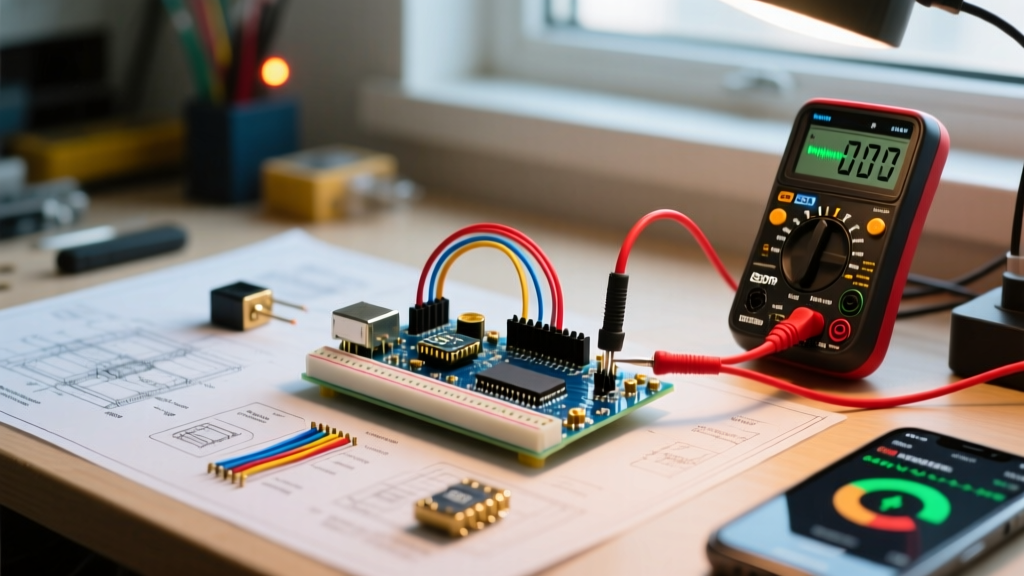
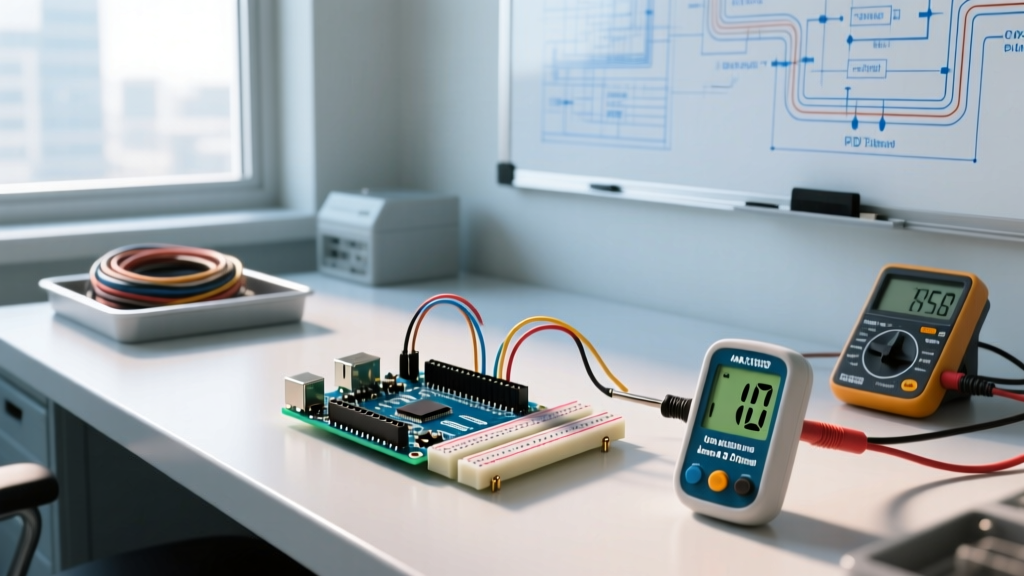
| Upload succeeds, but MCU resets when relay clicks | Physical/Electrical | Measure 5V pin with a multimeter during relay activation; check for brownout. |
| 'Exit Status 1' with missing core files | IDE/Toolchain | Delete Arduino15/packages cache and reinstall Board Core. |
| Sketch freezes randomly after 10-15 minutes | Memory/Firmware | Replace dynamic String objects with char arrays to stop heap fragmentation. |
| Board shows as 'Unknown Device' or 'DFU' | USB/Serial Bridge | Re-flash ATmega16U2 firmware via ISP or Atmel FLIP. |
Community Wisdom: Preventative Habits
The best troubleshooting is the kind you never have to do. Experienced engineers on the Arduino Official Troubleshooting Guide and various maker Discords recommend enabling 'Show verbose output during: compilation and upload' in the IDE Preferences. This turns the opaque 'Error compiling for board' message into a detailed GCC compiler log, allowing you to spot missing library dependencies or syntax errors hidden inside third-party .cpp files.
Furthermore, always keep a cheap USB power meter (a $5 inline dongle) in your kit. Plugging your Arduino through this meter instantly tells you if the board is pulling 40mA (idle and healthy) or 450mA (short circuit or overloaded regulator), saving you hours of guessing. For deeper dives into serial bridge ICs, the SparkFun Serial Basic Hookup Guide offers excellent schematics comparing the CH340, FT232, and CP2102 architectures. By treating your Arduino not just as a piece of code, but as a complex interplay of silicon, power regulation, and serial protocols, you will resolve issues faster and build vastly more robust projects.