
The Short Answer: What Temp Should a Soldering Iron Be?
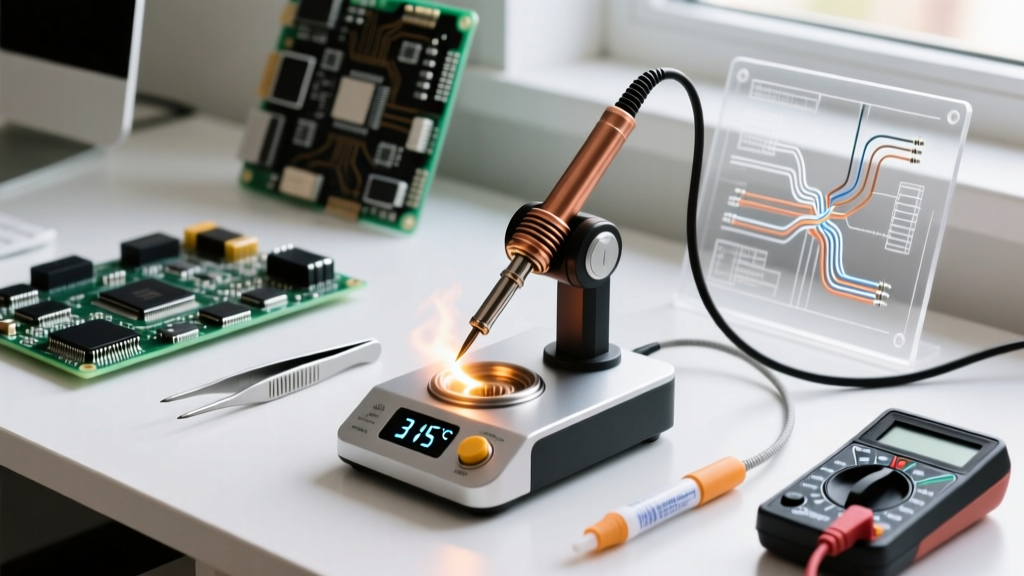
If you are asking what temp should a soldering iron be, the immediate answer depends entirely on your solder alloy and the thermal mass of your target joint. However, as a baseline rule for modern electronics work: set your station to 315°C to 350°C (600°F to 660°F) for lead-free solder, and 300°C to 330°C (570°F to 625°F) for traditional leaded solder.
Many beginners make the critical mistake of cranking their dial to 450°C (842°F) to force solder to melt faster. This does not speed up your work; it instantly oxidizes the iron plating on your tip, burns the rosin flux core before it can clean the joint, and risks delaminating the copper pads on your printed circuit board (PCB). To understand why, we must look at the relationship between melting points, thermal recovery, and the best soldering stations available today.
Temperature Matrix: Solder Alloy vs. Application
The ideal tip temperature is typically 100°C to 150°C above the melting point of your specific solder alloy. This delta provides enough thermal energy to overcome the heat sink effect of copper traces and ground planes. According to workmanship guidelines referenced by IPC Standards, maintaining the correct thermal profile is essential to prevent cold joints and thermal damage.
| Solder Alloy Type | Common Designation | Melting Point | Ideal Tip Temperature | Primary Use Case |
|---|---|---|---|---|
| Eutectic Leaded | Sn63/Pb37 | 183°C (361°F) | 300°C - 330°C | Prototyping, DIY, repair |
| Lead-Free (SAC) | SAC305 | 217°C - 220°C | 330°C - 360°C | Commercial manufacturing, RoHS |
| High-Temp Leaded | Sn10/Pb90 | 275°C - 302°C | 380°C - 400°C | Internal component die-attach |
| Plumbing (Silver-Bearing) | 95/5 Tin-Antimony | 227°C - 240°C | 360°C - 390°C | Copper water pipes, HVAC |
Thermal Mass vs. Dial Temperature: The Hidden Variable
Temperature is only half the equation; thermal mass and recovery rate dictate your actual success. If you are soldering a thick 12AWG wire to a massive ground plane, that copper acts as a giant heatsink. It will rapidly pull heat away from your soldering iron tip.
If you use a cheap 40W iron, the tip temperature will plummet from 350°C to 200°C the moment it touches the copper, resulting in a dull, grainy cold joint. The correct approach is not to turn the temperature up to 450°C. Instead, you must use a higher-wattage station with aggressive thermal recovery, or switch to a physically larger tip (like a heavy bevel or wide chisel) to increase the surface area contact. As detailed in Adafruit's Excellent Soldering Guide, maximizing tip contact area is always superior to maximizing heat output.
Pro Tip: Never exceed 3 seconds of dwell time on a single PCB pad. Standard FR4 fiberglass has a Glass Transition Temperature (Tg) of roughly 130°C to 170°C. Prolonged exposure to 350°C+ heat breaks down the epoxy resin, causing the copper pad to lift off the board entirely.
Best-of Comparison: Top Soldering Stations for Precision Temp Control
To maintain the exact temperatures required for delicate surface-mount device (SMD) work and heavy through-hole wiring alike, you need a station with closed-loop temperature control. Here is how the top three stations on the market handle thermal accuracy and recovery.
1. Weller WE1010NA: The 70W Thermal Recovery King
- Price Range: $115 - $130
- Wattage: 70W
- Temp Range: 100°C - 450°C
- Tip Series: Weller ET (Standard), Weller RT (Micro)
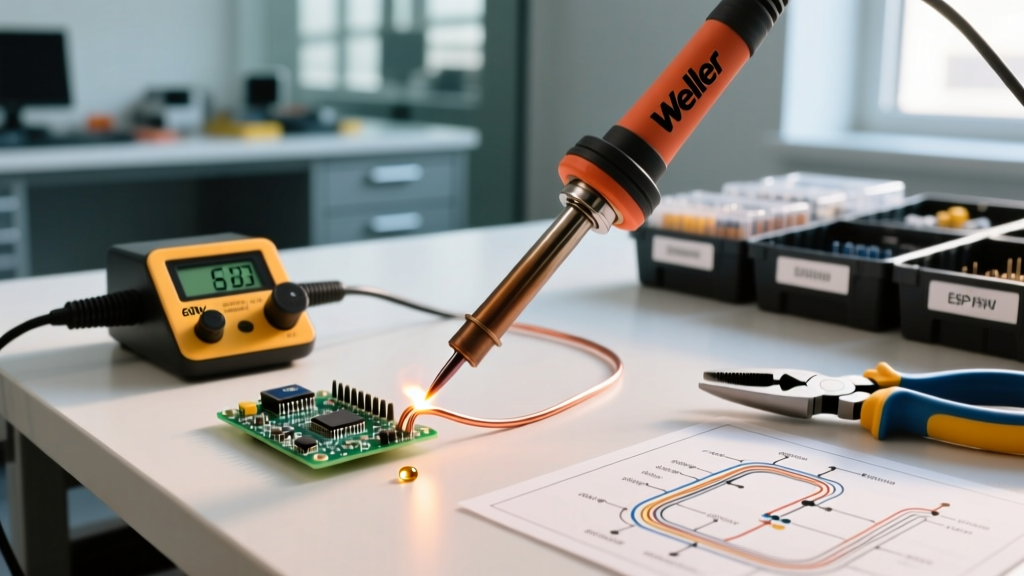
The Weller WE1010NA is the gold standard for professional bench work. Its 70W heating element drives the iconic ETA chisel tip with exceptional authority. When soldering large vias, the station's internal thermocouple detects the temperature drop and pushes maximum current to the ceramic heater in milliseconds. The digital display is accurate to within ±5°C, and the lockout feature prevents unauthorized users from cranking the heat to tip-destroying levels. According to Weller Tools, the WE1010NA's thermal stability drastically reduces tip oxidation compared to analog dial stations.
2. Hakko FX-888D: The Industry Workhorse
- Price Range: $110 - $125
- Wattage: 65W
- Temp Range: 120°C - 480°C
- Tip Series: Hakko T18
The Hakko FX-888D remains a staple in university labs and repair shops. While its 65W output is slightly lower than the Weller, the T18 tip series offers incredible versatility. The digital interface requires a bit of button-mashing to change temperatures (press and hold the 'UP' arrow to enter the 150°F-450°F adjustment mode), which acts as an accidental child-proofing mechanism. Its thermal recovery is excellent for 95% of standard DIY and repair tasks, though it can struggle slightly with heavy 10AWG silicone wires compared to the 70W Weller.
3. Pinecil V2: The Smart PD-Powered Precision Tool
- Price Range: $26 - $35 (Power supply sold separately)
- Wattage: 65W (via USB-C Power Delivery)
- Temp Range: 50°C - 450°C
- Tip Series: Pine64 / TS100 compatible
The Pinecil V2 has disrupted the market by packing a 32-bit RISC-V processor into a portable DC5525 barrel-jack form factor. By pairing it with a 65W USB-C PD laptop charger, you get closed-loop temperature control that rivals stations costing four times as much. The OLED screen displays real-time wattage draw, allowing you to visually see when a joint is sucking heat out of the tip. It is the ultimate tool for field technicians and drone repair experts who need precise temperature control on the go.
Calibrating Your Station: Verifying the Tip Temperature
The digital readout on your station's screen measures the temperature of the internal heating element, not the very end of the tip. Over time, flux residue and microscopic oxidation can create a thermal barrier between the heater and the tip shaft.
- Purchase a digital soldering tip thermometer equipped with a K-type thermocouple (such as the Hakko 191 or a generic equivalent).
- Clean your tip on a damp brass sponge. Never use a wet cellulose sponge, as the rapid thermal shock micro-fractures the iron plating.
- Apply a small bead of fresh, flux-cored solder to the thermocouple sensor to act as a thermal bridge.
- Press the heated tip firmly onto the solder bead on the sensor.
- If the reading deviates by more than 10°C from your station's display, use the station's offset calibration menu to correct the delta.
Frequently Asked Questions
What temp should a soldering iron be for plumbing?
For copper water pipes using 95/5 tin-antimony or silver-bearing plumbing solder, you need a high-thermal-mass iron or a propane torch. If using a heavy-duty 200W+ soldering gun, set it to roughly 360°C to 390°C (680°F to 730°F). Plumbing joints have massive thermal mass, requiring aggressive heat input to draw the solder through the capillary joint via flux action.
Why does my soldering iron tip turn black and stop working?
Blackening is severe oxidation caused by leaving the iron at high temperatures (above 380°C) while idle, or using ammonia-based tip cleaners. Once the protective iron plating oxidizes, molten solder will ball up and roll off. To prevent this, always dial your station down to 200°C when stepping away for more than five minutes, and ensure your tip is always coated in a thin layer of fresh solder before turning it off.
Can I use lead-free solder at 300°C?
Technically, SAC305 melts at 217°C, so 300°C will melt it. However, lead-free solder has poor wetting characteristics and a high surface tension. At only 300°C, the flux will burn off before the solder has enough thermal energy to flow smoothly into the joint, resulting in a jagged, disturbed solder fillet. Bumping the temperature to 340°C ensures proper wetting and a smooth, shiny cone.