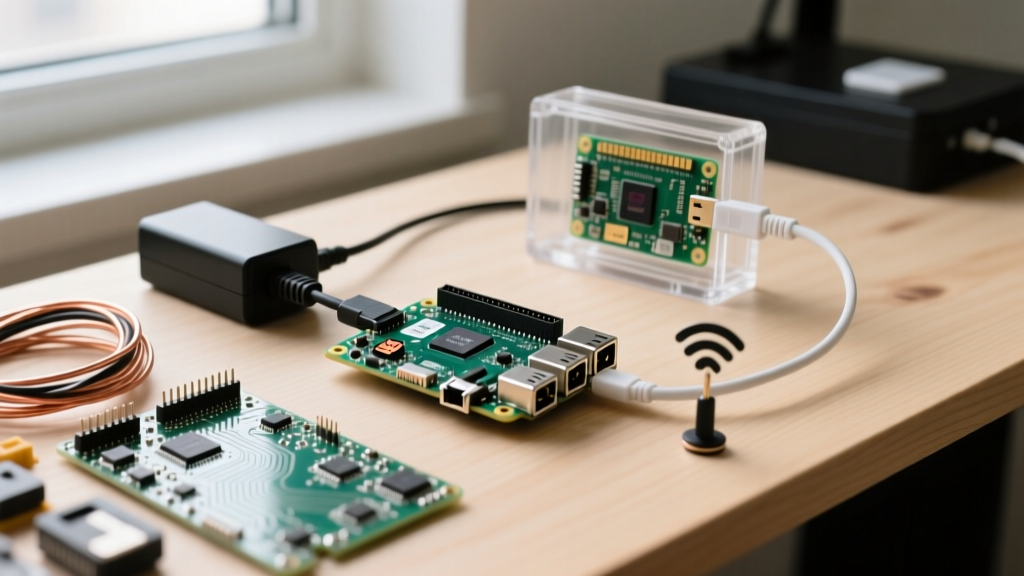
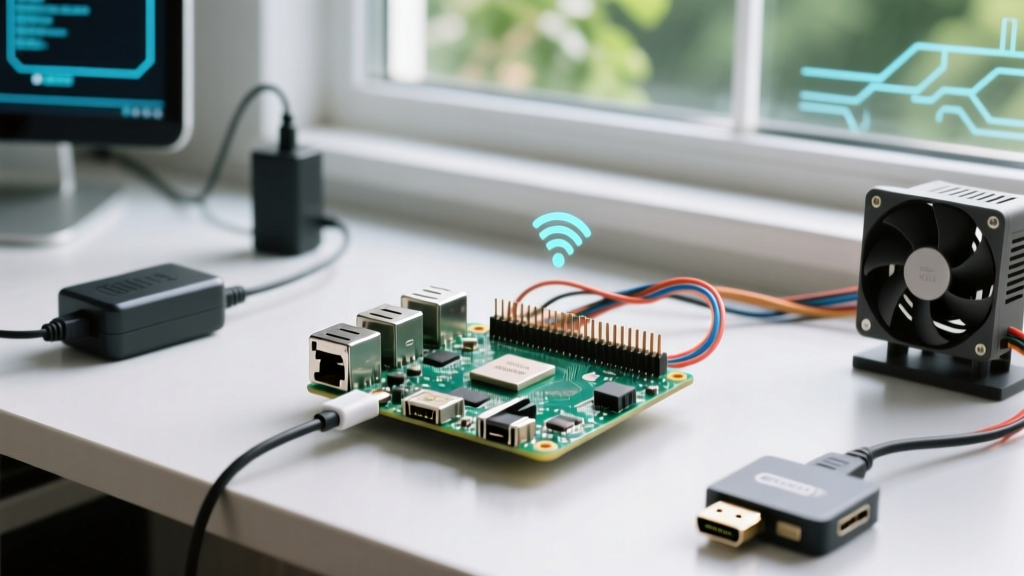
Project Overview & Hardware Spec Sheet
The Raspberry Pi Pico 2 W represents a massive leap in low-cost wireless embedded design. Built around the RP2350 chip, it offers a unique dual-architecture: you can boot into dual-core ARM Cortex-M33 processors or dual-core RISC-V Hazard3 cores, both running at 150MHz. Combined with the Infineon CYW43439 Wi-Fi 4 and Bluetooth 5.2 module, it is the ideal board for battery-operated IoT nodes that require serious compute overhead for local sensor compensation.
This guide walks through building a Wi-Fi connected I2C sensor node. We will verify the hardware handshake with a BME280 environmental sensor, connect to a local 2.4GHz network, and POST a JSON payload to a webhook. The code includes explicit error handling for the exact failure modes common to the CYW43439 wireless chip and I2C bus capacitance issues.
Pico 2 W Board Specifications
| Feature | Specification |
|---|---|
| Microcontroller | RP2350 (Dual-core Cortex-M33 @ 150MHz or RISC-V Hazard3) |
| Wireless Module | Infineon CYW43439 (802.11n 2.4GHz, Bluetooth 5.2 LE) |
| Memory | 520KB SRAM, 4MB QSPI Flash |
| Logic Voltage | 3.3V (GPIO tolerant to 3.3V max) |
| Security | Arm TrustZone, OTP, Secure Boot support |
Required Parts List
- Microcontroller: Raspberry Pi Pico 2 W (SKU: SC0916 or equivalent, ensure it is the 'W' variant with the metal RF shield)
- Sensor: BME280 I2C Breakout Board (Adafruit 2652 or generic 3.3V variant with onboard pull-ups)
- Power: 5V/2A USB-C Power Supply (vital to prevent brownouts during Wi-Fi TX spikes)
- Prototyping: Half-size solderless breadboard, 22 AWG solid core jumper wires
Pin Mapping & Wiring Procedure
The RP2350 maintains the same physical footprint as the original RP2040 Pico, but internal multiplexing has been updated. We are using I2C0 on the default GPIO4 and GPIO5 pins. Note that the Pico 2 W's CYW43439 module shares the SPI bus internally with the flash memory, so avoid using GP23, GP24, GP25, and GP29 for external high-speed SPI peripherals to prevent bus contention.
| Pico 2 W Pin | GPIO / Function | BME280 Breakout Pin | Wire Color (Std) |
|---|---|---|---|
| Pin 6 | GP4 (I2C0 SDA) | SDA | Yellow |
| Pin 7 | GP5 (I2C0 SCL) | SCL | Orange |
| Pin 36 | 3V3(OUT) | VCC / VIN | Red |
| Pin 38 | GND | GND | Black |
ENODEV errors. Measure the resistance between SDA and 3V3 with your multimeter; it should read ~4.7kΩ. If it reads open-loop (OL), add external pull-ups.
MicroPython Firmware & Compilable Code
Target Board Variant: This code is explicitly written for the Raspberry Pi Pico 2 W running MicroPython (RP2350 build, v1.23.0 or newer). Do not flash the standard Pico 2 (non-W) or original Pico W (RP2040) UF2 files, as the CYW43439 firmware blobs differ.
The script below performs a hardware I2C handshake by reading the BME280 Chip ID register (0xD0). If successful, it initializes the Wi-Fi radio, disables aggressive power-saving to prevent connection drops, and POSTs a JSON payload.
import machine
import network
import time
import urequests
import json

# --- PIN DEFINITIONS & CONFIG ---
I2C_SDA = machine.Pin(4)
I2C_SCL = machine.Pin(5)
BME_ADDR = 0x76  # Default for Adafruit/some generics; use 0x77 if SD0 is pulled high
CHIP_ID_REG = 0xD0

WIFI_SSID = "YourNetworkSSID"
WIFI_PASS = "YourNetworkPassword"
WEBHOOK_URL = "https://your-webhook-endpoint.com/data"

# --- HARDWARE INIT ---
i2c = machine.I2C(0, sda=I2C_SDA, scl=I2C_SCL, freq=400_000)
wlan = network.WLAN(network.STA_IF)

def check_sensor():
    try:
        # Read Chip ID register to verify I2C connection without a heavy driver
        i2c.writeto(BME_ADDR, bytes([CHIP_ID_REG]))
        chip_id = i2c.readfrom(BME_ADDR, 1)[0]
        if chip_id not in (0x60, 0x58): # 0x60 = BME280, 0x58 = BMP280
            raise ValueError(f"Unexpected Chip ID: {hex(chip_id)}")
        print(f"Sensor verified. Chip ID: {hex(chip_id)}")
        return True
    except OSError as e:
        print(f"I2C Communication Failed: {e}")
        return False

def connect_wifi():
    wlan.active(True)
    # CRITICAL: Disable aggressive Wi-Fi power management to prevent CYW43439 drops
    wlan.config(pm = 0xa11140)
    if not wlan.isconnected():
        print(f"Connecting to {WIFI_SSID}...")
        wlan.connect(WIFI_SSID, WIFI_PASS)
        timeout = 15
        while not wlan.isconnected() and timeout > 0:
            time.sleep(1)
            timeout -= 1
    return wlan.isconnected()

def send_payload():
    # Mock payload; replace with actual BME280 compensation math in production
    payload = {"device": "pico_2w_rp2350", "status": "online", "sensor_i2c": "ok"}
    try:
        response = urequests.post(WEBHOOK_URL, json=payload)
        print(f"POST Status: {response.status_code}")
        response.close()
    except Exception as e:
        print(f"Network Request Failed: {e}")

# --- MAIN EXECUTION ---
if check_sensor():
    if connect_wifi():
        print(f"Connected! IP: {wlan.ifconfig()[0]}")
        send_payload()
    else:
        print("Wi-Fi connection timed out. Check SSID/Pass and 2.4GHz band.")
else:
    print("Halting: Sensor not found on I2C bus.")
Debugging: First Three Things to Check When It Fails
When the Pico 2 W fails to boot or connect, do not immediately rewrite your code. Hardware and RF environment issues account for 90% of embedded Wi-Fi failures. Here are the exact error strings and how to resolve them.
1. Error: OSError: [Errno 19] ENODEV
Where it happens: During i2c.writeto() or i2c.readfrom().
Ranked Causes:
- Wrong I2C Address: The BME280 SDO pin is tied to VCC, making the address 0x77 instead of 0x76.
- Missing Pull-ups: The I2C bus is floating. The RP2350 internal pull-ups are too weak (~50kΩ) for 400kHz I2C.
- Logic Level Mismatch: You are powering a 5V sensor module that lacks a logic level shifter, and the 3.3V Pico GPIO isn't crossing the 5V module's VIL threshold.
Fix: Run print(i2c.scan()) in the REPL. If it returns an empty list [], check your wiring and pull-ups. If it returns [119], change BME_ADDR to 0x77.
2. Error: OSError: [Errno 110] ETIMEDOUT
Where it happens: During wlan.connect() or urequests.post().
Ranked Causes:
- 5GHz Network Attempt: The CYW43439 is strictly a 2.4GHz radio. If your router uses a unified SSID for 2.4/5GHz and steers the Pico to 5GHz, it will time out.
- USB Brownout: The Wi-Fi TX spike draws ~150mA. If powered by a weak laptop USB port, the 3.3V LDO on the Pico drops out, resetting the CYW43439 mid-handshake.
Fix: Force your router to broadcast a dedicated 2.4GHz SSID for IoT devices. Power the Pico 2 W via a dedicated 5V/2A wall adapter.
3. Error: RuntimeError: Wi-Fi module not responding or CYW43439 init failed
Where it happens: Immediately upon calling wlan.active(True).
Ranked Causes:
- Wrong Firmware UF2: You flashed the generic RP2350 (non-W) MicroPython build, which lacks the CYW43439 firmware blob in the flash filesystem.
- SPI Bus Contention: External wiring is shorting the internal SPI pins used to communicate with the wireless chip.
Fix: Download the exact RPI_PICO2_W UF2 file from the official MicroPython downloads page. Hold BOOTSEL, plug in USB, and drag the correct file to the RPI-RP2 drive.
Extending and Simplifying the Build
Depending on your deployment environment, you may need to alter the power profile or compute architecture of the Pico 2 W.
network and urequests modules entirely. Wire an SSD1306 I2C OLED to a secondary I2C bus (e.g., GP2/GP3) and log data locally. This reduces the code footprint by ~40% and eliminates the 150mA Wi-Fi TX spikes, allowing a 2000mAh LiPo to run the node for months using machine.lightsleep().
Extending the Build (RISC-V & Deep Sleep): The RP2350 allows you to select the processor architecture at boot via the OTP (One-Time Programmable) memory or boot2 flash sector. For ultra-low-power sensor polling, switching to the RISC-V Hazard3 cores can yield a 10-15% improvement in dynamic power efficiency compared to the Cortex-M33 cores at the same clock speed. Combine this with the Pico 2 W's new dedicated RTC (Real-Time Clock) domain to schedule wake-ups from deep sleep without keeping the main SRAM powered.
Pico 2 W Frequently Asked Questions
Does the Raspberry Pi Pico 2 W support dual-core RISC-V for Wi-Fi tasks?
Yes, but with a caveat. The RP2350 chip contains both ARM Cortex-M33 and RISC-V Hazard3 cores. You can select which architecture to boot at startup. However, the CYW43439 Wi-Fi/Bluetooth host driver in the official Pico C/C++ SDK and MicroPython is heavily optimized for the ARM architecture. If you boot into RISC-V mode, Wi-Fi functionality is still supported via the hardware SPI interface to the Infineon chip, but you may experience slightly higher latency in the TCP/IP stack processing compared to the ARM cores. For pure Wi-Fi IoT nodes, stick to ARM; for heavy local DSP (digital signal processing) on sensor data before transmission, test the RISC-V cores.
Why is my Pico 2 W drawing 20mA in Wi-Fi sleep mode?
A common trap with the CYW43439 module is its default power management behavior. Out of the box, MicroPython enables aggressive Wi-Fi power saving, which actually causes the radio to drop connections and require full re-initialization (drawing high current). Conversely, if you disable power management entirely using wlan.config(pm = 0xa11140), the radio stays fully active, drawing ~18-22mA continuously. To achieve true microamp sleep, you must completely deinitialize the WLAN interface using wlan.active(False) and then put the RP2350 into machine.deepsleep(). The CYW43439 does not support a low-power 'listen' mode that wakes the main MCU efficiently without external interrupt wiring.
Can I use the official Pico W C SDK libraries on the Pico 2 W?
No, you cannot directly compile the original RP2040 Pico W libraries for the Pico 2 W. While the CYW43439 chip is the same, the RP2350 features a completely different memory map, DMA controller, and PIO (Programmable I/O) version (PIO v2). You must use the Pico SDK version 2.0.0 or newer, which includes the pico2 platform target and the updated pico_cyw43_arch library. Attempting to force the 1.x SDK to compile for the RP2350 will result in linker errors regarding missing hardware structs and incorrect flash padding. Always ensure your CMakeLists.txt specifies set(PICO_PLATFORM rp2350).
References:
1. Raspberry Pi Pico Hardware Documentation
2. MicroPython network.WLAN Library Reference
3. RP2350 Datasheet (Official)