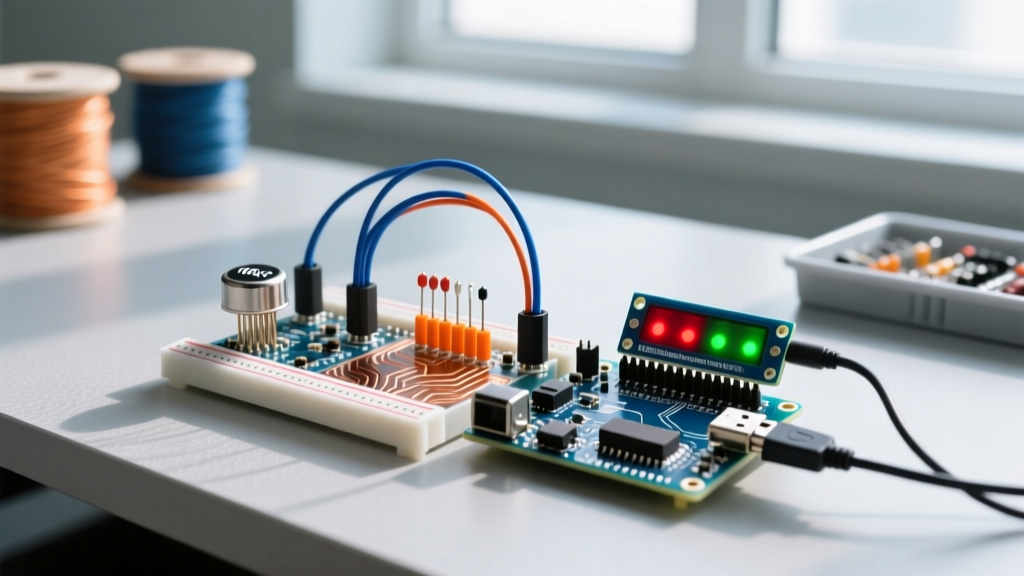
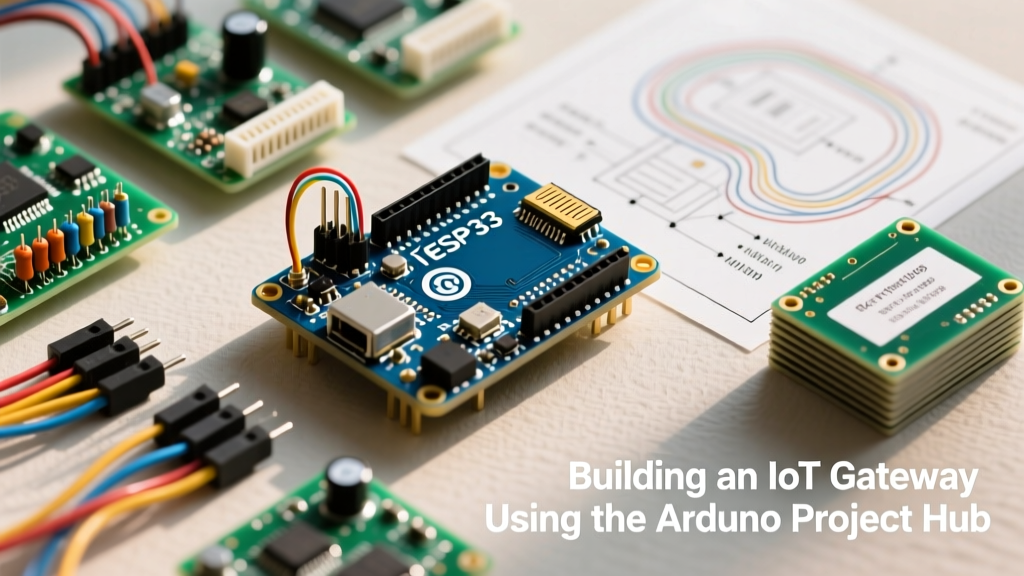
An ESP browser interface is a locally hosted web server running on an ESP32 or ESP8266 that serves HTML, CSS, and JavaScript to a standard web browser, turning your phone or laptop into the microcontroller's graphical user interface. When you type the ESP's local IP address (like 192.168.1.50) into Chrome or Safari, the microcontroller delivers a dashboard that lets you toggle relays, read sensor data, or configure WiFi credentials without needing a dedicated mobile app or physical screen.
What an ESP Browser Interface Actually Changes in Your Build
Adding a browser-based UI fundamentally shifts the compute and hardware requirements of your embedded system. In a traditional setup, displaying a graph or a menu requires an SPI TFT screen (like the ILI9341), a touchscreen digitizer, and heavy GUI libraries like LVGL or TFT_eSPI that consume massive amounts of the ESP32's SRAM and flash.
By offloading the UI rendering to the client device (your phone or PC), you eliminate the physical Human-Machine Interface (HMI) hardware entirely. This changes your bill of materials and your circuit design:
- Hardware reduction: You drop the $15-$30 display module, the ribbon cables, and the 5-10 GPIO pins required for SPI/I2C display communication.
- Compute shifting: The ESP32 no longer calculates pixel coordinates or renders anti-aliased fonts. It only handles raw data formatting (JSON) and network packet routing.
- Power envelope: Without a backlight and display controller drawing 80mA-150mA, your deep-sleep and active power budgets shrink, making battery-operated IoT nodes far more viable.
The Memory Math: Synchronous vs. Asynchronous Serving
The most common point of failure when building an ESP browser dashboard is running out of heap memory. Let's look at a concrete numeric example to understand why your choice of web server library dictates whether your project survives boot-up.
Assume you have built a modern, responsive dashboard. Your index.html, combined with a lightweight CSS framework and Chart.js for live graphing, totals 180 KB of static assets. The ESP32-WROOM-32 has roughly 520 KB of SRAM, but after the WiFi stack and FreeRTOS initialize, you typically have about 250 KB of usable heap space.
WebServer.h library and try to load that 180 KB file into a single String variable to send it to the browser, the ESP32 must find a single, contiguous 180,000-byte block of RAM. Because the heap is fragmented by WiFi buffers, this allocation fails. The ESP32 throws a Guru Meditation Error: Core 1 panic'ed (LoadProhibited) and reboots endlessly.
The Asynchronous Solution: By switching to ESPAsyncWebServer paired with the LittleFS filesystem, the ESP32 never loads the whole file into RAM. Instead, it streams the file directly from the flash chip to the WiFi buffer in 1024-byte chunks. The peak RAM usage for serving that same 180 KB file drops to roughly 4 KB. The browser receives the file seamlessly, and your main loop() remains completely unblocked to poll sensors.
Where You Meet ESP Browser Dashboards in Practice
If you have interacted with advanced maker hardware in the last few years, you have likely used an ESP browser interface without realizing the underlying architecture. This pattern is the industry standard for headless IoT configuration and control.
- WLED: The massively popular LED control firmware uses an ESP-hosted web server to serve a complex UI for configuring LED strips, color palettes, and effects. It relies heavily on asynchronous WebSockets to push color changes to the browser in real-time without page reloads.
- ESP3D: Used in 3D printing, ESP3D adds WiFi to older GRBL or Marlin mainboards. The ESP32 hosts a browser-based terminal and jog-control dashboard, allowing you to send G-code from your phone while standing next to the printer.
- Smart Home Relays (ESPHome/Tasmota): When you first flash a smart plug with Tasmota, it broadcasts an Access Point. You connect your phone to it, open a browser to
192.168.4.1, and use the hosted UI to input your home WiFi credentials.
Decision Tree: Picking Your ESP32 Web Stack
Do not waste time debating libraries. Use this decision path to select the exact stack for your next build.
| If your UI needs... | And your update frequency is... | Then choose this stack... |
|---|---|---|
| Static text, simple forms (e.g., WiFi config) | Only on page load or button submit | Standard WebServer.h + handleClient() |
| Live sensor graphs, real-time toggles | 1 to 10 updates per second | ESPAsyncWebServer + WebSockets |
| High-res camera streaming (OV2640) | Continuous MJPEG frames | esp32-camera library + custom async TCP stream |
| Heavy assets (MP3s, large JS frameworks) | On-demand file downloads | ESPAsyncWebServer + LittleFS chunked streaming |
Common Pitfalls and Hardware Realities
Even with the right library, bench testing reveals a few edge cases that ruin otherwise solid ESP browser builds.
1. The SPIFFS Deprecation Trap
Older tutorials from 2019 will tell you to use the SPIFFS filesystem to upload your web files. Espressif officially deprecated SPIFFS because it lacks true wear-leveling and corrupts easily on power loss. Always use LittleFS. It is drop-in compatible, faster, and protects your flash memory from premature wear when the ESP32 logs data alongside your web assets.
2. HTTP Polling vs. WebSockets
If your dashboard needs to show a live temperature reading, do not use JavaScript setInterval to send an HTTP GET request every 500ms. This creates massive TCP handshake overhead and will quickly exhaust the ESP32's socket limits, causing the browser to hang. Instead, open a single WebSocket connection. The ESP32 pushes a tiny 15-byte JSON payload {"t":22.5} only when the value actually changes, dropping network overhead by over 90%.
3. CORS and Mixed Content Errors
If your ESP32 is serving a dashboard over HTTP (port 80), but your JavaScript tries to fetch data from an external HTTPS API (like a cloud weather service), the browser will block it due to Mixed Content security policies. Keep the ESP strictly on the local LAN, or if you must interface with cloud services, proxy those requests through a local Node-RED or Home Assistant instance rather than forcing the ESP32 to handle TLS handshakes.
Frequently Asked Questions
Can multiple people open the ESP browser dashboard at the same time?
Yes, but with limits. The standard ESP32 WiFi stack can handle about 4 to 8 simultaneous TCP connections comfortably. If you use WebSockets for live updates, each connected browser holds one socket open. If you need 20+ simultaneous users, the ESP32 is the wrong tool; you should have the ESP32 push data via MQTT to a Raspberry Pi running a proper web server like Node-RED or Grafana.
Do I need to know HTML and CSS to build an ESP browser UI?
You need a basic grasp, but you don't need to be a frontend developer. Most embedded engineers use UI frameworks like Bootstrap or pre-built dashboard builders like ESP-DASH, which generate the HTML/CSS for you via C++ macros, allowing you to build gauges and switches purely from your Arduino IDE code.