
The Physics and Hardware: HC-SR04 vs. JSN-SR04T
Before writing the code for ultrasonic sensor in Arduino, you must understand the hardware limitations and acoustic physics governing these modules. The ubiquitous HC-SR04 operates at a 40kHz frequency, emitting an eight-cycle sonic burst when the trigger pin is held high for 10 microseconds. At 20°C, the speed of sound is roughly 343.2 meters per second. This means sound travels 1 centimeter in approximately 29.15 microseconds. Because the sensor measures the round-trip time, the mathematical constant for converting pulse duration to centimeters is 58.3 microseconds per centimeter.
While the standard HC-SR04 costs around $1.50 to $2.00 in 2026, it is strictly for indoor, dry environments. If your project requires outdoor or wet-environment sensing, you must upgrade to the JSN-SR04T V2.0 (approx. $4.50). The JSN-SR04T uses a sealed, waterproof transducer but shares the exact same timing protocol and codebase, making it a drop-in replacement for the HC-SR04 with a slightly narrower beam angle (roughly 50 degrees compared to the HC-SR04's 15-degree half-angle cone).
Wiring Matrix and Logic Level Warnings
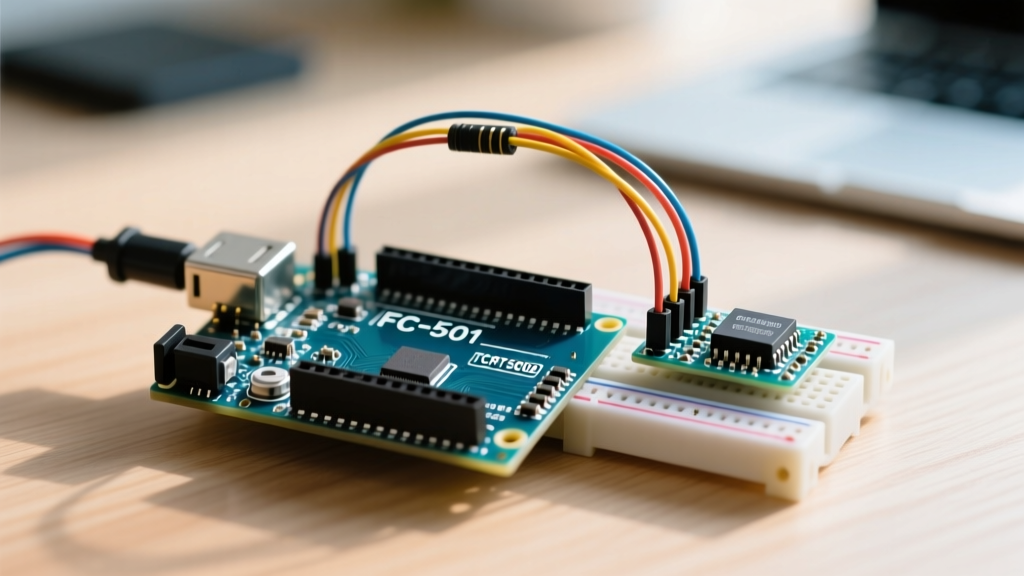
Below is the standard wiring matrix for interfacing the HC-SR04 with an Arduino Uno R4 Minima. Note that while the HC-SR04 requires a 5V power supply, its Echo pin outputs a 5V HIGH signal. If you are adapting this code for a 3.3V microcontroller like the ESP32, Raspberry Pi Pico (RP2040), or Arduino Nano 33 IoT, you must use a voltage divider on the Echo pin to prevent permanent silicon damage.
| Sensor Pin | Arduino Uno R4 Pin | Wire Color (Std) | Notes & Constraints |
|---|---|---|---|
| VCC | 5V | Red | Requires 15mA operating current. |
| Trig | Digital Pin 9 | Yellow | Set as OUTPUT in code. |
| Echo | Digital Pin 10 | Blue | Set as INPUT. Use voltage divider for 3.3V MCUs. |
| GND | GND | Black | Must share common ground with MCU. |
Engineering Note: For 3.3V logic adaptation, use a 1kΩ resistor in series from the Echo pin, and a 2kΩ resistor to ground. This safely steps the 5V pulse down to ~3.3V.
Method 1: The Native pulseIn() Approach (And Why It Blocks)
The most common beginner approach relies on the native Arduino pulseIn() function. While functional, it is fundamentally flawed for multitasking applications.
const int trigPin = 9;
const int echoPin = 10;

void setup() {
  Serial.begin(9600);
  pinMode(trigPin, OUTPUT);
  pinMode(echoPin, INPUT);
}

void loop() {
  digitalWrite(trigPin, LOW);
  delayMicroseconds(2);
  digitalWrite(trigPin, HIGH);
  delayMicroseconds(10);
  digitalWrite(trigPin, LOW);

  long duration = pulseIn(echoPin, HIGH);
  float distance = duration / 58.3;

  Serial.print(distance);
  Serial.println(" cm");
  delay(50);
}
The Latency Problem
The pulseIn() function is blocking. It halts all MCU operations while waiting for the Echo pin to go HIGH, and then waits for it to go LOW. If the sensor is pointed at an open void and no echo returns, pulseIn() will wait for its default timeout of 1 second (1,000,000 microseconds). Even with a custom timeout, a single 400cm reading takes roughly 23 milliseconds, completely freezing your main loop and ruining the responsiveness of motor controls or button debouncing routines running concurrently.
Method 2: The Non-Blocking NewPing Library (Recommended)
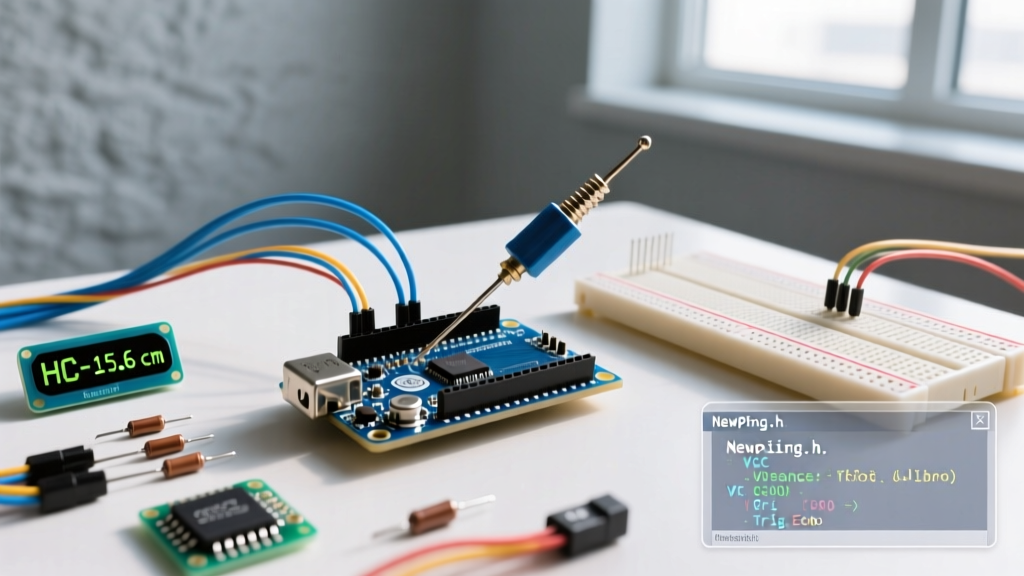
To write professional-grade code for ultrasonic sensor in Arduino environments, you should utilize the NewPing library by Tim Eckel. NewPing utilizes timer interrupts to listen for the echo in the background, freeing up the main loop to handle other tasks.
#include <NewPing.h>

#define TRIGGER_PIN  9
#define ECHO_PIN     10
#define MAX_DISTANCE 400 // Maximum distance we want to ping (in cm)

NewPing sonar(TRIGGER_PIN, ECHO_PIN, MAX_DISTANCE);

void setup() {
  Serial.begin(115200); // 115200 baud recommended for fast telemetry
}

void loop() {
  delay(35); // Mandatory 35ms delay between pings to prevent acoustic crosstalk
  unsigned int uS = sonar.ping(); // Send ping, get ping time in microseconds (uS)

  // Convert ping time to distance in cm and print
  Serial.print("Distance: ");
  Serial.print(uS / US_ROUNDTRIP_CM);
  Serial.println(" cm");
}
Why NewPing is Superior
- Automatic Timeout Handling: If no echo is received, NewPing cleanly returns
0instead of hanging the processor. - Timer Interrupts: The library can be configured to ping automatically every X milliseconds via hardware timers, entirely removing the sensor code from your main
loop(). - Multi-Sensor Support: NewPing natively supports arrays of up to 15 ultrasonic sensors, managing the sequential firing required to prevent acoustic interference.
Real-World Troubleshooting & Edge Cases
Even with perfect code, ultrasonic sensors are prone to environmental failure modes. According to acoustic sensing principles outlined by National Instruments, surface material and geometry drastically alter return signals.
1. The "Zero" Return Bug and Timeout Handling
When using NewPing, a reading of 0 does not mean the object is touching the sensor. It means the ping timed out (distance > MAX_DISTANCE) or the sound was absorbed. Fix: Always wrap your distance logic in a conditional check: if (distance > 0 && distance < 400) before triggering relays or alarms.
2. Acoustic Crosstalk in Multi-Sensor Arrays
If you mount two HC-SR04 modules facing the same direction or at 90-degree corners, Sensor A's sound wave will bounce off a wall and trigger Sensor B's echo pin. Fix: Never fire two ultrasonic sensors simultaneously. You must stagger the trigger pulses by a minimum of 35 milliseconds (the time it takes for a 400cm round-trip ping to completely dissipate).
3. Material Absorption and Scattering
40kHz sound waves are easily absorbed by soft materials like foam, heavy clothing, and acoustic paneling. Furthermore, curved surfaces (like a person's shoulder or a spherical tank) can scatter the sound wave away from the receiver transducer. Fix: If your application involves detecting soft or highly curved targets, ultrasonic is the wrong technology. Pivot to a Time-of-Flight (ToF) LiDAR sensor like the VL53L1X, which relies on photon reflection rather than acoustic resonance.
4. The Blind Spot Limitation
The HC-SR04 has a physical blind spot of roughly 2cm to 3cm. Because the transmitter and receiver transducers are physically separated by a few millimeters, an object placed directly against the mesh cannot be resolved; the echo returns before the receiver circuit has finished its initialization gating. If your project requires 0mm touch-detection, use a mechanical limit switch or an IR proximity sensor instead.
Summary Checklist for Deployment
- Verify 5V power delivery; brownouts cause erratic ping times.
- Use the NewPing library to prevent blocking the main execution loop.
- Implement a 35ms delay between consecutive sensor reads.
- Apply a voltage divider if migrating the code to ESP32 or RP2040 architectures.
- Filter out "0" returns in your logic to prevent false-positive obstacle detection.