
The Prototyping Bottleneck: Why C++ Slows Down Iteration
For production firmware, C++ compiled via the Arduino IDE remains the gold standard for performance and memory efficiency. However, during the rapid prototyping and Hardware-in-the-Loop (HIL) testing phases, the traditional C++ workflow introduces severe friction. Every minor tweak to a sensor threshold or PID constant requires a full GCC compilation, linking, and flashing cycle. On a standard setup, this compile-flash-wait loop takes between 15 and 45 seconds per iteration. Over a 200-iteration tuning session, you lose over two hours purely to progress bars.
This is where running python on arduino hardware fundamentally shifts the engineering paradigm. By leveraging MicroPython on officially supported Arduino boards, developers bypass the compilation step entirely. Code is executed instantly via the Read-Eval-Print Loop (REPL), allowing for real-time variable manipulation, immediate sensor feedback, and drastically compressed development cycles.
Hardware Selection: Which Arduino Boards Actually Run Python?
Not all Arduino boards support native Python execution. Legacy AVR-based boards (like the Uno R3 or Nano) lack the SRAM and processing overhead required to host a Python interpreter. To optimize your workflow in 2026, you must target ARM Cortex-M or Xtensa-based architectures with at least 256KB of SRAM.
| Board Model | MCU Core | SRAM | Python Ecosystem | Est. Price (2026) |
|---|---|---|---|---|
| Arduino Nano ESP32 | ESP32-S3 (Dual-core 240MHz) | 512 KB | MicroPython / CircuitPython | $22.00 |
| Arduino Nano RP2040 Connect | Raspberry Pi RP2040 | 264 KB | MicroPython | $19.50 |
| Arduino Portenta H7 | STM32H747 (Cortex-M7) | 1 MB | MicroPython (Limited libs) | $115.00 |
For the optimal balance of cost, native USB support, and library availability, the Arduino Nano ESP32 is the premier choice. The ESP32-S3 chip features native USB-OTG, meaning the MicroPython REPL mounts directly as a virtual COM port without requiring a secondary UART-to-USB bridge chip, reducing latency and connection dropouts during hot-reloads.
Workflow 1: The REPL-Driven Development Loop
The core advantage of python on arduino environments is the REPL. Instead of writing a full setup() and loop() structure to test an I2C temperature sensor, you can interact with the hardware live. Arduino officially embraced this workflow by introducing Arduino Lab for MicroPython, though many senior engineers still prefer the lightweight Thonny IDE for its superior variable explorer and bare-metal serial terminal.
Step-by-Step REPL Optimization
- Flash the Firmware: Use the
esptool.pyutility to flash the latest MicroPython `.bin` to the Nano ESP32. Ensure you hold theBOOTbutton while pressingRESETto enter the native ROM bootloader—a common edge case that trips up beginners. - Connect via Serial: Open your terminal at
115200baud. PressEnterto trigger the>>>prompt. - Live Hardware Polling: Import the
machinemodule and initialize your I2C bus. You can read sensor registers and instantly see the hex output without waiting for a flash cycle. - Soft Resets: Use
Ctrl+Dto perform a soft reset. This clears the heap and restarts yourmain.pyscript without dropping the USB serial connection, saving 3-5 seconds per reset compared to a hard hardware reset.
Edge Cases & Memory Management: The 'Gotchas'
Running an interpreted, garbage-collected language on a resource-constrained microcontroller introduces specific failure modes that C++ developers rarely encounter. Ignoring these will result in silent crashes and heap fragmentation.
The Interrupt Service Routine (ISR) Trap
In C++, allocating memory inside an ISR is a known taboo. In MicroPython, it is a guaranteed hard-fault. If your Python code attempts to create a new object, append to a list, or even format a string inside a Pin interrupt callback, the garbage collector will panic and lock the MCU.
Expert Directive: Always allocate an emergency exception buffer at the very top of your script. Addmicropython.alloc_emergency_exception_buf(100)before defining any interrupts. Furthermore, use theschedulefunction to defer heavy processing out of the ISR and into the main loop. For a deep dive on ESP32-specific hardware constraints, consult the official MicroPython ESP32 Quick Reference.
Heap Fragmentation and Pre-allocation
The ESP32-S3 has 512KB of SRAM, but MicroPython's heap is typically limited to around 250KB after system overhead. If your workflow involves buffering sensor data (e.g., reading an accelerometer at 1kHz), dynamically appending to a Python list will rapidly fragment the heap, triggering a MemoryError within minutes.
The Fix: Pre-allocate fixed-size bytearray or array objects outside your polling loop. Use a circular buffer index to overwrite old data. This guarantees zero memory allocation during runtime execution, ensuring deterministic timing for your data acquisition.
Workflow 2: Host-Side HIL Testing via PySerial
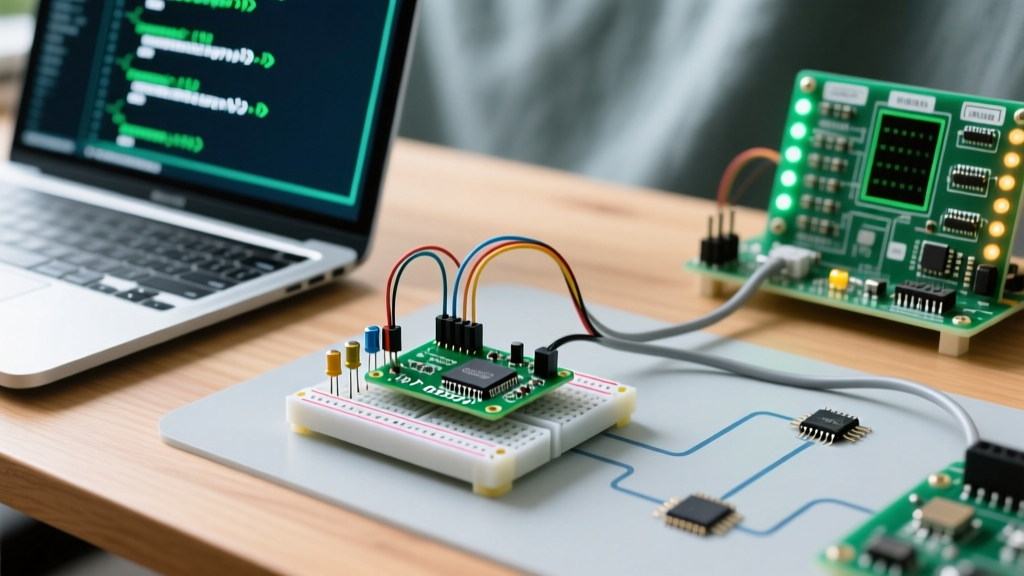
Optimizing your python on arduino workflow doesn't stop at the MCU. The true power emerges when you pair the MicroPython-equipped Arduino with a host-side Python script running on your PC. This creates a seamless Hardware-in-the-Loop (HIL) testing environment.
While the Arduino handles the real-time sensor polling and actuator control via MicroPython, your host PC can use the PySerial library to stream that data into pandas DataFrames, visualize it live with matplotlib, or run complex machine learning inference that the MCU cannot handle.
Robust Serial Reconnection Pattern
A common failure in HIL testing is the USB-CDC serial port dropping when the ESP32 undergoes a soft reset. To maintain a continuous data pipeline, implement an exponential backoff reconnection wrapper in your host-side Python script:
- Catch
serial.SerialExceptionon read/write failures. - Close the port handle gracefully to prevent OS-level file locks (especially critical on Windows 11 environments).
- Implement a
time.sleep()loop that polls for the COM port's return, utilizing theserial.tools.list_portsmodule to verify the device VID/PID (Arduino Nano ESP32 VID is typically0x2341) before attempting to reopen the stream.
Filesystem Wear and Atomic Writes
When using the internal LittleFS filesystem on the Nano ESP32 to log data locally, frequent small writes will degrade the SPI flash memory and risk filesystem corruption if power is lost mid-write. MicroPython's os.rename() is not strictly atomic on all ESP32 flash implementations.
To optimize for flash longevity and data integrity, batch your sensor readings into 4KB chunks in RAM, write them to a temporary file (e.g., log.tmp), and only rename to log.csv once the file is explicitly closed and flushed. This technique aligns with the flash memory's page size, drastically reducing write amplification and extending the lifespan of your development hardware.
Summary: When to Use Python vs. C++
Integrating python on arduino hardware is not a blanket replacement for C++. It is a targeted workflow optimization. Use MicroPython for rapid sensor validation, algorithmic prototyping, and automated test-jig scripting. Once your logic is proven and memory footprints are mapped, translate the critical paths back to C++ for the final production firmware. This hybrid approach, championed by modern embedded teams, leverages the speed of Python and the raw performance of C++, ultimately cutting time-to-market by weeks. For more on Arduino's official transition to supporting these dual-language workflows, read the Arduino Blog's announcement on MicroPython integration.