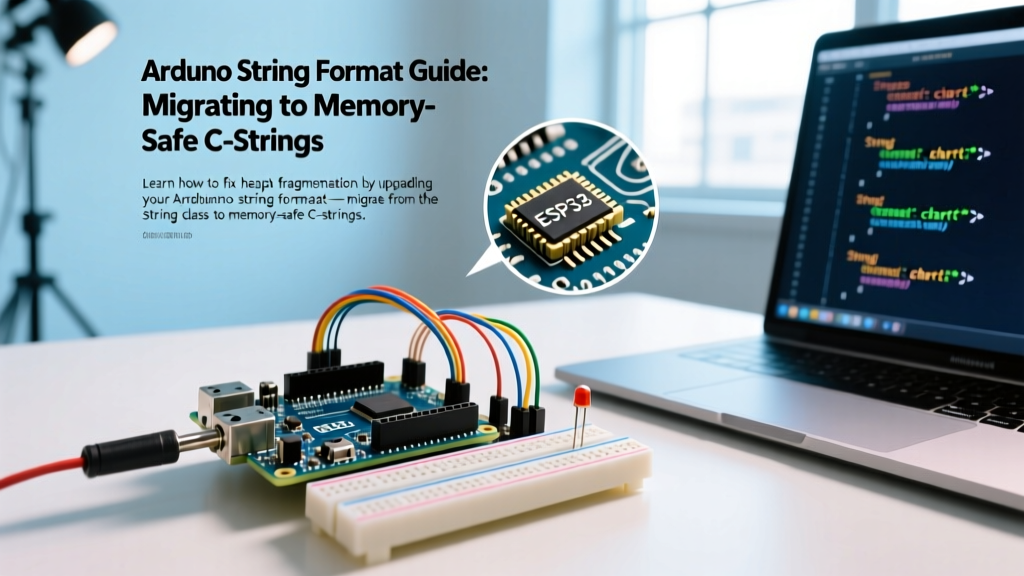

The Hidden Cost of the Arduino String Class
For beginners, the Arduino String class (with a capital 'S') feels like a modern convenience. Concatenating sensor data is as simple as String payload = "Temp: " + String(dht.readTemperature());. However, as your project evolves from a simple serial logger to a complex IoT node transmitting over MQTT or LoRaWAN, this convenience becomes a critical liability. In 2026, with the rise of dense sensor arrays and edge-computing on microcontrollers, understanding the underlying memory mechanics of your Arduino string format is no longer optional—it is a requirement for system stability.
The core issue is heap fragmentation. Unlike desktop environments with gigabytes of RAM and sophisticated garbage collectors, microcontrollers like the ATmega328P (Arduino Uno/Nano) have a mere 2,048 bytes of SRAM. Even the ESP32-WROOM-32, with its 520KB of internal SRAM, is highly susceptible to heap exhaustion when dynamic memory allocation is mishandled over weeks of continuous uptime.
Expert Warning: If your Arduino or ESP32 project runs perfectly for three days and then randomly reboots or triggers a Watchdog Timer (WDT) reset without any hardware changes, heap fragmentation caused by theStringclass is the primary suspect. As noted in embedded systems literature, dynamic allocation on constrained heaps leads to a 'Swiss-cheese' memory layout wheremalloc()fails to find a contiguous block, returning a null pointer that subsequently causes a hard fault.
Why Migrate? The Mechanics of Heap Fragmentation
When you modify a String object, the microcontroller does not simply append data. It requests a new, larger block of memory from the heap, copies the old data, appends the new data, and then frees the old block. Over thousands of iterations, this leaves unusable gaps in your SRAM. To illustrate the overhead, consider the following comparison between the Arduino String object and standard C-style strings (char arrays).
| Operation | Arduino String Class Impact | C-String (char[]) Impact |
|---|---|---|
| Initialization | 6 bytes overhead + payload size | Exact payload + 1 byte (null terminator) |
| Concatenation | Allocates new block, copies, frees old | Appends in-place (O(1) time complexity) |
| Heap Fragmentation | Severe (causes memory leaks over time) | Zero (statically or stack allocated) |
| Flash Memory Usage | High (imports complex C++ libraries) | Minimal (uses lightweight libc functions) |
For a comprehensive breakdown of why dynamic strings fail on AVR architectures, embedded expert Majenko provides an authoritative deep dive into the evils of Arduino Strings, detailing exactly how the heap degrades during standard loop iterations.
Step-by-Step Migration: Upgrading Your Arduino String Format
Migrating away from the String class requires shifting your mindset from object-oriented concatenation to buffer management. Here is the definitive guide to refactoring your code using modern, memory-safe C-standard functions.
Phase 1: Replacing Concatenation with snprintf
The most powerful tool in your migration arsenal is snprintf. Unlike sprintf, which is vulnerable to buffer overflows, snprintf requires you to specify the maximum buffer size, preventing memory corruption. According to the C++ standard reference for fprintf/snprintf, this function safely formats and writes data to a character array.
Deprecated Approach (Capital S):
String message = "Sensor " + String(sensorId) + ": " + String(temp) + " C";
Serial.println(message);
Upgraded Approach (C-String):
char buffer[40];
snprintf(buffer, sizeof(buffer), "Sensor %d: %.2f C", sensorId, temp);
Serial.println(buffer);
Notice the use of sizeof(buffer). This ensures that even if your variables expand unexpectedly, the function will truncate the output rather than overwriting adjacent memory addresses, which is a common cause of silent data corruption on the ATmega2560.
Phase 2: Handling Floats on AVR Architectures
There is a critical edge case when migrating AVR-based boards (Uno, Nano, Mega). To save flash memory, the standard AVR libc implementation of snprintf does not support the %f floating-point specifier. If you attempt to use %f on an Arduino Nano, it will output a literal '?' or garbage data.
To format floats on AVR boards, you must use the dtostrf() function (Double to String Format) as an intermediary step:
char tempBuf[10];
char finalBuffer[30];
// Convert float to string: dtostrf(value, minWidth, decimalPlaces, targetBuffer)
dtostrf(temp, 4, 2, tempBuf);
snprintf(finalBuffer, sizeof(finalBuffer), "Sensor %d: %s C", sensorId, tempBuf);
Note: If you are compiling for ARM-based boards (Arduino Due, Zero) or Xtensa/RISC-V (ESP32), %f works natively in snprintf.
Phase 3: Safe String Comparison
Beginners often use the == operator to compare C-strings, which only compares the memory addresses of the pointers, not the actual text content. You must migrate to strcmp().
- Wrong:
if (buffer == "OK")(Always evaluates to false) - Right:
if (strcmp(buffer, "OK") == 0)(Evaluates to true if strings match)
ESP32 vs. AVR: Does the Architecture Matter?
While the ATmega328P will crash within hours due to a 2KB SRAM limit, the ESP32 boasts 520KB of SRAM. Does this mean you can safely use the String class on an ESP32? No.
The ESP32 utilizes a complex memory architecture divided into Internal SRAM and external PSRAM. The Espressif IoT Development Framework (ESP-IDF) relies on specific heap capabilities for Wi-Fi and Bluetooth stacks. As detailed in the official Espressif memory allocation documentation, severe heap fragmentation in the internal DRAM can starve the Wi-Fi driver of the contiguous memory blocks it requires for packet buffers. This results in the infamous Guru Meditation Error: Core 1 panic'ed (LoadProhibited) or sudden Wi-Fi disconnections that cannot be recovered via software resets.
To monitor your ESP32 heap health during migration, integrate these diagnostics into your loop:
Serial.printf("Free Heap: %d bytes\n", ESP.getFreeHeap());
Serial.printf("Min Free Heap: %d bytes\n", ESP.getMinFreeHeap());
Serial.printf("Max Alloc Block: %d bytes\n", ESP.getMaxAllocHeap());
If getFreeHeap() is high, but getMaxAllocHeap() is critically low, your heap is heavily fragmented.
Advanced Optimization: The F() Macro and PROGMEM
When formatting strings, literal text constants (e.g., "Error: Connection Failed") are loaded into SRAM by default on AVR boards. When migrating your Arduino string format, you must wrap static literals in the F() macro to force the compiler to read them directly from Flash memory (PROGMEM).
While snprintf does not natively support the F() macro, you can use strcpy_P and strcat_P for assembling static payloads, or utilize the Serial.print(F("...")) pattern for direct output without buffering.
Summary Checklist for Code Refactoring
Before deploying your firmware to production hardware, run through this migration checklist to ensure total memory safety:
- Global Search: Search your entire codebase for capital
Stringdeclarations and eliminate them. - Buffer Sizing: Verify that all
chararrays are sized to handle the absolute maximum theoretical length of the payload, plus one byte for the null terminator (\0). - Function Swaps: Replace
+concatenation withsnprintforstrcat. - Float Handling: Implement
dtostrf()for all AVR-based floating-point formatting. - Comparison Logic: Replace all
==string evaluations withstrcmp() == 0. - Uptime Testing: Run a stress test logging heap metrics via serial for a minimum of 72 hours to confirm the absence of memory leaks.
By mastering the C-style Arduino string format, you transition from a hobbyist writing fragile prototypes to an embedded engineer building resilient, industrial-grade firmware. The initial learning curve of manual buffer management pays immediate dividends in system uptime, reduced flash footprint, and the elimination of phantom hardware reboots.