
The Case for Upgrading Your Arduino Radar Stack
For years, the HC-SR04 ultrasonic sensor and the RCWL-0516 Doppler microwave module have been the default choices for hobbyist proximity and presence detection. However, as maker projects evolve into robust smart home and industrial IoT deployments, the limitations of these legacy sensors—namely acoustic dead zones, temperature drift, and omnidirectional wall-bleed—have become critical failure points.
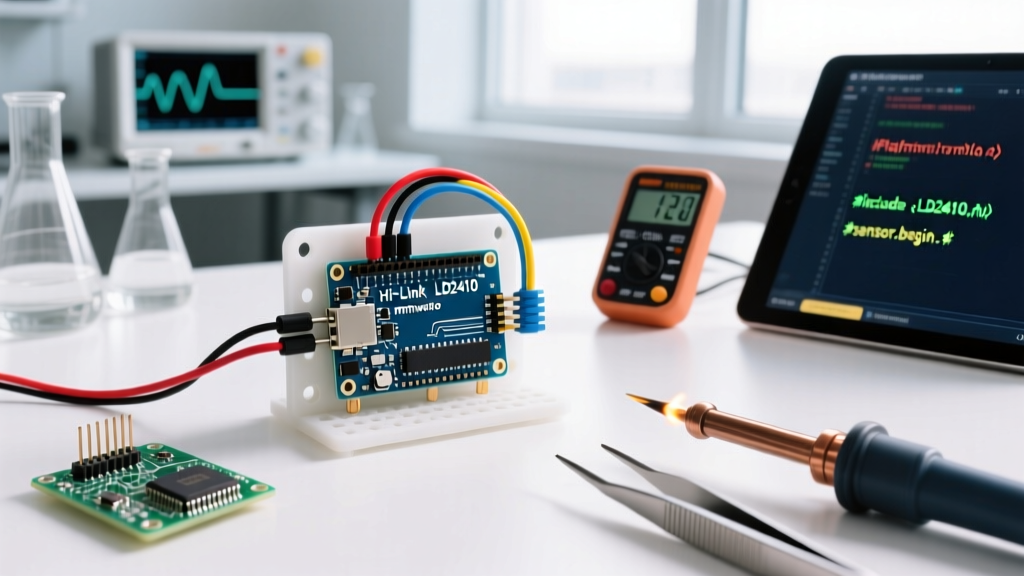
If you are maintaining or upgrading an Arduino radar project in 2026, migrating to 24GHz Frequency-Modulated Continuous Wave (FMCW) mmWave sensors is no longer just a luxury; it is a necessity for reliable human presence detection. The Hi-Link HLK-LD2410 and its sibling, the LD2450, have democratized mmWave technology, dropping to approximately $4.50 to $7.00 on volume marketplaces. This guide details the exact hardware, power, and software migration steps required to transition your Arduino sketch from legacy pinging to modern UART-based spatial gating.
Legacy vs. Modern: Sensor Comparison Matrix
Before ripping out your existing wiring, it is crucial to understand the physical and operational differences between the legacy stack and modern mmWave alternatives. According to Texas Instruments mmWave Radar Fundamentals, FMCW radar calculates distance and velocity by measuring the frequency shift of the reflected signal, allowing it to detect micro-movements like human breathing through non-metallic obstacles.
| Feature | HC-SR04 (Ultrasonic) | RCWL-0516 (Microwave) | HLK-LD2410 (mmWave) | HLK-LD2450 (mmWave) |
|---|---|---|---|---|
| Technology | 40kHz Acoustic | 3.15GHz Doppler | 24GHz FMCW | 24GHz FMCW |
| Max Range | 400 cm | 500 - 700 cm | 600 cm (Moving/Static) | 600 cm (3D Tracking) |
| Interface | GPIO (Pulse Width) | GPIO (Digital High) | UART Serial / I2C | UART Serial |
| Spatial Resolution | Single Point | Omnidirectional Blob | 8 Gates (0.75m each) | X/Y/Z Coordinate Map |
| Typical Price (2026) | $1.50 | $2.00 | $4.50 | $6.80 |
Hardware Migration: Wiring and Power Decoupling
The most common point of failure when makers upgrade their Arduino radar setup is hardware incompatibility. The HC-SR04 operates at 5V logic, while the LD2410 strictly requires 3.3V logic and stable power delivery.
Logic Level Shifting (Don't Fry Your mmWave)
If you are using a 5V microcontroller like the Arduino Uno or Mega, you must not connect the Arduino's TX pin directly to the LD2410's RX pin. While the LD2410's TX pin will output 3.3V (which the Uno can safely read as a HIGH), feeding 5V into the LD2410's RX pin will degrade the internal ESD protection diodes and eventually destroy the module.
- The Proper Fix: Use a bidirectional logic level converter (such as a BSS138 MOSFET-based module) to safely translate the 5V UART signals to 3.3V.
- The Budget Fix: Build a voltage divider using a 1kΩ and 2kΩ resistor on the Arduino TX to LD2410 RX line. This drops the 5V signal down to a safe ~3.33V.
Note: If you are migrating to a 3.3V board like the Arduino Nano 33 IoT, ESP32, or Raspberry Pi Pico, you can wire the UART pins directly.
Power Supply Transients and Decoupling
Unlike the HC-SR04, which draws brief current spikes during acoustic pinging, a 24GHz mmWave sensor draws continuous, high-frequency current bursts during its FMCW sweep cycles. The LD2410 can peak at 110mA to 150mA during transmission.
Critical Warning: Do not power the LD2410 directly from the Arduino Uno's onboard 3.3V regulator if you are powering the Uno via the VIN pin or a 9V wall adapter. The onboard LDO will overheat and drop out, causing the radar module to brownout and ghost-target.
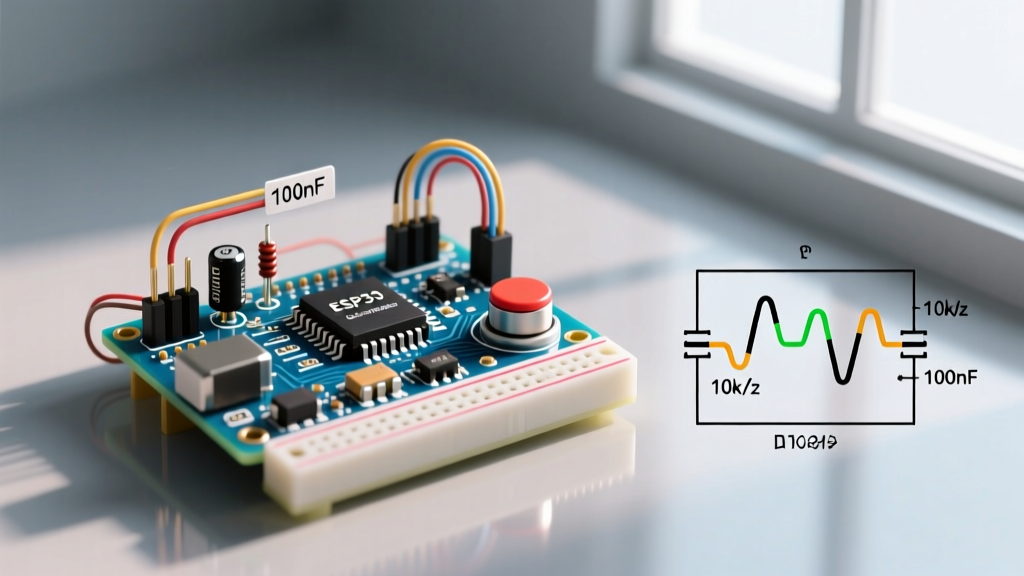
Solution: Use a dedicated external 3.3V LDO (like the AMS1117-3.3) powered from the Arduino's 5V pin. Place a 10µF ceramic capacitor and a 100µF tantalum capacitor across the VCC and GND pins as close to the LD2410 module as possible to absorb RF transmission transients.
Software Migration: From pulseIn() to UART State Machines
Migrating your code requires abandoning blocking functions like delay() and pulseIn(). The LD2410 streams continuous hexadecimal data frames over UART. As noted in the Arduino Serial Reference, handling high-speed continuous streams requires non-blocking serial event parsing.
Baud Rate and Frame Parsing
Out of the box, the HLK-LD2410 operates at a non-standard baud rate of 256,000. While modern hardware serial ports can handle this, it can cause synchronization issues with software serial libraries. It is highly recommended to use the manufacturer's Bluetooth configuration app or send the UART configuration command (0x00A1) to permanently lower the baud rate to 115,200.
The sensor outputs data in a specific framed structure. A robust Arduino sketch must implement a state machine to look for the header, read the payload length, and verify the footer.
// LD2410 Frame Structure Constants
const byte HEADER[4] = {0xF4, 0xF3, 0xF2, 0xF1};
const byte FOOTER[4] = {0x04, 0x03, 0x02, 0x01};

// State machine variables
int parseState = 0;
int payloadLength = 0;
byte payload[40];
int payloadIndex = 0;
Instead of relying on simple digital reads, your loop() function must continuously read the serial buffer, verify the F4 F3 F2 F1 header, extract the target state byte (Moving vs. Static), and parse the distance data (in centimeters). For a production-ready implementation, refer to the parsing logic outlined in the ESPHome LD2410 Component Documentation, which provides an excellent open-source blueprint for frame validation and checksum verification.
Real-World Calibration & Edge Cases
Hardware and code are only half the battle. mmWave sensors are incredibly sensitive, and migrating to them introduces new environmental edge cases that ultrasonic sensors simply ignored.
The Micro-Doppler Interference Problem
Because 24GHz FMCW radar detects phase shifts caused by movement, it is sensitive to the micro-Doppler effect. This means it can detect the movement of a human chest cavity during breathing (static presence). However, it will also detect ceiling fans, HVAC vents, and even vibrating washing machines.
Migration Action: You must configure the Static Gate Sensitivity. The LD2410 divides its 6-meter range into eight 0.75-meter "gates". Using UART configuration commands, you can lower the sensitivity of gates located near known vibration sources (like an HVAC vent at the 3-meter mark) while keeping the sensitivity high in the primary detection zone.
Callout: The Drywall Penetration Problem
Unlike ultrasonic waves, which bounce off drywall, 24GHz microwaves easily penetrate gypsum board, wood, and most plastics. If you mount your Arduino radar setup on a wall facing a hallway, it will detect people walking in the adjacent room.
Fix: Use the "Maximum Detection Gate" command to artificially truncate the sensor's range. If your room is 4 meters deep, set the maximum gate to Gate 5 (3.75 meters) to prevent the radar from reading targets through the exterior wall.
Summary of the Upgrade Path
Migrating your Arduino radar project from an HC-SR04 or RCWL-0516 to an HLK-LD2410 fundamentally shifts your architecture from simple time-of-flight pinging to continuous spatial mapping. By addressing the 3.3V logic requirements, stabilizing the power delivery with external decoupling, and implementing a non-blocking UART state machine, you will achieve industrial-grade presence detection. The slight increase in BOM cost and code complexity is vastly outweighed by the elimination of false negatives and the ability to detect stationary human presence in 2026's advanced maker ecosystems.