
The Hardware-Curriculum Gap in Modern Maker Education
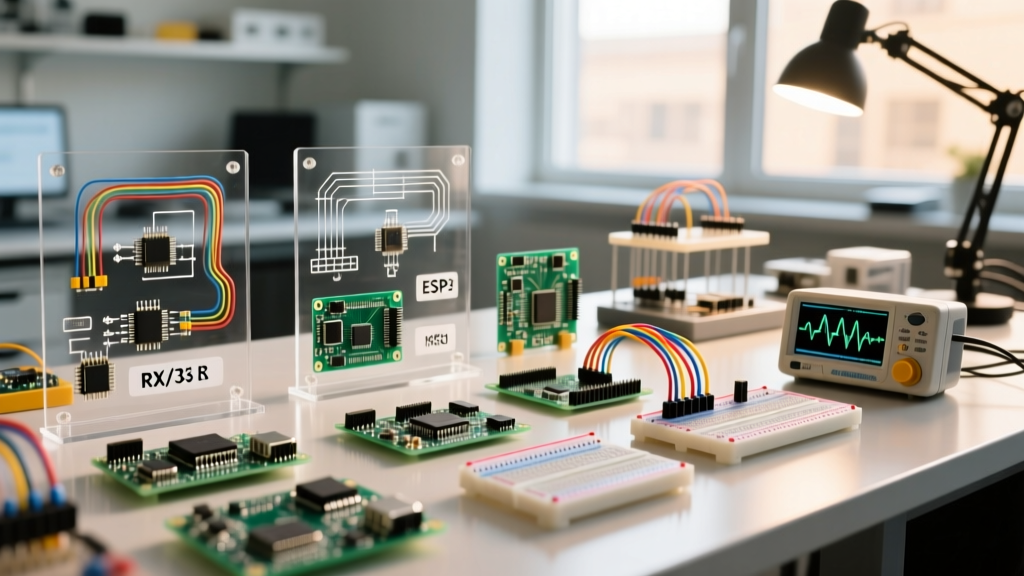
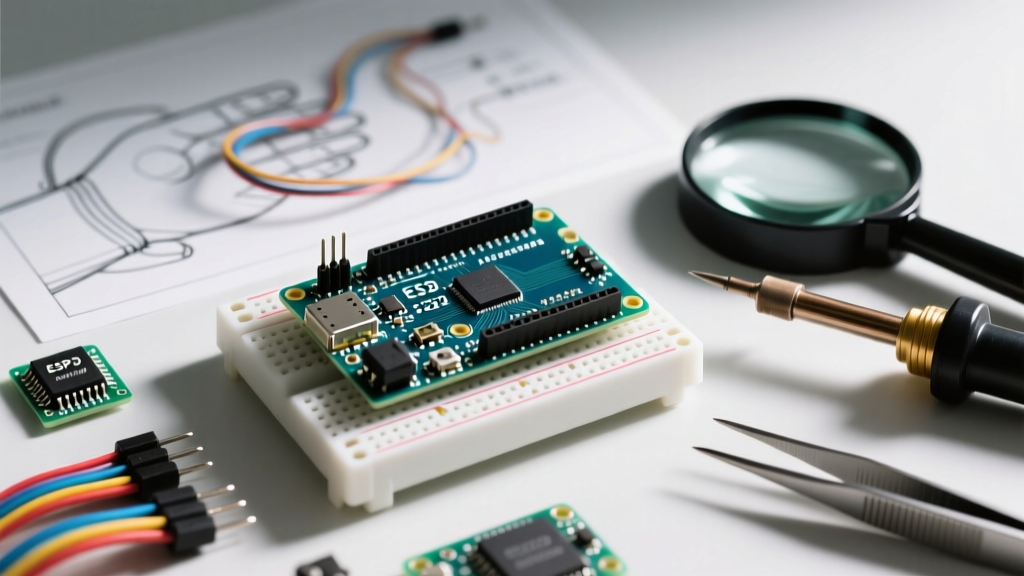
Enrolling in an Arduino course is one of the fastest ways to master embedded systems, but a hidden trap awaits many students in 2026: the hardware-curriculum gap. Most highly-rated video courses and university modules were recorded between 2018 and 2022, heavily targeting the legacy ATmega328P-based Uno R3. Today, retail starter kits and modern maker labs predominantly ship with the Renesas RA4M1-based Uno R4 Minima, the ESP32-S3-based Nano ESP32, or RP2040 variants.
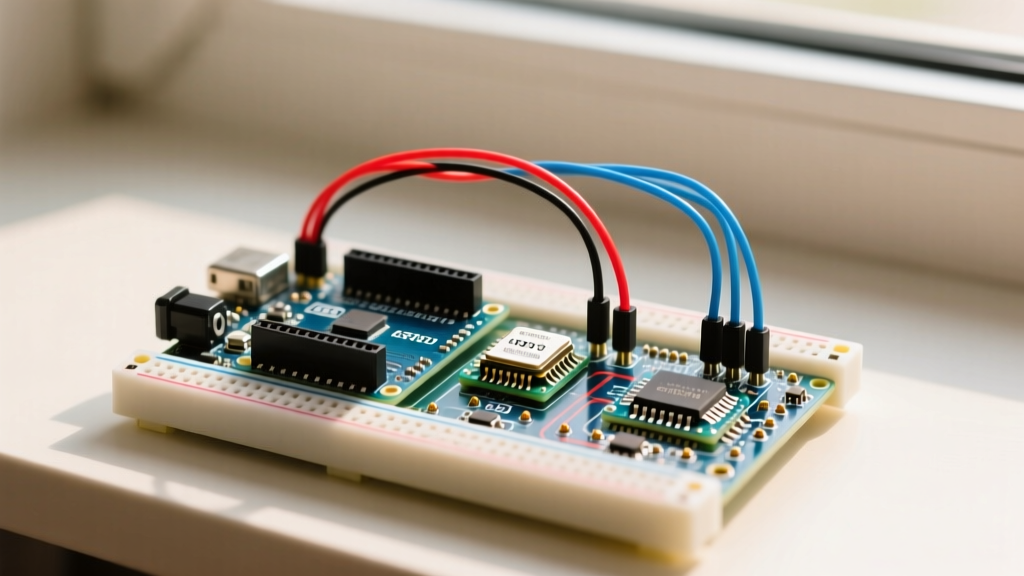
When your physical board does not match the course instructor's board, you will inevitably encounter compilation errors, fried GPIO pins due to logic-level mismatches, and deprecated library APIs. This compatibility guide bridges that gap, providing actionable frameworks to adapt legacy coursework to modern 2026 hardware architectures.
Board Architecture Compatibility Matrix
Before writing your first line of code, identify the microcontroller family your course assumes versus what is on your desk. The shift from 8-bit AVR to 32-bit ARM and RISC-V architectures fundamentally changes how the hardware handles memory, interrupts, and I/O.
| Course Hardware Era | Taught Microcontroller | 2026 Modern Equivalent | Core Compatibility Gotchas |
|---|---|---|---|
| Pre-2021 (Legacy) | ATmega328P (Uno R3) | Renesas RA4M1 (Uno R4 Minima) | <code>analogRead()</code> is 14-bit on R4 (vs 10-bit). Direct port manipulation (<code>PORTD</code>) fails entirely. |
| IoT Courses (2019-2022) | ESP8266 (NodeMCU) | ESP32-S3 (Nano ESP32) | Pinout mapping differences, strict 3.3V logic, WiFi library namespace changes (<code>ESP8266WiFi</code> vs <code>WiFi</code>). |
| Legacy ARM (2017-2020) | SAMD21 (Arduino Zero) | RP2040 (Nano RP2040 Connect) | Interrupt handling differences, native USB vs UART serial mapping, PIO vs hardware timers. |
The Port Manipulation Trap: AVR vs. ARM
Many advanced Arduino courses teach Direct Port Manipulation to achieve high-frequency pin toggling. Instructors will show you how to bypass the <code>digitalWrite()</code> function by writing directly to AVR registers:
PORTB |= (1 << 5); // Sets digital pin 13 HIGH on Uno R3
The 2026 Problem: If you attempt this on an Uno R4 Minima or a Nano 33 BLE, your code will fail to compile. These boards use ARM Cortex-M4 and Cortex-M4F architectures, respectively. They do not possess <code>PORTB</code> or <code>DDRB</code> registers in the same memory-mapped layout as the ATmega328P. According to the Arduino Uno R4 Minima Documentation, attempting AVR-specific register calls on Renesas chips results in fatal compilation errors.
The Modern Solution
To adapt legacy course material to modern 32-bit boards, replace direct register manipulation with optimized API calls. The Arduino core for the Uno R4 heavily optimizes standard functions. Alternatively, install the <code>digitalWriteFast</code> library via the Library Manager, which abstracts the hardware registers and compiles down to single-cycle instructions on ARM cores without breaking cross-platform compatibility.
IDE Version Conflicts: 1.8.x vs. 2.3.x
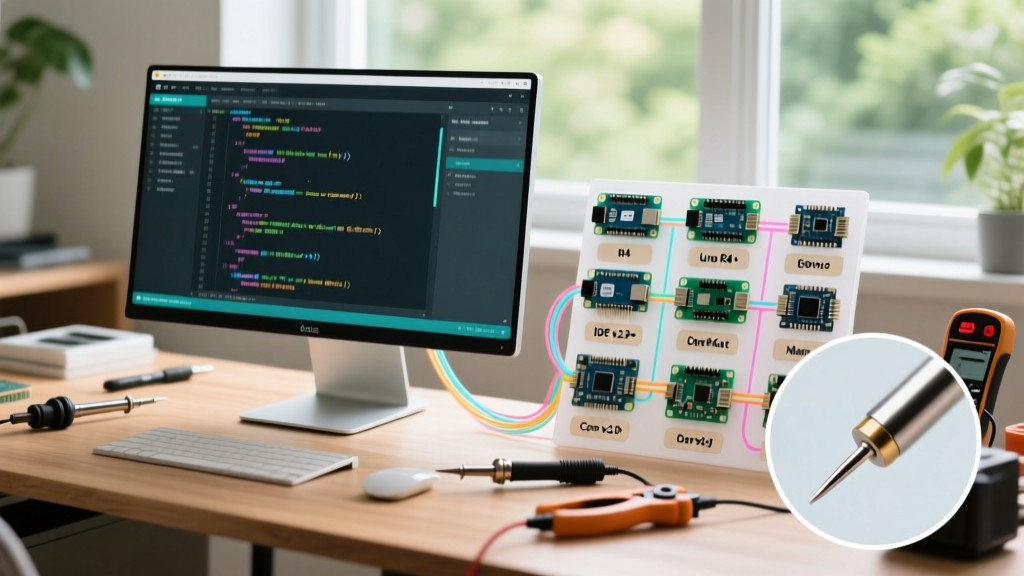
A major friction point in any older Arduino course is the Integrated Development Environment (IDE). Courses recorded prior to 2023 rely on the Java-based IDE 1.8.19. As of 2026, the standard is the Electron-based Arduino IDE 2.3.x, which introduces a completely different board manager architecture, integrated debugging, and strict library dependency resolution.
Expert Troubleshooting Callout:
If a course instructs you to "paste a raw GitHub URL into the Additional Boards Manager URLs" for an ESP32 or RP2040 core, be aware that IDE 2.x requires these URLs to point to strictly formatted <code>package_index.json</code> files. If the course provides a broken or deprecated link, your board will fail to install. Always cross-reference the board package URL with the official manufacturer's GitHub repository releases page.
Handling Deprecated Library APIs
Courses covering IR transmitters or RF modules frequently use the <code>IRremote</code> library. A course from 2020 will teach the <code>IRsend::sendRaw()</code> syntax. However, the <code>IRremote</code> library underwent a massive API overhaul in version 3.x and 4.x. To fix legacy code:
- Remove: <code>#include <IRremote.h></code> initialization that relies on pin definitions inside the <code>setup()</code> loop.
- Add: <code>IrSender.begin(IR_SEND_PIN, ENABLE_LED_FEEDBACK);</code> in your setup block, conforming to the modern v4.x API standard.
Voltage Logic Mismatches: The 5V vs 3.3V Danger Zone
Perhaps the most destructive incompatibility in modern maker education is voltage logic. Legacy courses assume a 5V logic environment (standard for the Uno R3 and Mega 2560). Modern IoT-focused courses and 2026 hardware heavily favor 3.3V logic (ESP32, RP2040, SAMD51).
Sensor Compatibility Checklist
If your course uses the HC-SR04 Ultrasonic Sensor or the Standard 16x2 I2C LCD, these modules typically operate at 5V and output a 5V echo/SDA signal. Feeding a 5V signal into the 3.3V GPIO pin of a Nano ESP32 will permanently destroy the microcontroller's silicon.
Actionable Fixes:
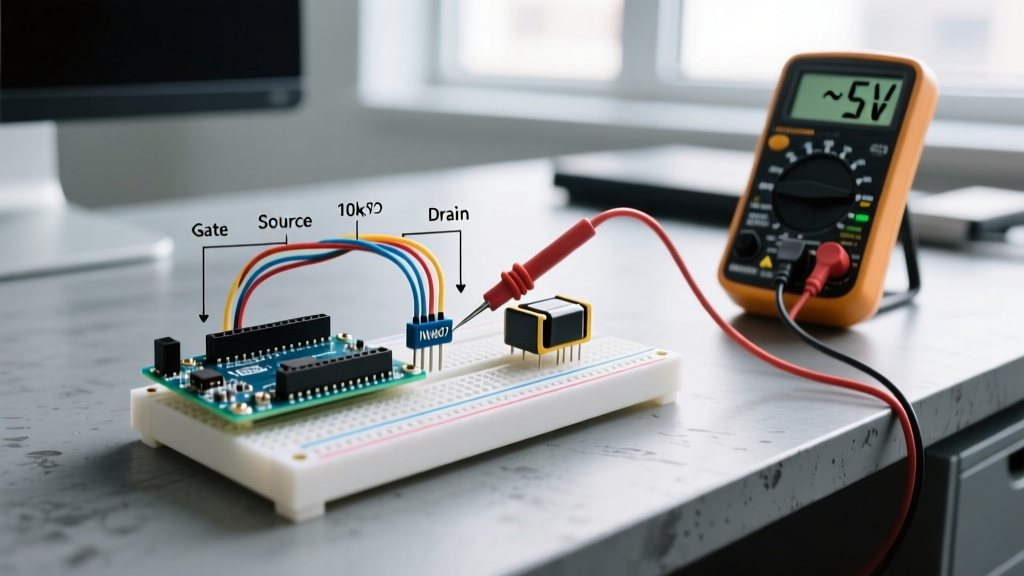
- Voltage Divider (Low Cost): For output-only signals (like the HC-SR04 Echo pin), use a 1kΩ and 2kΩ resistor voltage divider to step the 5V signal down to a safe 3.3V.
- Logic Level Shifter (Best Practice): For bidirectional buses like I2C (used by OLEDs and LCDs), use a BSS138-based bidirectional logic level converter or a TXS0108E chip. This ensures safe translation between the 3.3V MCU and 5V peripherals without signal degradation.
Pre-Enrollment Audit: 5 Steps Before You Buy
To ensure an Arduino course provides a high return on investment and won't leave you stranded with incompatible code, run this 5-point audit before purchasing or enrolling:
- Check the "Last Updated" Date: If the course hasn't been updated since 2022, assume all hardware references are for 8-bit AVR and 5V logic.
- Review the Bill of Materials (BOM): Does the course provide a specific BOM? If it lists "Generic Nano V3.0", verify if your local supplier is actually shipping the newer Nano Every (ATmega4809) or Nano ESP32, which have entirely different pinouts.
- Scan the Q&A Section: Search the course Q&A for terms like "compile error," "R4," "ESP32," or "IDE 2." This will immediately reveal if the instructor is actively supporting modern hardware shifts.
- Verify Library Dependencies: Look at the course syllabus. If it relies on niche, unmaintained libraries (e.g., specific legacy motor drivers), check if those libraries have been forked or updated on GitHub for ARM compatibility.
- Assess the Arduino Education STEM Frameworks: Compare the course syllabus against official Arduino Education standards to ensure the instructor is teaching modern best practices (like non-blocking code via <code>millis()</code>) rather than relying on beginner crutches like <code>delay()</code>.
Final Thoughts on Future-Proofing Your Skills
The core philosophy of the Arduino ecosystem is abstraction. While hardware architectures shift from AVR to ARM and RISC-V, the standard API (<code>digitalRead</code>, <code>analogWrite</code>, <code>Wire.h</code>) remains remarkably consistent. When taking an older Arduino course, focus on mastering the underlying logic, state machines, and circuit design principles. When you hit a hardware-specific compilation wall, use this guide to translate the legacy code into modern, 2026-compliant syntax. By understanding why the incompatibility exists at the silicon level, you transition from a passive tutorial follower to a capable embedded systems engineer.