
The Definitive Guide to the Arduino Cookbook by Michael Margolis
For over a decade, the Arduino Cookbook by Michael Margolis has served as the undisputed bible for makers, electrical engineers, and hobbyists navigating the microcontroller landscape. Unlike fragmented online tutorials, this O'Reilly publication provides structured, battle-tested "recipes" for hardware interfacing, communication protocols, and memory management. As we move through 2026, with the maker ecosystem expanding to include advanced AI-capable edge devices and complex IoT meshes, the foundational principles laid out in this text remain critical.
This quick reference and FAQ guide breaks down everything you need to know about the book, its technical takeaways, and how to apply its core recipes to modern microcontroller units (MCUs) like the ATmega328P, SAMD21, and ESP32.
Core FAQ: Navigating the Book and Its Editions
Which edition should I buy in 2026?
You should target the 3rd Edition (ISBN: 978-1491903520), co-authored by Michael Margolis, Brian Jepson, and Nicholas Robert Weinberg. While the 1st and 2nd editions are legendary, the 3rd edition updated critical sections on wireless communication, modern IDE practices, and ARM-based architectures. Retail pricing typically hovers around $49.99 for the print edition and $39.99 for the DRM-free eBook via O'Reilly.
Is the Arduino Cookbook by Michael Margolis still relevant for ESP32 and ARM users?
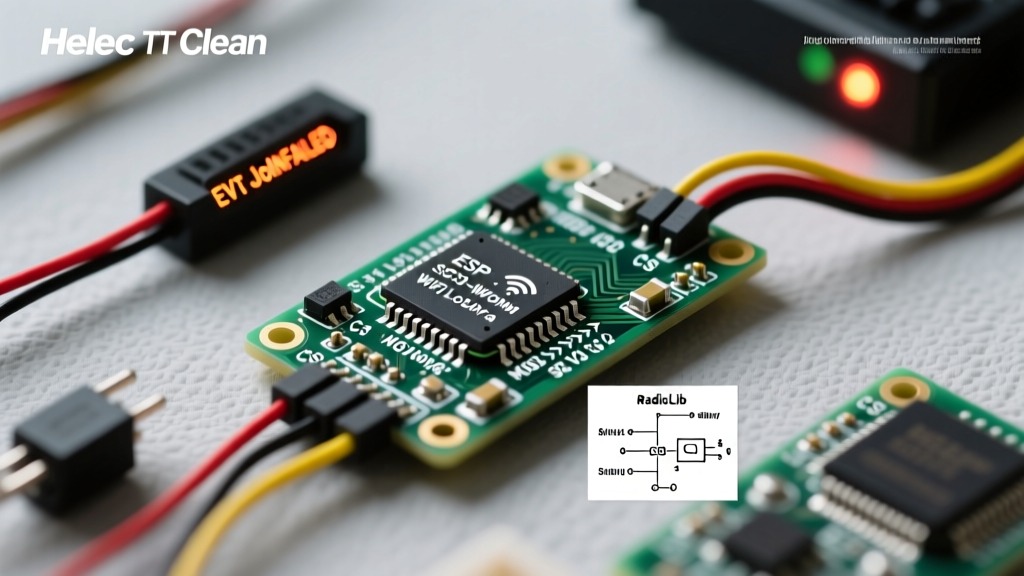
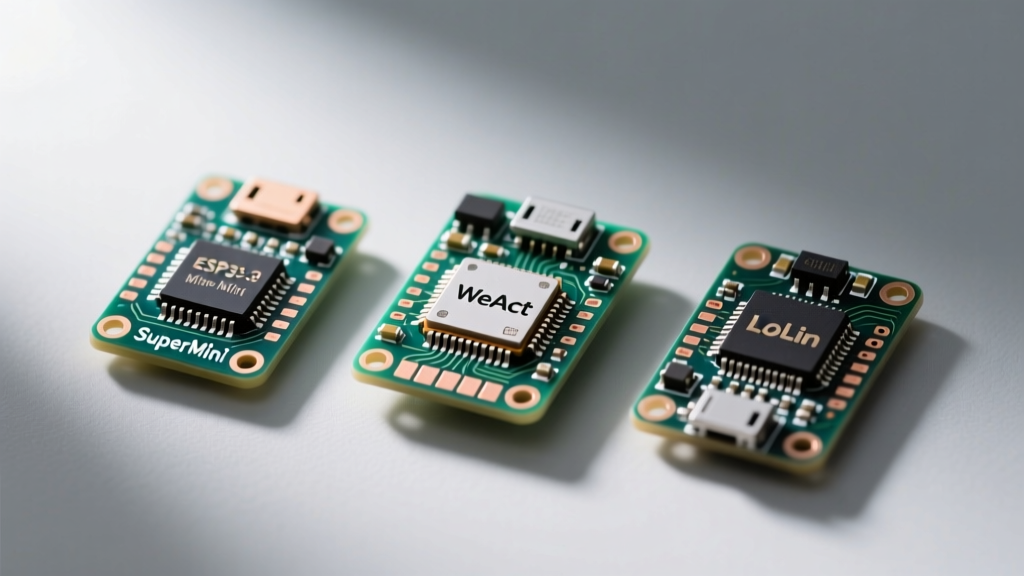
Yes, but with a caveat. The book's primary focus remains on the classic AVR architecture (ATmega328P / Arduino Uno). However, the concepts—such as I2C bus capacitance limits, SPI clock dividers, and non-blocking timing—are universally applicable to 32-bit ARM Cortex-M0+ (SAMD21) and Xtensa (ESP32) cores. Advanced users leverage the book for its hardware-agnostic electrical engineering principles rather than copy-pasting code.
Comparison Matrix: The Cookbook vs. Online Resources
Why buy a physical or digital book when the Arduino Language Reference is free? The table below illustrates the information gain provided by the Cookbook.
| Feature | Arduino Cookbook (Margolis) | Official Arduino Docs | Random Forum Tutorials |
|---|---|---|---|
| Code Structure | Modular, reusable "Recipes" | Syntax definitions only | Spaghetti code, blocking delays |
| Hardware Context | Deep dive into pull-ups, capacitance, and current limits | Basic wiring diagrams | Often ignores electrical safety |
| Edge Cases | Addresses millis() rollover, I2C bus locking | Rarely mentions failure modes | Hit or miss |
| Target Audience | Beginner to Advanced Engineer | Beginner to Intermediate | Beginner |
Quick Reference: 4 Foundational Recipes Explained
The true value of the Arduino Cookbook lies in its specific solutions to common embedded systems problems. Here is a technical summary of four essential recipes every maker must memorize.
1. Non-Blocking Timing (The millis() Rollover Fix)
Beginners rely on delay(), which halts the MCU and ruins real-time responsiveness. The Cookbook popularized the "BlinkWithoutDelay" pattern using millis(). However, Margolis explicitly addresses the 49.7-day rollover bug that plagues amateur code.
Expert Rule: Never use addition to check for time expiration (e.g.,if (millis() > previousMillis + interval)). This fails when the 32-bit unsigned long integer overflows back to zero. Always use subtraction:if (millis() - previousMillis >= interval). This mathematically handles the rollover seamlessly due to unsigned integer wrap-around properties.
2. Hardware vs. Software Debouncing
Mechanical tactile switches (like the ubiquitous Omron B3F series) suffer from contact bounce, registering multiple presses in a 5-50ms window. The Cookbook details both approaches:
- Hardware Debouncing: Uses an RC low-pass filter (e.g., 10kΩ resistor and 0.1µF capacitor) combined with a Schmitt trigger (like the 74HC14) to clean the signal before it hits the GPIO pin. Ideal for high-reliability industrial applications.
- Software Debouncing: Implements a state-machine timer that ignores subsequent pin state changes for a 50ms threshold. The book provides a highly optimized, non-blocking state-change detection algorithm that avoids the memory overhead of heavy third-party libraries.
3. I2C Bus Capacitance and Pull-Up Resistor Sizing
When daisy-chaining multiple I2C sensors (e.g., BME280, MPU6050), the bus capacitance increases, degrading the square wave signal. Margolis provides a critical quick-reference for selecting pull-up resistors based on bus speed and capacitance:
- 100 kHz (Standard Mode): Use 4.7kΩ pull-ups for standard bus lengths (< 1 meter).
- 400 kHz (Fast Mode): Drop to 2.2kΩ or even 1kΩ pull-ups to decrease the RC rise time, ensuring the SDA/SCL lines reach the logic HIGH threshold before the next clock edge.
Note: Always verify your specific MCU's internal pull-up resistance. The ATmega328P internal pull-ups are roughly 30kΩ-50kΩ, which are far too weak for reliable 400kHz I2C communication.
4. Maximizing ATmega328P SRAM
The Arduino Uno possesses a meager 2KB of SRAM. A common failure mode is stack collisions caused by excessive use of the String object, which causes memory fragmentation. The Cookbook mandates the use of C-style character arrays (char[]) and the F() macro. By wrapping static strings in F("Your text here"), the compiler stores the string in the 32KB Flash memory (PROGMEM) rather than consuming precious SRAM at runtime.
Advanced Topics: Is the Book Worth It for Senior Engineers?
If you are already comfortable writing custom hardware abstraction layers (HAL) and configuring MCU registers via direct port manipulation, the first third of the book will feel elementary. However, chapters 14 through 18 offer immense value even for veterans. These sections cover:
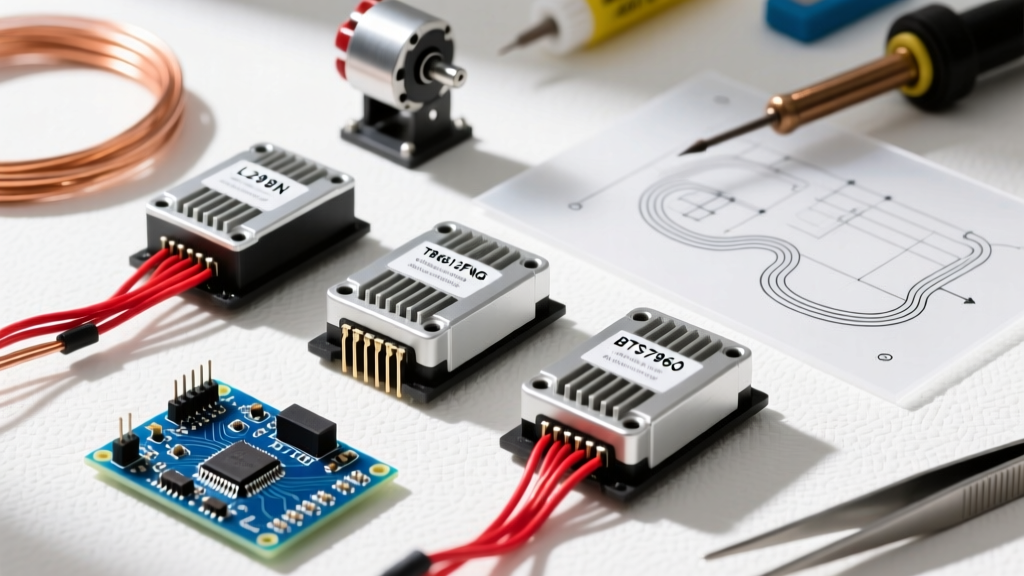
- Motor Control: Detailed schematics for H-Bridge configurations, flyback diode placement, and calculating back-EMF protection for inductive loads.
- SPI Communication: Managing multiple SPI slaves using independent Chip Select (CS) lines and handling SPI Mode 0 vs. Mode 3 clock polarity (CPOL) and phase (CPHA) mismatches.
- Data Logging: Optimizing SD card writes by buffering data in 512-byte chunks to match the FAT32 sector size, drastically reducing write latency and flash wear.
Rapid-Fire Troubleshooting FAQ
Based on common issues addressed in the Cookbook's troubleshooting appendices and modern maker forums:
Q: My I2C OLED display works on the Uno but fails on the 3.3V ESP32. Why?
A: The Cookbook highlights logic level thresholds. The ESP32 operates at 3.3V. If your OLED module has a hardcoded 5V pull-up resistor tied to a 5V VCC line, you risk back-feeding voltage into the ESP32 GPIO, potentially damaging the Xtensa core. Always use a bidirectional logic level converter (e.g., Texas Instruments TXS0102) or ensure the module's pull-ups are tied to 3.3V.
Q: How do I handle interrupts without corrupting my main loop variables?
A: The book strictly enforces the use of the volatile keyword for any variable modified inside an Interrupt Service Routine (ISR). Furthermore, it advises keeping ISRs under 5 microseconds—never use delay(), Serial.print(), or complex math inside an ISR. Set a volatile boolean flag and handle the logic in the main loop().
Q: Can I use the Cookbook's recipes with the Arduino IDE 2.x?
A: Absolutely. While the IDE interface has modernized with IntelliSense and integrated debugging, the underlying C++ compilation process and AVR-GCC toolchain remain fundamentally identical. The code recipes are fully compatible with the latest IDE releases and the modern CLI tools.
Final Verdict
The Arduino Cookbook by Michael Margolis is not merely a collection of code snippets; it is a masterclass in embedded systems thinking. For $50, it bridges the gap between copying incomplete forum code and designing robust, production-ready electronic hardware. Whether you are building a simple weather station or a complex robotic actuator, keeping this reference on your workbench is an investment in your engineering discipline.
For further reading on modern MCU architectures, cross-reference the book's principles with the official Arduino Documentation Hub and explore the O'Reilly Arduino Resources for supplementary video guides and updated code repositories.