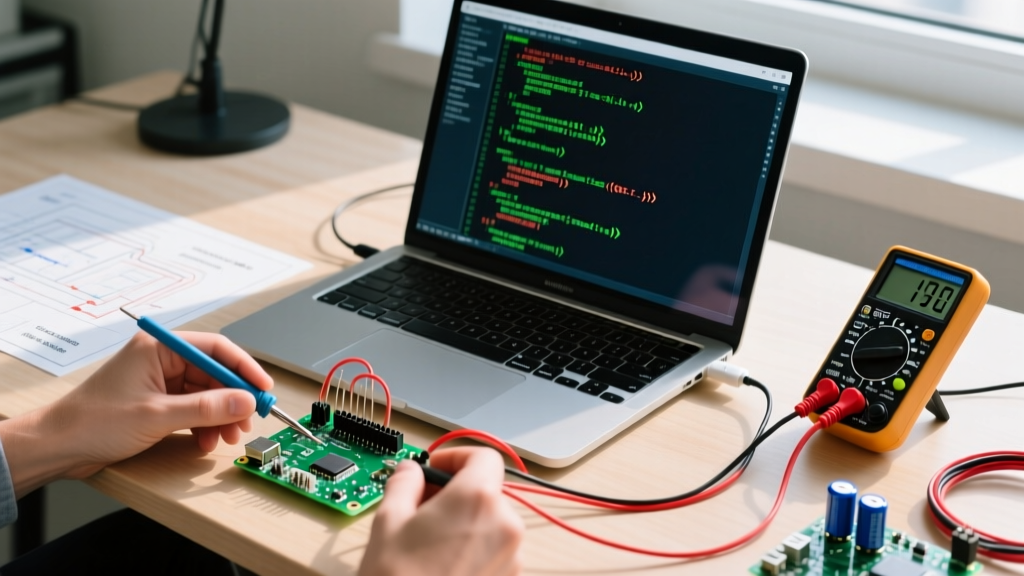
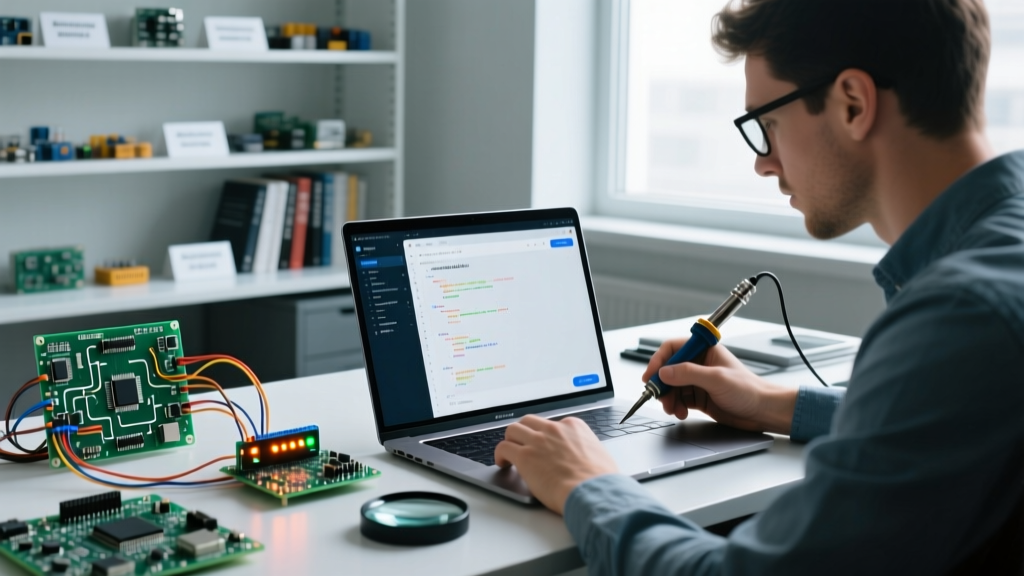
When makers say they are using "ESP32 Bluetooth," they are usually conflating two entirely different protocol stacks that happen to share the same 2.4 GHz RF front-end on the silicon. The ESP32 supports both Classic Bluetooth (BR/EDR) and Bluetooth Low Energy (BLE). If you need raw serial throughput or audio streaming, you need Classic. If you need to talk to an iOS app, run on a coin cell, or broadcast sensor telemetry, you need BLE. Picking the wrong stack—or the wrong ESP32 variant—will result in bricked connections, rejected App Store submissions, or Wi-Fi starvation.
The Physical Layer: RF Traces, Decoupling, and Sensor Pull-Ups
Bluetooth is wireless at the edge, but the physical layer on your PCB demands strict hardware discipline. The ESP32’s 2.4 GHz ISM band radio is highly sensitive to layout errors and power rail noise.
Power Decoupling and I2C Pull-Ups: When the ESP32 transmits a Bluetooth packet, current draw can spike past 300mA for microseconds. If you are reading an I2C sensor (like a BME280) to feed data into the Bluetooth stack, you must use 4.7kΩ pull-up resistors on the SDA and SCL lines to the 3.3V rail. More critically, place a 100µF bulk tantalum or low-ESR ceramic capacitor as close to the ESP32’s 3V3 and GND pins as possible. Without this bulk capacitance, the TX spike will drag the 3.3V rail below the brownout detector threshold (typically 2.4V), causing the ESP32 to silently reset mid-transmission.
Bus Mechanics: Classic BR/EDR vs. BLE GATT
Unlike wired buses (I2C, SPI, UART) where you worry about wire capacitance and clock stretching, Bluetooth "bus mechanics" revolve around connection intervals, MTU (Maximum Transmission Unit) sizes, and addressing schemes. Here is how the two stacks compare on the ESP32 hardware.
| Parameter | Classic Bluetooth (BR/EDR) | Bluetooth Low Energy (BLE 4.2 / 5.0) |
|---|---|---|
| Primary Use Case | Audio (A2DP), Serial Port Profile (SPP) | Sensor telemetry, IoT, Mobile App integration |
| Max Throughput | ~2.1 Mbps (practical SPP ~1 Mbps) | ~1.4 Mbps (BLE 5.0 PHY, practical ~100 kbps) |
| Addressing | 48-bit MAC Address | 128-bit UUIDs (Services & Characteristics) |
| iOS Compatibility | Blocked (Apple restricts Classic SPP) | Fully Supported (CoreBluetooth API) |
| Topology | Point-to-Point / Piconet (1 master, 7 slaves) | Star / Broadcast (GATT Server & Client) |
| Connection Setup Time | Seconds (requires pairing/bonding) | Milliseconds (can use advertising without pairing) |
For a deeper dive into the packet structures and PHY layer differences, refer to the Bluetooth SIG Core Specification. The critical takeaway for ESP32 developers is the iOS restriction: if your end-user will connect via an iPhone, Classic SPP is a dead end. You must use BLE.
The Decision Tree: Which ESP32 Bluetooth Module to Pick?
Do not default to the original ESP32-WROOM-32 for every project. Espressif’s newer single-core and RISC-V variants are cheaper, smaller, and often handle BLE much more efficiently. Use this decision path to select your module:
| If your project requires... | Then you need this protocol... | Buy this specific module (2026 standard) |
|---|---|---|
| Wireless audio streaming to a speaker (A2DP) | Classic BR/EDR | ESP32-WROOM-32E (Dual-core, 4MB Flash) |
| Legacy serial bridge to an Android-only industrial scanner (SPP) | Classic BR/EDR | ESP32-WROOM-32E or ESP32-S3-WROOM-1 |
| Battery-powered sensor node talking to iOS/Android apps | BLE GATT | ESP32-C3-MINI-1 (RISC-V, ultra-low cost, BLE 5.0) |
| Matter/Thread smart home device with BLE provisioning | BLE 5.0 + 802.15.4 | ESP32-C6-WROOM-1 (Wi-Fi 6 + Zigbee/Thread + BLE) |
| Long-range outdoor telemetry (1km+ line of sight) | BLE Long Range (Coded PHY) | ESP32-S3-WROOM-2 (with external U.FL antenna) |
The Default Pick: If you are building a standard IoT sensor dashboard and want the most cost-effective, modern BLE solution, terminate your decision at the ESP32-C3-MINI-1. It costs roughly $1.50 in volume, runs NimBLE beautifully, and drops the power-hungry dual-core Xtensa architecture you don't need for simple GATT servers.
Minimal Working Exchange: BLE GATT Server via NimBLE
The original Arduino `BLEDevice` library is a wrapper around Bluedroid, which consumes over 100KB of RAM and frequently causes out-of-memory (OOM) panics when combined with Wi-Fi. For 2026 ESP32 development, the industry standard is NimBLE-Arduino. It is lightweight, event-driven, and stable.
Hardware Context: ESP32-C3 DevKitM-1, Arduino IDE 2.x, `NimBLE-Arduino` library installed via Library Manager. Pin 2 is used for a status LED.
#include <NimBLEDevice.h>

// Define UUIDs for our custom sensor service and characteristic
static NimBLEUUID SERVICE_UUID("4fafc201-1fb5-459e-8fcc-c5c9c331914b");
static NimBLEUUID CHAR_UUID("beb5483e-36e1-4688-b7f5-ea07361b26a8");

NimBLECharacteristic *pCharacteristic;
int sensorValue = 0;

class ServerCallbacks : public NimBLEServerCallbacks {
    void onConnect(NimBLEServer* pServer) {
        digitalWrite(2, HIGH); // LED ON when connected
    }
    void onDisconnect(NimBLEServer* pServer) {
        digitalWrite(2, LOW);  // LED OFF when disconnected
        NimBLEDevice::startAdvertising(); // Restart advertising
    }
};

void setup() {
    Serial.begin(115200);
    pinMode(2, OUTPUT);

    // Initialize NimBLE with device name
    NimBLEDevice::init("ESP32-Flux-Sensor");
    NimBLEDevice::setPower(ESP_PWR_LVL_P9); // Max TX power

    // Create Server and Service
    NimBLEServer *pServer = NimBLEDevice::createServer();
    pServer->setCallbacks(new ServerCallbacks());
    NimBLEService *pService = pServer->createService(SERVICE_UUID);

    // Create Characteristic (Read & Notify)
    pCharacteristic = pService->createCharacteristic(
        CHAR_UUID,
        NIMBLE_PROPERTY::READ | NIMBLE_PROPERTY::NOTIFY
    );

    pService->start();

    // Start Advertising
    NimBLEAdvertising *pAdvertising = NimBLEDevice::getAdvertising();
    pAdvertising->addServiceUUID(SERVICE_UUID);
    pAdvertising->setScanResponse(true);
    NimBLEDevice::startAdvertising();
    Serial.println("BLE GATT Server Ready...");
}

void loop() {
    // Simulate reading an analog sensor
    sensorValue = analogRead(0);

    // Update characteristic value
    String payload = String(sensorValue);
    pCharacteristic->setValue(payload.c_str());

    // Notify connected clients if subscribed
    if (pServer->getConnectedCount() > 0) {
        pCharacteristic->notify();
    }

    delay(1000); // 1Hz update rate
}
Classic Failures: Coexistence, MTU Limits, and Sniffing
Even with perfect code, ESP32 Bluetooth deployments fail in the field due to three specific physical and protocol-level edge cases.
1. Wi-Fi and Bluetooth Coexistence (The 2.4 GHz Collision)
The ESP32 has only one physical radio. It time-slices between Wi-Fi and Bluetooth using a hardware Packet Traffic Arbitration (PTA) mechanism. If your ESP32 is saturating the Wi-Fi stack (e.g., downloading an OTA update or streaming MQTT payloads), the PTA will starve the Bluetooth radio, causing dropped connections or missed advertising intervals. The Fix: In the ESP-IDF `menuconfig` (or Arduino core settings), ensure `Software Coexistence` is enabled. If latency is critical, move your Wi-Fi traffic to a 5GHz network (if using a dual-band bridge) or reduce the Wi-Fi TX power to give the PTA more breathing room for BT.
2. GATT MTU Size Mismatches
By default, the BLE MTU is 23 bytes (3 bytes header, 20 bytes payload). Modern smartphones will request an MTU of 517 bytes upon connection. If your ESP32 code hardcodes 20-byte packet chunks without checking the negotiated MTU, you will waste bandwidth and trigger stack overflows. The Fix: Always implement the `onMtuChanged` callback in your NimBLE server configuration and dynamically size your payload buffers based on the negotiated MTU minus 3 bytes.
3. Sniffing and Debugging the Airwaves
You cannot debug BLE with a standard serial logic analyzer. You need an air sniffer.
- For Mobile App Debugging: Download nRF Connect for Mobile (iOS/Android). It allows you to scan for your ESP32, view the raw advertising payload, discover GATT services, and manually read/write/subscribe to characteristics to verify your UUIDs.
- For Deep Packet Inspection: Use Wireshark combined with ESP-IDF’s HCI logging. By enabling `CONFIG_BT_HCI_LOGGING` in your ESP32 build, the chip will dump raw Host Controller Interface packets over UART. You can pipe this serial output into Wireshark to inspect exact connection intervals, encryption handshake failures, and MAC address randomization blocks.
Mastering ESP32 Bluetooth requires treating the RF front-end with the same respect as a high-speed SPI bus, and treating the GATT database like a strict REST API. Pick the right silicon (C3 for BLE, standard ESP32 for Classic), use NimBLE to save RAM, and always verify your MTU negotiations.