
The Enduring Legacy of the Arduino UNO R3 in 2026
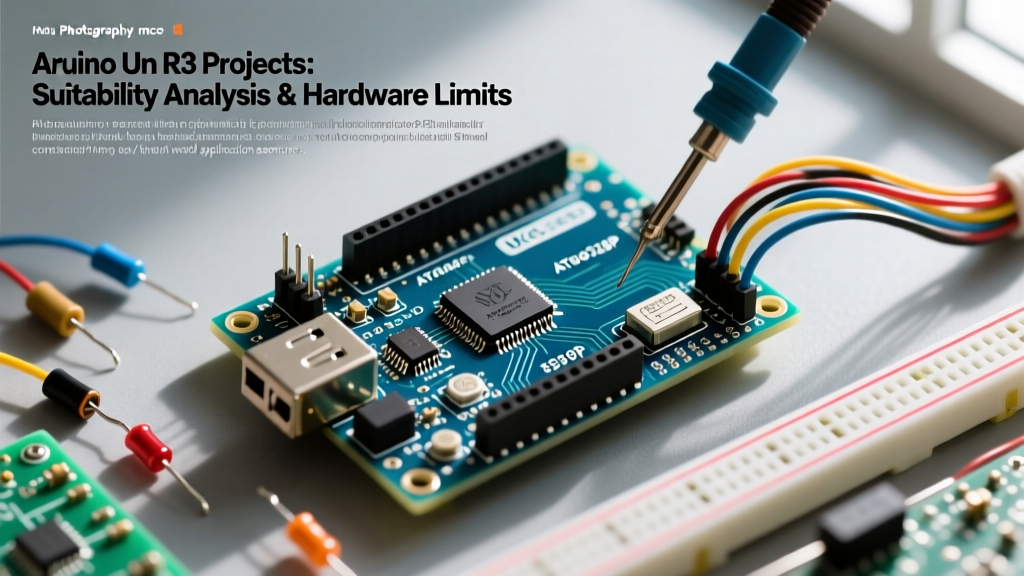
Even with the release of the ARM-based UNO R4 Minima and WiFi boards, the classic Arduino Uno R3 starter kit remains the undisputed king of electronics education and rapid prototyping. Why? The answer lies in the 5V logic ecosystem. Thousands of legacy shields, industrial sensors, and 5V-tolerant modules rely on the exact pinout and voltage tolerances of the ATmega328P-PU microcontroller. Furthermore, the R3's DIP-28 socketed chip allows beginners to recover from catastrophic short circuits by simply swapping out a $3 replacement chip—a luxury the surface-mount R4 boards do not offer.
However, navigating the market for an Arduino Uno R3 starter kit can be a minefield of misleading component counts, fragile breadboards, and driver incompatibilities. In this comprehensive review, we tear down the most popular kits available in 2026, comparing genuine boards against high-quality clones to help you make an informed, budget-conscious decision.
Market Contenders: Top Arduino Uno R3 Starter Kits Compared
Before diving into the metallurgical and electrical teardowns, let's look at the raw specifications and current 2026 pricing for the top four kits dominating the maker space.
| Kit Name | Avg. Price (2026) | Board Type | USB-Serial Chip | Component Count | Breadboard Quality |
|---|---|---|---|---|---|
| Official Arduino Starter Kit (English) | $95.00 | Genuine UNO R3 | ATmega16U2 | 170+ | Excellent (Phosphor Bronze) |
| Elegoo Super Starter Kit | $45.00 | Clone (UNO R3) | CH340G | 200+ | Good (Tinned Copper) |
| RexQualis Uno R3 Kit | $38.00 | Clone (UNO R3) | CH340G | 150+ | Poor (Stamped Steel) |
| Vilros Ultimate Starter Kit | $50.00 | Clone (UNO R3) | CH340 / 16U2 | 300+ | Good (Tinned Copper) |
Deep Dive: Kit Reviews and Component Analysis
1. The Official Arduino Starter Kit (The Gold Standard)
If budget is not a constraint, the official kit is a masterclass in educational packaging. It includes a genuine board manufactured in Italy, featuring the ATmega16U2 USB-to-Serial chip, which requires zero third-party driver installations on Windows, macOS, or Linux. The included 170-page project book is professionally edited and electrically flawless. However, at nearly $100, you are paying a premium for the brand and the printed manual, while receiving fewer raw components (like resistors and LEDs) than the clone alternatives.
2. Elegoo Super Starter Kit (The Best Value Clone)
Elegoo has cemented itself as the premier manufacturer of high-quality Arduino clones. Their UNO R3 board uses the CH340G USB-serial chip, which requires a one-time driver installation but functions identically to the 16U2 thereafter. The standout feature of the Elegoo kit is its component curation: it includes a relay module, a stepper motor with a ULN2003 driver board, and an LCD1602 display with pre-soldered headers. The inclusion of pre-soldered headers saves beginners from the frustration of cold solder joints on their very first day.
3. RexQualis & Vilros (The Budget & Bulk Alternatives)
RexQualis offers the lowest barrier to entry at around $38, but cost-cutting is evident in the breadboard. The internal contact clips are made of stamped steel rather than phosphor bronze, leading to higher contact resistance and intermittent connections when using thicker 22AWG jumper wires. Vilros, on the other hand, takes a 'kitchen sink' approach, offering over 300 components, including an RFID reader and an ultrasonic sensor. However, Vilros kits are notorious for batch inconsistencies; you might receive a board with a CH340 chip in one batch and a 16U2 clone in another, making troubleshooting a gamble.
Hardware Teardown: Failure Modes and Edge Cases
To truly evaluate an Arduino Uno R3 starter kit, we must look past the plastic packaging and examine the PCB-level engineering and passive component quality. Here are the most common failure modes we encounter in the lab.
The USB-B Connector Shearing Problem
The most frequent physical failure on clone UNO R3 boards is the USB-B port snapping off the PCB. Genuine Arduino boards use high-quality through-hole plating and generous solder fillets to anchor the bulky USB-B connector. Many budget clones use minimal solder and lack the mechanical reinforcement on the shield pins. Pro Tip: If you buy a budget kit, apply a small dab of hot glue or UV-curing resin where the USB-B metal shield meets the PCB pads. This simple strain-relief trick will save your board from an inevitable cable-yank disaster.
Voltage Regulator Dropout and Thermal Throttling
The official UNO R3 utilizes an NCP1117ST50T3G 5V LDO regulator, which can safely dissipate heat when powered via the barrel jack (up to 12V input). Budget clones frequently substitute this with generic, unbranded AMS1117-5.0 SMD regulators. These cheap LDOs have a much higher dropout voltage and poorer thermal junction management. If you plug a 9V battery into the barrel jack of a cheap clone while running a servo motor, the AMS1117 will often overheat and trigger its internal thermal shutdown, causing the microcontroller to brownout and reset mid-code.
Breadboard Metallurgy: Why Your Analog Sensors are Drifting
Beginners often blame their code or the ATmega328P when analog sensors (like photoresistors or thermistors) return erratic, jumping values. According to breadboard engineering principles, cheap kits use low-grade metal clips that oxidize quickly and fail to grip component leads tightly. This introduces a variable contact resistance (sometimes exceeding 2-5 ohms) in series with your sensor. When building voltage dividers for analog inputs, a 5-ohm fluctuation will completely ruin your 10-bit ADC resolution. Always upgrade to a premium breadboard (like those from Bus Pirate or SparkFun) for analog prototyping.
Step-by-Step: Unboxing to First Blink (Avoiding the CH340 Trap)
If you opt for a clone kit featuring the CH340G chip (like Elegoo or RexQualis), you will likely encounter the dreaded 'COM Port Not Found' error on modern operating systems. Here is the exact workflow to bypass this hurdle in 2026.
- Download the Correct Driver: Do not use the random CD-ROM included in the kit; the drivers are from 2014 and will cause kernel panics on modern macOS or BSODs on Windows 12. Download the latest signed CH340 driver directly from the manufacturer or follow the SparkFun CH340 Installation Guide.
- Verify Device Manager Mapping: Plug the board in. On Windows, open Device Manager and look under 'Ports (COM & LPT)'. You should see 'USB-SERIAL CH340 (COM3)' (or similar). If it shows as an 'Unknown Device', the USB-B cable you are using is likely a 'charge-only' cable lacking internal data lines. Swap to a verified data-sync cable.
- IDE Board Selection: Open the Arduino IDE. Navigate to Tools > Board and select Arduino Uno. The IDE does not have a specific 'CH340 Uno' option; the bootloader identifies itself as a standard Uno regardless of the USB-serial translation chip.
- The 220-Ohm LED Rule: When wiring your first Blink circuit, ensure you use a 220Ω or 330Ω current-limiting resistor. Connecting an LED directly from Pin 13 to GND will draw over 40mA, exceeding the ATmega328P's absolute maximum per-pin rating and permanently frying the I/O port.
Expert Insight: The ATmega328P-PU chip on genuine boards comes pre-burned with the Optiboot bootloader via the ICSP header. Some ultra-cheap clones flash the bootloader via the serial pins using a sloppy automated jig, which occasionally leaves the fuse bits misconfigured. If your clone board's Pin 13 LED blinks erratically upon power-up but refuses to accept uploads, the bootloader is corrupted. You will need a secondary Arduino (acting as an ArduinoISP) to re-burn the bootloader via the 6-pin ICSP header.
Final Verdict: Which Arduino Uno R3 Starter Kit Should You Buy?
Your choice ultimately depends on your immediate project goals and budget constraints.
- Buy the Official Arduino Kit if: You are an educator purchasing for a classroom, you require guaranteed hardware longevity, or you are gifting the kit to a younger student where frictionless setup (no CH340 drivers) is paramount.
- Buy the Elegoo Super Starter Kit if: You are a hobbyist, engineering student, or DIYer looking for the absolute best price-to-performance ratio. The component selection is vastly superior to the official kit, and the board quality is 95% identical to the genuine article.
- Avoid the cheapest unbranded kits: The few dollars you save will be entirely lost in debugging time spent fighting oxidized breadboards, snapped USB ports, and erratic voltage regulators.
The Arduino Uno R3 remains a masterpiece of accessible engineering. By selecting the right starter kit and understanding the underlying hardware quirks of clone boards, you are setting yourself up for years of successful embedded systems development.