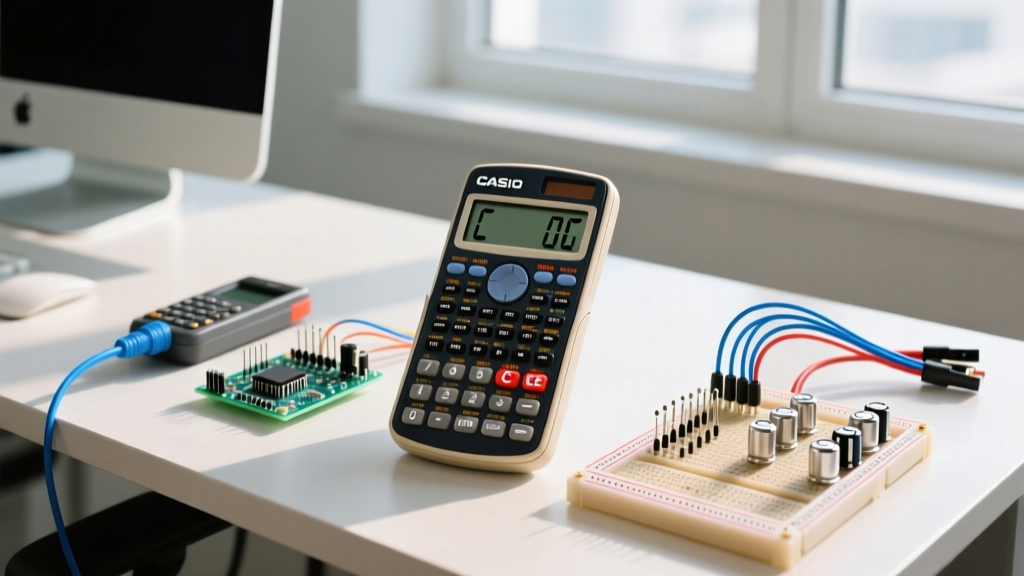

When you are deep into calculating voltage drop for a long 12 AWG THHN feeder run or finding the equivalent resistance of a messy parallel network, a single mistyped digit can ruin your flow. This is where the distinction between the C (Clear) and CE (Clear Entry) buttons becomes critical. Here is the direct verdict: CE is the undisputed winner for correcting typos mid-calculation, as it only deletes your current input while preserving the rest of your equation chain. C is the winner for starting a completely fresh calculation, as it wipes the calculator's entire active state. They are not interchangeable when you are three steps deep into a formula; hitting C instead of CE will force you to retype the entire sequence from scratch.
The Single Physical Difference Driving the Divide
To understand why C and CE behave differently, you have to look at the microarchitecture of a standard calculator's Arithmetic Logic Unit (ALU). A basic calculator relies on three primary registers to process math: the Display Register (the input buffer showing what you are currently typing), the Accumulator (which holds the running total), and the Operation Flag (which remembers if you just pressed +, -, *, or /).
The single physical difference between the two buttons is which registers they send a flush signal to:
- CE (Clear Entry): Only sends a reset signal to the Display Register. It wipes the active input buffer but leaves the Accumulator and Operation Flag completely untouched. If you are calculating
1 / (1/100 + 1/220)and you accidentally type22instead of220for the second resistor, pressing CE deletes the22from the screen, but the calculator still remembers the1 / (1/100 +part of the chain. - C (Clear): Sends a master reset signal to the Display Register, the Accumulator, and the Operation Flag. It flushes the entire active state machine. If you press C in the scenario above, the calculator forgets the 100-ohm resistor, forgets the addition operation, and resets to a blank
0.
This hardware-level distinction is why CE is a massive time-saver on the workbench. For a deeper look into how digital logic registers process sequential inputs, the All About Circuits digital logic tutorials provide excellent schematics of basic ALU register flushing.
C vs CE Comparison Matrix
While they look similar on the keypad, their impact on your calculation state is vastly different. Here is how they compare across concrete operational criteria.
| Criteria | CE (Clear Entry) | C (Clear) |
|---|---|---|
| Registers Affected | Display Register (Input Buffer) only | Display, Accumulator, and Operation Flags |
| Impact on Chained Math | Preserves previous steps and operators | Destroys the entire active calculation chain |
| Independent Memory (M+) | Retained | Retained (Requires 'MC' or 'Minv' to clear) |
| Error State Recovery | Often fails to clear a 'Divide by Zero' error | Successfully clears fatal math errors and resets ALU |
| Hardware Logic Trigger | Buffer flush line | Master state-machine reset line |
When to Use Which (The Workbench Decision Framework)
Knowing the theory is great, but when your hands are full of wire strippers and you are trying to size a breaker, you need a fast decision path. Use these rules to choose the right button.
Choose CE When:
- You mistype a digit mid-equation: You are calculating the total capacitance of series capacitors and type
47instead of4.7microfarads. Hit CE, type4.7, and keep going. - You are building a long chain: You are summing up the VA (Volt-Amp) loads of six different branch circuits to size a subpanel feeder. If you miskey the 5th circuit, CE saves you from re-entering the first four.
- You want to test a different variable: You calculated the voltage drop for a 50-foot run, and now you want to swap just the distance to 75 feet while keeping the wire gauge and current variables intact in the chain.
Choose C When:
- You are starting a new, unrelated problem: You just finished calculating a DC voltage divider and are moving on to an AC RMS conversion. Hit C to ensure no leftover operators or hidden accumulator values skew your new math.
- You trigger a fatal error: If you accidentally divide by zero or overflow the display limit, the calculator's ALU will lock up and display
EorERR. CE usually cannot clear this locked state; you must press C to reset the logic gates. - You lose your place: If you get distracted by a phone call and forget whether you were in the middle of a multiplication or addition step, press C. Relying on a half-forgotten accumulator state is a fast way to undersize a wire and create a fire hazard.
Scientific Calculator Equivalents: AC vs. DEL
If you are an electrical engineering student or a professional using a scientific calculator like the Casio fx-991EX ClassWiz or the Texas Instruments TI-36X Pro, you will notice that the C and CE labels are missing entirely. Instead, manufacturers use AC (All Clear) and DEL (Delete). According to the Casio support documentation, the mapping is direct but with added functionality:
- AC (All Clear): This is the exact equivalent of C. It flushes the display, the accumulator, and the operation flags. On advanced models, holding the AC button or pressing a specific key combo (like
SHIFT + AC) will also clear the independent memory and reset the calculator to its default mode. - DEL (Delete): This is the evolved version of CE. While CE wipes the entire current number you are typing, DEL acts as a backspace key, allowing you to delete a single digit from the input buffer. If you type
124instead of120, DEL lets you just erase the4and type a0, whereas CE would force you to retype the whole120.
For heavy circuit analysis involving complex numbers, phasors, or matrix solving for mesh currents, a scientific calculator with a DEL key is vastly superior to a standard desktop calculator with a CE key. If you are buying a calculator specifically for electrical work, skip the basic desktop models and invest $20-$30 in a dedicated scientific model. The Texas Instruments education portal offers extensive guides on utilizing these advanced buffer-clearing features for engineering math.
Frequently Asked Questions
Why do some cheap calculators only have a C button and no CE?
On ultra-compact or budget calculators, physical button real estate is limited. Manufacturers often omit the CE key to save space and cost. On many of these single-C models, the button acts as a toggle based on the ALU state: if you press it immediately after typing a number, it acts as CE (clearing just the display buffer). If you press it a second time, or if you press it after hitting an operator like '+', it acts as C (clearing the accumulator). Always test this behavior on a cheap calculator before relying on it for critical workbench math.
Does pressing C or CE clear the independent memory (M+) I stored earlier?
No. Neither C nor CE will clear the independent memory register. If you stored a constant value (like the resistivity of copper) using the M+ key, it will survive both C and CE presses. To clear the independent memory, you must press MC (Memory Clear), Minv, or on scientific models, access the memory reset menu. This separation ensures that your saved constants aren't accidentally wiped when you clear a messy calculation.
What happens if I press CE when the display is already at zero?
If the display register is already empty (showing 0) and no active number entry is in progress, pressing CE will typically do nothing, or on some logic boards, it will cascade and act as a 'C' command, flushing the operation flag. If you are staring at a blank 0 and want to ensure a totally clean slate for a new formula, just press C to guarantee all background flags are reset.


