
The Reality of Powerline Networking in Modern Homes
When running Ethernet cables through finished walls is impossible, homeowners and electricians often turn to Powerline Communication (PLC) adapters. These devices inject high-frequency data signals onto standard 120V AC branch circuits, effectively turning your home's copper wiring into a local area network. As of 2026, the widespread adoption of G.hn (G.9960) and HomePlug AV2 chipsets has pushed real-world powerline speeds past 800 Mbps under ideal conditions. However, a persistent question remains among DIYers and licensed electricians alike: Is getting internet using electrical outlet wiring safe, and does it comply with the National Electrical Code (NEC)?
The short answer is yes, it is perfectly legal and safe, provided you use UL-listed equipment. However, the practical reality involves navigating a minefield of modern NEC mandates—specifically Arc-Fault Circuit Interrupters (AFCI), split-phase power cancellation, and surge protection incompatibilities. This guide breaks down the exact code requirements, electrical edge cases, and hardware specifications you need to know.
The NEC Stance: Article 800 vs. Branch Circuits
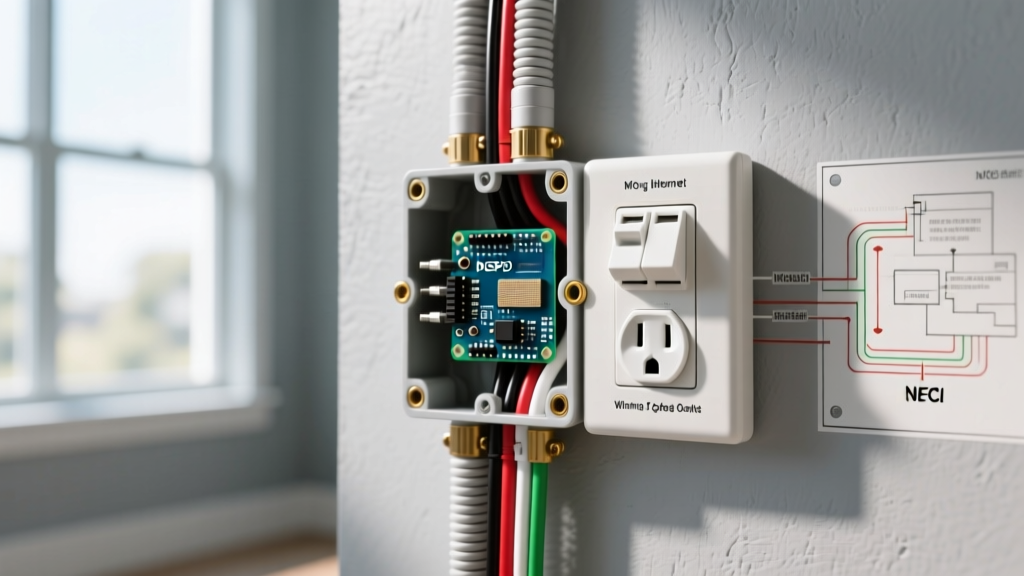
To understand the code compliance of PLC adapters, we must look at how the NEC categorizes data transmission. NFPA 70 (the National Electrical Code) outlines strict separation rules for communications circuits under Article 800. However, powerline adapters do not fall under the physical separation mandates of Article 800 because they are not dedicated communication cables; they are consumer electronics that modulate data onto existing branch circuits.
From a regulatory standpoint, the Federal Communications Commission (FCC) governs the RF emissions of these devices under Part 15 regulations. As long as the adapters are FCC-compliant and carry a UL or ETL safety listing (typically UL 62368-1 for AV/IT equipment), their use is entirely code-compliant. You are not violating NEC rules by plugging a network adapter into a standard 15A or 20A receptacle.
The AFCI Breaker Conflict (NEC 210.12)
The most significant hurdle to running internet using electrical outlet wiring is not legality, but signal degradation caused by modern safety codes. The NEC mandates Arc-Fault Circuit Interrupter (AFCI) protection for nearly all 120V, 15A, and 20A branch circuits supplying living areas, bedrooms, and hallways.
AFCI breakers (such as the Square D HOM120AFIC or Eaton BR115AF) utilize internal high-frequency sensors and EMI filtering chokes to detect the unique RF signatures of electrical arcing. Unfortunately, these same chokes aggressively filter out the 30–86 MHz frequencies used by HomePlug AV2 and the extended bands used by G.hn adapters.
What Happens to Your Network?
- Signal Attenuation: The internal inductors in an AFCI breaker can introduce a 15dB to 30dB signal loss, effectively choking the data throughput.
- False Tripping: In rare cases with older first-generation AFCI breakers, the high-frequency harmonics generated by the PLC adapter's switching power supply can mimic an arc fault, causing nuisance tripping.
- Link Failure: If both your router and your endpoint PC are on AFCI-protected circuits, the cumulative filtering can drop your connection speed from a theoretical 1000 Mbps to under 15 Mbps, or cause total link drops.
Code-Compliant Workaround: You cannot legally bypass or remove an AFCI breaker to improve your internet speed. Instead, map your electrical panel to find a non-AFCI protected circuit. In many homes, the kitchen small-appliance branch circuits, bathroom receptacles, or dedicated appliance circuits (like a refrigerator or washing machine) are protected by GFCI receptacles rather than AFCI breakers, offering a much clearer path for high-frequency data signals.
Split-Phase Power and the 240V Barrier
North American residential electrical systems utilize 120V/240V split-phase power. Your main panel receives two 120V legs (L1 and L2) that are 180 degrees out of phase. This creates a massive physical barrier for powerline networking.
If your router is plugged into an outlet on L1, and your gaming PC is on L2, the PLC signal cannot simply cross the busbar inside your panel. The signal must travel out to the utility pole transformer, cross the 240V primary winding, and travel back into your home. This journey results in a catastrophic 20dB to 40dB signal loss, often rendering the connection unusable.
Expert Warning on Phase Couplers: In the past, electricians would install passive phase couplers (capacitor-based bridges) across the 240V breaker spaces to allow high-frequency signals to cross between L1 and L2. As of 2026, modern MIMO (Multiple Input Multiple Output) powerline adapters have largely eliminated the need for this. MIMO adapters utilize the Ground wire as a third transmission path, effectively bridging the phase gap inside the walls without requiring panel modifications. Do not attempt to wire custom 240V couplers into your panel unless you are strictly adhering to NEC panel workspace and busbar tap rules.
Hardware Matrix: Top Code-Compliant PLC Adapters
When selecting hardware to run internet using electrical outlet wiring, you must prioritize MIMO support and integrated noise filtering. Below is a comparison of the top-tier, UL-listed adapters available in 2026.
| Model | Standard | MIMO Support | Passthrough Outlet | Est. Price (2026) |
|---|---|---|---|---|
| TP-Link TL-PA9029P KIT | HomePlug AV2 | Yes (3x3) | Yes (120V 15A) | $110 - $130 |
| Netgear PLP2000 | HomePlug AV2 | Yes (2x2) | Yes (120V 15A) | $120 - $150 |
| Extollo LanPlug 2000 | G.hn / AV2 | Yes (3x3) | No | $140 - $160 |
Note: Always choose an adapter with a passthrough outlet. Plugging a powerline adapter directly into the wall and plugging your surge protector into the adapter ensures you do not violate the manufacturer's UL listing, which strictly forbids plugging PLC devices into surge strips.
Surge Protectors, GFCIs, and Power Conditioners
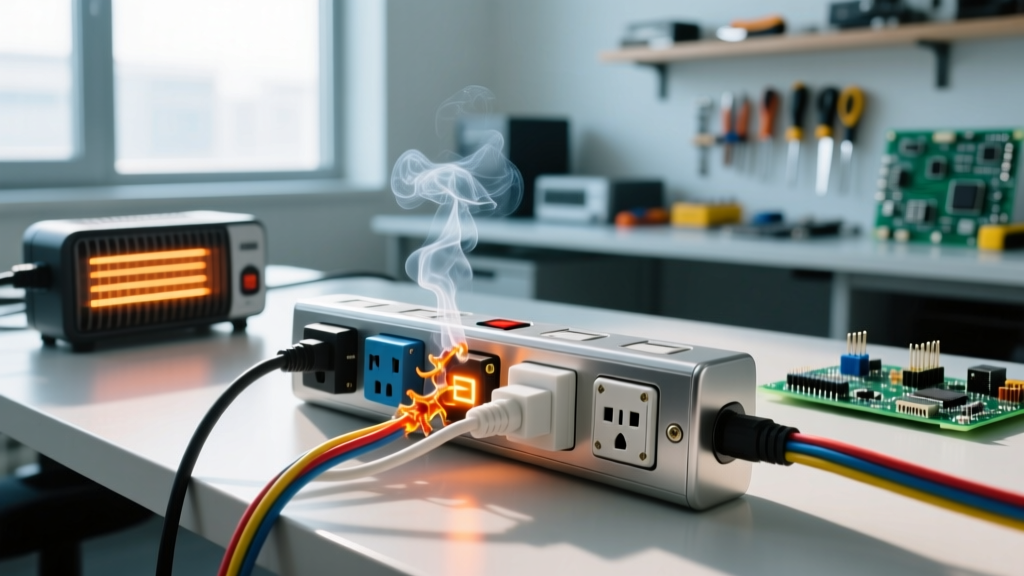
A common mistake that voids both the warranty and the safety listing of PLC adapters is plugging them into surge protectors. The Metal Oxide Varistors (MOVs) inside surge strips are designed to clamp high-voltage, high-frequency spikes. To an MOV, a 50 MHz powerline data signal looks exactly like a dangerous voltage spike, and the strip will aggressively short the data signal to ground.
The GFCI Factor
While AFCI breakers destroy high-frequency signals, Ground-Fault Circuit Interrupter (GFCI) receptacles (mandated by NEC 210.8 in wet areas) are generally more forgiving. GFCIs monitor the low-frequency 60Hz current imbalance between the hot and neutral wires. They do not typically employ the heavy EMI chokes found in AFCI breakers. However, some older or cheaper GFCI receptacles may still introduce a 10-15% throughput reduction due to internal capacitive filtering.
Step-by-Step Code-Safe Installation Guide
Follow this procedure to ensure maximum throughput while maintaining strict adherence to electrical safety standards.
- Map Your Panel: Identify the breaker for the outlet near your router and the outlet near your endpoint. Note whether they are AFCI, GFCI, or standard breakers, and whether they reside on L1 or L2.
- Avoid Surge Strips: Plug the first adapter directly into the wall receptacle. If you need surge protection for your router, plug the surge strip into the passthrough outlet on the adapter itself.
- Pair on the Same Circuit: For the initial cryptographic pairing (using the 128-bit AES encryption button on the devices), plug both adapters into the same room or power strip. Once paired, move them to their final locations. This prevents pairing failures caused by split-phase attenuation.
- Isolate Noisy Appliances: Appliances with universal motors (vacuum cleaners, power tools) or heavy compressors (refrigerators, HVAC units) inject massive amounts of broadband RF noise into the branch circuit. If your adapter shares a circuit with a fridge, plug the fridge into a UPS or a heavy-duty power conditioner to isolate the noise from the PLC frequency band.
Final Verdict on Electrical Safety
Running internet using electrical outlet adapters is a highly effective, code-compliant solution for homes where MoCA (coaxial networking) or Wi-Fi mesh systems fall short. By understanding the interaction between high-frequency data signals and modern NEC safety devices like AFCI breakers, you can strategically place your adapters to bypass signal-killing filters. Always rely on UL-listed MIMO hardware, respect the split-phase limitations of North American panels, and never compromise your home's arc-fault protection for the sake of network speed.